
Samsung Odyssey G75T 32 31.5 "
 | Compare prices 2 → When you make a purchase through links on our site, we may receive a affiliate commission.
|
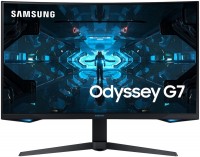
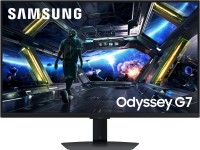
High-quality gaming monitor with a 31.5-inch WQHD/2K resolution curved screen with a fast sensor, enhanced colour reproduction, impressive brightness and high refresh rate. Positioned as a 2020 mid-range product aimed at demanding gamers and aspiring esports players. The key design element of the Samsung Odyssey G7 monitor is a high-tech 10-bit SVA matrix with a resolution of 2560x1440 and QLED backlighting using quantum dot technology.
Such a matrix provides a fast response (1 ms) and a refresh rate of 240 Hz, which has the most positive effect on the clarity of fast motion visualization in any dynamic games (including multiplayer competitive shooters - Fortnite, Counter-Strike, Overwatch, PUBG, Warface, Call of Duty, Battlefield, etc.). Also worth noting is the significant screen curvature (bending radius of 1.0 m), which reduces optical distortion and allows full use of peripheral vision. High peak brightness, improved contrast ratio and accurate colour reproduction have earned the monitor the DisplayHDR 600 certification, which confirms the ability to fully display HDR video with cinematic quality. The use of AMD FreeSync Premium or Nvidia G-Sync technology guarantees no micro-lags and frame tearing.
|
| ||||||||||||||||||||||||||||||||||||||||||||||||||||||||||||||||||||||||||||||||||||||||||


Always clarify the specifications and configuration of the product with the online store manager before purchasing.
Catalog Samsung 2026 - new arrivals, bestsellers, and the most relevant models Samsung.







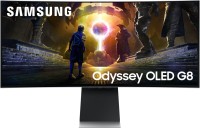
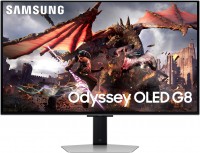
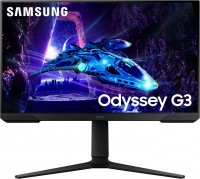
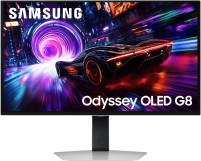
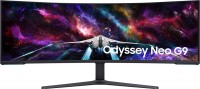
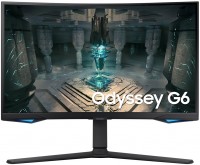



0 1 3 7 |
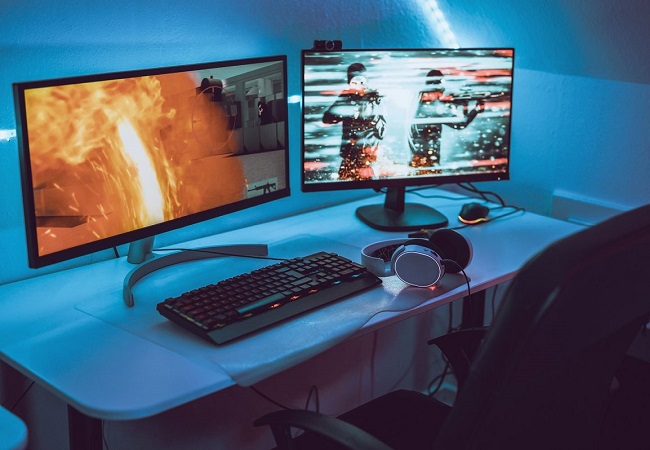
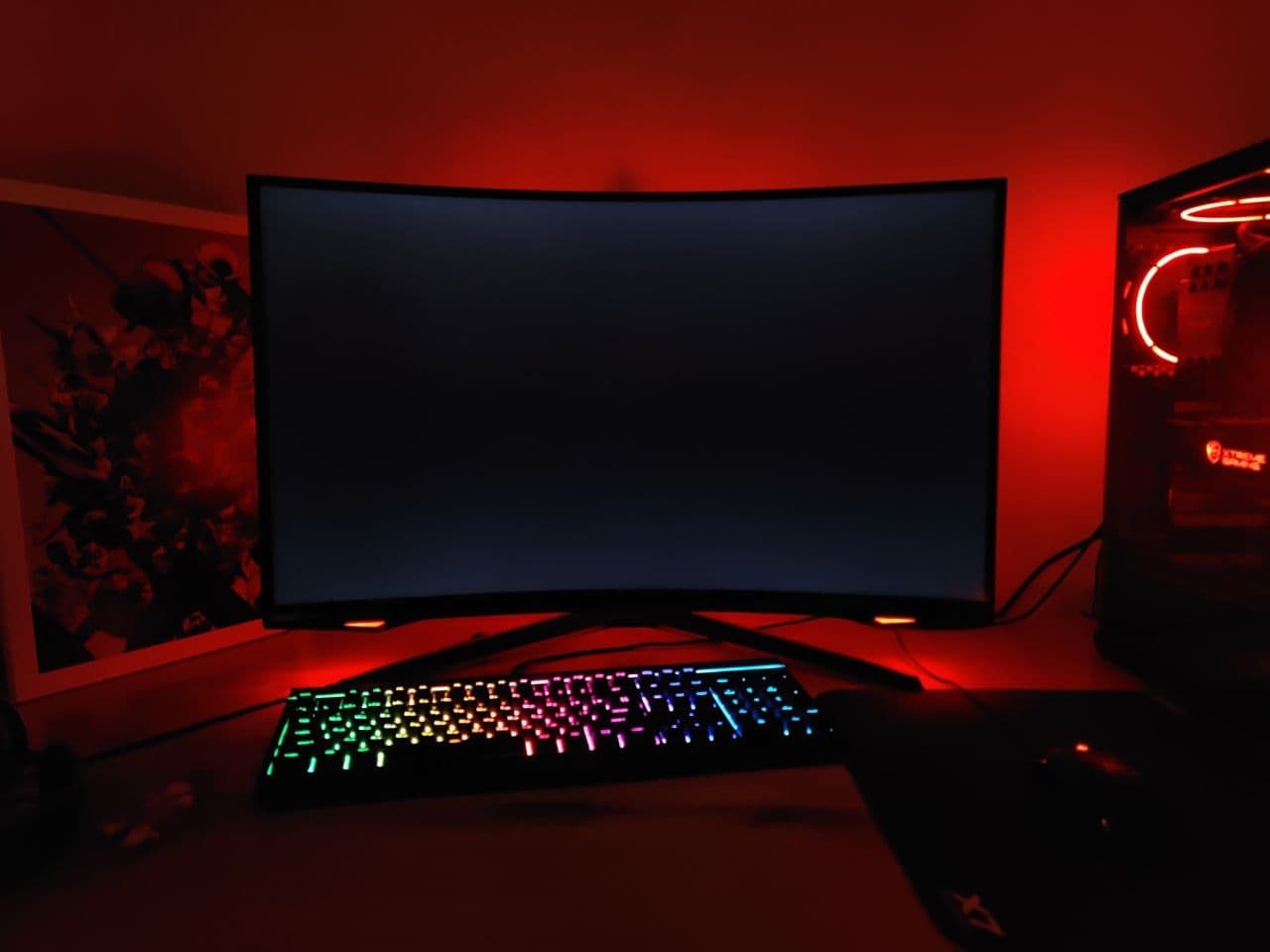
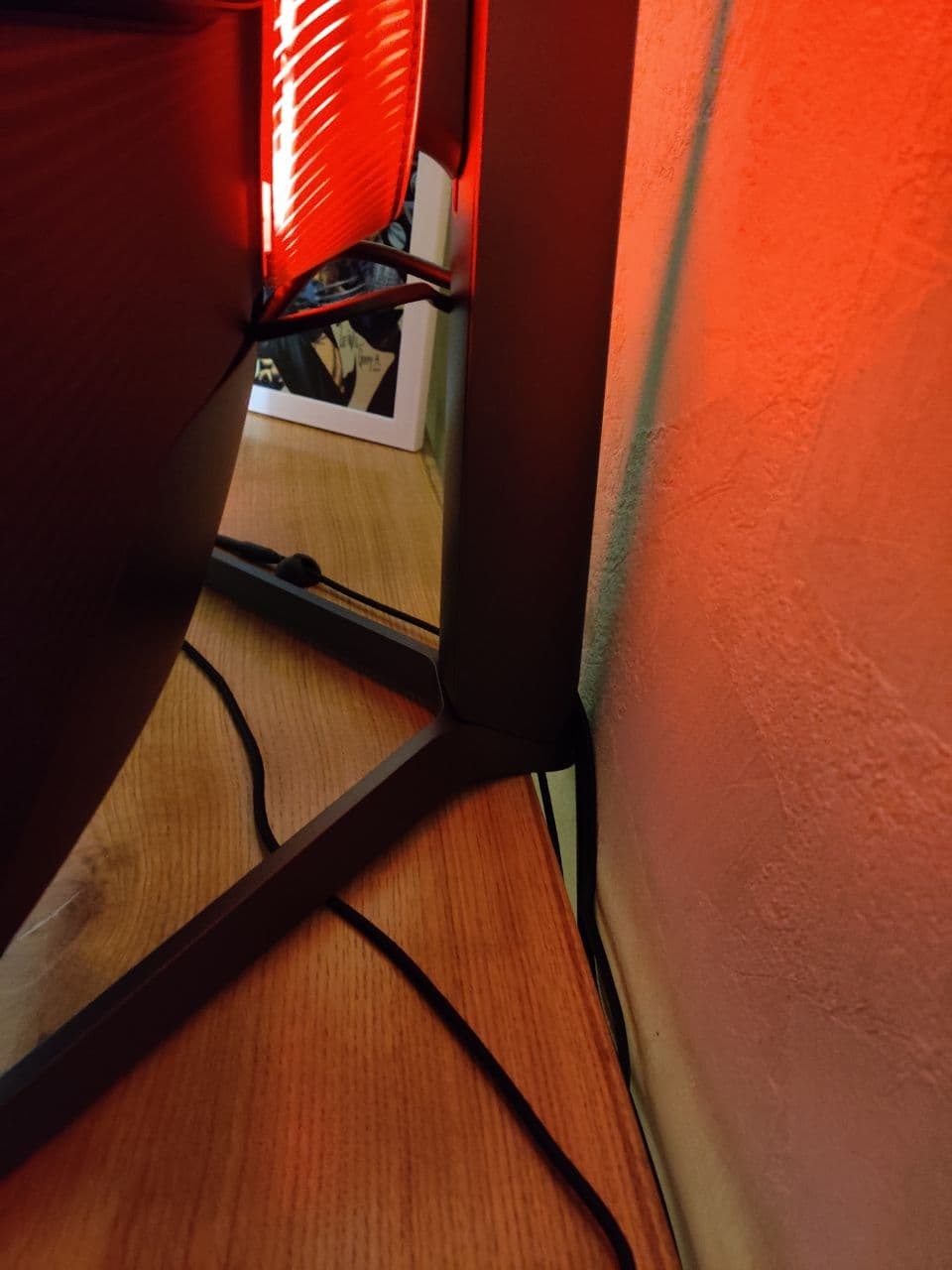
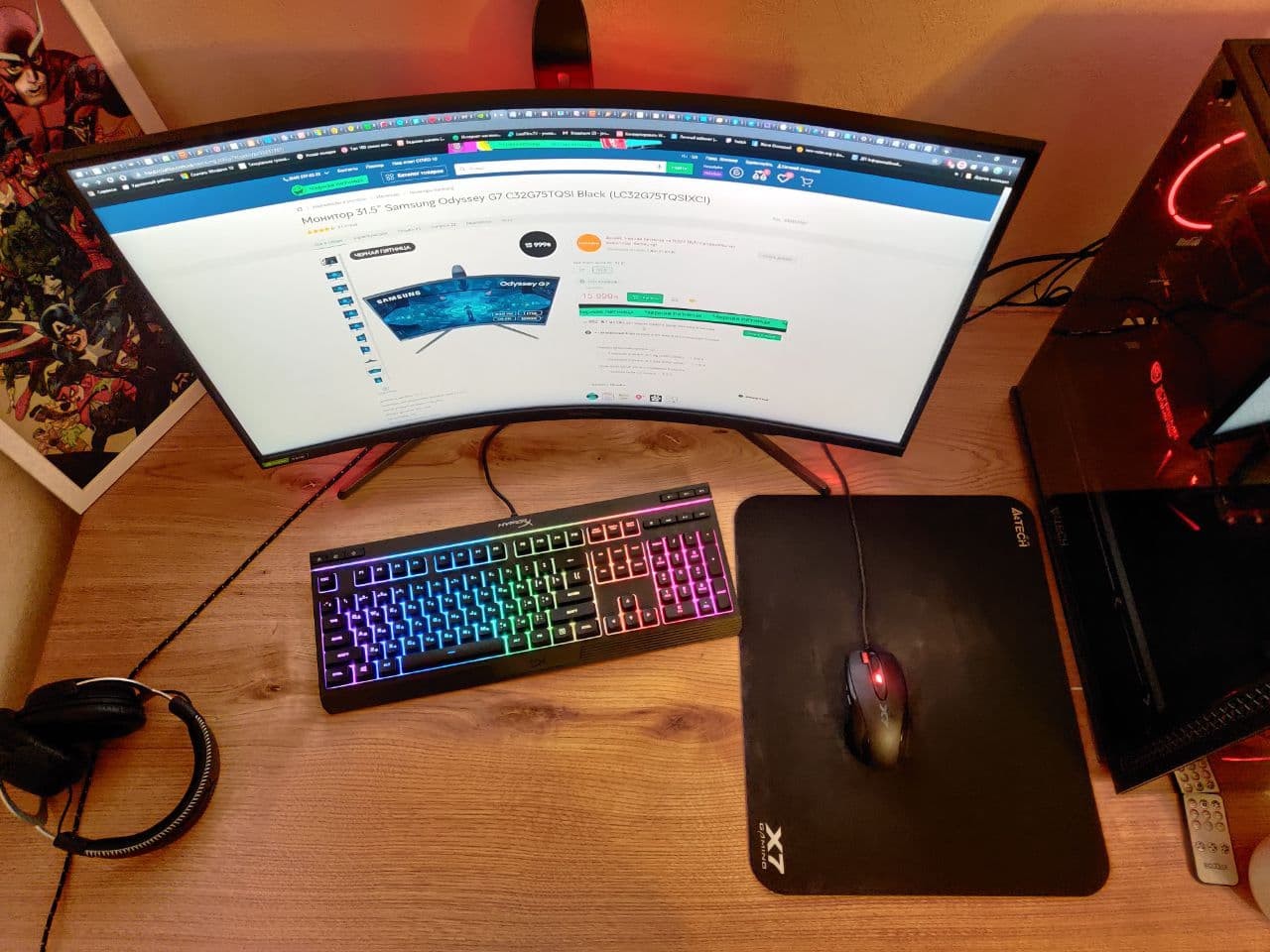
screen, colors, black, hertz, comfortable leg adjustment not the smallest leg, my table is 81 cm deep, 135 wide (I made it to order) and so the monitor is a little so little space, if the table was 90 cm deep it would be much better, the photo shows that I moved it straight to the wall, adjustment at the leg cool, twirl as you like, but it takes up space, I think about weights, but since the table against the wall doesn’t make much sense in it, maybe I’ll win a maximum of 5 centimeters, we’ll see ...  J O: use Samsung Odyssey G75T 32 less than month J O: use Samsung Odyssey G75T 32 less than month |
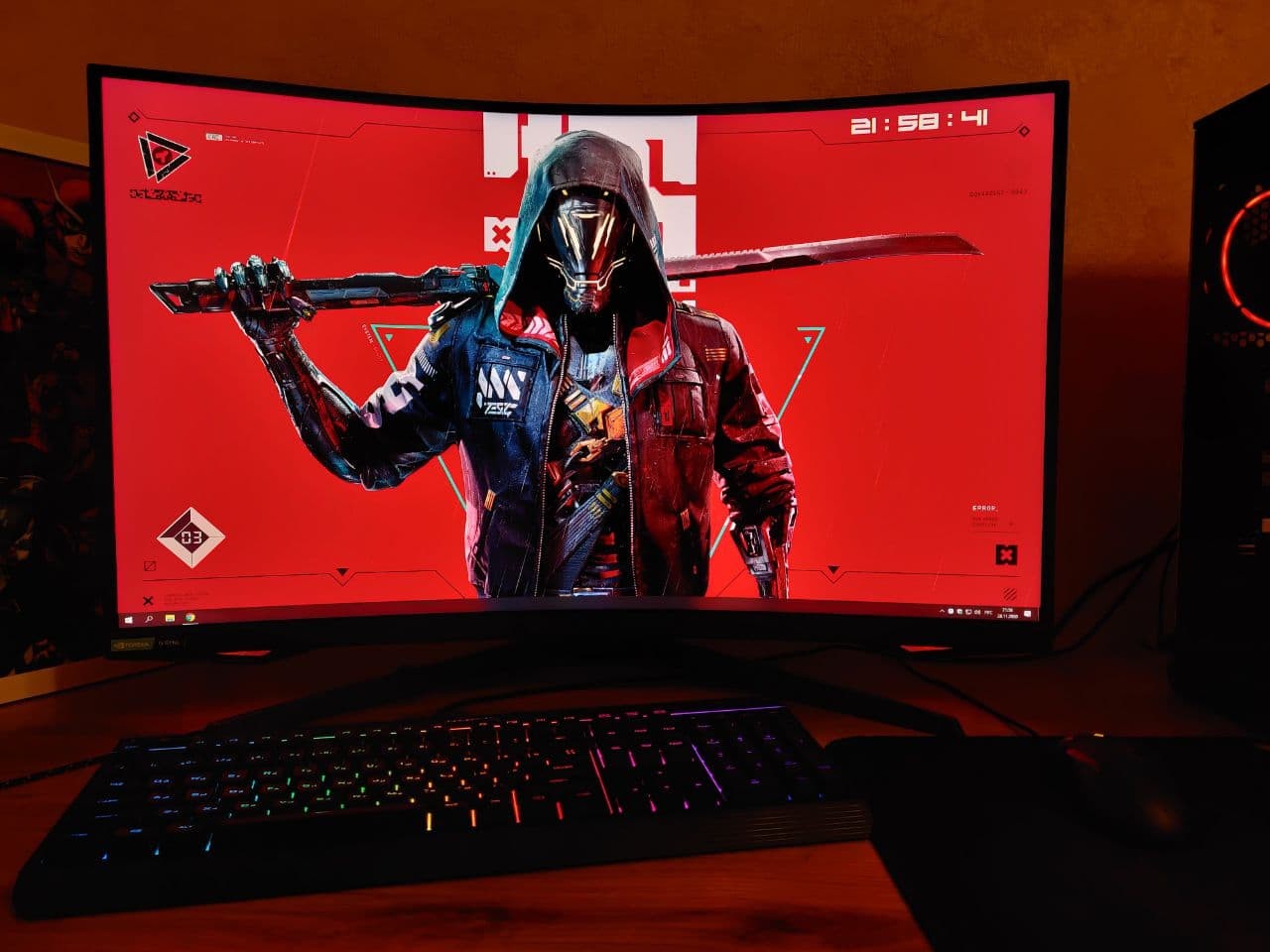
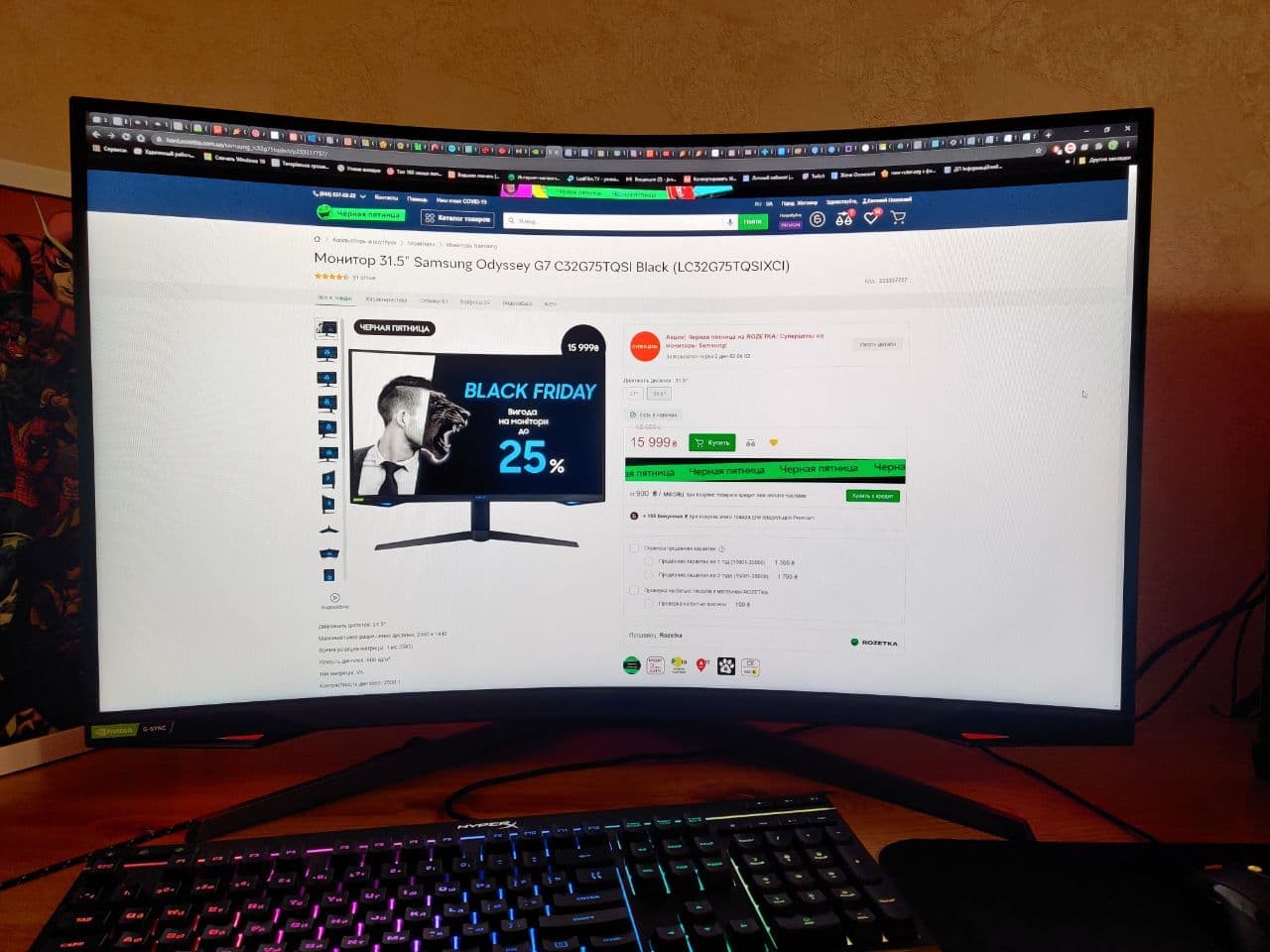
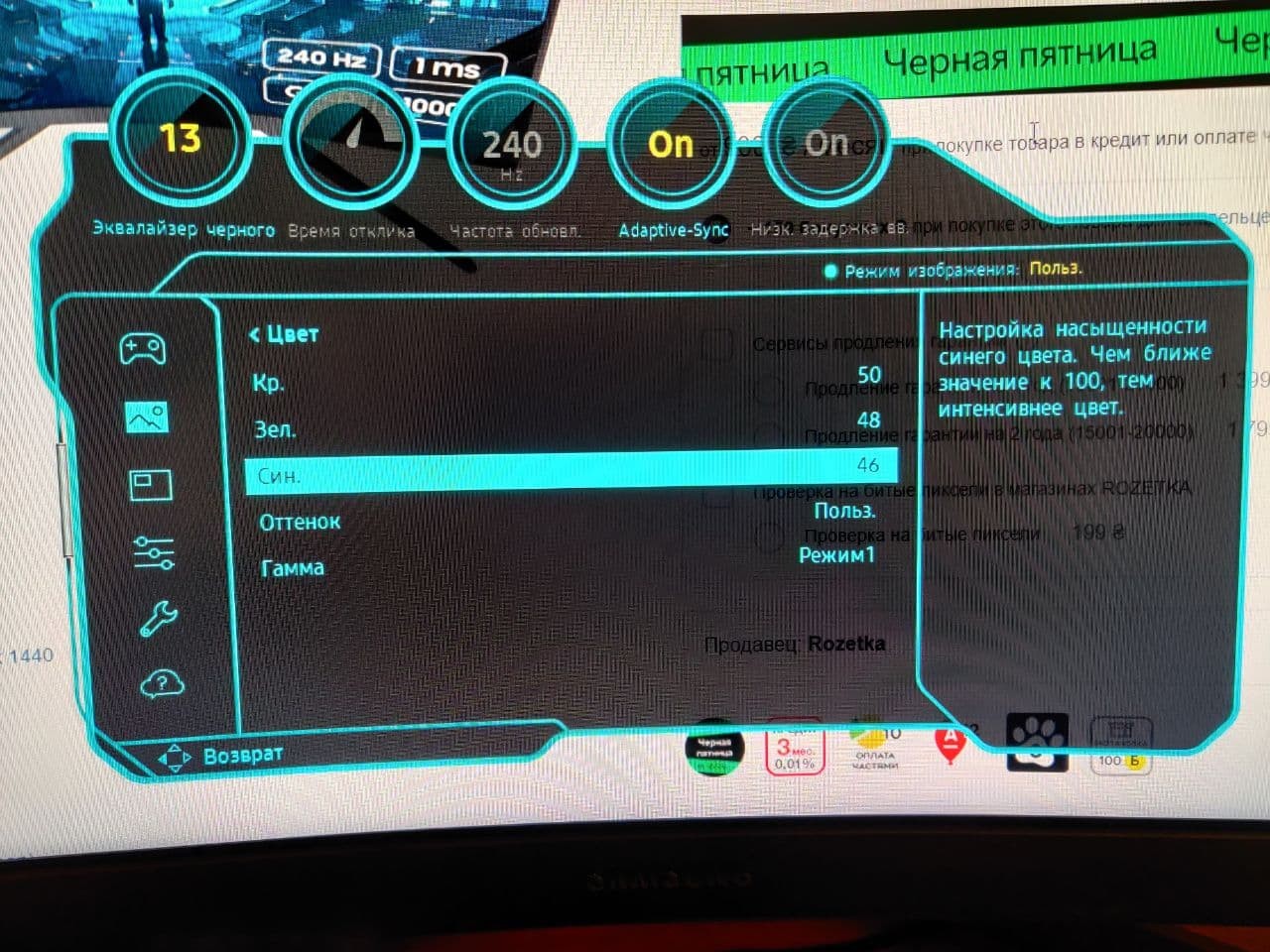
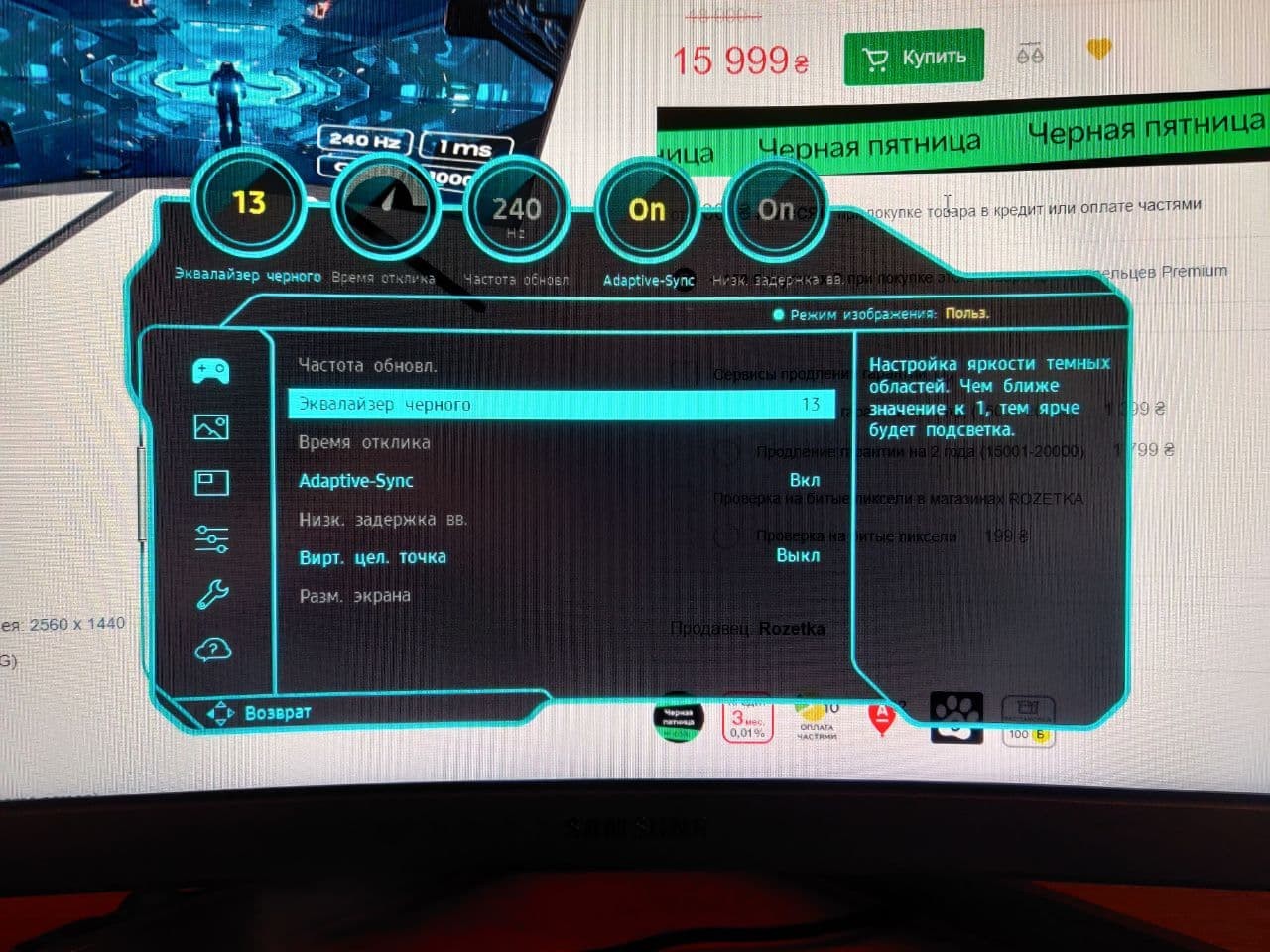
Good monitor: WQHD, 240 Hz, fast response time, no loops, in general, the picture is gorgeous. But there is one fat minus - flickering when G SYNC is on. Personally, I didn’t have it before, but after updating to firmware version 1014.1 it appeared; I don't want to turn off synchronization, because the picture becomes jerky (as with VRR Control turned on) - a pain for the eyes. QLED, 240 Hz, juicy picture, fast response time, no loops and PWM Flickering (flickering)  Roman: use Samsung Odyssey G75T 27 few months Roman: use Samsung Odyssey G75T 27 few months |
Purchased the monitor on the second attempt due to dead pixels on the screen. Checking before purchasing is a must! The image on the monitor is satisfactory so far, but the experience with the monitor is only a few days. The high brightness stands out and requires individual adjustment. I extremely disliked the execution of the mechanical part of the stand mount. In particular, the holes on the base and the monitor are misaligned; without enlarging the holes, the screws do not fit into their slots. Furthermore, the spring in the stand is loose, not secured, and does not compensate for the weight of the monitor itself, causing it to always sag (tilt) downward. Securing the spring in place requires considerable effort and skill. It's impossible to mount the monitor on the stand "out of the box." I recommend checking this when purchasing. image, screen curvature, color reproduction dead pixels, mechanical part, mounting holes mismatch, loose leg spring Andrey Ostapchuk: use Samsung Odyssey G75T 27 less than month |
Samsung Odyssey G75T 32 configurations
| Price for Samsung Odyssey G75T 32 | ||||
|---|---|---|---|---|
 | Samsung Odyssey G75T 27 27 " | from $529.99 | 3 offers | |
 | Samsung Odyssey G75T 32 31.5 " | from $499.00 | 2 offers | |




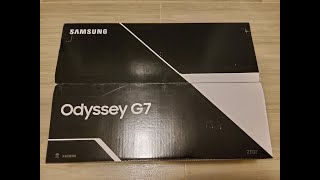


New family of gaming monitors from Samsung
Looking at the speed at which the gaming industry is changing, Korean giant Samsung has decided to completely revamp its range of gaming monitors. Dozens of multi-format monitors, which were scattered across completely different series of products, were replaced by completely new Odyssey monitors, in which the company's engineers came up with trump cards, using all their most successful developments of recent years.
The delights of QLED
The 32-inch flagship Odyssey G7 QLED panel arrived in our test lab, which stands out against the background of the younger Odyssey G5 and G3 models thanks to a higher quality curved matrix, increased refresh rate and the presence of additional goodies like the NVIDIA G-Sync hardware and software complex or the “picture” mode. next to the picture”, which is more common in professional monitors. Odyssey G7 uses an unconventional QLED-matrix with a radius of curvature of 1000R. The panel has a resolution of 2560x1440 pixels, a refresh rate of 240 Hz and a brightness of 350 cd/m². The response speed of the matrix is traditional 1 ms (from grey to grey), which is pretty cool for such a diagonal.
Practical standard
From a QLED panel with similar characteristics, you expect nothing more than a small visual orgasm. And she doesn't disappoint. The matrix simultaneously demonstrates excellent responsiveness, which is especially striking in fast-paced spin shooters a la Titanfall, and impressive colour reproduction with an excellent margin of brightness, thanks to which games look damn spectacular and colorful. Especially if you turn on HDR. Add to that a comfortable height-adjustable stand, portrait mode (which is rare for curved monitors), and a built-in USB hub, and you have a really cool gaming device that blurs the lines between traditional TVs and monitors.
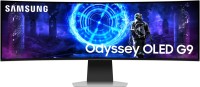
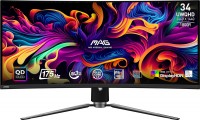
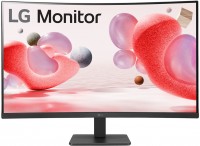
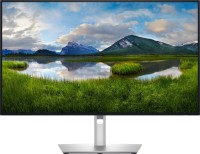
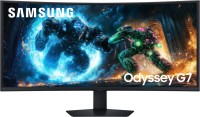
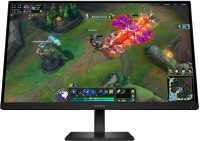
The black color is simply excellent, no backlight bleeding, etc. Some might mention viewing angles; well, I sit directly in front of the monitor, and even if I move around in my chair, the picture doesn’t change in my scenarios, everything is perfect.
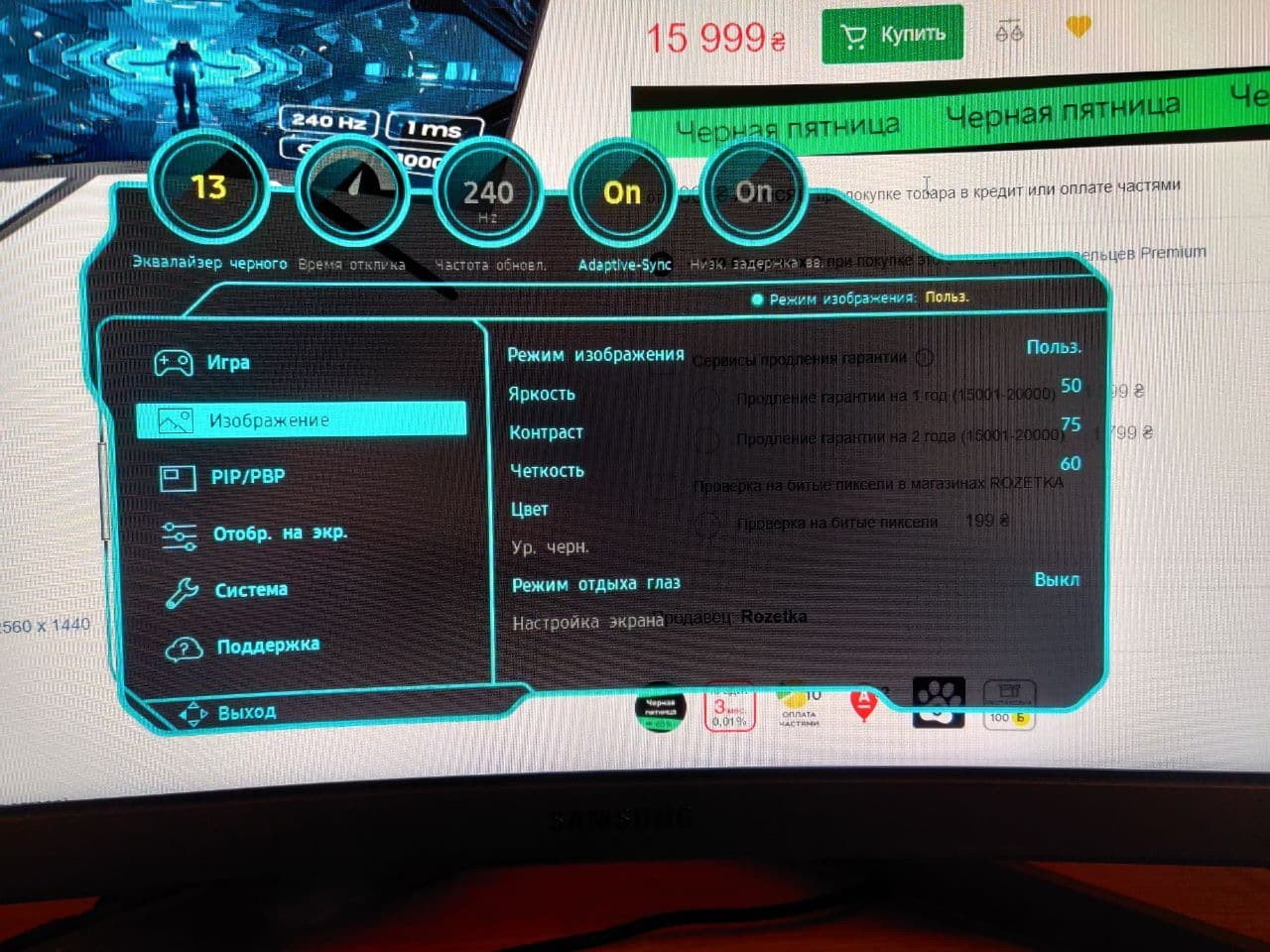
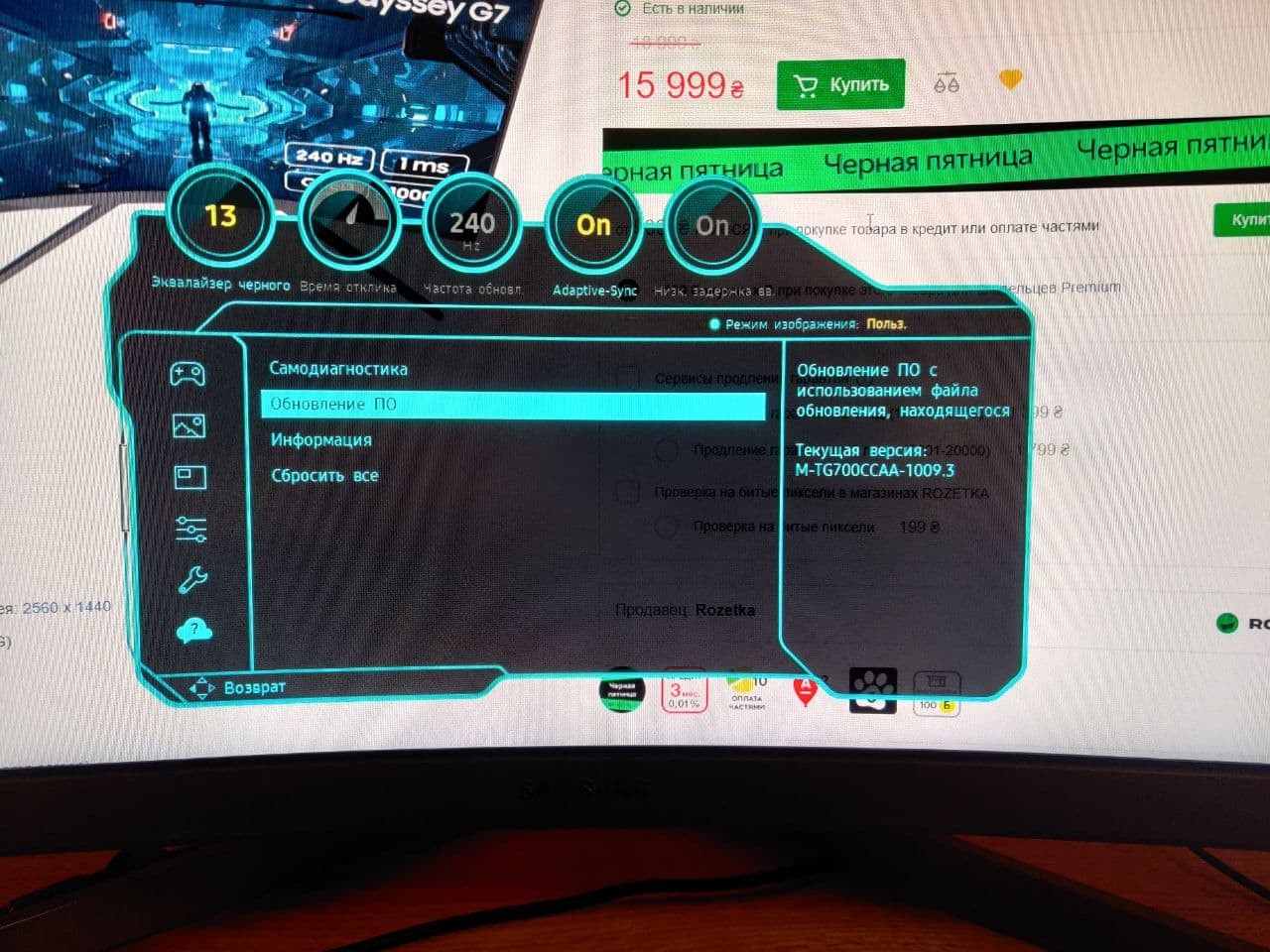
240 Hz, it's there (although my priority wasn't exactly 240). I enabled adaptive sync, and everything is super. I updated the firmware immediately to 1009.3 to avoid flickering.
32 inches for gaming is just top-notch! Playing single-player games is a pleasure, it's fine for Dota, and Warzone is fine too, although the size can be a bit confusing initially, but I got completely used to it in 10 days.
The fonts and PPI here are the same as 24 full HD, like I had before and at work too, so it’s comfortable for me. I don't see any pixels, but I sit at a distance of 70-80cm. Of course, 4K for a 32-inch would be much brighter, or you could take a 27-inch that would also be sharper. Basically, it’s not too suitable for text work; it’s more of a gaming solution, but reading something sometimes is no problem, it won't tire your eyes.
Curvature is 1000R, and in games, you don’t notice it. When browsing sites or watching YouTube, yes, but it doesn’t bother me)) You need to sit with it for a couple of days to understand; I liked it immediately, but you might not.
Photos attached.