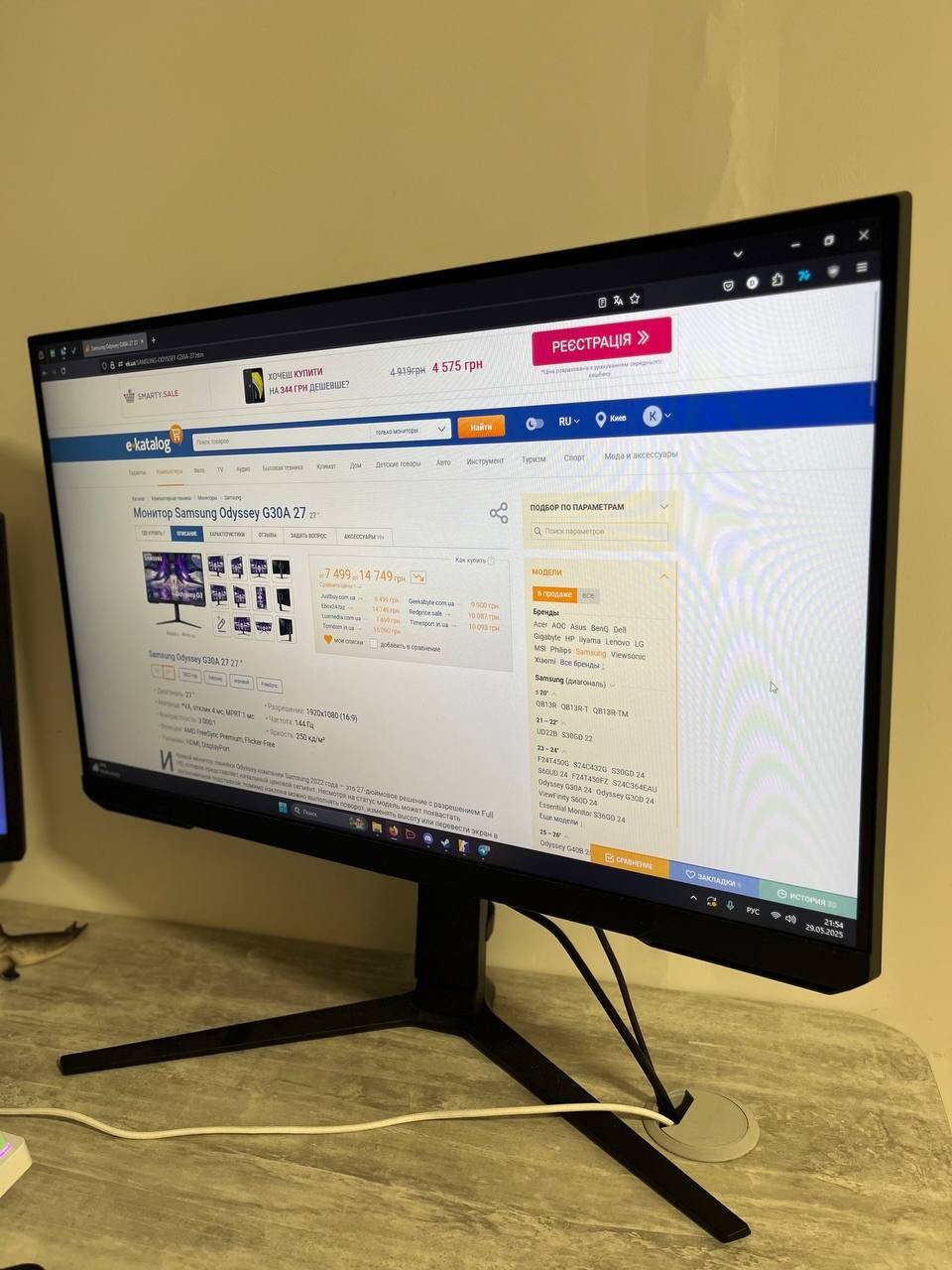
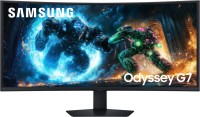
Samsung Odyssey G30A 24 24 "
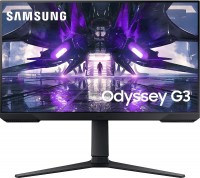 |


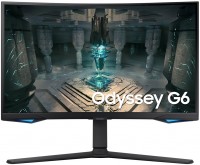
Elegant gaming display from the 2022 release of the newly presented line of exclusively gamer-focused monitors, the Samsung Odyssey. It is positioned as a mid-range product, equipped with all the necessary features required for maximum immersion in the gaming experience. The monitor is built on a 24-inch VA panel with a resolution of 1920x1080, offering enhanced static contrast ratio, high-quality color reproduction, and fast response speed.
The manufacturer claims a 1 ms response time using MPRT technology, an increased refresh rate of 144 Hz, and support for AMD FreeSync Premium technology. Thanks to this, the Samsung Odyssey G30A ensures exemplary clarity and smoothness of movement in shooters, fighting games, racing simulators, sports simulators, and other dynamic game genres that demand quick player reactions. Despite its gaming nature, this model is perfectly suitable as a universal monitor for work and multimedia entertainment.
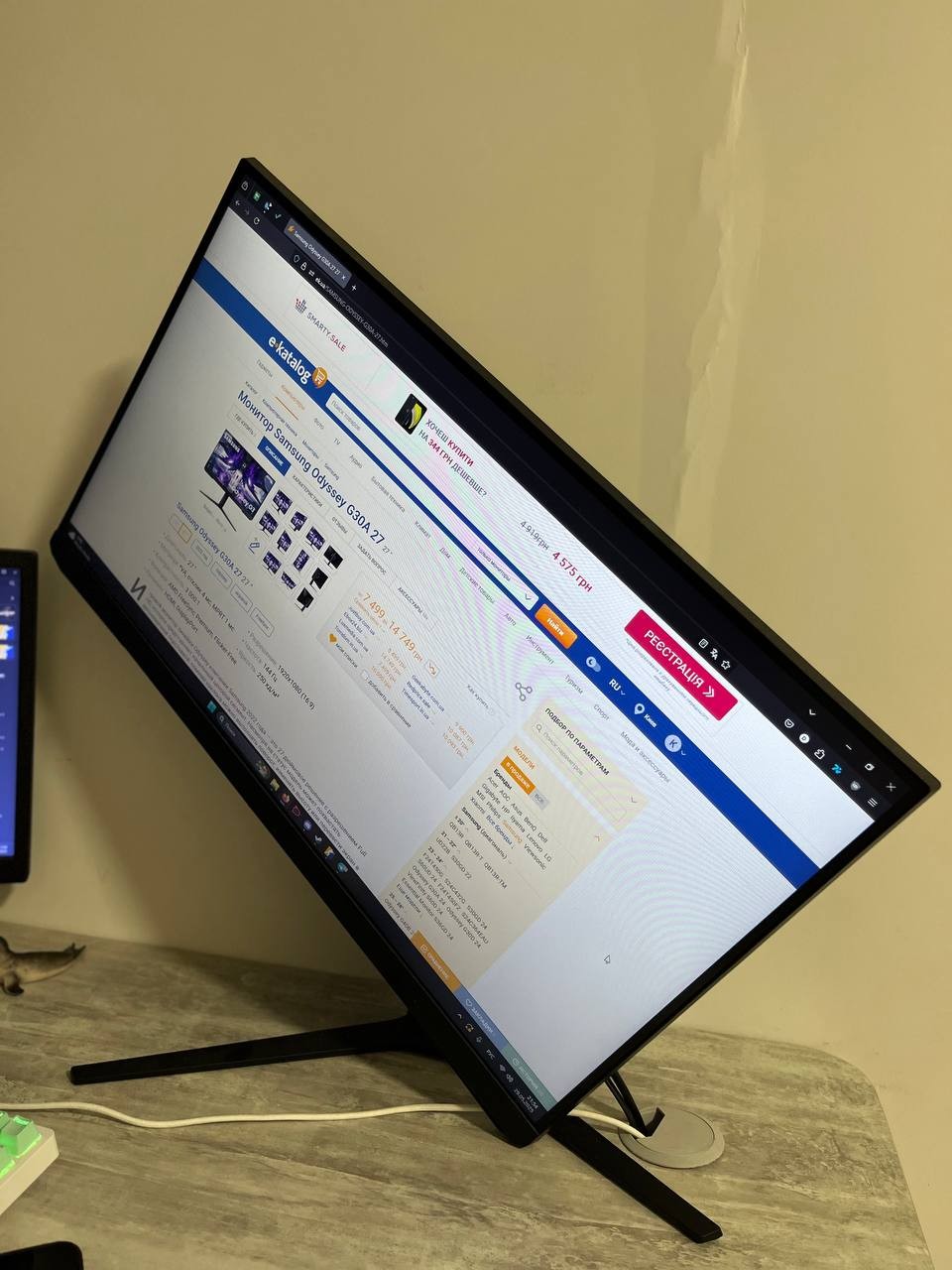
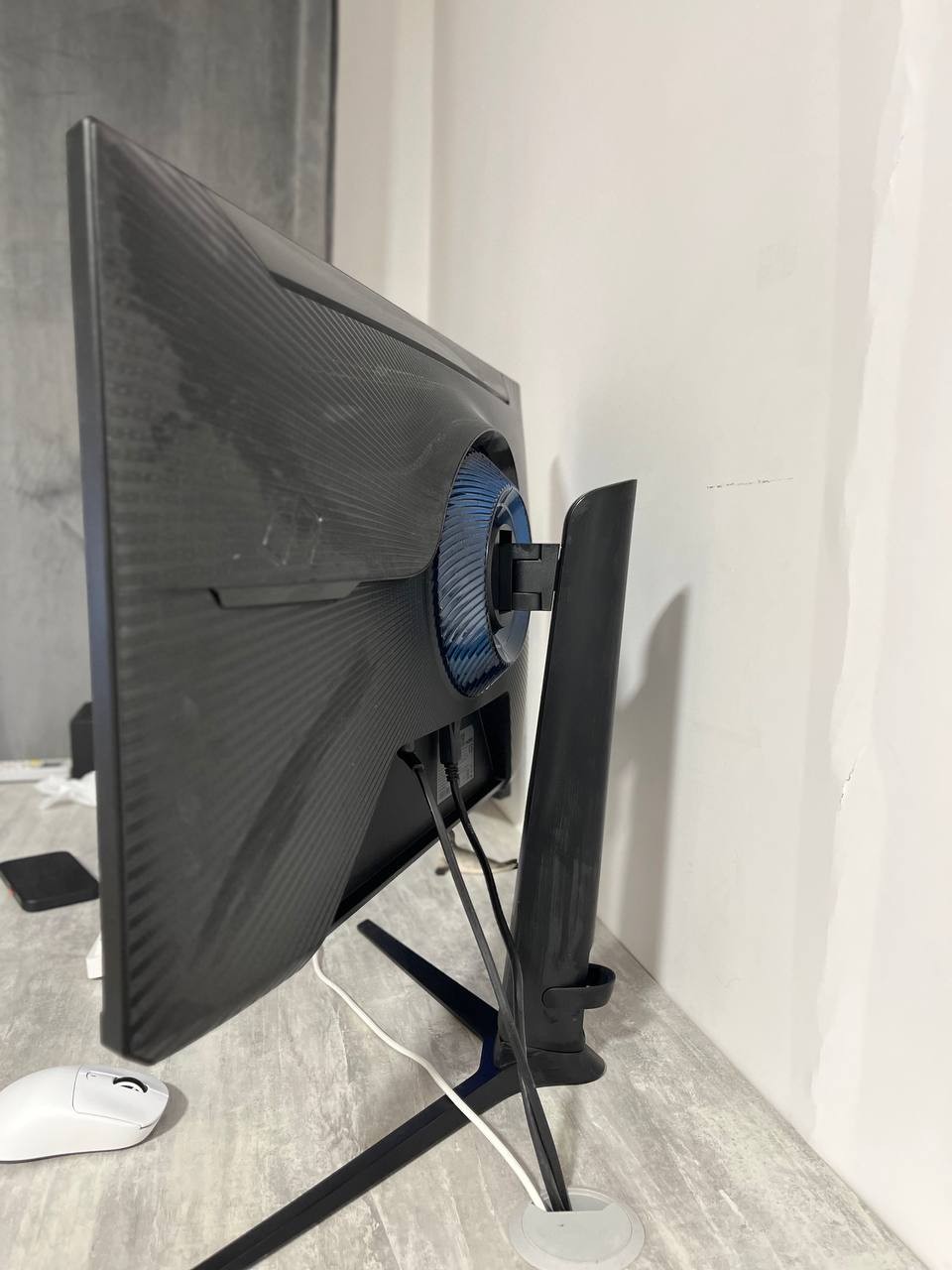
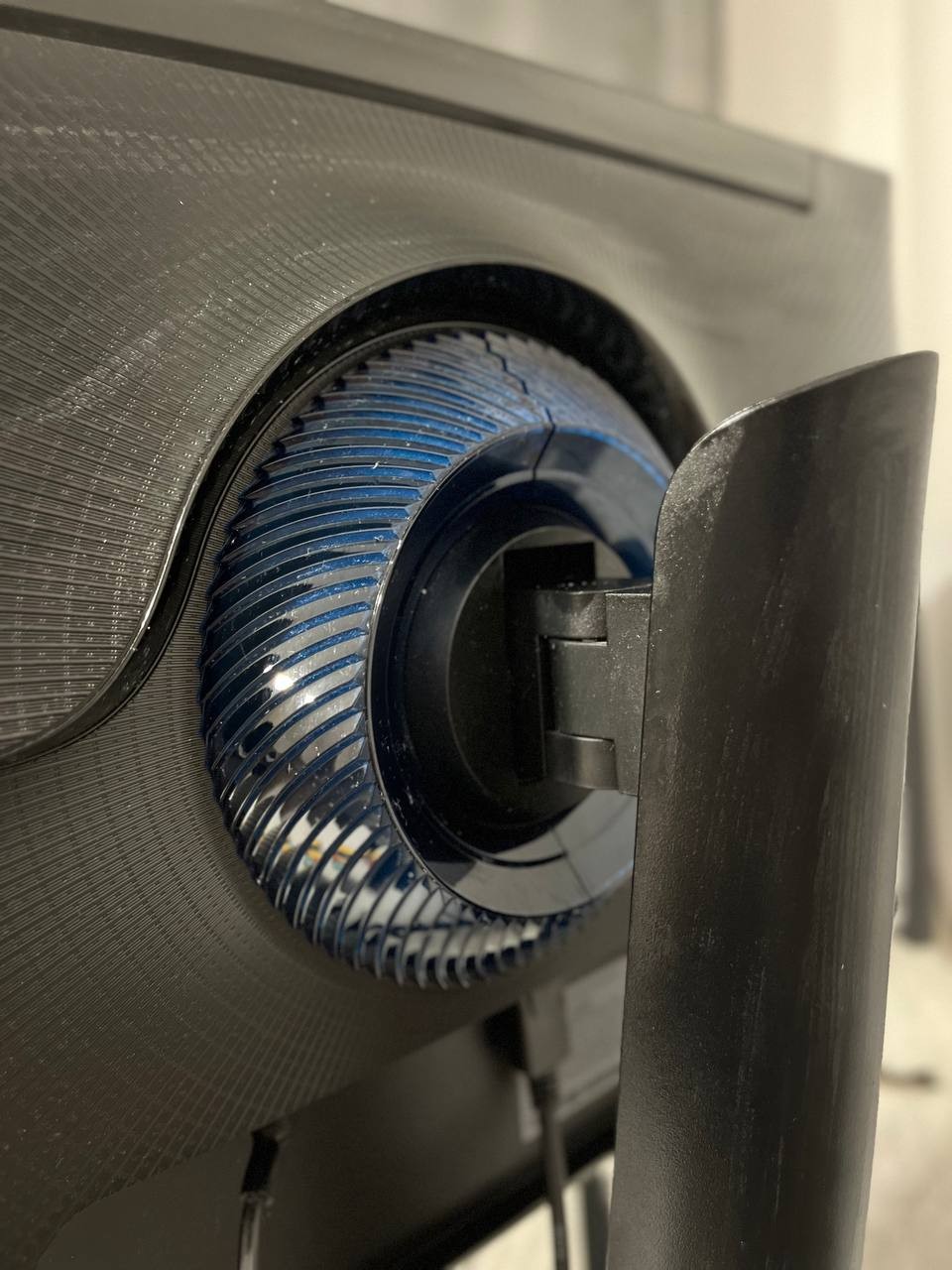
The built-in blue light filter and Flicker-Free technology support will reduce eye strain during prolonged use. The ergonomic stand with adjustable tilt, height, and position will help quickly find the optimal screen position in space. Thin side frames simplify the process of assembling a multi-monitor configuration. VESA mounts will come in handy if you need to mount the monitor directly on the wall.
|
| ||||||||||||||||||||||||||||||||||||||||||||||||||||||||||||||||||||||||||||||||||


Always clarify the specifications and configuration of the product with the online store manager before purchasing.
Catalog Samsung 2026 - new arrivals, bestsellers, and the most relevant models Samsung.


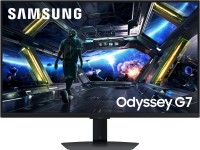


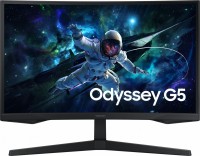

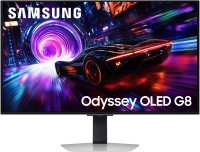

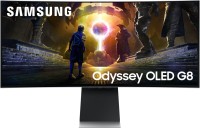






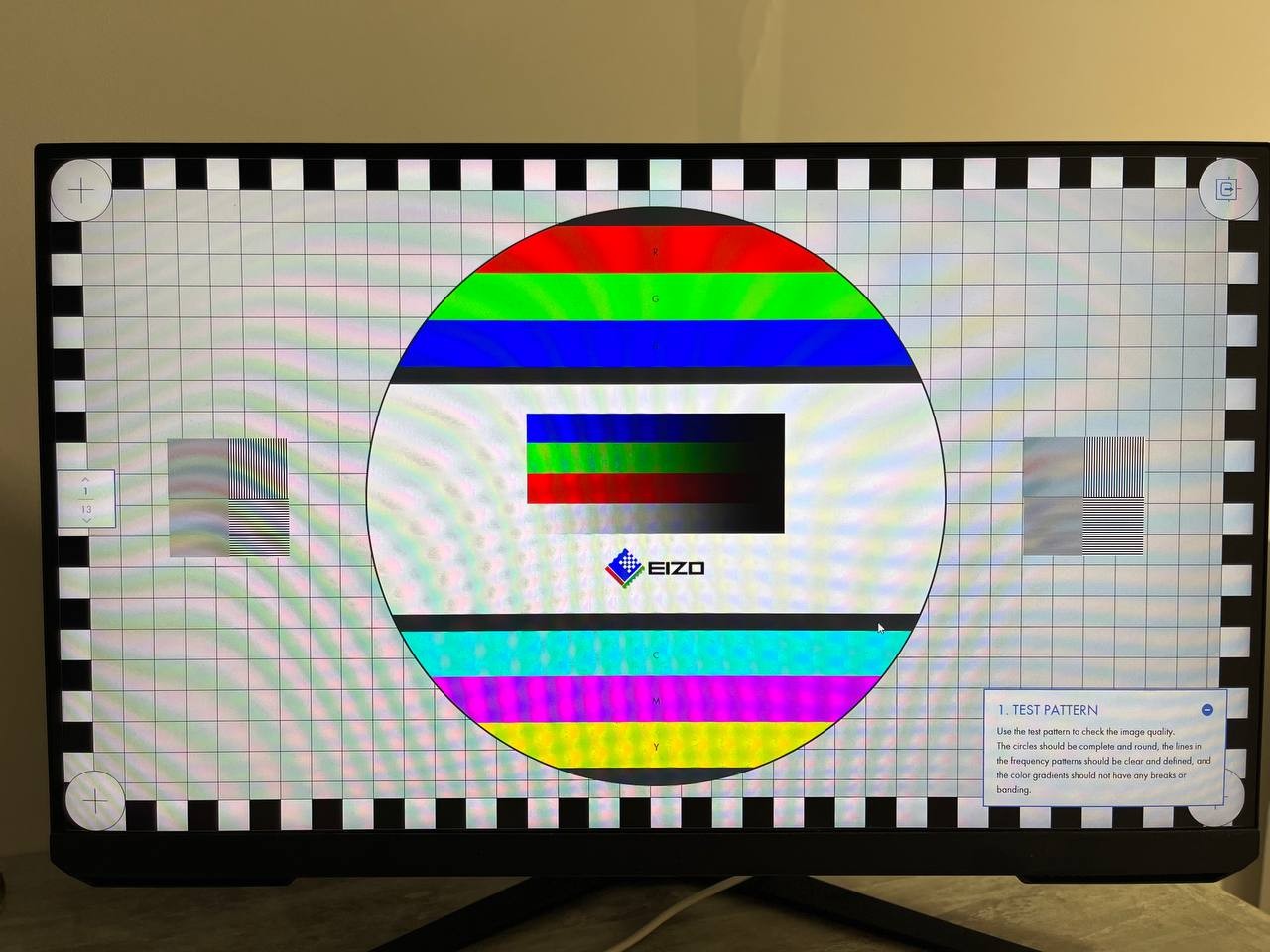
I have been using the Samsung Odyssey G30A 27" monitor for a long time and remain satisfied. It is truly a good model in its price range. First and foremost, I really liked the bright, vibrant image — the colors are rich, and the contrast is noticeable even without additional settings. The high refresh rate of 144 Hz is a real treat for the eyes: everything is smooth, without any stuttering, especially noticeable when working with animation, video, or playing games. 27 inches — the optimal size for versatile use: convenient for working with documents, watching videos, or gaming. The control menu is simple and intuitive, easy to customize. There is an option to rotate the screen vertically — I don't use it myself, but it's a useful feature, for example, for viewing feeds or programming. The biggest disappointment is the so-called eye protection mode. In this mode, the image acquires an unnatural red tint, which causes discomfort, especially in the dark. It would be preferable to see warmer and more "yellowish" lighting, as seen in many other monitors. For those planning to work at night or frequently read from the screen, this could be a problem.  Kyrylo Husiev: use Samsung Odyssey G30A 27 more than year Kyrylo Husiev: use Samsung Odyssey G30A 27 more than year |