
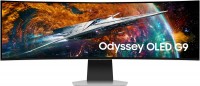
Samsung Odyssey OLED G95SC 49 49 "
 | When you make a purchase through links on our site, we may receive a affiliate commission. Buy! Samsung Odyssey LS49CG950SUXDU computer monitor 124.5 cm (49") 5120 x 1440 pixels Dual QHD OLED SilverClove-technology.comDelivery: to Redlands Report |

Samsung Odyssey OLED G95SC 49 49 "
Screen size:49 "
Resolution:5120x1440 (32:9)
Panel:OLED (WOLED), response 0.03 ms
Frequency:240 Hz
Contrast:1 000 000:1
Brightness:250 cd/m²
Functions:HDR, AMD FreeSync Premium Pro, VESA Adaptive-Sync, Flicker-Free
Connectors:DisplayPort v1.4 • HDMI v2.1
The monitor has built-in smart features: Tizen operating system, WI-Fi5, Bluetooth5.2 and Bixby and Alexa voice control
All specifications
Specifications Odyssey OLED G95SC 49
|
| |||||||||||||||||||||||||||||||||||||||||||||||||||||||||||||||||||||||||||||||||||||


The information in the model description is for reference purposes.
Always clarify the specifications and configuration of the product with the online store manager before purchasing.
Catalog Samsung 2026 - new arrivals, bestsellers, and the most relevant models Samsung.
Always clarify the specifications and configuration of the product with the online store manager before purchasing.
Catalog Samsung 2026 - new arrivals, bestsellers, and the most relevant models Samsung.
Series Samsung Odyssey (gaming)Compare using chart →
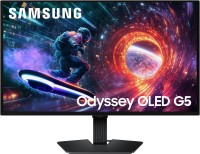
gaming, 27 ", 2560x1440 (16:9), QD-OLED, response 0.03 ms, 180 Hz, 1.07B Colors, DCI-P3 99 %, HDMI, DisplayPort, AMD FreeSync, NVIDIA G-Sync Compatible, HDR, Pantone Validated
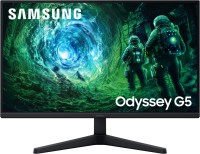
gaming, 27 ", 2560x1440 (16:9), IPS, MPRT 1 ms, 200 Hz, 16.7M Colors, HDMI, DisplayPort, AMD FreeSync Premium, HDR

gaming, 31.5 ", 4K, 3840x2160 (16:9), QD-OLED, response 0.03 ms, 240 Hz, 10-bit (1.07B Colors), DCI-P3 99 %, HDMI, v 2.1, DisplayPort, USB-C (DP Alt Mode), Power Delivery, ХАБ: USB-A 2x5Gbps, AMD FreeSync Premium Pro, HDR, Pantone Validated

gaming, 27 ", 2560x1440 (16:9), QD-OLED, response 0.03 ms, 240 Hz, 10-bit (1.07B Colors), DCI-P3 99 %, HDMI, v 2.1, DisplayPort, AMD FreeSync Premium, NVIDIA G-Sync Compatible, HDR, Pantone Validated
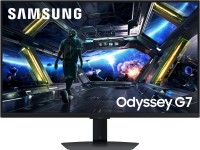
gaming, smart, 31.5 ", 4K, 3840x2160 (16:9), IPS, response 1 ms, 144 Hz, 1.07B Colors, sRGB 99 %, HDMI, v 2.1, DisplayPort, LAN, Bluetooth, Wi-Fi, ХАБ: USB-A 2x5Gbps, speakers, AMD FreeSync Premium, VESA Adaptive-Sync, HDR

gaming, 27 ", 4K, 3840x2160 (16:9), QD-OLED, response 0.03 ms, 240 Hz, 10-bit (1.07B Colors), DCI-P3 99 %, HDMI, v 2.1, DisplayPort, USB-C (DP Alt Mode), Power Delivery, ХАБ: USB-A 2x5Gbps, AMD FreeSync Premium Pro, HDR, Pantone Validated

gaming, 27 ", 2560x1440 (16:9), IPS, response 1 ms, 180 Hz, 16.7M Colors, sRGB 99 %, HDMI, DisplayPort, AMD FreeSync, NVIDIA G-Sync Compatible, HDR

gaming, 27 ", 4K, 3840x2160 (16:9), IPS, response 1 ms, 180 Hz, 360 Hz (Full HD), 1.07B Colors, sRGB 99 %, HDMI, v 2.1, DisplayPort, ХАБ: USB-A 2x5Gbps, AMD FreeSync Premium, NVIDIA G-Sync Compatible, HDR
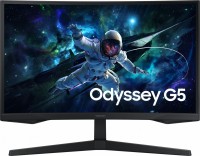
gaming, 27 ", 2560x1440 (16:9), curved 1000R, *VA, MPRT 1 ms, 165 Hz, 16.7M Colors, HDMI, DisplayPort, AMD FreeSync, HDR

gaming, 27 ", 2560x1440 (16:9), IPS, response 1 ms, 350 Hz, 16.7M Colors, sRGB 99 %, HDMI, v 2.1, DisplayPort, AMD FreeSync Premium, NVIDIA G-Sync Compatible, HDR
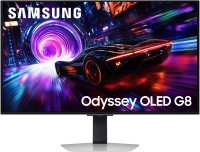
gaming, 31.5 ", 4K, 3840x2160 (16:9), QD-OLED, response 0.03 ms, 240 Hz, 10-bit (1.07B Colors), DCI-P3 99 %, HDMI, v 2.1, DisplayPort, ХАБ: USB-A 2x5Gbps, AMD FreeSync Premium Pro, NVIDIA G-Sync Compatible, HDR

gaming, 31.5 ", 2560x1440 (16:9), IPS, response 1 ms, 180 Hz, 16.7M Colors, sRGB 99 %, HDMI, DisplayPort, AMD FreeSync, NVIDIA G-Sync Compatible, HDR
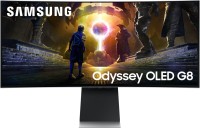
gaming, smart, 34 ", 3440x1440 (21:9), curved 1800R, QD-OLED, response 0.03 ms, 175 Hz, 10-bit (1.07B Colors), DCI-P3 99 %, HDMI, v 2.1, DisplayPort, Bluetooth, Wi-Fi, ХАБ: USB-A 2x5Gbps, speakers, AMD FreeSync Premium Pro, HDR

gaming, 27 ", 2560x1440 (16:9), QD-OLED, response 0.03 ms, 500 Hz, 10-bit (1.07B Colors), DCI-P3 99 %, HDMI, v 2.1, DisplayPort, ХАБ: USB-A 2x5Gbps, AMD FreeSync Premium Pro, NVIDIA G-Sync Compatible, VESA Adaptive-Sync, HDR, Pantone Validated
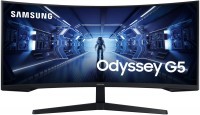
34 ", 3440x1440 (21:9), curved 1000R, *VA, response 4 ms, MPRT 1 ms, 165 Hz, 8-bit (16.7M Colors), HDMI, DisplayPort, AMD FreeSync Premium, HDR
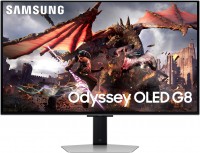
gaming, smart, 32 ", 4K, 3840x2160 (16:9), QD-OLED, response 0.03 ms, 240 Hz, 10-bit (1.07B Colors), DCI-P3 99 %, HDMI, v 2.1, DisplayPort, Bluetooth, Wi-Fi, ХАБ: USB-A 2x5Gbps, speakers, AMD FreeSync Premium Pro, VESA Adaptive-Sync, HDR
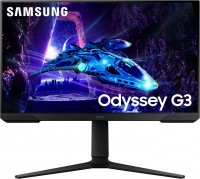
gaming, 23.8 ", 1920x1080 (16:9), *VA, MPRT 1 ms, 180 Hz, 16.7M Colors, sRGB 95 %, HDMI, DisplayPort, AMD FreeSync, HDR
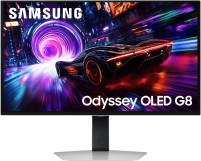
gaming, 27 ", 4K, 3840x2160 (16:9), QD-OLED, response 0.03 ms, 240 Hz, 10-bit (1.07B Colors), DCI-P3 99 %, HDMI, v 2.1, DisplayPort, ХАБ: USB-A 2x5Gbps, AMD FreeSync Premium Pro, NVIDIA G-Sync Compatible, HDR

gaming, 31.5 ", 4K, 3840x2160 (16:9), OLED (WOLED), response 0.03 ms, 165 Hz, 330 Hz (Full HD), 1.07B Colors, DCI-P3 98.5 %, HDMI, v 2.1, DisplayPort, AMD FreeSync Premium Pro, NVIDIA G-Sync Compatible, HDR, Pantone Validated
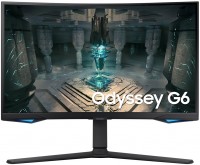
gaming, 26.9 ", 2560x1440 (16:9), curved 1000R, *VA, response 1 ms, 240 Hz, 8-bit + FRC (1.07B Colors), DCI-P3 95 %, HDMI, v 2.1, DisplayPort, LAN, ХАБ: USB-A 2x5Gbps, speakers, AMD FreeSync Premium Pro, HDR


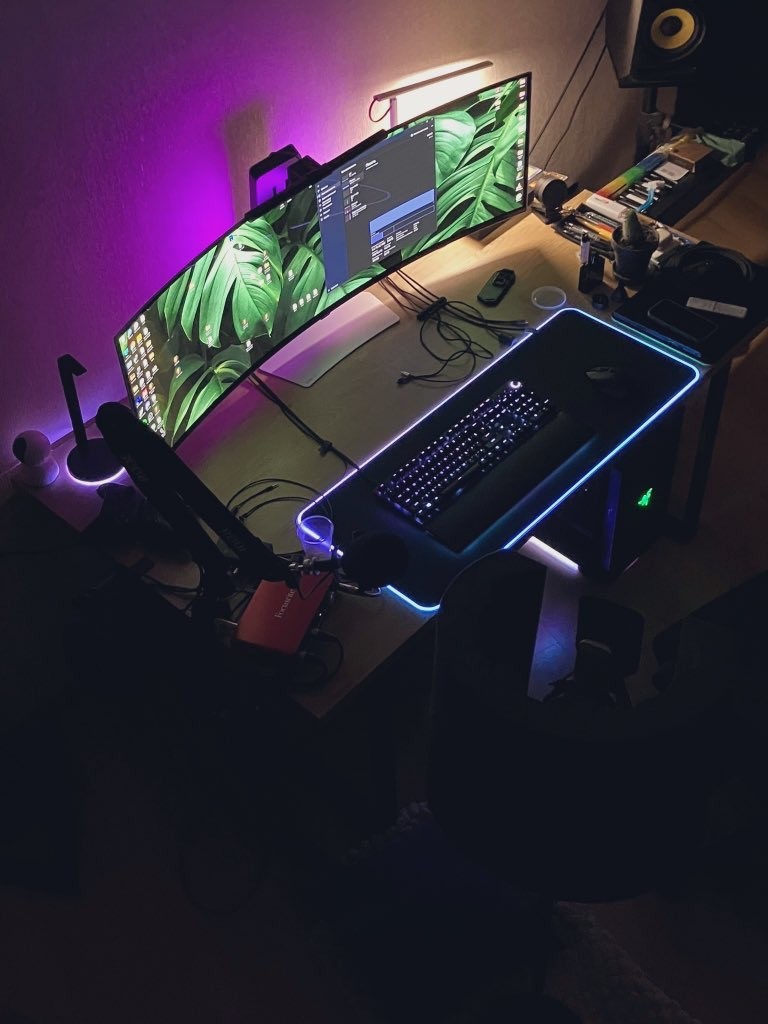
The best ultrawide on the market at the moment, if you are an editor, gamer, or work in music DAW programs, this is simply a godsend for displaying almost any content. However, there may be a small fuss: 1. Of course, the colors and deep blacks; after switching to any OLED monitor, you will realize that working with other panels will now be much more difficult for you. I understood this when I actually replaced all my main displays, which I use every day, with OLEDs. 2. Almost perfect viewing angles. Complete immersion in the content. 1. There is a lack of quality content in terms of series and movies for such an aspect ratio. However, if you have the patience to download 50GB movies for quality viewing, this downside is easily mitigated. 2. I had issues connecting via DisplayPort to the RTX 3090 MSI Suprim card; the monitor showed VRR and FPS but would randomly shut off. Switching to HDMI 2.1 solved the problem, so I recommend using this connection method right away. 3. Use a UPS immediately; it should be used for all modern monitors since home use can lead to frequent voltage fluctuations due to static electricity. |


Add Review
SimilarCompare using chart →
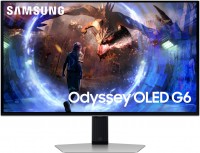
gaming, 27 ", 2560x1440 (16:9), QD-OLED, response 0.03 ms, 360 Hz, 10-bit (1.07B Colors), DCI-P3 99 %, HDMI, v 2.1, DisplayPort, ХАБ: USB-A 2x5Gbps, AMD FreeSync Premium Pro, VESA Adaptive-Sync, HDR

gaming, 34 ", 3440x1440 (21:9), curved 1500R, *VA, response 0.5 ms, 240 Hz, 8-bit + FRC (1.07B Colors), sRGB 110 %, DCI-P3 85 %, HDMI, v 2.1, DisplayPort, USB-C (DP Alt Mode), Power Delivery, ХАБ: USB-A 2x2.0, KVM-switch, VESA Adaptive-Sync, HDR, TÜV Rheinland
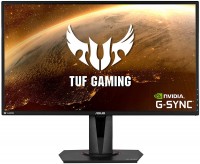
gaming, 27 ", 2560x1440 (16:9), IPS, response 4 ms, 165 Hz, 8-bit (16.7M Colors), sRGB 99 %, HDMI, DisplayPort, speakers, AMD FreeSync, NVIDIA G-Sync Compatible, HDR
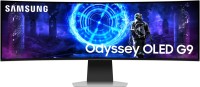
gaming, smart, 49 ", 5120x1440 (32:9), curved 1800R, QD-OLED, response 0.03 ms, 240 Hz, DCI-P3 99 %, Micro HDMI v2.1, HDMI, v 2.1, DisplayPort, Bluetooth, Wi-Fi, ХАБ: USB-A 5Gbps, USB-C 2x5Gbps, speakers, AMD FreeSync Premium Pro, HDR
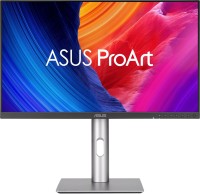
for graphics, 27 ", 5K, 5120x2880 (16:9), IPS, response 5 ms, 60 Hz, 10-bit (1.07B Colors), sRGB 100 %, DCI-P3 99 %, HDMI, v 2.1, DisplayPort, USB-C (DP Alt Mode), Power Delivery, ХАБ: USB-A 3x5Gbps, USB-C 1x5Gbps, KVM-switch, speakers, VESA Adaptive-Sync, HDR, CalMAN Verified, TÜV Rheinland
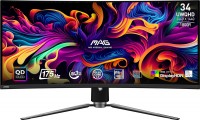
gaming, 34 ", 3440x1440 (21:9), curved 1800R, QD-OLED, response 0.03 ms, 175 Hz, 10-bit (1.07B Colors), sRGB 139.1 %, DCI-P3 99.3 %, HDMI, v 2.1, DisplayPort, USB-C (DP Alt Mode), Power Delivery, ХАБ: USB-A 2x2.0, KVM-switch, AMD FreeSync Premium Pro, VESA Adaptive-Sync, HDR, TÜV Rheinland
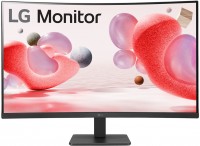
31.5 ", 1920x1080 (16:9), curved 1500R, *VA, response 5 ms, 100 Hz, VGA, HDMI, AMD FreeSync
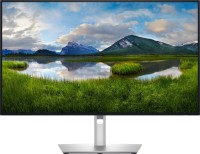
for graphics, 27 ", 4K, 3840x2160 (16:9), IPS, response 5 ms, 120 Hz, 1.07B Colors, sRGB 100 %, DCI-P3 99 %, HDMI, v 2.1, DisplayPort, USB-C (Thunderbolt v4), Power Delivery, LAN, ХАБ: USB-A 5x10Gbps, USB-C 2x10Gbps, KVM-switch, VESA Adaptive-Sync, HDR, CalMAN Verified, TÜV Rheinland
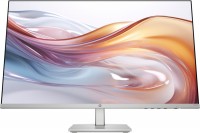
27 ", 1920x1080 (16:9), IPS, response 5 ms, 100 Hz, 6-bit + FRC (16.7M Colors), sRGB 99 %, VGA, HDMI
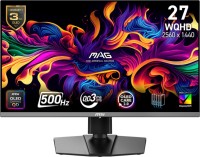
gaming, 26.5 ", 2560x1440 (16:9), QD-OLED, response 0.03 ms, 500 Hz, 10-bit (1.07B Colors), sRGB 138 %, DCI-P3 99 %, HDMI, v 2.1, DisplayPort, USB-C (DP Alt Mode), Power Delivery, AMD FreeSync Premium Pro, VESA Adaptive-Sync, HDR, TÜV Rheinland
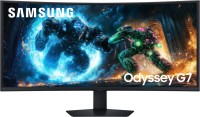
gaming, 40 ", 5K, 4K, 5120x2160 (21:9), curved 1000R, *VA, response 1 ms, 180 Hz, 1.07B Colors, sRGB 99 %, DCI-P3 90 %, HDMI, v 2.1, DisplayPort, ХАБ: USB-A 2x5Gbps, AMD FreeSync Premium Pro, HDR
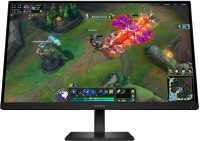
gaming, 27 ", 2560x1440 (16:9), IPS, response 1 ms, 180 Hz, 8-bit (16.7M Colors), DCI-P3 95 %, HDMI, DisplayPort, AMD FreeSync, VESA Adaptive-Sync, HDR, TÜV Rheinland