
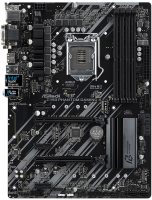
ASRock Z390 Phantom Gaming 4
 | Compare prices 2 → When you make a purchase through links on our site, we may receive a affiliate commission.
|

ASRock Z390 Phantom Gaming 4
Towards:gaming
Form Factor:ATX
Socket:LGA 1151 v2
Chipset:Intel Z390
BIOS:Ami
RAM slots:DDR4 4 sl
RAM form factor:DIMM
RAM clock:4300 MHz
Sound (channels):7.1
Connectors:HDMI, M.2
Power connector:24-pin
Processor power:8-pin
All specifications
Specifications Z390 Phantom Gaming 4
|
| |||||||||||||||||||||||||||||||||||||||||||||||||||||||||||||||||||||||||||||||||||||||||||||||||||||||||||||||||||||||||||||||||||||||||||||||||||||||||


The information in the model description is for reference purposes.
Always clarify the specifications and configuration of the product with the online store manager before purchasing.
Catalog ASRock 2026 - new arrivals, bestsellers, and the most relevant models ASRock.
Always clarify the specifications and configuration of the product with the online store manager before purchasing.
Catalog ASRock 2026 - new arrivals, bestsellers, and the most relevant models ASRock.
Series ASRock Phantom (gaming)Compare using chart →
ATX, socket AM5, chipset AMD X870E, 4 x DDR5, DIMM, 8200 MHz, USB-C, USB4, HDMI, M.2, LAN 5 Gbps, Wi-Fi, M.2 cooling
mini-ITX, socket AM5, chipset AMD B850, 2 x DDR5, DIMM, 8200 MHz, USB-C, HDMI, M.2, LAN 2.5 Gbps, Wi-Fi, M.2 cooling
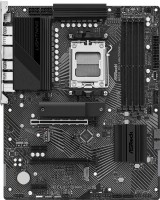
ATX, socket AM5, chipset AMD B650, 4 x DDR5, DIMM, 7200 MHz, USB-C, HDMI, M.2, LAN 2.5 Gbps, M.2 cooling, no backlight
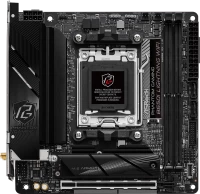
mini-ITX, socket AM5, chipset AMD B650, 2 x DDR5, DIMM, 7200 MHz, USB-C, HDMI, M.2, LAN 2.5 Gbps, Wi-Fi, M.2 cooling, no backlight
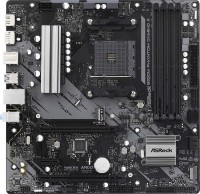
micro-ATX, socket AM4, chipset AMD B550, 4 x DDR4, DIMM, 4733 MHz, USB-C, HDMI, DisplayPort, M.2, CrossFire, no backlight
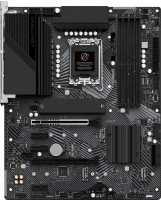
ATX, socket LGA 1700, chipset Intel Z790, 4 x DDR5, DIMM, 7200 MHz, USB-C, HDMI, M.2, LAN 2.5 Gbps, CrossFire, M.2 cooling, no backlight
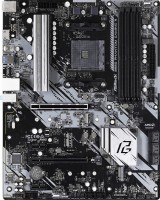
ATX, socket AM4, chipset AMD B550, 4 x DDR4, DIMM, 4533 MHz, USB-C, HDMI, M.2, no backlight
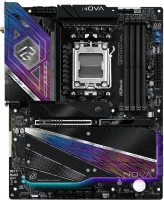
ATX, socket AM5, chipset AMD X870, 4 x DDR5, DIMM, 8400 MHz, USB-C, USB4, HDMI, M.2, LAN 5 Gbps, Wi-Fi, M.2 cooling
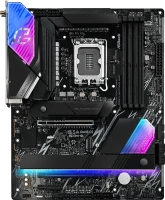
ATX, socket LGA 1851, chipset Intel Z890, 4 x DDR5, DIMM, 9066 MHz, USB-C, USB4, HDMI, Thunderbolt v4, M.2, LAN 2.5 Gbps, Wi-Fi, M.2 cooling
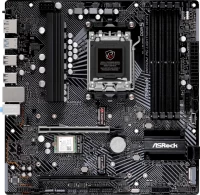
micro-ATX, socket AM5, chipset AMD B650, 4 x DDR5, DIMM, 7200 MHz, USB-C, HDMI, DisplayPort, M.2, LAN 2.5 Gbps, CrossFire, Wi-Fi, no backlight
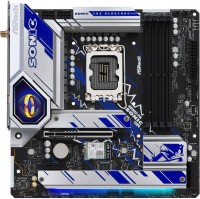
micro-ATX, socket LGA 1700, chipset Intel B760, 4 x DDR5, DIMM, 7200 MHz, USB-C, HDMI, DisplayPort, M.2, LAN 2.5 Gbps, Wi-Fi, M.2 cooling
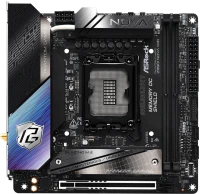
mini-ITX, socket LGA 1851, chipset Intel Z890, 2 x DDR5, DIMM, 9466 MHz, USB-C, USB4, HDMI, Thunderbolt v4, M.2, LAN 5 Gbps, Wi-Fi, M.2 cooling, no backlight
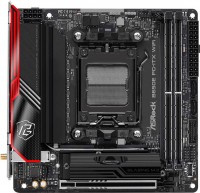
mini-ITX, socket AM5, chipset AMD B650E, 2 x DDR5, DIMM, 6400 MHz, USB-C, HDMI, M.2, LAN 2.5 Gbps, Wi-Fi, M.2 cooling, no backlight
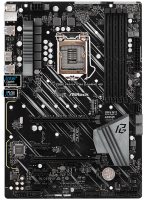
ATX, socket LGA 1151 v2, chipset Intel Z390, 4 x DDR4, DIMM, 4300 MHz, USB-C, HDMI, M.2, > 4 SATA3, CrossFire, no backlight, suitable for mining
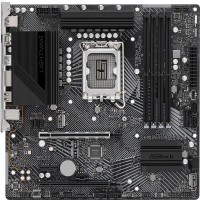
micro-ATX, socket LGA 1700, chipset Intel Z790, 4 x DDR4, DIMM, 5333 MHz, USB-C, HDMI, M.2, CrossFire, no backlight
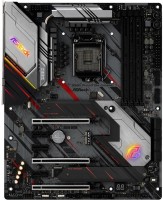
ATX, socket LGA 1151 v2, chipset Intel Z390, 4 x DDR4, DIMM, 4300 MHz, USB-C, HDMI, DisplayPort, M.2, > 4 SATA3, M.2 cooling
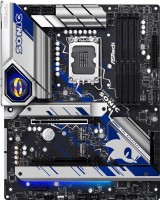
ATX, socket LGA 1700, chipset Intel Z790, 4 x DDR5, DIMM, 6800 MHz, USB-C, HDMI, DisplayPort, M.2, > 4 SATA3, LAN 2.5 Gbps, CrossFire, M.2 cooling
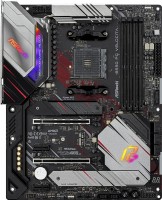
ATX, socket AM4, chipset AMD B550, 4 x DDR4, DIMM, 4733 MHz, USB-C, HDMI, M.2, > 4 SATA3, LAN 2.5 Gbps, M.2 cooling
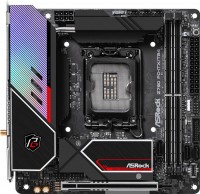
mini-ITX, socket LGA 1700, chipset Intel Z790, 2 x DDR5, DIMM, 6800 MHz, USB-C, USB4, HDMI, DisplayPort, Thunderbolt v4, M.2, LAN 2.5 Gbps, Wi-Fi, M.2 cooling
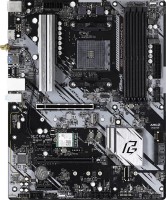
ATX, socket AM4, chipset AMD B550, 4 x DDR4, DIMM, 4533 MHz, USB-C, HDMI, M.2, Wi-Fi, no backlight
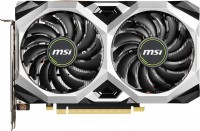
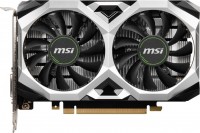
So I decided to build a modern computer. I love Asus, but since I’m poor, I decided to save money on my mother and take this model. Let me make a reservation right away: I’m a simple user, I don’t do overclocking or anything else. And from the point of view of an ordinary user, my mother did not suit me at all. Perhaps, of course, I was unlucky, and my particular model is defective, but nevertheless a serious problem arose. After assembling the PC, he categorically refused to see the video card in the PCIe port. And after 2 days of torment, replaying the video for the hundredth time, just for fun, I began to press it hard with my finger. And lo and behold, everything worked. Okay, I think that because I didn’t put the video drive on the bolts, it sank under its own weight, now I’ll put the computer on its side and everything will work perfectly. But the symptoms are the same, GPU is not detected. That is, excluding the gravity of the video card, in a perfectly vertical position there is still no connection via PCIe until you press it really hard with your finger. Yes, of course, my card (gtx2070 3x fan) is not the lightest. But if you are aiming for a +- productive PC in 2020, I think choosing a video card based on its weight is not a good idea. As a result, a lot of lost nerves, a little wasted money for consultations/travel/other expenses, and the card will be returned safely, and I, getting into debt, will still go to get an Asus. i haven't tested it enough to judge -Poor quality PCIe connectors -BIOS does not catch changes on the fly  ukrady: use ASRock Z390 Phantom Gaming 4 less than month ukrady: use ASRock Z390 Phantom Gaming 4 less than month |
Add Review
We recommendCompare using chart →
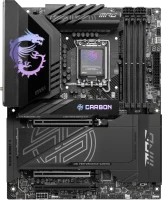
ATX, socket LGA 1851, chipset Intel Z890, 4 x DDR5, DIMM, 9200 MHz, USB-C, USB4, HDMI, Thunderbolt v4, M.2, LAN 5 Gbps, Wi-Fi, M.2 cooling
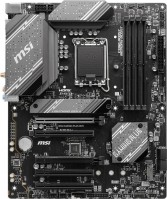
ATX, socket LGA 1700, chipset Intel B760, 4 x DDR5, DIMM, 6800 MHz, USB-C, HDMI, DisplayPort, M.2, LAN 2.5 Gbps, Wi-Fi, M.2 cooling, no backlight
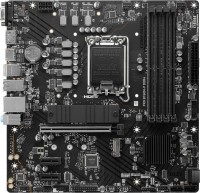
micro-ATX, socket LGA 1700, chipset Intel B760, 4 x DDR4, DIMM, 4800 MHz, USB-C, HDMI, DisplayPort, M.2, M.2 cooling, no backlight
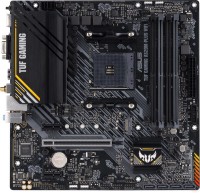
micro-ATX, socket AM4, chipset AMD A520, 4 x DDR4, DIMM, 4866 MHz, USB-C, HDMI, DisplayPort, M.2, Wi-Fi, M.2 cooling
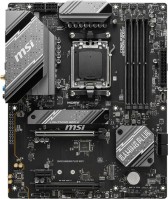
ATX, socket AM5, chipset AMD B650, 4 x DDR5, DIMM, 7200 MHz, USB-C, HDMI, DisplayPort, M.2, LAN 2.5 Gbps, CrossFire, Wi-Fi, M.2 cooling, no backlight
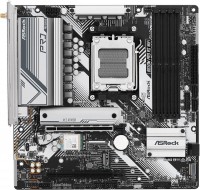
micro-ATX, socket AM5, chipset AMD B650, 4 x DDR5, DIMM, 7200 MHz, USB-C, HDMI, DisplayPort, M.2, LAN 2.5 Gbps, CrossFire, Wi-Fi, M.2 cooling, no backlight
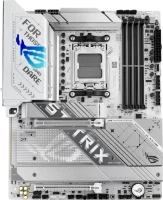
ATX, socket AM5, chipset AMD X870, 4 x DDR5, DIMM, 8000 MHz, USB-C, USB4, HDMI, DisplayPort, M.2, LAN 2.5 Gbps, Wi-Fi, M.2 cooling, White Edition
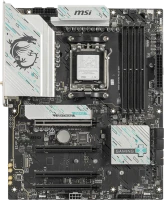
ATX, socket AM5, chipset AMD B850, 4 x DDR5, DIMM, 8200 MHz, USB-C, DisplayPort, M.2, LAN 5 Gbps, Wi-Fi, M.2 cooling, no backlight
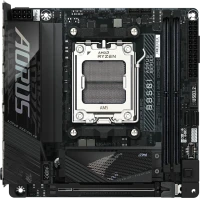
mini-ITX, socket AM5, chipset AMD B850, 2 x DDR5, DIMM, 8400 MHz, USB-C, HDMI, M.2, LAN 2.5 Gbps, Wi-Fi, M.2 cooling
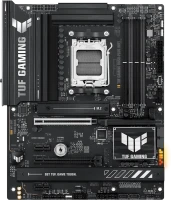
ATX, socket AM5, chipset AMD B850, 4 x DDR5, DIMM, 8000 MHz, USB-C, HDMI, DisplayPort, M.2, LAN 2.5 Gbps, Wi-Fi, M.2 cooling
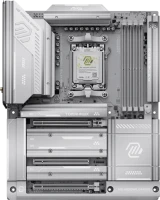
ATX, socket AM5, chipset AMD X870E, 4 x DDR5, DIMM, 8400 MHz, USB-C, USB4, HDMI, M.2, LAN 5 Gbps, Wi-Fi, M.2 cooling, no backlight, White Edition
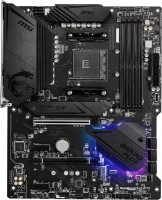
ATX, socket AM4, chipset AMD B550, 4 x DDR4, DIMM, 4400 MHz, USB-C, HDMI, DisplayPort, M.2, > 4 SATA3, CrossFire, M.2 cooling