
Asus ProArt X870E-Creator WiFi (90MB1IG0-M0EAY0)
 | Compare prices 4 → When you make a purchase through links on our site, we may receive a affiliate commission.
|

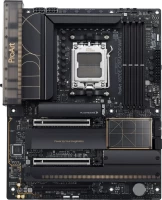
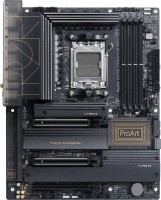
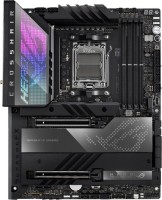
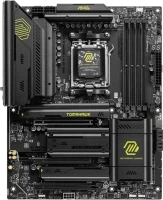
The Asus ProArt X870E-Creator WiFi is a high-performance motherboard designed for professionals in the field of creating and processing visual content. This board is part of the ProArt line, within which Asus releases specialized devices for video editors, artists, special effects specialists and other creative professions. The board is compatible with AMD Ryzen 9000, 8000 and 7000 Series processors, providing outstanding performance thanks to 20 power phases (16+2+2) and support for DDR5 RAM with four DIMM slots.
The maximum clock frequency reaches 8000 MHz, and the total memory capacity can be up to 192 GB. EXPO support simplifies the overclocking process, allowing users to maximize the potential of their components. The ATX form factor and dimensions of 305 x 244 mm provide easy installation and compatibility with various cases. The flagship AMD X870E chipset guarantees 100% support for all the latest technologies related to processors, RAM, graphics cards and SSD drives.
The board offers four SATA 3 ports, as well as four M.2 connectors with support for 4xPCI-E 4.0 and 2xPCI-E 5.0 interfaces, providing flexibility for installing high-speed drives. Expansion slots include three PCIe 16x slots with PCI Express 5.0 support, which allows you to install modern graphics cards and other high-performance components. Steel PCIe slots provide additional strength and protection from damage. Network capabilities include Wi-Fi 7 (802.11be) and Bluetooth 5.4, as well as two LAN ports: one with a throughput of 10 Gbps and the other with 2.5 Gbps.
|
| |||||||||||||||||||||||||||||||||||||||||||||||||||||||||||||||||||||||||||||||||||||||||||||||||||||||||||||||||||||||||||||||||||||||||||||||||||||||||||||||||||||||||


Always clarify the specifications and configuration of the product with the online store manager before purchasing.
Catalog Asus 2026 - new arrivals, bestsellers, and the most relevant models Asus.
Buy Asus ProArt X870E-Creator WiFi
| $516.49 |  | ||||
| $546.49 |  | ||||
| $555.99 | | ||||
| $687.00 | | ||||
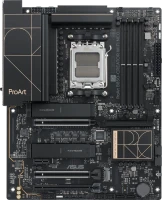
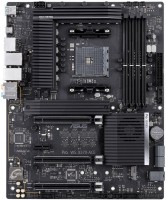
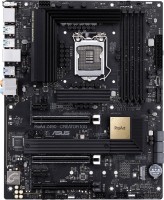
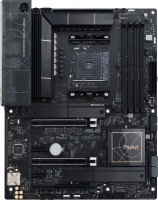
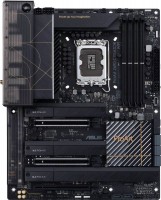
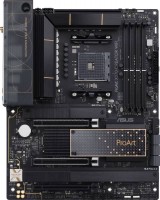
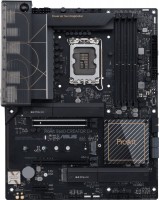
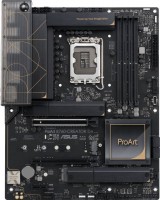
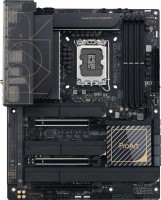
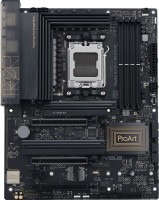
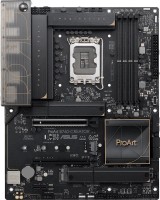
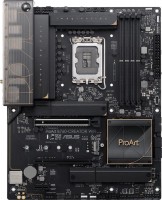
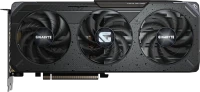

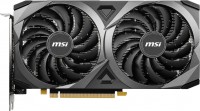
Many ports for almost everything, very few motherboards can connect two video cards simultaneously on AM5 and at PCIe 5.0 speeds. There are 2 other Asus models, or one Gigabyte, but all of them are more expensive than this motherboard. There is attention to detail, it doesn't feel like corners were cut anywhere (except for the absence of a POST display, but the LEDs are sufficient for me). Only one USB 3.0 5Gb port for connecting the front panel, so I had to buy an adapter to connect 2 USB 3.0 ports at 2.0 speed. It would have been better if they replaced the two ports at the back of the motherboard with two USB 2.0 ports to connect a keyboard and mouse. Even if you use the rubber pads included in the set, when installing an NVMe into the M.2_3 slot, if the disk has chips of different heights (NAND and DRAM), the disk will start to flex slightly before the thermal pad makes complete contact with all the chips. There may be instances where cards inserted into the PCIe Slot Q-Release Slim can get scratched. In the next releases, they slightly changed these slots by adjusting the metal with a middle bridge. Therefore, if possible, it's better to also choose ASUS graphics cards so that if the card is damaged, the graphics card manufacturer doesn't have a reason to deny warranty. According to the documentation, the fan connectors should not provide more than 1 amp, but, for example, the Arctic Liquid Freezer III, even with separate connections, draws power from one connector. That's why I have a 4 Fan Hub installed. Instead of 10GbE, SFP+ like on Epyc 4004/4005 boards would be better. I wish the memory slots were spaced a bit more generously, because if you have 4 sticks with heatsinks, the two in the middle might overheat. In my case, I 3D-printed a cooling channel that is attached to the AIO fan.  Rodion Serhieiev: use Asus ProArt X870E-Creator WiFi few months Rodion Serhieiev: use Asus ProArt X870E-Creator WiFi few months |


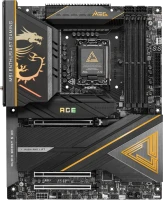
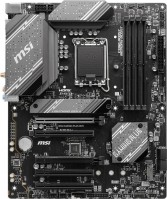
9950X3D
192GB Kingston Fury (48*4@5200)
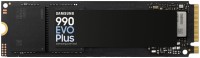
1 Samsung 9100 4 TB
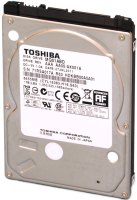
3 WD Black SN850X 4 TB (two in standard slots, one via adapter in PCIe x4 4.0 slot)
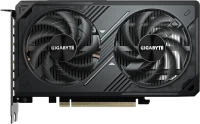
2 9070XT Power color Red Devil