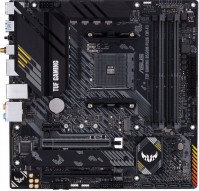
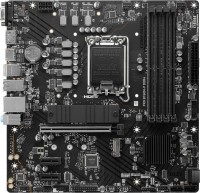
Asus TUF GAMING B550M-PLUS (90MB14A0-M0EAY0)
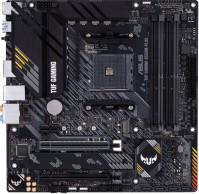 |

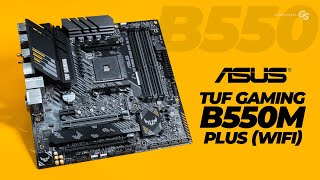
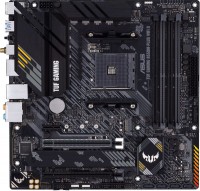
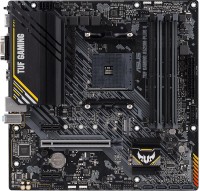
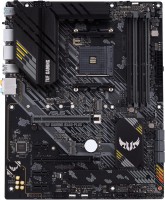
Functional and compact mid-range microATX motherboard based on the 2020 AMD B550 chipset. Equipped with an AMD AM4 processor socket, it is positioned as a mid-priced model in the popular Asus The Ultimate Force series for gamers, designed for those who demand maximum reliability and durability at a reasonable price. Intended for creating high-performance gaming configurations at a reasonable cost and versatile home PCs.
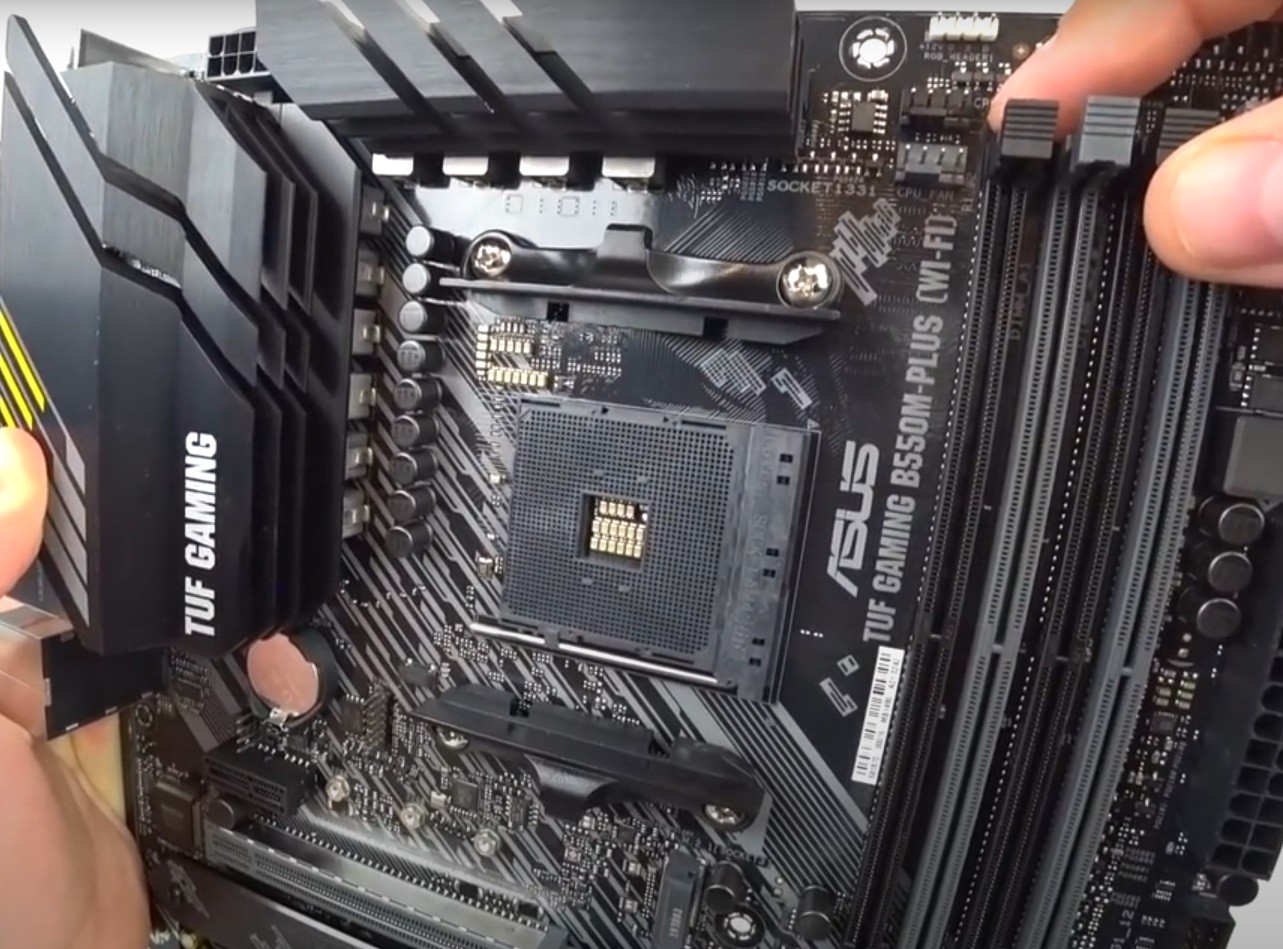
Supports the installation of Ryzen 3/5/7/9 3rd generation processors with Matisse/Matisse Refresh cores (7 nm). The layout of the Asus TUF GAMING B550M-PLUS motherboard is meticulously optimized and adapted for DIY assembly. The board is equipped with a powerful 10-phase (8+2) digital power subsystem Digi+ VRM with aluminum radiators. Supports moderate overclocking of CPU and RAM, adapted for prolonged operation under multi-threaded multimedia, computational, or gaming loads. With four DIMM slots, it allows installing up to 128 GB of high-speed DDR4 RAM (4x32GB, with a maximum clock speed of 4600 MHz), which is more than enough for any current and future games. It provides for the use of two M.2 SSDs (one with PCIe 4.0 support). Fast traffic processing is ensured by the Realtek RTL8125B controller (up to 2.5 Gbps).
|
| |||||||||||||||||||||||||||||||||||||||||||||||||||||||||||||||||||||||||||||||||||||||||||||||||||||||||||||||||||||||||||||||||||||||||||||||||||||||||||||||||||||||||||||||||||||


Always clarify the specifications and configuration of the product with the online store manager before purchasing.
Catalog Asus 2026 - new arrivals, bestsellers, and the most relevant models Asus.
Buy Asus TUF GAMING B550M-PLUS
ASUS TUF GAMING B550M-PLUS AM4 Micro ATX AMD Motherboard TUF GAMING B550M-PLU | $140.83 |  | |||
| $141.00 |  | ||||
| $161.86 |  | ||||
| $165.82 | | ||||
ASUS TUF GAMING B550M-PLUS AMD AM4 (3rd Gen Ryzen) Micro ATX Gaming Motherboard (PCIe 4.0, 2.5Gb LAN, BIOS FlashBack, HDMI 2 | $199.00 |  | |||







0 1 3 1 |
A cool choice for a mid-range or high-end PC build. It combines reliability, support for the latest technologies and a well-thought-out cooling system. If you want to create a balanced system for gaming and work, this board is ideal. Getting Started I built a PC based on this motherboard for gaming, and right after the first launch, I noticed how well everything worked in its place. The board supports the latest AMD Ryzen processors with an AM4 socket, allowing you to build a system with an excellent price-performance ratio. Performance and Stability The Asus TUF GAMING B550M-PLUS ensures stable operation even under heavy loads. It supports PCIe 4.0, which provides the ability to achieve higher data exchange speeds with the latest SSDs and graphics cards. This is a very important point for the future, as PCIe 4.0-based technologies are already gaining popularity. Cooling and Design The board has an excellent cooling system, including heatsinks on the chipset and VRM. Thanks to this, even under long-term load, the temperature remained at a comfortable level. This is important for those who plan to use powerful components or even engage in slight overclocking. Additional Features There are USB 3.2, two M.2 slots for fast storage, and support for Wi-Fi 6 in the version with an integrated wireless network. I also liked the BIOS interface; it is intuitive and provides all the possibilities for system configuration. No for me  Oleg: use Asus TUF GAMING B550M-PLUS more than year Oleg: use Asus TUF GAMING B550M-PLUS more than year |
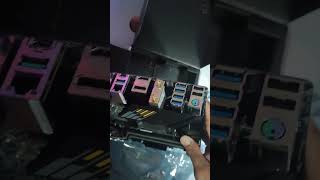
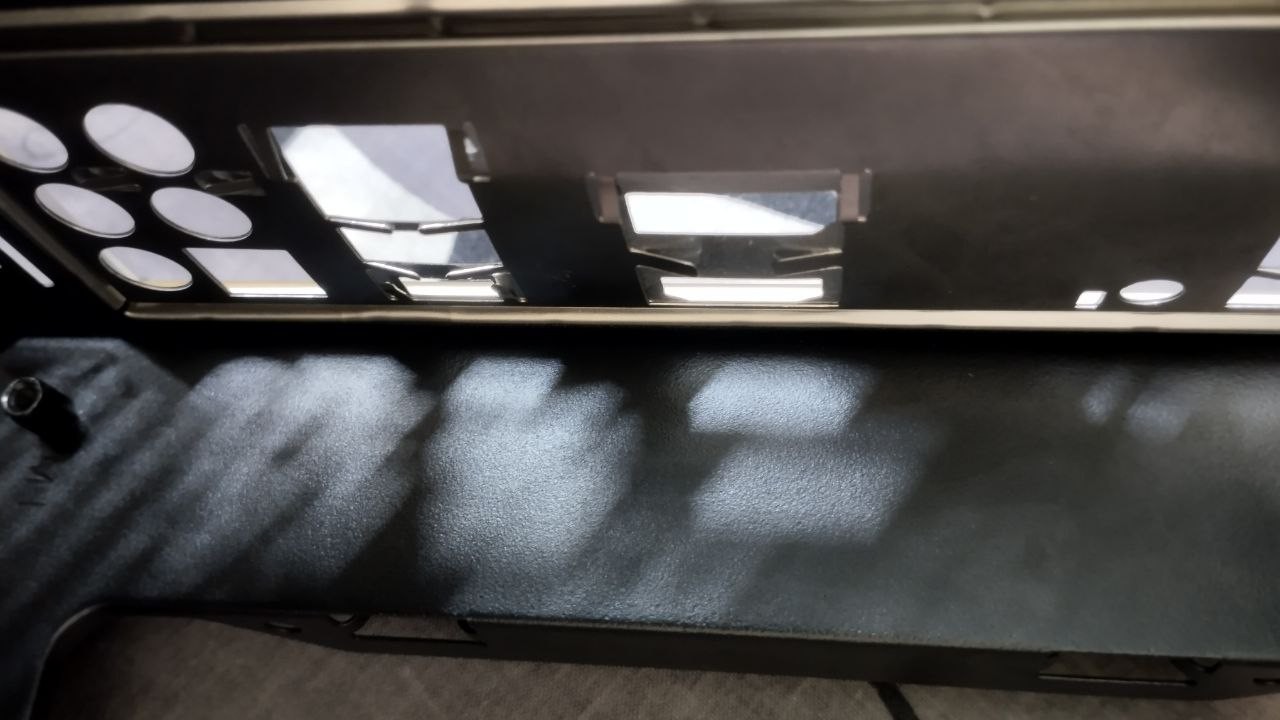
Purchased 2 months ago. Mounting the board into the case posed certain difficulties. The bracket from the ports initially snaps into the empty case not very securely, and then logically, you need to press it with the board and start screwing in the bolts, but the tabs protruding from this bracket (visible in the photo) make this task very difficult!!! You need to apply considerable force to hold the board in this position, and an inexperienced PC assembler can easily scratch the board. It would be better if ASUS screwed this bracket to the board with bolts, as done in some other models, instead of reinventing the wheel. Also, it's unclear why the heatsink for cooling the SSD is installed on the older, slower 3.0 slot. Isn't the newer SSD supposed to be hotter? Well, that's that. Otherwise, there were no problems. This is Asus Nothing happened in 2 months Normal BIOS A plate with ports that was a hassle to deal with. The slot for SSD 3.0 is under the heatsink, but 4.0 is not. Sergiy: use Asus TUF GAMING B550M-PLUS few months |
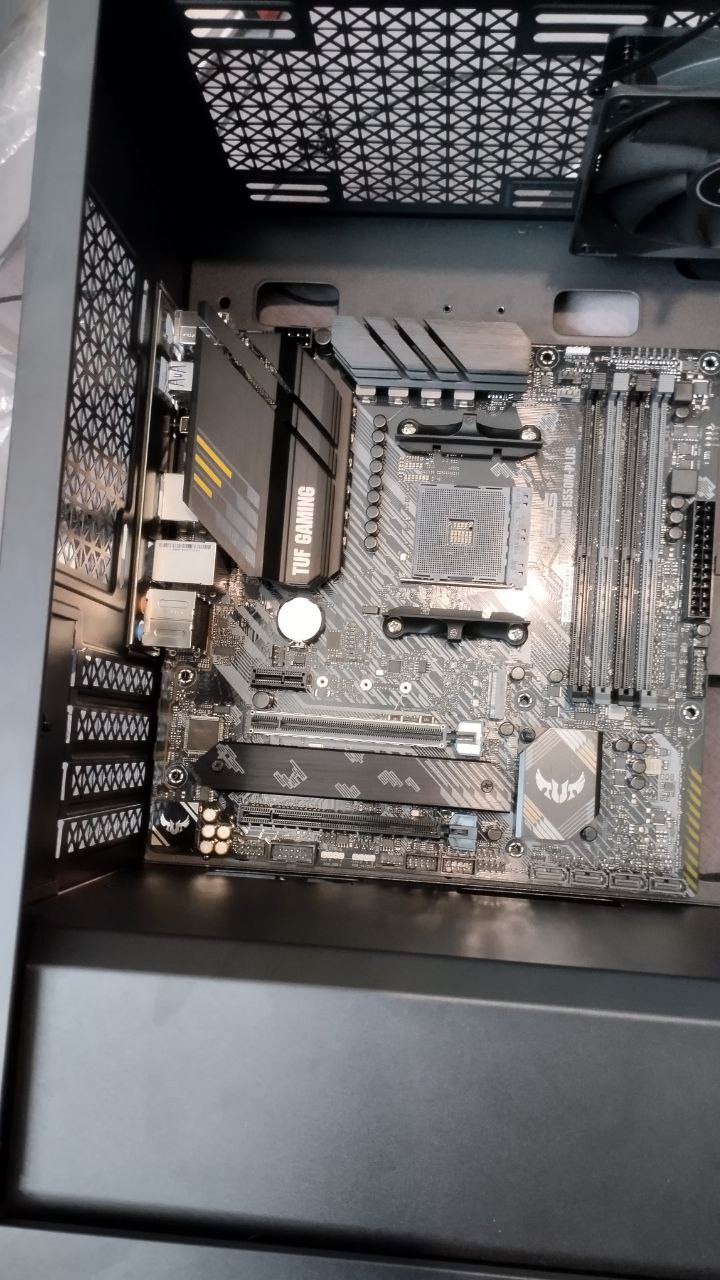
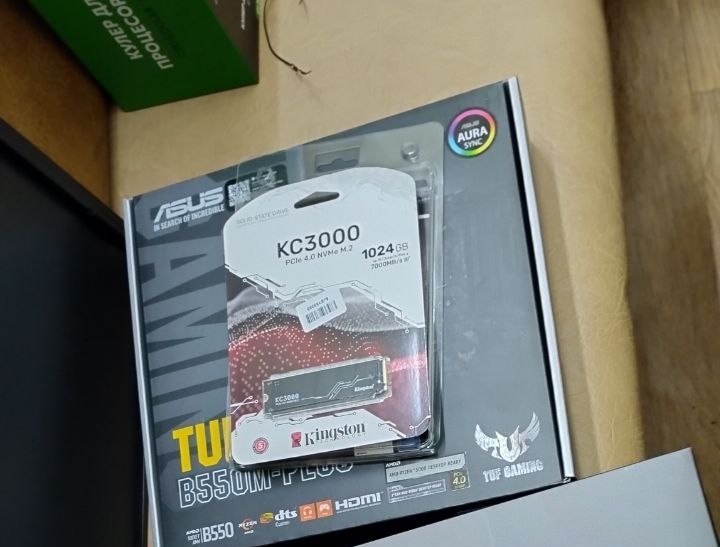
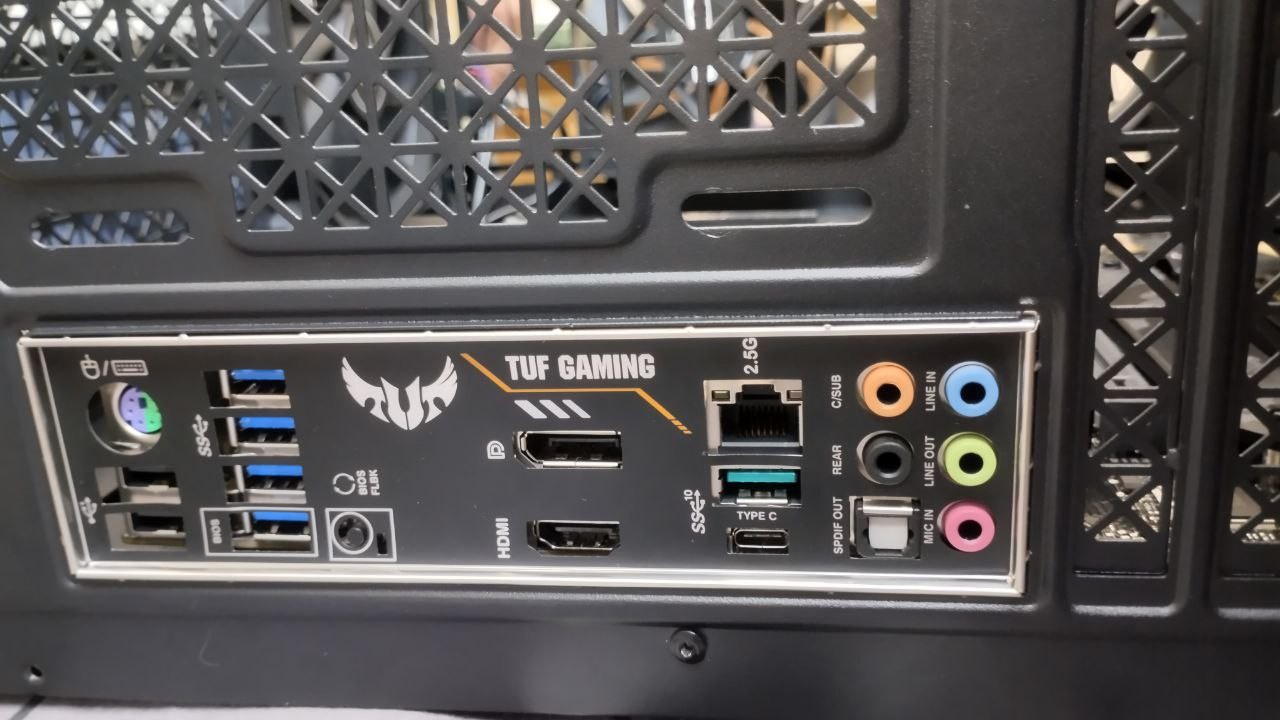
I am satisfied with the motherboard - the offer looks quite interesting considering the options from competitors and overall prices in Ukraine. Unfortunately, in the current version of the BIOS (3636), there are still problems with the network card going into "deep sleep," so when rebooting the system, the Ethernet might "disconnect" in the computer. This can mainly be fixed by disconnecting the PC from the power supply for a while. Good VRM system, design, lots of USB ports and Type-C on the back panel No type-C for the front panel. The second slot for M.2 storage here is PCIe 3.0, not 4.0 like on the ATX version of the board where both slots have 4.0. It was a rather strange decision to place a heatsink not on the 4.0 slot on this board. Andriy: use Asus TUF GAMING B550M-PLUS less than month |