
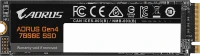
Gigabyte AORUS NVMe Gen4 SSD GP-ASM2NE6500GTTD 500 GB
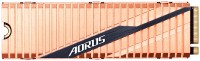 | Expecting restock One of the top mid-capacity internal M.2 SSDs of 2019. It is positioned as a product of the upper price category, aimed at enthusiasts and use as part of premium high-performance gaming configurations. Can be used in mid-level workstations. It features impressive sequential read/write speeds (5000/2500MB/s) and support for the advanced PCIe Gen4 x4 interface, which delivers twice the bandwidth of its predecessor (Gen3). The M.2 hardware platform of the Gigabyte AORUS NVMe Gen4 SSD GP-ASM2NE6500GTTD is based on the flagship model of the 2-core Phison PS5016-E16 controller, capable of simultaneously working with eight data streams and equipped with a capacious DDR4 DRAM buffer (2 GB). For data storage, Toshiba's high-tech 96-layer 256-Gb BiCS4 3D TLC NAND flash memory is used. Also worth not...ing is the stylish cooling system with a spectacular copper radiator. There is SLC caching that speeds up the write process, wear leveling technology, improved LDPC hardware error correction, SMART monitoring and TRIM support. E-Catalog uses affiliate links compensated by our partners. |


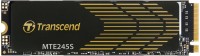
Gigabyte GP-ASM2NE6500GTTD | |||||||||||||||||||||||||||||||||||||||||||||||
| |||||||||||||||||||||||||||||||||||||||||||||||

One of the top mid-capacity internal M.2 SSDs of 2019. It is positioned as a product of the upper price category, aimed at enthusiasts and use as part of premium high-performance gaming configurations. Can be used in mid-level workstations. It features impressive sequential read/write speeds (5000/2500MB/s) and support for the advanced PCIe Gen4 x4 interface, which delivers twice the bandwidth of its predecessor (Gen3).
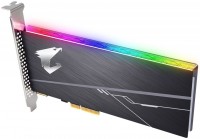
The M.2 hardware platform of the Gigabyte AORUS NVMe Gen4 SSD GP-ASM2NE6500GTTD is based on the flagship model of the 2-core Phison PS5016-E16 controller, capable of simultaneously working with eight data streams and equipped with a capacious DDR4 DRAM buffer (2 GB). For data storage, Toshiba's high-tech 96-layer 256-Gb BiCS4 3D TLC NAND flash memory is used. Also worth noting is the stylish cooling system with a spectacular copper radiator. There is SLC caching that speeds up the write process, wear leveling technology, improved LDPC hardware error correction, SMART monitoring and TRIM support.
Always clarify the specifications and configuration of the product with the online store manager before purchasing.
Catalog Gigabyte 2026 - new arrivals, bestsellers, and the most relevant models Gigabyte.



1 0 0 5 |
Speed Capacity Heavy A bit pricey (I hesitated because of the expense)  PutNik: use Gigabyte GP-ASM2NE6200TTTD less than month PutNik: use Gigabyte GP-ASM2NE6200TTTD less than month |
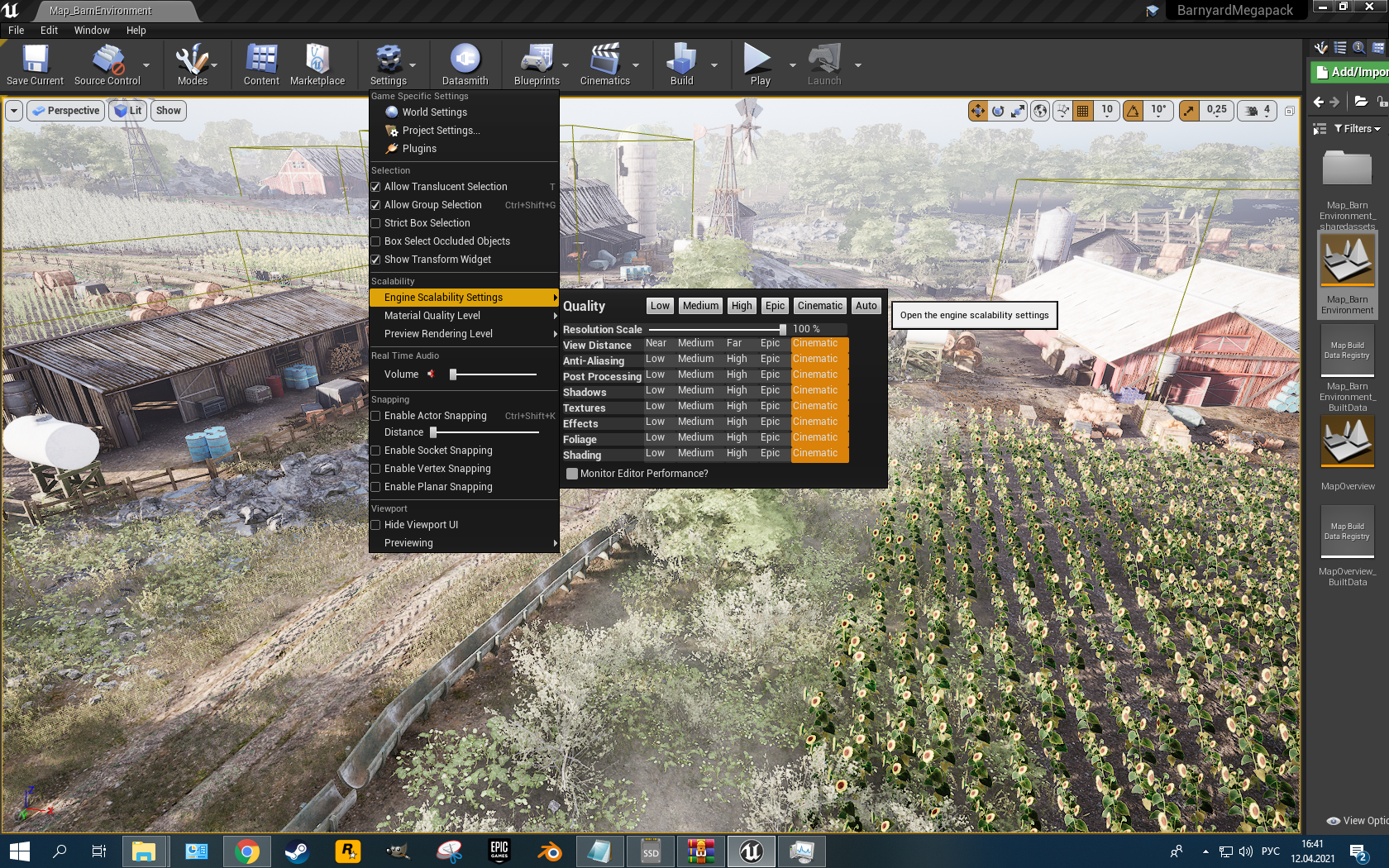
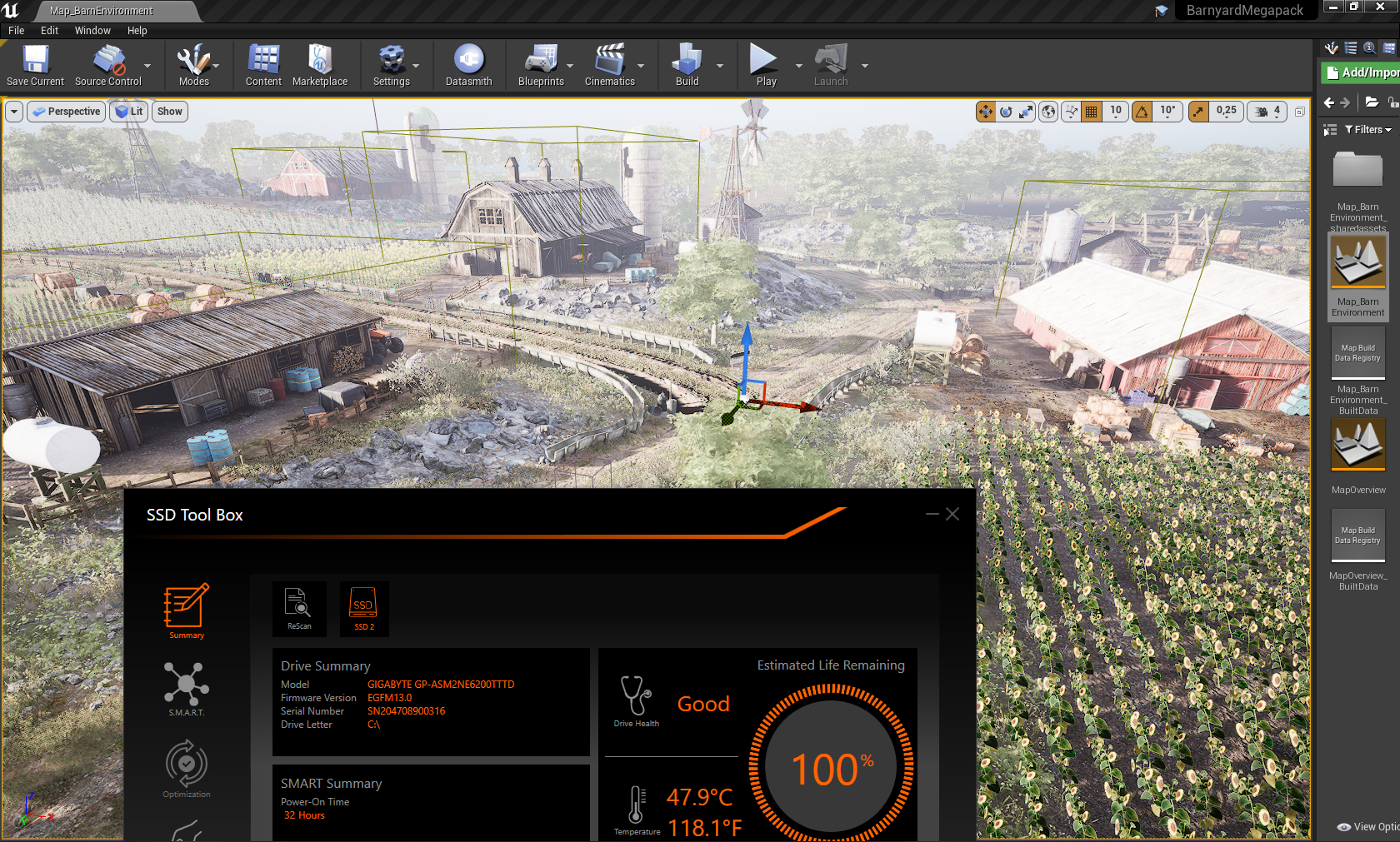
With such speeds, it can replace RAM. High Speed Large Volume Compactness Design You can get burned. It's not that the price was biting, but I saved up for 15 months. use Gigabyte GP-ASM2NE6200TTTD less than month |
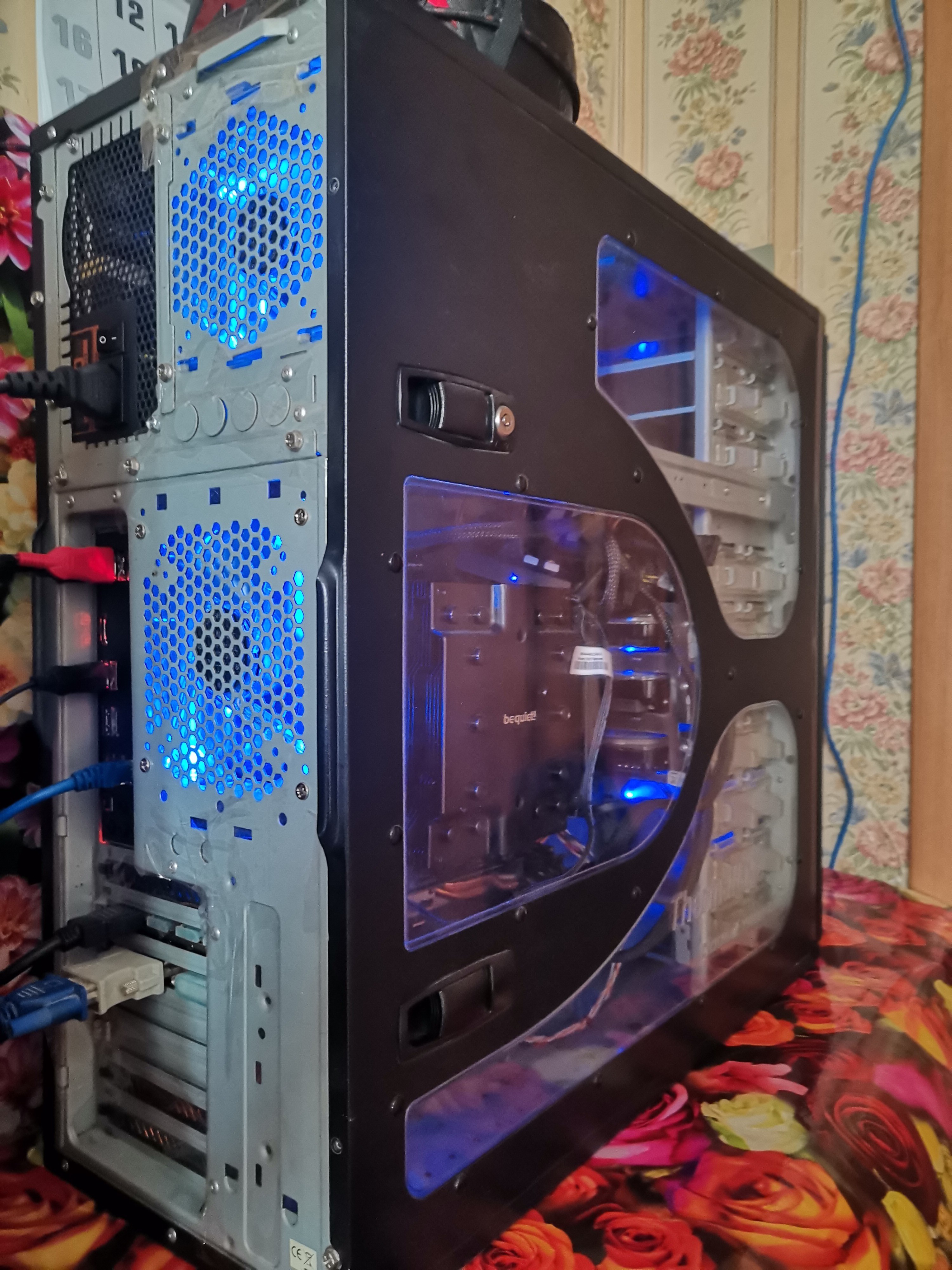
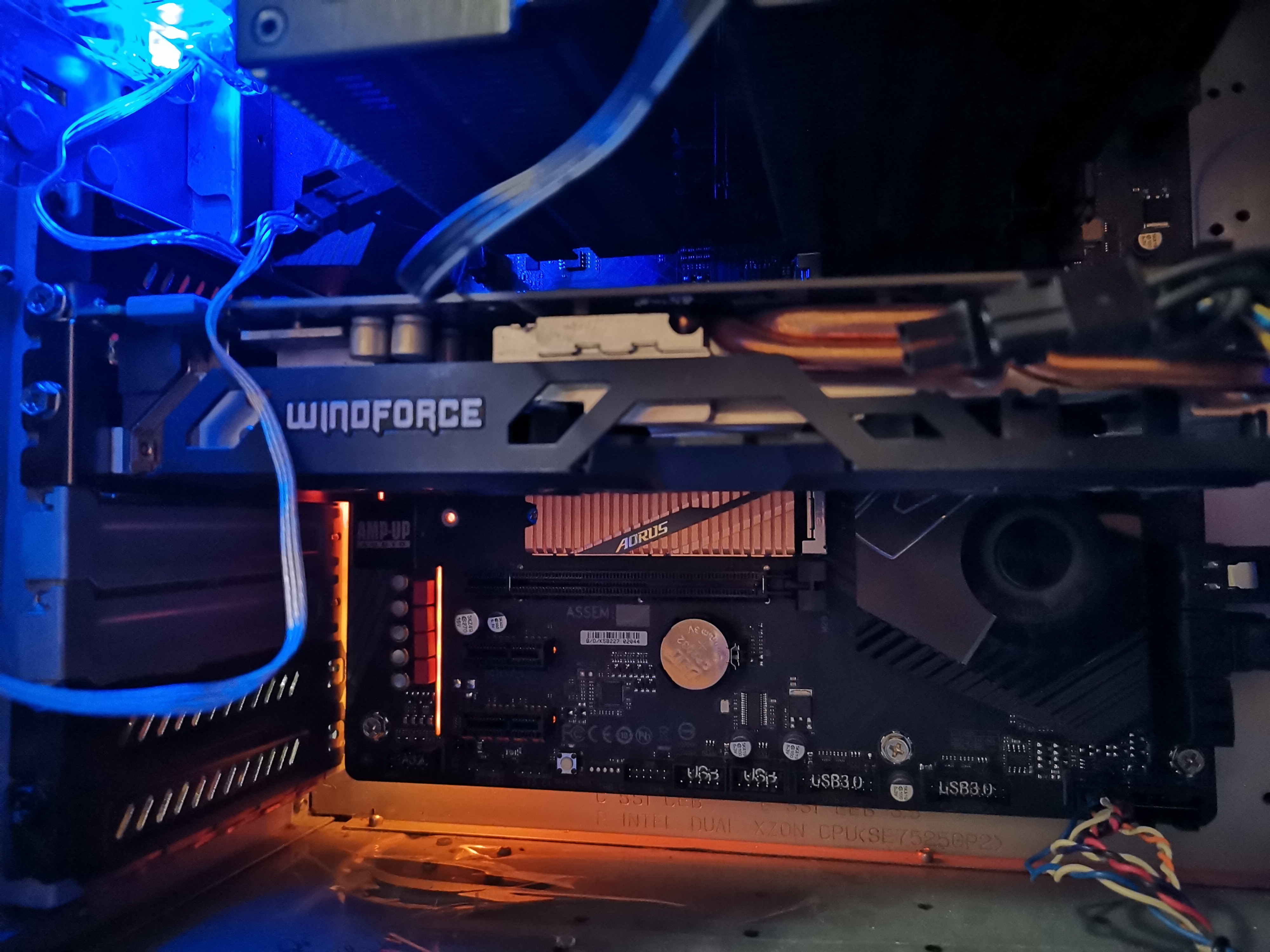
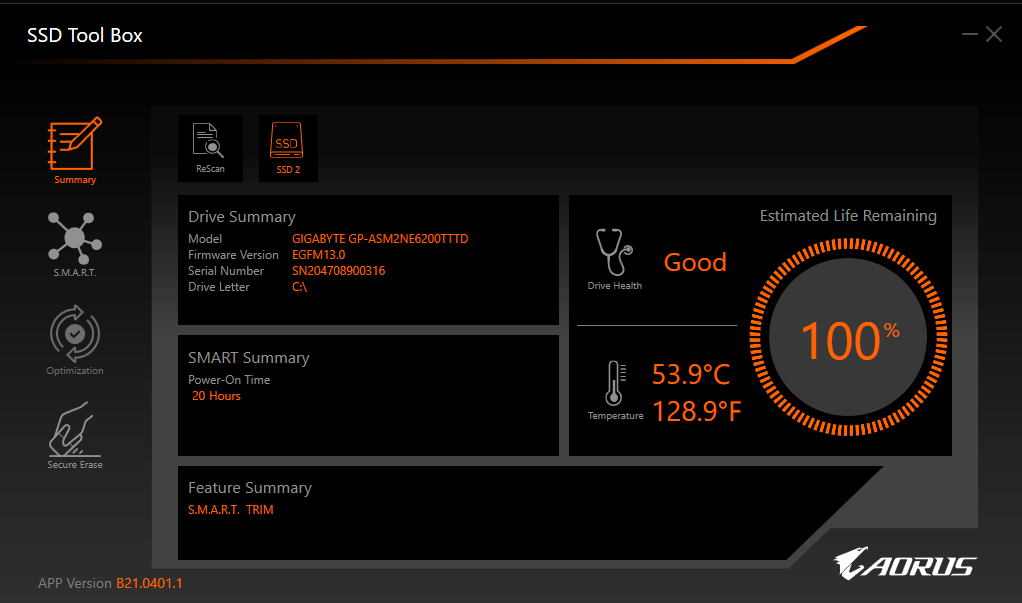
This piece of hardware gets very hot by default. And the radiator itself doesn’t really help here. Initially I installed it in a housing with two 140 for injection. I tried to install it in both the upper and lower slots, and under the vidyukha and above the vidyukha, but everywhere it heats up to 60 degrees, even if you don’t really do anything. It seems like its stated maximum is 70 degrees, but even 60 didn’t suit me, because... I want this piece of hardware to last longer and without throttling. As a result, another 2,140 fans were installed in the case, and specifically for this SSD, a 92 mm fan was purchased for 600 rubles. Why 92 mm? I just measured the distance from the bottom of the vidyuhi to the bottom panel, and it turned out to be about 90 mm. Because My video card is large and sagging a little, so I eyeballed a 92mm fan, and as a result, it now performs double duty for me - it supports the video card and blows on the two lower M2 slots in the motherboard. After all these manipulations, the temperature of this aorus remains constantly at 34-36 degrees, which I think is very, very good. I didn’t particularly test it under loads with synthetics, because... There’s no time now, but I think the picture won’t change too much and there will still be the same operating temperatures, well, maybe a little higher. And at work, I sit, write gigabytes onto it and the temperature does not change at all. I think this is all the effect of the directional 92mm turntable. Volume 2TB and top speed at the moment. Reliability is also promised to be high, but only time will tell. You can install a proprietary tool and look at the percentage of the life cycle, the current temperature and configure something else (I haven’t delved into it much). It gets very hot without additional cooling. But I think this can be attributed to all glands made using similar technology. pildwell: use Gigabyte GP-ASM2NE6200TTTD less than month |
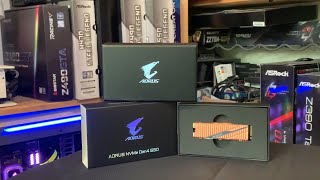


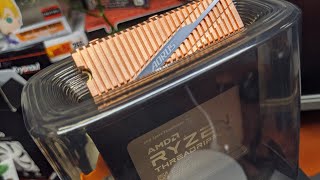






Pioneer on PCIe 4.0
Gigabyte has taken on an active expansion in the last couple of years and began to promote the Aorus gaming line almost as a separate gaming sub-brand. Like Asus with their ROG. As part of this expansion, the company introduced an interesting M.2 SSD with support for the new fourth generation PCIe bus, record-breaking speeds and a rather biting $150 price tag.
Read speed 5000MB/s
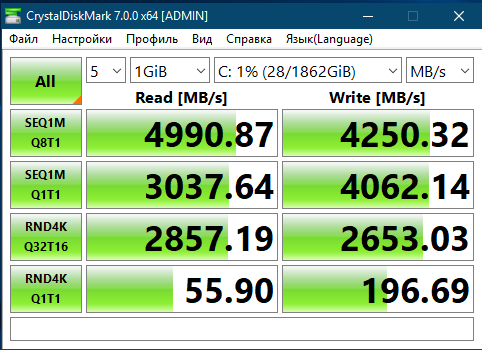
The novelty is based on Toshiba BiCS4 96-layer 3D NAND TLC chips and the Phison E16 controller, which is essentially a modified version of the Phison E12. The cache memory is DDR4 with a 2 GB buffer. The maximum sequential read speed is 5000 MB / s, sequential write — 2500 MB / s. And this is in some way a historical moment, since before everything rested on the bandwidth limit of the PCIe 3.0 bus, which is 4000 MB / s. In reality, the speed is slightly lower: depending on the benchmark and usage scenario, the drop can reach up to 20%. And even so, it will still be very fast. Add to this the excellent performance when working with 4K blocks (the write IOPS at the level of 550K is especially impressive) and you have one of the fastest drives in history.
Cool and efficient radiator
However, it is necessary to praise not only the impressive performance, but also the copper heatsink. Many SSDs have a problem with the controller overheating when constantly running at high speeds, so Gigabyte decided to abandon the traditional aluminium heatsink and use a "colder" copper. As a result, in the tests, he did not step over the mark of 55 degrees Celsius. Among other advantages, we highlight the increased volumes of guaranteed data recording, a 2 GB dynamic SLC buffer and a rather useful SSD Tool Box utility for cleaning, optimizing and monitoring disk status. Well, the main disadvantage is the high price and limited components with fourth generation PCIe support. In fact, the only option right now is AMD motherboards based on the X570 chip.
In use for 2 days. So far, everything is satisfactory, works quickly. Shaders in UE4 are calculated fast.
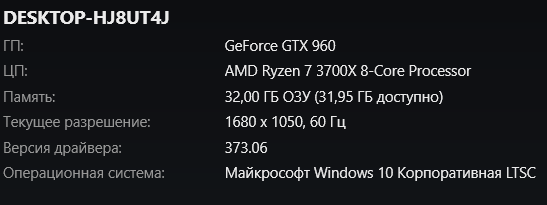
(Motherboard Gigabyte Aorus Elite x570, in a ventilated Super Tower case.
2 fans for intake + 2 fans for exhaust.)