
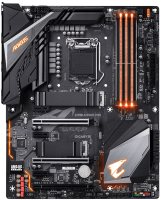
Gigabyte Z390 AORUS PRO
 | When you make a purchase through links on our site, we may receive a affiliate commission. Buy! GIGABYTE Z390 AORUS PRO LGA 1151 (300 Series) ATX Intel MotherboardNewegg.comDelivery: to Redlands Report |

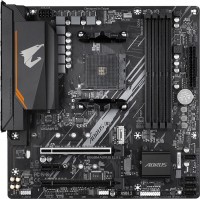
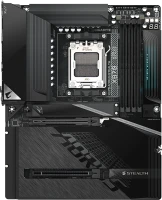
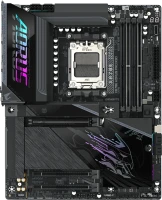
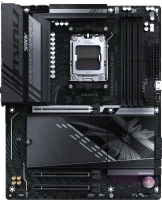
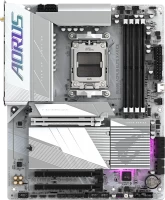
Full-sized motherboard of the 2019 model year based on the top Intel Z390 chipset. Supports 8th and 9th generation Intel Core i9, i7, i5, i3, Pentium, Celeron (Coffee Lake) processor families. It features a reinforced 13-phase (12 + 1) processor power subsystem equipped with aluminium radiators, advanced overclocking functionality and an improved audio path based on the flagship Realtek ALC1220-VB 8-channel HDA codec with an amplifier to support high-impedance headphones.
The manufacturer positions it as a convenient solution for creating high-performance home, gaming and work configurations, including those equipped with two video cards using 2-Way AMD CrossFireX or 2-Way Nvidia SLI technology. Can serve as the basis for entry-level workstations. The Gigabyte Z390 AORUS PRO motherboard supports 128 GB of RAM (4 modules of 32 GB each, up to DDR4-4266). Supports two high-speed M.2 NVMe SSDs (PCIe 3.0 4x) and six SATA 3 HDD/SSDs (RAID 0/1/5/10). Data exchange in a high-speed cable network is provided by the Intel Ethernet Connection i219-V gigabit controller. There are 17 USB ports for connecting peripherals.
|
| |||||||||||||||||||||||||||||||||||||||||||||||||||||||||||||||||||||||||||||||||||||||||||||||||||||||||||||||||||||||||||||||||||||||||||||||||||||||||||||||


Always clarify the specifications and configuration of the product with the online store manager before purchasing.
Catalog Gigabyte 2026 - new arrivals, bestsellers, and the most relevant models Gigabyte.
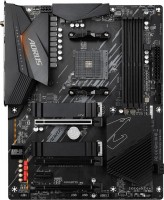
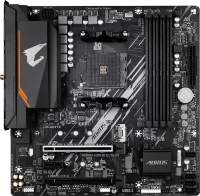
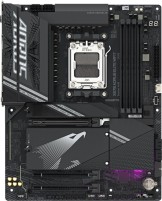



Unclear BIOS update options Fast and Intact, couldn't find the differences in the manual or online. No drivers for win8.1, but that's not really Gigabyte's fault, and I knew what I was getting into. Gigabyte high-end motherboard. The price-quality ratio is very good. I decided to buy the Aorus Pro z390 because it supports the ninth generation of Intel processors, and I appreciate good aesthetics. In short, the board does what it needs to and looks great. use Gigabyte Z390 AORUS PRO few months |
Bought this mobo along with an Intel Core i9-9900K for streaming. In my opinion, this motherboard is in the TOP ten of this segment. The package is also decent. Overall, there's not much to criticize. The overall impression is excellent, I recommend this mobo to all enthusiasts. Of course, it's definitely a top motherboard. It overclocks any 8th or 9th generation processor to the max without overheating, provided that the CPU has good cooling. It also overclocks memory quite well. You can connect multiple fans with the ability to adjust their operation in the BIOS. The design is quite attractive with a large number of USB ports. Dual ultra-fast NVMe PCIe Gen3 x4 M.2 with heat protection. On the price, it would be possible to knock a couple of rubles off. use Gigabyte Z390 AORUS PRO few months |
Overall, excellent. Almost everything is great My cooler didn't fit because of the huge plastic pads around the processor.  Aleksandr: use Gigabyte Z390 AORUS PRO week i recommend it should buy Aleksandr: use Gigabyte Z390 AORUS PRO week i recommend it should buy |



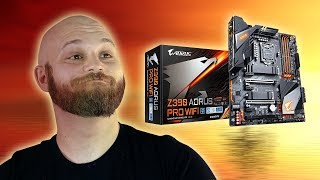


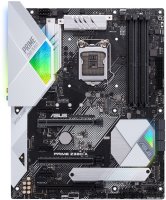
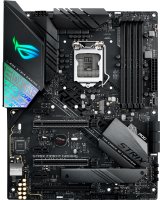
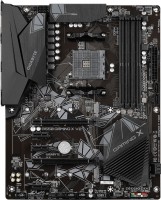
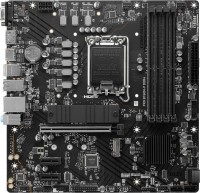

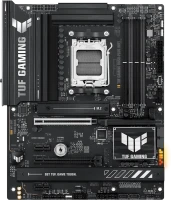
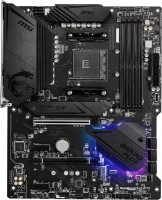
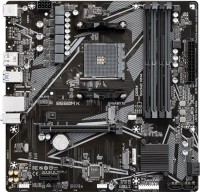
2. 13-phase power subsystem + 4+8pin CPU power connector (not necessary to connect all at once)
3. Switchable lighting
4. Supports SLI (could be useful in the future)
5. Many USB ports on the back and already mounted rear panel (slightly simplifies assembly)
6. Comes with two heatsinks for M.2 SSD
7. 2 external temperature sensors (now I measure the air temperature at the intake and exhaust of the case)
8. Very useful G connector included (for button and indicator connectors from the front panel)
9. Optical audio output