
Dell Pro P P2726DEB 27 " black
 | When you make a purchase through links on our site, we may receive a affiliate commission. Buy! Dell Pro P P2726DEB 27' Class Webcam WQHD LCD Monitor - 16:9 - 27' Viewable - IPS - 2560 x 1440 - 16.7 Million Colors - 350Newegg.comDelivery: to Redlands Report |

Dell Pro P P2726DEB 27 " black
Screen size:27 "
Resolution:2560x1440 (16:9)
Panel:IPS, response 5 ms
Frequency:100 Hz
Contrast:1 500:1
Brightness:350 cd/m²
Functions:Flicker-Free
Connectors:USB-C (DP Alt Mode) • DisplayPort v1.4 • HDMI v2.1, LAN
All specifications
Specifications Pro P P2726DEB
|
| ||||||||||||||||||||||||||||||||||||||||||||||||||||||||||||||||||||||||||||||||||||||||||||||||||||||


The information in the model description is for reference purposes.
Always clarify the specifications and configuration of the product with the online store manager before purchasing.
Always clarify the specifications and configuration of the product with the online store manager before purchasing.
Series Dell P Series (home/office)Compare using chart →
23.8 ", 2560x1440 (16:9), IPS, response 5 ms, 100 Hz, 16.7M Colors, sRGB 99 %, HDMI, v 2.1, DisplayPort, ХАБ: USB-A 3x5Gbps, USB-C 1x5Gbps, TÜV Rheinland

34.1 ", 3440x1440 (21:9), curved 3800R, IPS, response 5 ms, 100 Hz, 1.07B Colors, sRGB 99 %, HDMI, v 2.1, DisplayPort, USB-C (DP Alt Mode), Power Delivery, LAN, ХАБ: USB-A 3x5Gbps, USB-C 1x5Gbps, KVM-switch, TÜV Rheinland
31.5 ", 4K, 3840x2160 (16:9), IPS, response 5 ms, 100 Hz, 1.07B Colors, sRGB 99 %, HDMI, v 2.1, DisplayPort, USB-C (DP Alt Mode), Power Delivery, LAN, ХАБ: USB-A 3x5Gbps, USB-C 1x5Gbps, TÜV Rheinland
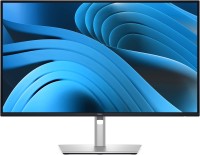
27 ", 4K, 3840x2160 (16:9), IPS, response 5 ms, 100 Hz, 1.07B Colors, sRGB 99 %, HDMI, v 2.1, DisplayPort, USB-C (DP Alt Mode), Power Delivery, LAN, ХАБ: USB-A 3x5Gbps, USB-C 1x5Gbps, TÜV Rheinland
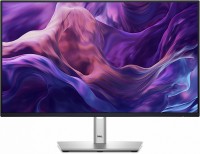
23.8 ", 1920x1080 (16:9), IPS, response 8 ms, 100 Hz, 16.7M Colors, sRGB 99 %, VGA, HDMI, DisplayPort, ХАБ: USB-A 3x5Gbps, USB-C 1x5Gbps, TÜV Rheinland
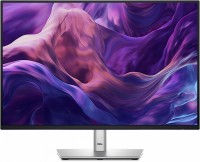
24.1 ", 1920x1200 (16:10), IPS, response 8 ms, 100 Hz, 16.7M Colors, sRGB 99 %, VGA, HDMI, DisplayPort, ХАБ: USB-A 3x5Gbps, USB-C 1x5Gbps, TÜV Rheinland
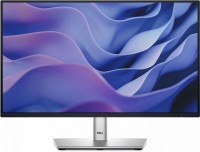
21.5 ", 1920x1080 (16:9), IPS, response 8 ms, 100 Hz, 16.7M Colors, sRGB 99 %, VGA, HDMI, DisplayPort, ХАБ: USB-A 3x5Gbps, USB-C 1x5Gbps, TÜV Rheinland
27 ", 2560x1440 (16:9), IPS, response 5 ms, 100 Hz, 16.7M Colors, sRGB 99 %, HDMI, v 2.1, DisplayPort, USB-C (DP Alt Mode), Power Delivery, LAN, ХАБ: USB-A 3x5Gbps, USB-C 1x5Gbps, KVM-switch, speakers, webcam, TÜV Rheinland

24.1 ", 1920x1200 (16:10), IPS, response 5 ms, 100 Hz, 6-bit + FRC (16.7M Colors), sRGB 99 %, HDMI, DisplayPort, ХАБ: USB-A 3x5Gbps, USB-C 1x5Gbps, TÜV Rheinland
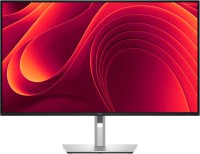
31.5 ", 2560x1440 (16:9), IPS, response 5 ms, 100 Hz, 1.07B Colors, sRGB 99 %, HDMI, v 2.1, DisplayPort, USB-C (DP Alt Mode), Power Delivery, LAN, ХАБ: USB-A 3x5Gbps, USB-C 1x5Gbps, TÜV Rheinland
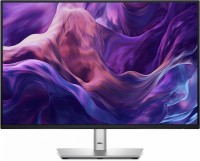
24.1 ", 1920x1200 (16:10), IPS, response 8 ms, 100 Hz, 16.7M Colors, sRGB 99 %, HDMI, DisplayPort, USB-C (DP Alt Mode), Power Delivery, LAN, ХАБ: USB-A 3x5Gbps, USB-C 1x5Gbps, TÜV Rheinland

23.8 ", 1920x1080 (16:9), IPS, response 5 ms, 120 Hz, 6-bit + FRC (16.7M Colors), sRGB 99 %, HDMI, DisplayPort, ХАБ: USB-A 2x5Gbps, USB-C 2x5Gbps, TÜV Rheinland
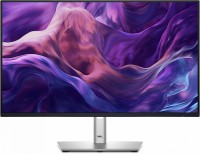
23.8 ", 1920x1080 (16:9), IPS, response 8 ms, 100 Hz, 16.7M Colors, sRGB 99 %, HDMI, DisplayPort, USB-C (DP Alt Mode), Power Delivery, LAN, ХАБ: USB-A 3x5Gbps, USB-C 1x5Gbps, TÜV Rheinland
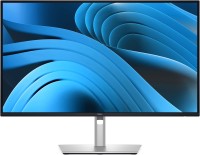
27 ", 2560x1440 (16:9), IPS, response 5 ms, 100 Hz, 16.7M Colors, sRGB 99 %, HDMI, v 2.1, DisplayPort, ХАБ: USB-A 3x5Gbps, USB-C 1x5Gbps, TÜV Rheinland
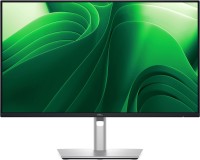
23.8 ", 2560x1440 (16:9), IPS, response 5 ms, 100 Hz, 16.7M Colors, sRGB 99 %, HDMI, v 2.1, DisplayPort, USB-C (DP Alt Mode), Power Delivery, LAN, ХАБ: USB-A 3x5Gbps, USB-C 1x5Gbps, TÜV Rheinland

34 ", 3440x1440 (21:9), curved 3800R, IPS, response 5 ms, 100 Hz, 10-bit (1.07B Colors), sRGB 99 %, HDMI, v 2.1, DisplayPort, USB-C (DP Alt Mode), Power Delivery, LAN, ХАБ: USB-A 3x5Gbps, USB-C 1x5Gbps, KVM-switch, webcam, TÜV Rheinland
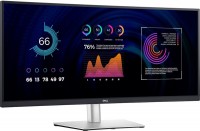
34.14 ", 3440x1440 (21:9), curved 3800R, IPS, response 5 ms, 60 Hz, 10-bit (1.07B Colors), sRGB 99 %, HDMI, DisplayPort, USB-C (DP Alt Mode), Power Delivery, LAN, ХАБ: USB-A 4x5Gbps, KVM-switch, TÜV Rheinland
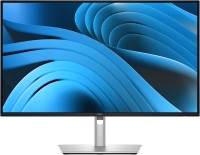
27 ", 2560x1440 (16:9), IPS, response 5 ms, 100 Hz, 16.7M Colors, sRGB 99 %, HDMI, v 2.1, DisplayPort, USB-C (DP Alt Mode), Power Delivery, LAN, ХАБ: USB-A 3x5Gbps, USB-C 1x5Gbps, TÜV Rheinland
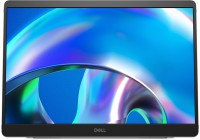
portable, 14 ", 1920x1200 (16:10), IPS, response 7 ms, 60 Hz, 16.7M Colors, sRGB 100 %, USB-C (DP Alt Mode), Power Delivery, TÜV Rheinland
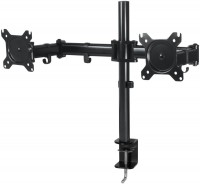
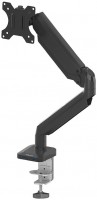
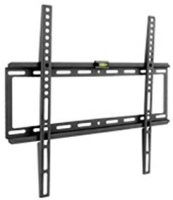
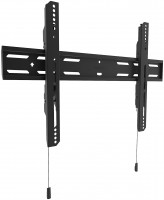
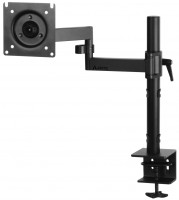
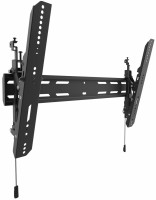
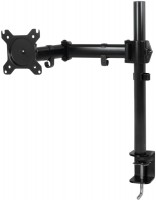
AccessoriesAll accessories for Dell Pro P P2726DEB →
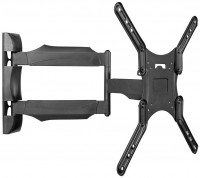
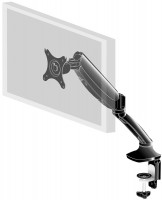
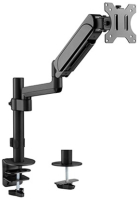

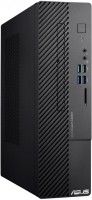
SimilarCompare using chart →
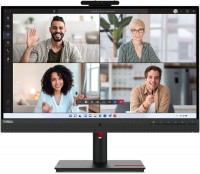
27 ", 2560x1440 (16:9), IPS, response 6 ms, 75 Hz, 8-bit (16.7M Colors), sRGB 99 %, HDMI, v 2.1, DisplayPort, USB-C (DP Alt Mode), Power Delivery, LAN, ХАБ: USB-A 4x5Gbps, speakers, webcam, TÜV Rheinland
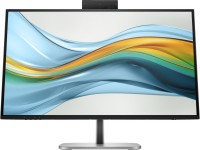
27 ", 2560x1440 (16:9), IPS, response 5 ms, 100 Hz, 8-bit (16.7M Colors), sRGB 100 %, HDMI, DisplayPort, USB-C (DP Alt Mode), Power Delivery, LAN, ХАБ: USB-A 3x5Gbps, USB-C 1x5Gbps, KVM-switch, speakers, webcam, TÜV Rheinland
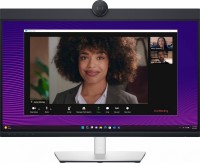
27 ", 2560x1440 (16:9), IPS, response 5 ms, 60 Hz, 16.7M Colors, sRGB 99 %, HDMI, DisplayPort, USB-C (DP Alt Mode), Power Delivery, LAN, ХАБ: USB-A 3x5Gbps, USB-C 1x5Gbps, KVM-switch, speakers, webcam, TÜV Rheinland
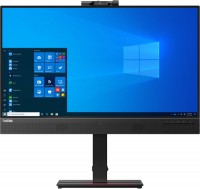
27 ", 2560x1440 (16:9), IPS, response 4 ms, 60 Hz, sRGB 99 %, HDMI, DisplayPort, USB-C (DP Alt Mode), LAN, ХАБ: USB-A 4x5Gbps, speakers, webcam
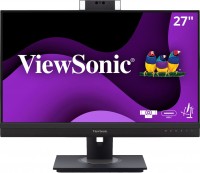
27 ", 2560x1440 (16:9), IPS, response 5 ms, 100 Hz, 8-bit (16.7M Colors), HDMI, DisplayPort, USB-C (DP Alt Mode), Power Delivery, LAN, ХАБ: USB-A 3x5Gbps, USB-C 1x5Gbps, speakers, webcam
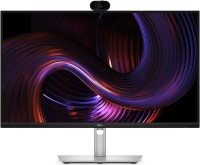
27 ", 2560x1440 (16:9), IPS, response 5 ms, 100 Hz, 16.7M Colors, sRGB 99 %, HDMI, v 2.1, DisplayPort, USB-C (DP Alt Mode), Power Delivery, LAN, ХАБ: USB-A 3x5Gbps, USB-C 1x5Gbps, KVM-switch, webcam, TÜV Rheinland
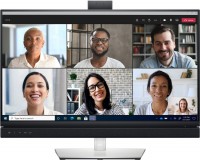
27 ", 2560x1440 (16:9), IPS, response 5 ms, 60 Hz, sRGB 99 %, HDMI, DisplayPort, USB-C (DP Alt Mode), Power Delivery, LAN, ХАБ: USB-A 3x5Gbps, speakers
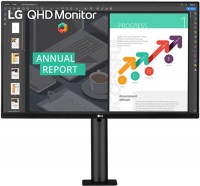
27 ", 2560x1440 (16:9), IPS, response 5 ms, 75 Hz, 8-bit (16.7M Colors), sRGB 99 %, HDMI, DisplayPort, USB-C (DP Alt Mode), Power Delivery, ХАБ: USB-A 2x5Gbps, speakers, HDR
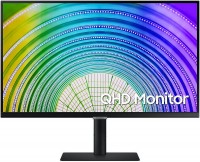
27 ", 2560x1440 (16:9), IPS, response 5 ms, 75 Hz, 10-bit (1.07B Colors), sRGB 99 %, HDMI, DisplayPort, USB-C (DP Alt Mode), Power Delivery, LAN, ХАБ: USB-A 3x5Gbps, AMD FreeSync, HDR, TÜV Rheinland
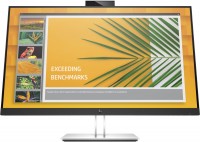
27 ", 2560x1440 (16:9), IPS, response 5 ms, 75 Hz, 8-bit (16.7M Colors), sRGB 99 %, HDMI, DisplayPort, USB-C (DP Alt Mode), Power Delivery, LAN, ХАБ: USB-A 4x5Gbps
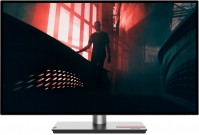
27 ", 2560x1440 (16:9), IPS, response 4 ms, 60 Hz, 10-bit (1.07B Colors), sRGB 99 %, DCI-P3 95 %, HDMI, DisplayPort, USB-C (DP Alt Mode), LAN, ХАБ: USB-A 4x5Gbps, HDR, TÜV Rheinland
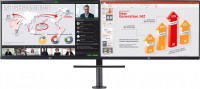
27 ", 2560x1440 (16:9), IPS, response 5 ms, 75 Hz, 8-bit (16.7M Colors), sRGB 99 %, HDMI, DisplayPort, USB-C (DP Alt Mode), Power Delivery, ХАБ: USB-A 2x5Gbps, AMD FreeSync, HDR