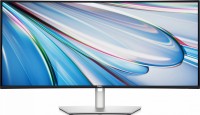
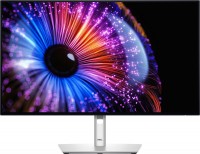
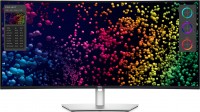
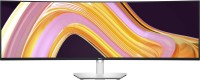
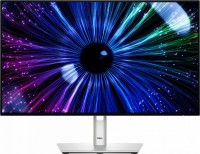
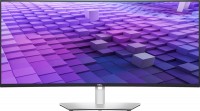
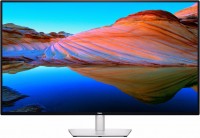
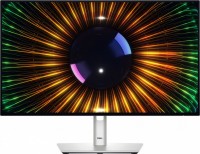
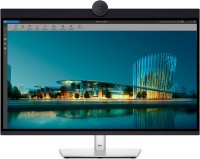
The information in the model description is for reference purposes. Always clarify the specifications and configuration of the product with the online store manager before purchasing. Catalog Dell 2026 - new arrivals, bestsellers, and the most relevant models Dell.
Dell's New 32" 4K UltraSharp Monitor Is Here | U3225QE Review
7 March 2025156 343 view
Dell U3225QE 4k Thunderbolt Monitor: The best of ALL worlds?!
4 March 202587 374 view
I'm addicted to this monitor. | Dell 32" 4K 120Hz Thunderbolt Display | U3225QE | Premium Monitor
26 April 202574 573 view
Dell U3225QE Review: All-In-One 4k Work Monitor
24 April 202574 040 view
Dell U2725QE 4K USB-C Monitor – Unboxing & First Impressions!
10 March 202556 135 view
Professional Color Processing
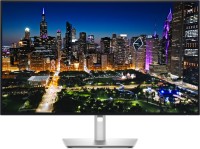
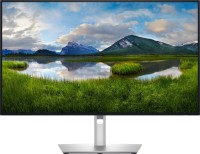
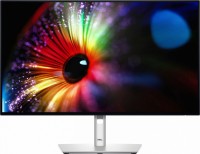
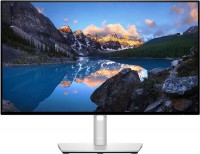
The Dell U3225QE monitor is designed for the efficient work of designers, artists, developers, and professionals whose activities involve precise color reproduction. At its core is the advanced Enhanced IPS Black matrix with 4K resolution and a frequency of 120 Hz, allowing for comfortable work with both static and dynamic content without flickering and frame skipping. High detail is combined with an optimal level of contrast and brightness, which is automatically adjusted by the light sensor. This reduces eye strain in tandem with the proprietary ComfortView Plus technology. The monitor displays rich colors with a wide coverage within sRGB / PCI-P3 and meets the professional CalMAN standard. DisplayHDR 600 technology enhances the transmission of light and dark details, increasing color depth and image realism.
Software Support
A proprietary software with advanced features is developed for fine-tuning parameters: simultaneous work with five windows, creation and saving of profiles with quick application manually or on a schedule, switching between signal sources and managing compatible devices connected to the monitor. The Dell Color Management application allows calibrating color coverage after manual adjustments and returning to settings certified by the CalMAN standard.
Interface Madness
The model is equipped with numerous ports for connecting mobile devices, gaming equipment, graphics tablets, and other peripherals. On the rear panel, there is a USB-A hub, input and output DisplayPort, and also USB-C Thunderbolt 4 with support for daisy-chaining two monitors and their power up to 140 W. At the bottom of the case is a retractable block with USB-C (2 pcs) and USB-A ports, providing fast charging for gadgets. A headphone jack and a LAN port are also provided. The functional stand allows adapting the monitor to the workspace and content format: changing the height, tilt, rotation, and setting the screen in a vertical position.