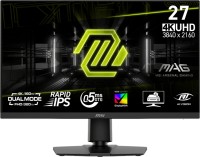
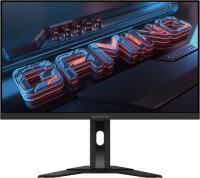
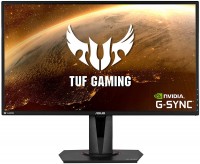
Gigabyte M27UP 27 " black
 |

|
| ||||||||||||||||||||||||||||||||||||||||||||||||||||||||||||||||||||||||||||||||||||||||||||||||||||


Always clarify the specifications and configuration of the product with the online store manager before purchasing.
Catalog Gigabyte 2026 - new arrivals, bestsellers, and the most relevant models Gigabyte.
Buy Gigabyte M27UP 27 " black
Open Box - GIGABYTE 27' UHD 4K 160Hz with AMD FreeSync Premium, G-SYNC Compatible 1ms HDR400 Dual Mode USB-C KVM Gaming Moni | $296.99 |  | |||
GIGABYTE 27' UHD 4K 160Hz with AMD FreeSync Premium, G-SYNC Compatible 1ms HDR400 Dual Mode USB-C KVM Gaming Computer Monito | $329.99 | | |||
GIGABYTE - M27UP - 27" SS IPS Dual Mode Gaming Monitor - UHD 160Hz/FHD 320Hz - Black M27UP SA | $356.49 |  | |||
| $398.29 |  | ||||
| $445.16 |  | ||||
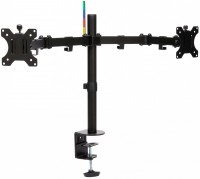
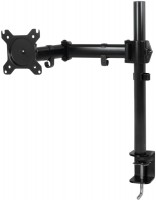
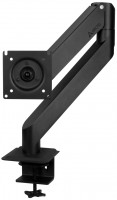
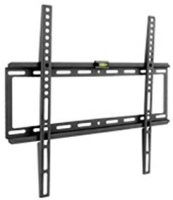
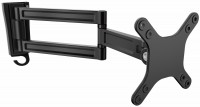
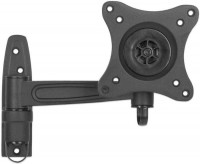
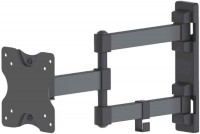
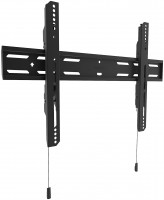
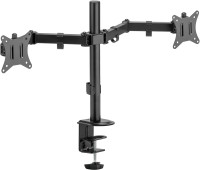
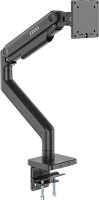
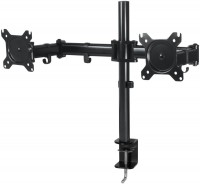
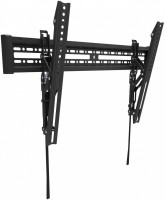
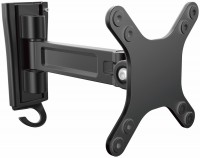
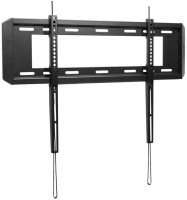
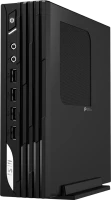
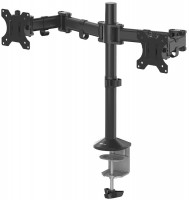
I spent a long time deciding which one to buy and concluded that for its price, this is the best model available (beginning of '25). Type-C connection, convenient monitor control 1. The casing doesn't look as good as in the picture, somewhat a bit cheap. 2. The monitor's adjustment is mediocre, planning to buy a bracket.  heorhii: use Gigabyte M27UP few months heorhii: use Gigabyte M27UP few months |
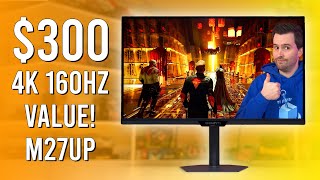

Change Resolution on the Fly
The monitor supports two display modes: full-screen 4K at 160 Hz and Full HD with a diagonal of around 24 inches, but with a doubled refresh rate of 320 Hz. In the second case, you can choose an aspect ratio of 4:3 or 5:4, which is especially convenient for dynamic shooters. Switching between modes is done using the physical "Tactical Switch 2.0" button.
Adaptive Frame Synchronization
The Gigabyte M27UP is equipped with a 27-inch IPS panel covering over 125% of the sRGB color space and approximately 95% of the DCI-P3 range. The adaptive synchronization technologies AMD FreeSync Premium and NVIDIA G-Sync Compatible ensure smooth image transmission from the graphics card to the screen.
Thoughtful Ergonomics
The user has access to pre-installed gaming presets, a crosshair tool, a timer, a feature for illuminating dark scenes, as well as built-in speakers with a power of 2 x 5 W. As an additional advantage, a KVM switch is provided for convenient switching between two PCs. Completing the setup is an ergonomic stand with height, tilt, and swivel adjustments, as well as the ability to quickly change the display orientation.