
TP-LINK TL-WR841N
 |

TP-LINK TL-WR841N
Type:router
WAN:Ethernet
Connection:LAN 4 ports, 100 Mbps
Wi-Fi:Wi-Fi 4 (N)
2.4 GHz:300 Mbps
Antennas and signal:20 dBm, 2 antenna(s), non-removable
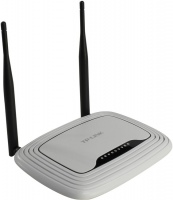
It differs from the TL-WR841ND model in the type of antenna mounting. In this modification, they are removable, and in the TL-WR841N model they are fixed.
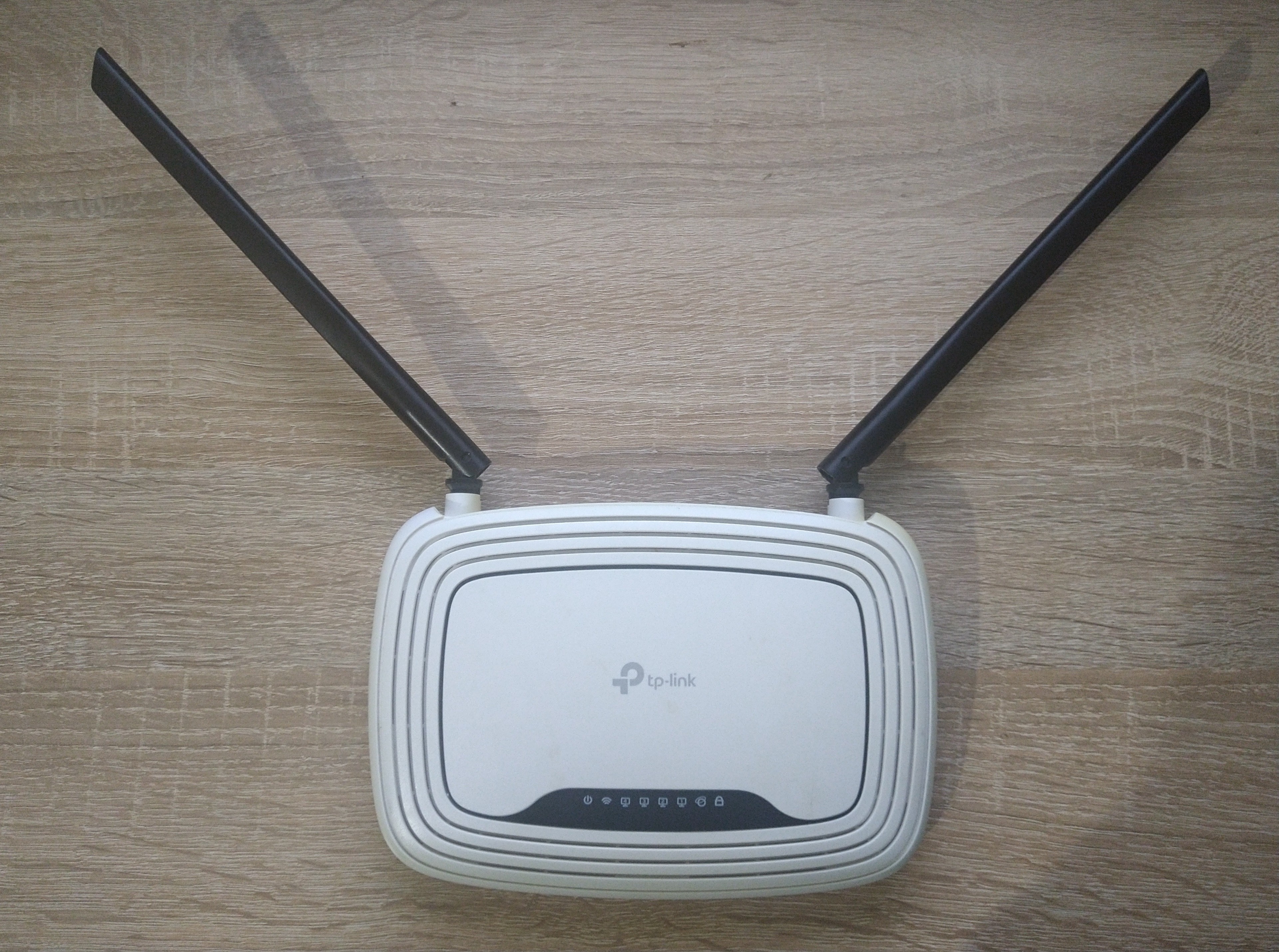
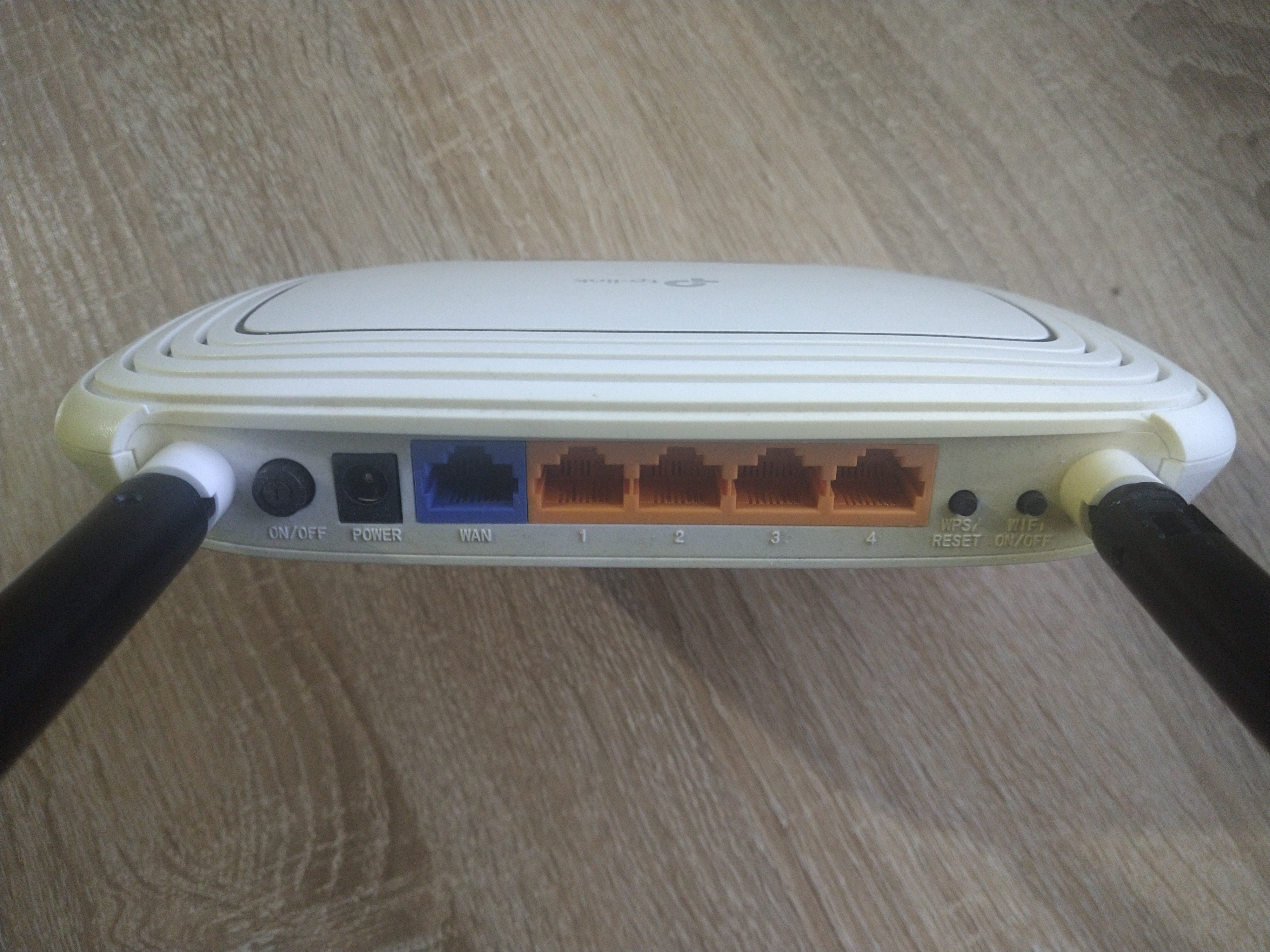
An entry-level router equipped with two non-removable external antennas, which primarily differs from the TL-WR841ND modification. The presence of two antennas allows for a more stable signal and a maximum data transfer rate of 300 Mbps. This is enough for online games, HD video streaming and video calls without any delay. Also on board there is a switch for 4 LAN ports. WPA/WPA2 encryption technology is supported, the QSS button provides the ability to instantly secure the connection.
All specifications
Specifications TL-WR841N
|
| ||||||||||||||||||||||||||||||||||||||||||||||||||||||||||||||||||||||||

The information in the model description is for reference purposes.
Always clarify the specifications and configuration of the product with the online store manager before purchasing.
Catalog TP-LINK 2026 - new arrivals, bestsellers, and the most relevant models TP-LINK.
Always clarify the specifications and configuration of the product with the online store manager before purchasing.
Catalog TP-LINK 2026 - new arrivals, bestsellers, and the most relevant models TP-LINK.
Buy TP-LINK TL-WR841N
All prices 7 →When you make a purchase through links on our site, we may receive a affiliate commission.
| $26.00 |  | ||||
| $29.99 |  | ||||
| $31.14 | | ||||
| $47.00 | | ||||
TP-Link TL-WR841N-V14 TP-LINK 300Mbps Wireless N Router Refurbished TL-WR841N-V14 | $117.41 |  | |||
TP-Link TL-WR841N-V1 TP-LINK 300Mbps Wireless N Router Refurbished TL-WR841N-V1 | $117.41 | | |||
TP-Link TL-WR841N TP-LINK 300Mbps Wireless N Router Refurbished TL-WR841N | $135.00 | | |||
AccessoriesAll accessories for TP-LINK TL-WR841N →
Model overview based on user reviews
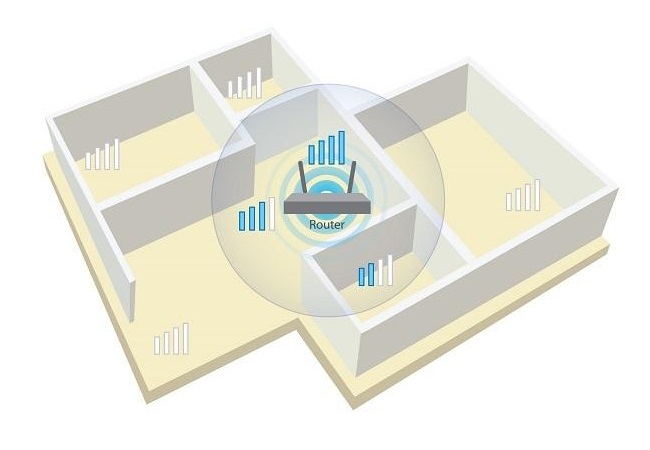
The TP-LINK TL-WR841N router is praised for its affordable price and simple setup, making it a popular choice for home use. Users appreciate its reliable performance and good Wi-Fi coverage across small to medium-sized apartments, with many noting that it maintains a stable connection even through multiple walls. The router supports Wi-Fi standards up to 802.11n, offering a maximum wireless speed of 300 Mbps. While some users report occasional issues with speed reduction over Wi-Fi and the need for periodic reboots, the overall feedback is positive, highlighting its value for money. However, there are concerns about its longevity, with some units failing after a few months to a year. Despite these drawbacks, the TL-WR841N is recommended for those seeking a cost-effective and functional router for basic internet needs.
Pros
Cons
5 9 15 48 |
There are already a lot of rocks, so that no one will know about this one, without glitches and malfunctions. A couple of smartphones and a TV are permanently connected via Wi-Fi, and two computers are connected with a patch cord. The pressure is on the average sized apartment. Inexpensive, works reliably, requires minimal adjustment. As there was a charge when connecting the electrics, for work you get a 5 volt voltage from the main power bank without triggers or converters. Very energy efficient, which is important when working with a power bank. Wi-Fi speed is twice as low as cable speed.  Den: use TP-LINK TL-WR841N more than year Den: use TP-LINK TL-WR841N more than year |
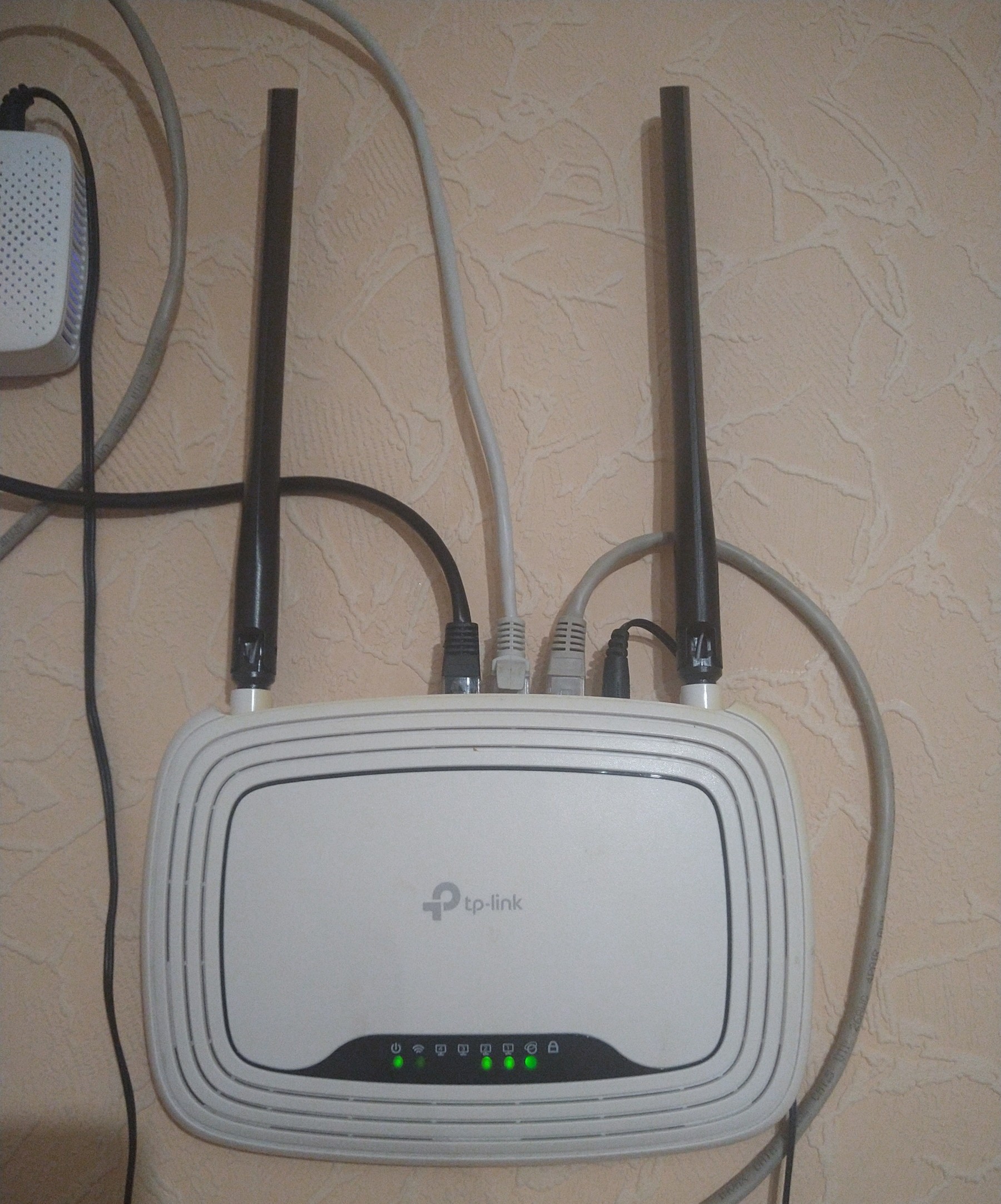
Average model It doesn’t cause any particular problems, but it still sometimes freezes (2-3 times a month for sure) - you have to reboot. The signal is sufficient for a small apartment. They took it into the house - there was enough stable signal for 2/3 of the house, in some corners it was weak. Valeriy: use TP-LINK TL-WR841N more than year |
Overall, I think the test was an excellent result. Would recommend for purchase. ethernet cable directly to the computer. 92 megabits/s download, 69 megabits/s upload. Torrent on RuTracker on the most popular distribution 10.6 MB/s. Through the router via ethernet to the computer. 91 megabits/s download, 63 megabits/s upload. Torrent on RuTracker on the most popular distribution 10.6 MB/s. There wasn’t a special opportunity to test Wi-FI on the reader; pages were loading quickly anyway (couldn't run a speed test there :) ). Installing the PCI-adapter D-Link DWA-520 802.11g in the second computer, a Celeron 800 MHz with 384 MB RAM, didn’t bring much benefit since I didn’t see an internet speed over 1 Mbps there, and even Chrome version 16 struggled to work. I didn’t want to troubleshoot whether it was due to drivers or some other unknown issue, so I blame it on the PC's obsolescence. The reception signal in the next room behind a concrete wall was "Very Good" and I walked around the apartment with the reader, and the signal level was good everywhere.  maza11: use TP-LINK TL-WR841N week i recommend it should buy maza11: use TP-LINK TL-WR841N week i recommend it should buy |
3 out of 80 user review(s) shown
10 more user review(s)
Video reviews
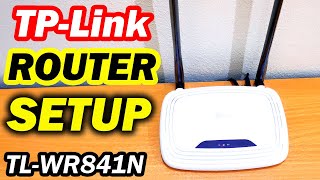
TP-Link TL-WR841N Setup and Full Configuration
16 March 2022113 285 view

How To Change WiFi Password TP-Link Router TL-WR841N
17 March 202237 261 view

Reset TP-Link TL-WR841N Router to Factory Defaults Settings
13 May 202233 122 view

How To Block WiFi Users in TP-Link Router (TL-WR841N)
4 June 202226 564 view

Cara Setting Wireless Router TP Link TL WR841N
2 March 202214 928 view

Tplink WR841N Router Unboxing & Review || Best Wi-Fi Routers in Bangladesh
9 January 20241 542 view

connect wireless router to router TP-Link N300 Wireless (TL-WR841N)
2 December 20211 240 view

Unboxing TP-Link WR841N Router
7 March 20191 149 view

TP-LINK TL-WR841N Router Unboxing | Best TP-Link Wifi Router Review
4 October 20221 023 view

TP Link TL WR841N (UNBOXING)
23 December 2018716 view

Tp-Link TL-Wr841N Router Unboxing & Review | Specifications & Features | Best Budget Router |
14 June 2020656 view

Tp-Link TL-WR841N Router unboxing
10 January 2016620 view

TP-LINK TL-WR841N 300Mbps Wireless N Router Unboxing
1 September 2014605 view

Unboxing TP-LINK TL-WR841N Wireless Router
28 November 2012476 view

TP LINK TL WR841N Unboxing & Hands On
14 June 2013398 view

TP Link TL-WR841N Router from Snapdeal - Quick Unboxing | CreatorShed
4 May 2016352 view

TP-LINK Wifi router Unboxing & review model no. TL-WR841N
27 December 2015320 view

TP-Link TL-WR841N WIFI Router Unboxing//Honest Review and 300MBPS Best bed Router #exclusive_hriday
3 July 2022257 view

TP-Link TL-WR841N 300Mbps Wireless Router Unboxing Review|টিপি-লিংক TL-WR841N রাউটার আনবক্সিং রিবিউ
5 August 2017236 view
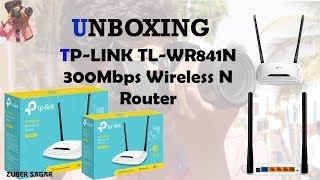
TP-Link N300 TL-WR841N Cheap Budget WiFi Router Unboxing
1 June 2018204 view

TP Link TL WR841N Wireless N Router Hard Reset and setup again
9 April 2022181 view

TP-LINK (TL-WR841N 300 Mbps) Router configuration
15 November 2017166 view

TP-Link TL-WR841N Budget WiFi Router Unboxing | देखिये Unboxing अब हिंदी में
10 September 2017128 view

TP-Link TL-WR841N Budget WiFi Router Unboxing
2 September 2021123 view

tp link wr841n quick unboxing
23 June 2016121 view
We recommendCompare using chart →
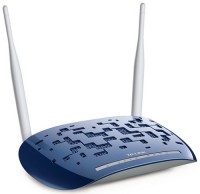
router, WAN: Ethernet, DSL, connection: LAN 4 ports, 100 Mbps, there is a WAN/LAN, Wi-Fi: Wi-Fi 4 (N), 2.4 GHz — 300 Mbps

directional access point, street, PoE power, WAN: Ethernet, connection: LAN 2 ports, 100 Mbps, Wi-Fi: Wi-Fi 4 (N), powerful transmitter
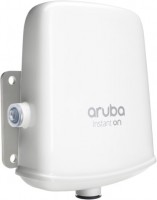
access point, street, PoE power, WAN: Ethernet, connection: LAN 1 port, 1 Gbps, Wi-Fi: Wi-Fi 5 (AC), 2.4 GHz — 300 Mbps, 5 GHz — 867 Mbps, Dual-band, Bluetooth, MU-MIMO

access point, street, PoE power, WAN: Ethernet, connection: LAN 1 port, 1 Gbps, 5 GHz — 1000 Mbps, Bluetooth
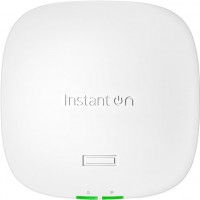
access point, PoE power, WAN: Ethernet, connection: LAN 1 port, 2.5 Gbps, port 2.5 Gbps, 2.4 GHz — 574 Mbps, 5 GHz — 1201 Mbps, 6 GHz — 2402 Mbps, 160 MHz, MU-MIMO, Beamforming
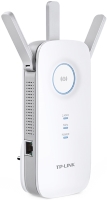
Wi-Fi range extender, WAN: Ethernet, connection: LAN 1 port, 1 Gbps, Wi-Fi: Wi-Fi 5 (AC), 2.4 GHz — 450 Mbps, 5 GHz — 1300 Mbps, Dual-band
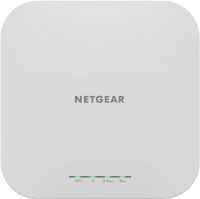
access point, PoE power, WAN: Ethernet, connection: LAN 1 port, 2.5 Gbps, port 2.5 Gbps, Wi-Fi: Wi-Fi 6 (AX), 2.4 GHz — 600 Mbps, 5 GHz — 1200 Mbps, Dual-band, MU-MIMO, Beamforming
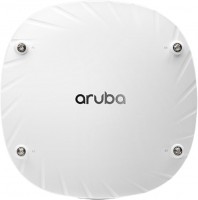
access point, PoE power, WAN: Ethernet, connection: LAN 2 ports, 5 Gbps, Wi-Fi: Wi-Fi 6 (AX), 2.4 GHz — 1147 Mbps, 5 GHz — 2400 Mbps, 160 MHz, Dual-band, Bluetooth v5.0, Zigbee, MU-MIMO, detachable, Beamforming

access point, PoE power, WAN: Ethernet, connection: LAN 2 ports, 2.5 Gbps, port 2.5 Gbps, 2.4 GHz — 574 Mbps, 5 GHz — 1201 Mbps, 6 GHz — 2402 Mbps, 160 MHz, Bluetooth v5.0, Zigbee, powerful transmitter, Beamforming
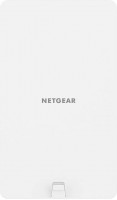
access point, street, PoE power, WAN: Ethernet, connection: LAN 1 port, 2.5 Gbps, port 2.5 Gbps, Wi-Fi: Wi-Fi 6 (AX), 2.4 GHz — 600 Mbps, 5 GHz — 1200 Mbps, Dual-band, MU-MIMO, Beamforming
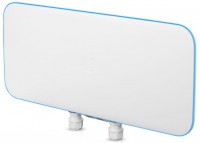
directional access point, street, PoE power, WAN: Ethernet, connection: LAN 2 ports, 1 Gbps, Wi-Fi: Wi-Fi 5 (AC), 5 GHz — 5200 Mbps, MU-MIMO, powerful transmitter, Beamforming
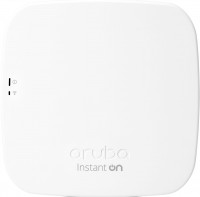
access point, PoE power, WAN: Ethernet, connection: LAN 1 port, 1 Gbps, Wi-Fi: Wi-Fi 5 (AC), 2.4 GHz — 300 Mbps, 5 GHz — 1300 Mbps, Dual-band, Bluetooth, MU-MIMO