
TP-LINK Archer T4U
 |

|
| ||||||||||||||||||||||||||||||||||||||||||||||||||||||||

Always clarify the specifications and configuration of the product with the online store manager before purchasing.
Catalog TP-LINK 2026 - new arrivals, bestsellers, and the most relevant models TP-LINK.
Buy TP-LINK Archer T4U
TP-LINK� Archer T4U AC1300 Wireless Dual Band USB Adapter ARCHERT4UV2 | $39.99 |  | |||
TP Link Archer T4U V2 AC1300 Wireless Dual Band USB 3.0 Adapter WiFi Connector Archer T4UV2 | $69.77 |  | |||
TP-Link ARCHER-T4U-V3 TP-LINK AC1300 Wireless Dual Band USB Adapter Refurbished ARCHER-T4U-V3 | $91.48 |  | |||
TP-Link ARCHER-T4U-V2 TP-LINK AC1300 Wireless Dual Band USB Adapter New ARCHER-T4U-V2 | $102.59 | | |||
TP-Link ARCHER-T4U-V1 TP-LINK AC1200 Wireless Dual Band USB Adapter New ARCHER-T4U-V1 | $102.59 | | |||
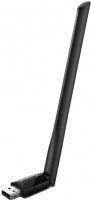

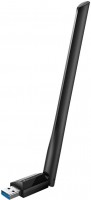
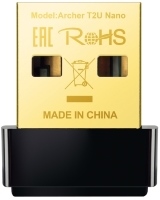
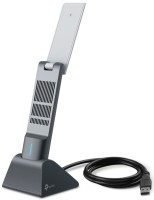
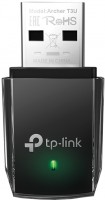


Stable performance Good speed USB 3.0 Large size, blocks the neighboring USB port The official driver for Linux does not compile  Andrew Krasnogolovets: use TP-LINK Archer T4U less than month Andrew Krasnogolovets: use TP-LINK Archer T4U less than month |
Absolute junk. I bought it for my PC, 5 meters from the router through the wall in the next room. Constant signal drops, speed fluctuates, heats up. I returned it to the store the next day. Zero Described above Stafarion: use TP-LINK Archer T4U less than month |

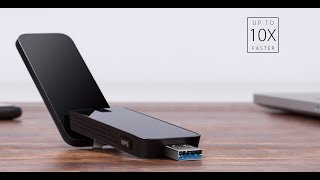

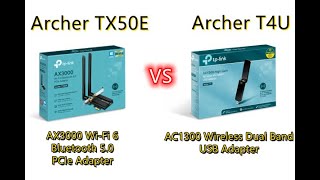
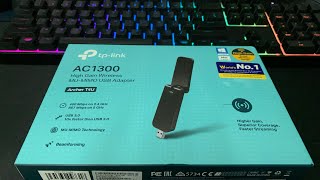




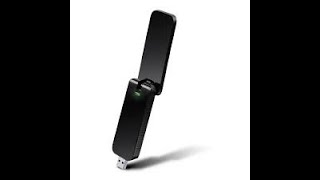

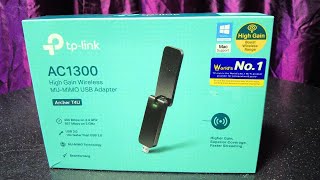
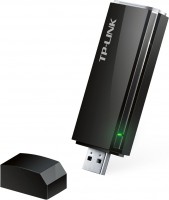
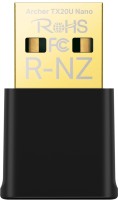
The TP-LINK company has eaten more than one dog in the production of all kinds of network equipment. A device named Archer T4U expands the capabilities of a PC or laptop by connecting it to the World Wide Web without wires(unless, of course, there is a working router in the house).
High speed communication
The device, which looks like a large USB flash drive, has acquired support for the 802.11ac standard, along with which we can talk about high-speed data exchange. At a frequency of 5 GHz, the adapter puts the arrow of the speedometer at around 867 Mbps, and in the 2.4 GHz band, speed characteristics are limited to 300 Mbps. The adapter is connected via a USB 3.0 port, maintaining compatibility with previous generations of the interface.
Gloss and shine
The glossy body of the device, which is prone to scratches due to careless handling, has a WPS button to enable connection protection, as well as an LED indicator of the adapter status. It illuminates a green strip of transparent plastic. Due to the relatively large size, the device sometimes blocks access to the adjacent USB connector with a heap of ports on the computer connection interface panel.
Extension cord for confidence
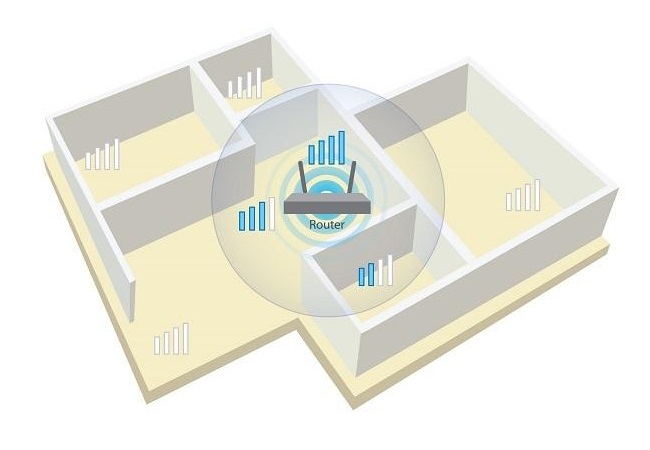
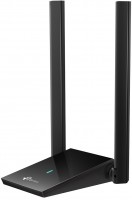
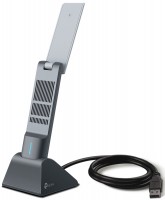
The internal antenna imposes some restrictions on the quality of signal reception. Wi-Fi adapter should preferably be located in the line of sight of the router. To help a little in this matter, a complete extension cord with a metre-long cord is called upon to optimize the position of the device and its antenna. The closer the adapter is to the signal distribution source and the fewer obstacles it encounters, the more confident the reception will be.


By default, the Ubuntu driver didn't load, so I had to compile it from source. The official driver didn't compile, but https://github.com/morrownr/88x2bu worked.
The speed is good, and the reception is stable too. In the corner of the room where the old adapter was barely coping and sometimes cutting out, this one shows 30/40 Mbps on 2.4Ghz (repeater 5m away) and 40/60 Mbps on 5Ghz (to the router ~10m, through walls).