
Logitech MX Keys
 |

Logitech MX Keys | |||||||||||||||||||||||||||||||||||||||||||||||||||||||||||||||||||||||
|
| ||||||||||||||||||||||||||||||||||||||||||||||||||||||||||||||||||||||


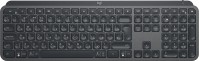
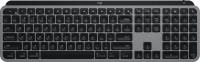
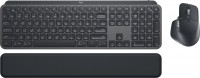
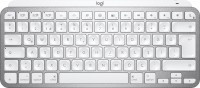
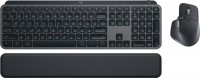
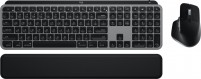
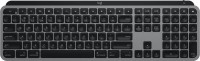
Comfortable and versatile wireless chiclet keyboard with scissor switches, low key travel and auto-activated backlighting. It is positioned as a product of the middle price category, aimed at people of creative professions. It can work with any models of laptops, all types of desktop PCs, as well as tablets and smartphones. 2.4 GHz radio connection supported (Logitech Unifying small USB receiver included).
For pairing with mobile gadgets, an energy-efficient Bluetooth wireless interface is used that works at distances up to 10 m. Logitech MX Keys keyboard keys have a special ergonomic shape for maximum typing comfort and frequent use of combinations. This keycap design eliminates accidental slipping and guarantees a pleasant tactile sensation. Durable scissor switches provide fast, smooth, noise-free input, which is important in residential applications.
The keyboard supports proprietary Easy Switch technology that allows you to quickly switch between two or three different devices (for example, between a computer, smartphone and tablet). Compatible with mice with Logitech Flow technology. Works with a wide range of devices running Windows, macOS X, iOS and Android operating systems. It is powered by a built-in battery, the capacity of which is enough for 10 days of operation.
Always clarify the specifications and configuration of the product with the online store manager before purchasing.
Catalog Logitech 2026 - new arrivals, bestsellers, and the most relevant models Logitech.
Buy Logitech MX Keys
All prices 19 →| $84.95 |  | ||||
| $85.00 | | ||||
| $106.00 | | ||||
| $109.95 | | ||||
| $116.99 |  | ||||







0 4 3 4 |
- Assembly - Size (looks very compact on the workspace) - Ability to connect to 3 devices - Backlighting - Quiet operation - The plastic is scratched in places and the lining has worn off  Serhiy SS: use Logitech MX Keys more than year Serhiy SS: use Logitech MX Keys more than year |
Excellent keyboard, the most comfortable for typing. Beautiful. It connects to my two computers, like the Logitech mouse. Apple symbols - after all, there is the same clave for an apple, what the hell is this?!!!, Short left shift. |
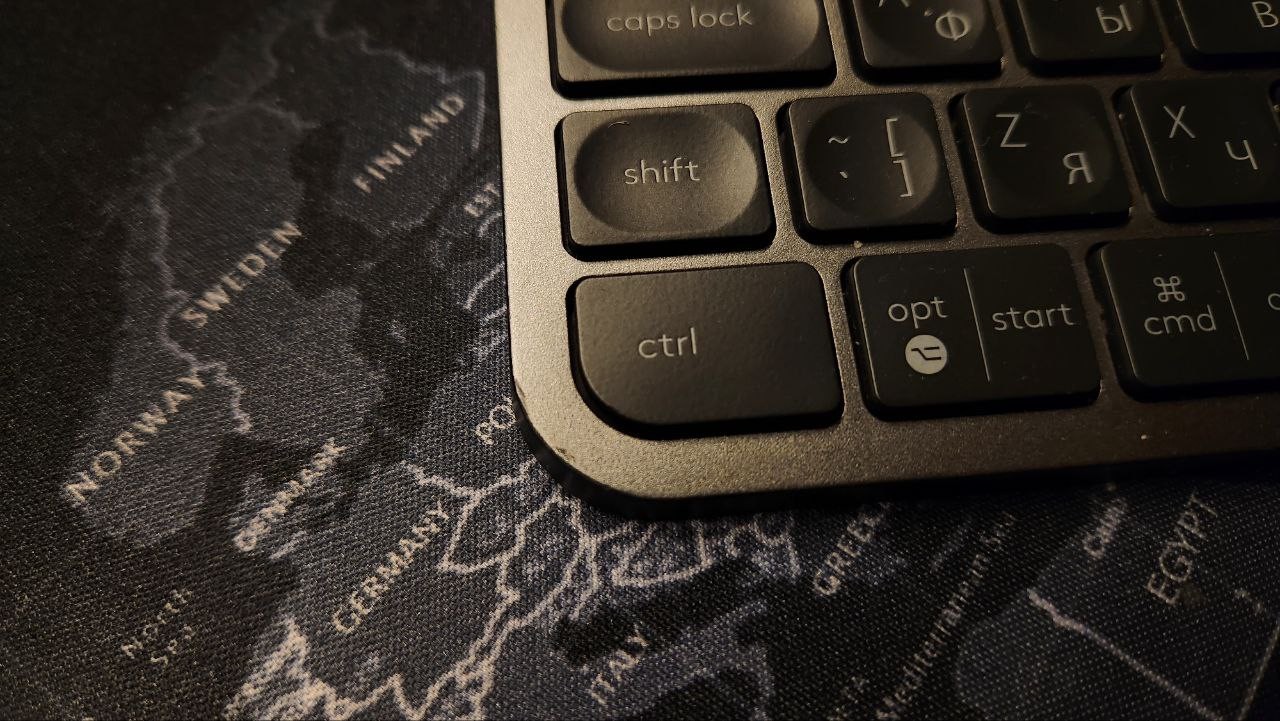
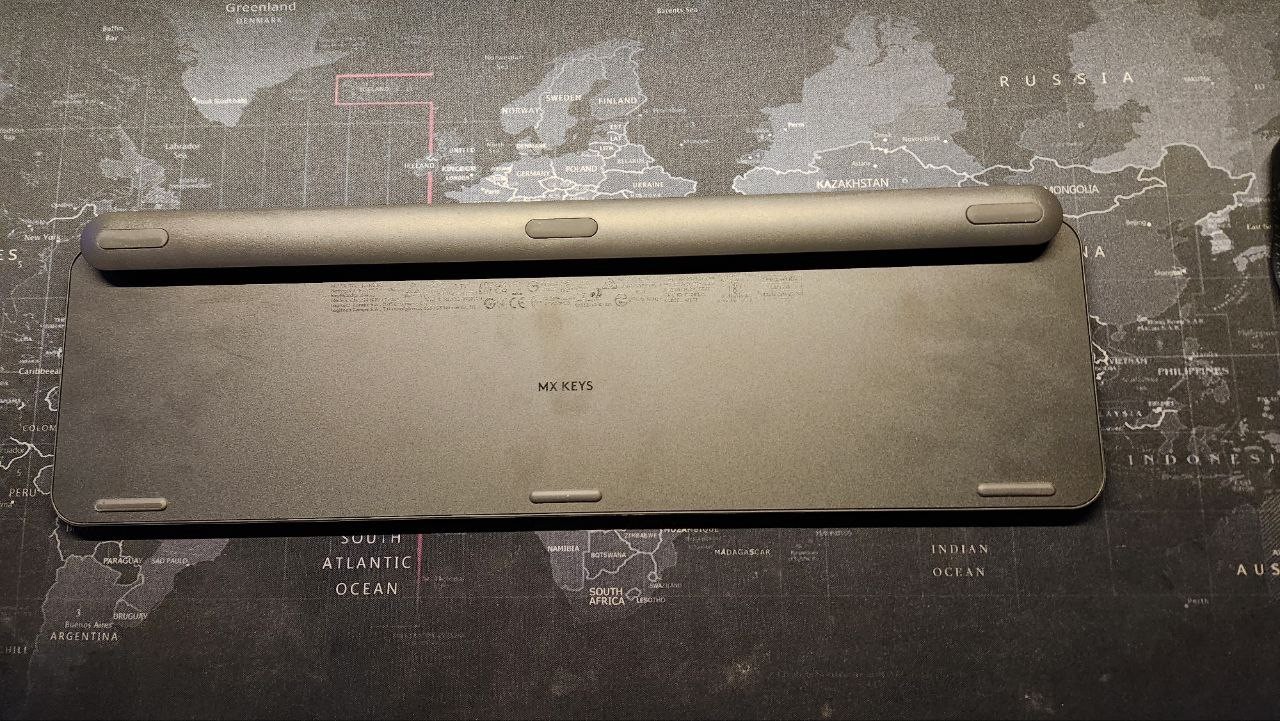
I purchased this marvel. I'll say right away that I had a K800i before. The last one lasted me more than 6 years. So the comparison will be based on that. 1. The keyboard is VERY heavy for its size. It stands firm on the desk. It won't move accidentally. At the same time, it takes up very little space on the desk. 2. Just wonderful keys. Short travel and clear tactile feedback. At the same time, they are very quiet. The keys are made of quite hard, slightly rough material. They have indentations in the middle. They feel very good to the fingers. Naturally, they are made "island-style". 3. Backlighting. The main feature of this keyboard. There is a motion sensor (on the K800i, it was in the stand). It turns on when you bring your hands close to the keyboard. The backlight is adjustable in several (around 7) levels and can be completely turned off. 4. Connection to 3 devices. These can be either [censored] receivers or Bluetooth devices. Some might find this necessary. So far, I have connected it to a PC and a phone. 5. Layout. Well, what can I say... I'm long accustomed to the short shift key. You get used to it just fine. There is just an extra unused key next to it. But the placement of the volume and mute buttons is a nightmare. They could have swapped their positions with the device switching buttons instead of taking the valuable F keys. It's frankly inconvenient to adjust the volume with Fn. And the lack of spaces between the F keys is annoying. In general, comparing to k800i, the keys are better, the design is better, the materials are better, but the layout is disappointing. One of the few wireless keyboards with backlighting. Compactness. Excellent performance: excellent keys both in shape and material, and in the feel of pressing. Possibility to charge while working. Layout. I'll elaborate more in the comment. I'll mention right away that I have the version with a short Lshift and a large enter. 72admin: use Logitech MX Keys less than month |

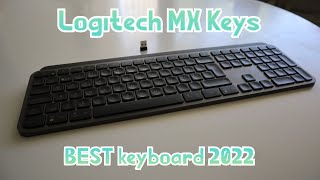


Rolls-Royce in the world of keyboards
In 2018, the Swiss brand Logitech introduced a one-of-a-kind high-end keyboard for designers, coders and writers called the Craft. It was good in literally everything except the price, even high-end esports models were often cheaper. A year later, Logitech introduced the ideological successor to Craft called the Logitech MX Keys.
Ergonomic keycaps
The MX Keys stands out from other wireless keyboards thanks to several interesting features. Firstly, a stylish body with unusual concave keycaps immediately catches the eye. The keys themselves have a short travel, they are pressed easily, with a clear and pleasant response. It feels like the same mechanism is used here as in Craft. The build quality and the materials themselves are top-notch here. And this is good news.
Smart self-adjusting backlight
Secondly, the keyboard is equipped with an intelligent white backlight, which independently changes the brightness depending on external conditions, automatically turns off when idle and turns on when you put your hands on the keys. To do this, a proximity sensor is installed in the case. Thirdly, it can simultaneously connect to three different devices, instantly switch between them using dedicated keys, and inside, instead of AAA batteries, a battery is installed that holds a charge for up to 10 days.
Price at the level of mechanical keyboards
Against the background of all that has been said, the only negative is still the price. More than a hundred dollars is entering the territory of quite serious mechanical keyboards. And there are completely different rules of the game. If it had been $30-$40 cheaper, it would have been a hit.



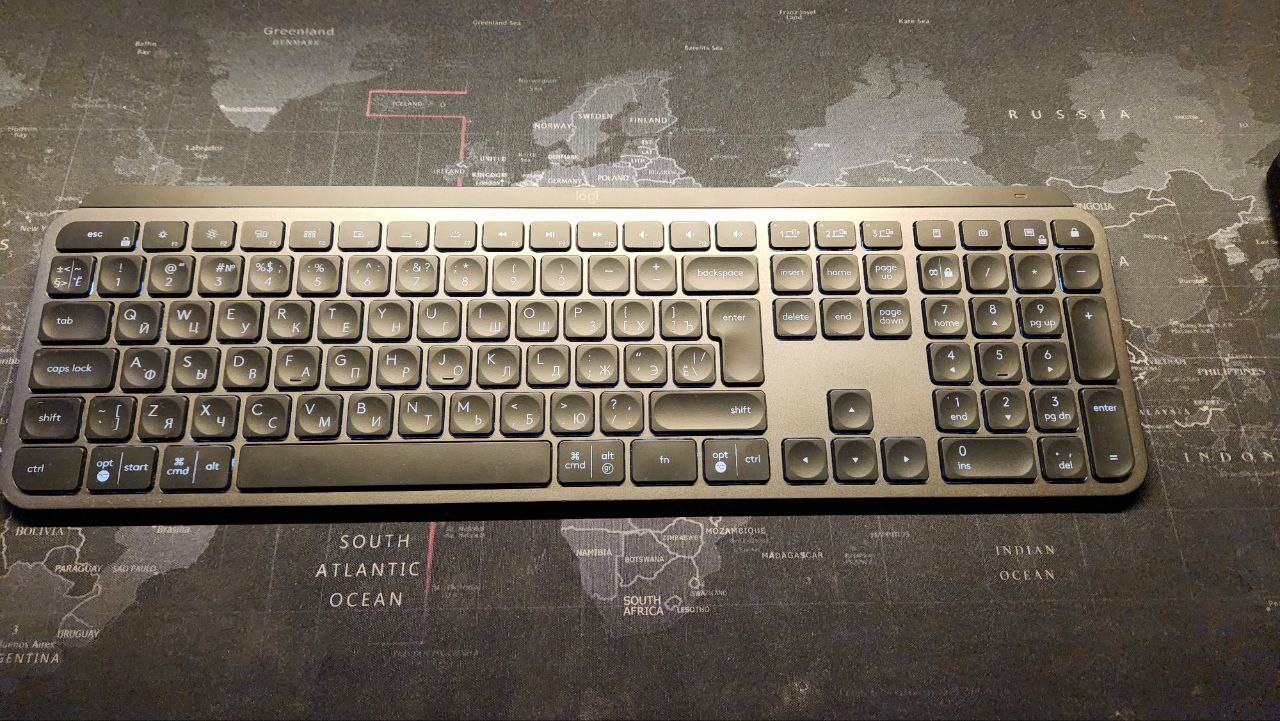
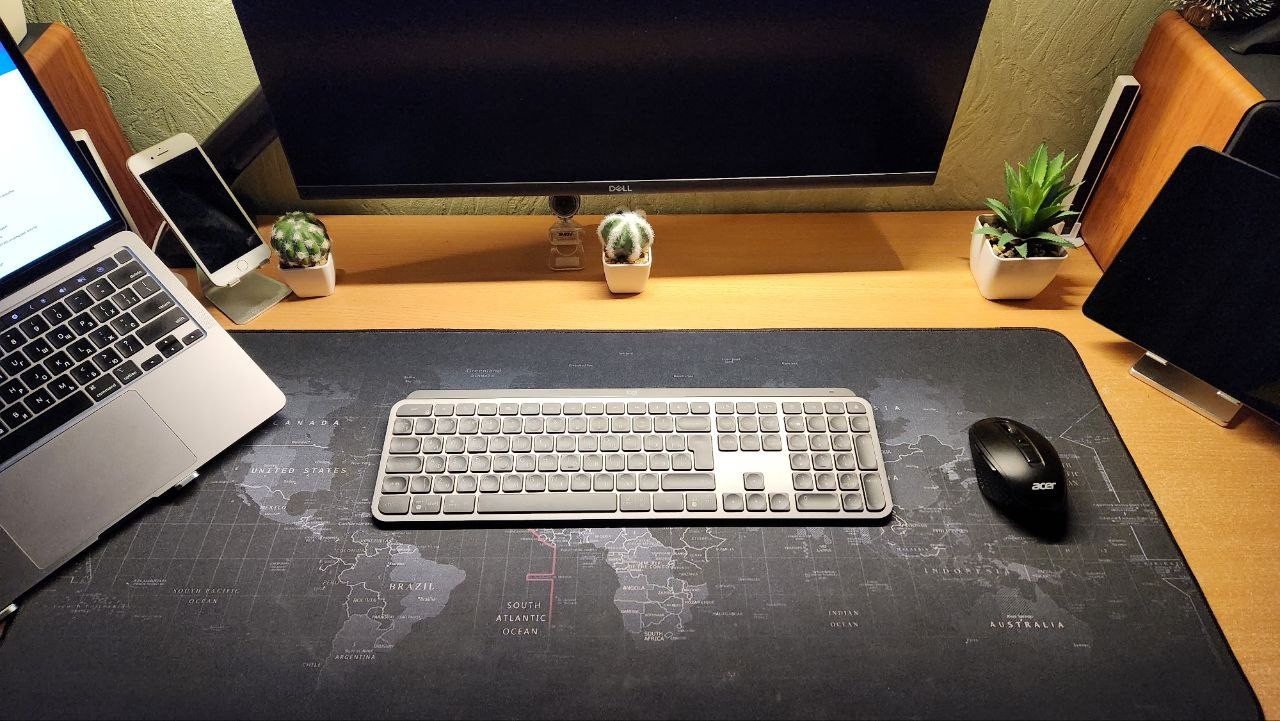
What I would like additionally is backlighting for the FN key mode. Sometimes you forget what the F keys F1-F12 or the additional functions assigned to them will do.