Logitech MX Keys Mini
 |

Logitech MX Keys Mini | |||||||||||||||||||||||||||||||||||||||||||||||||||||||||||||||||||
|
| ||||||||||||||||||||||||||||||||||||||||||||||||||||||||||||||||||


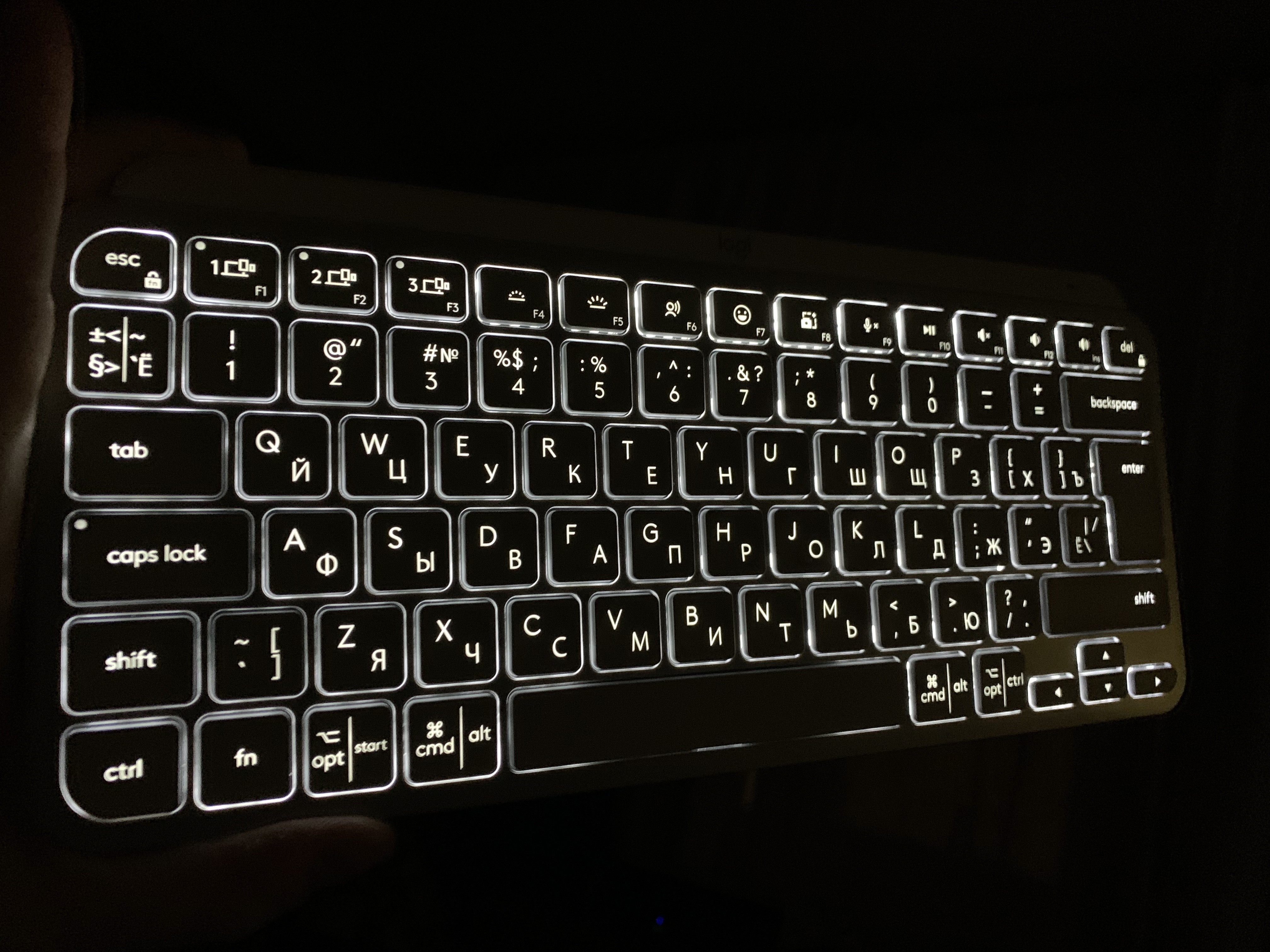
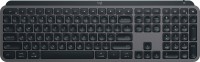
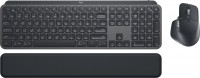
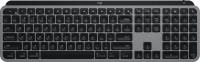
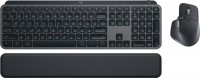
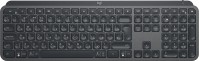
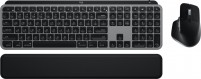
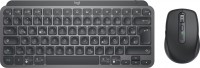
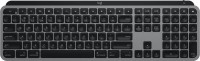
The MX Keys compact keyboard is primarily designed for active office work. The Mini model features a layout with 80 keys. Wireless synchronization offers two connection options: radio channel and Bluetooth. Three simultaneous connection channels are available. Switching between devices is done by pressing just one button: F1, F2, or F3. The membrane keyboard Logitech MX Keys Mini includes auto-adjustable backlighting, which uses ambient light and proximity sensors.
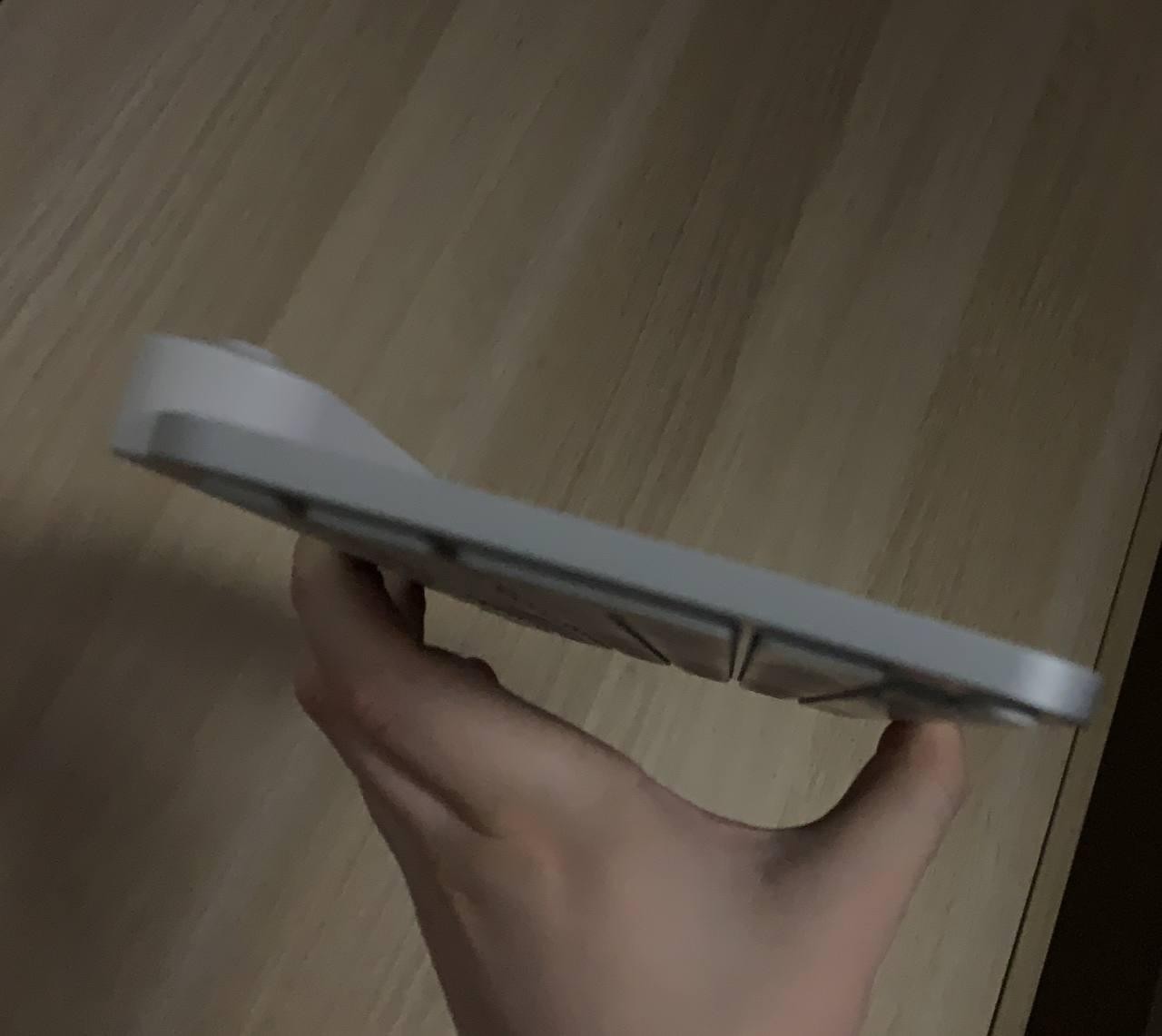
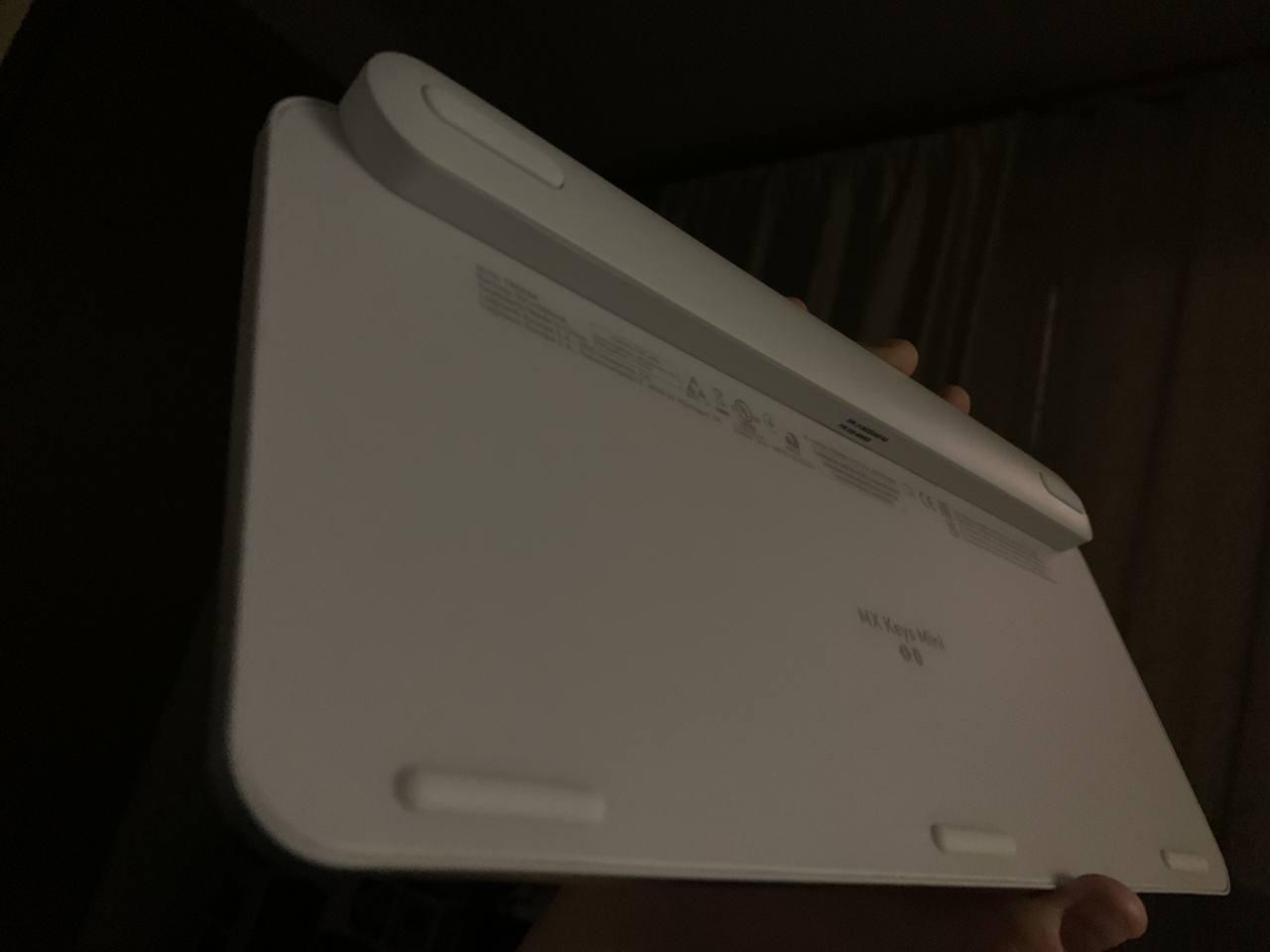
The keyboard also has ergonomic Perfect Stroke keys on a soft and quiet membrane. The surface of the keycaps has a concave spherical shape, providing enhanced comfort for fingertip contact. The keys are equipped with scissor stabilization. The device features a built-in high-capacity Li-Pol battery (1500 mAh). The battery allows the device to operate with backlighting for about 10 days. With backlighting off, the battery lasts an average of 5 months with regular use. This keyboard includes an enhanced security system, suitable for business environments. The keyboard has minimal dimensions (295x132x21 mm) and a lightweight (506 g).
Always clarify the specifications and configuration of the product with the online store manager before purchasing.
Catalog Logitech 2026 - new arrivals, bestsellers, and the most relevant models Logitech.
Buy Logitech MX Keys Mini
All prices 54 →| $65.00 |  | ||||
| $65.00 | | ||||
| $69.00 | | ||||
| $69.99 | | ||||
| $69.99 | | ||||



Please note, the keyboard cannot be used when booting the computer and for BIOS setup. The Logi Bolt adapter is not included in the set, and it is currently not sold in the Russian Federation. Good size, pleasant ergonomics, when switching from a MacBook, input accuracy suffers minimally. Hefty with good stability. - No wireless dongle included, therefore only works with configured operating systems - Dongle is currently unavailable for purchase - Incompatible with old dongles - All settings are in Logi Options use Logitech MX Keys Mini less than month |
In comparison with the K810 (there's nothing else to compare it with): - The keys press a little more easily, but the pressing itself feels more precise; - The backlight shines from under the keys directly into your eyes. Not super critical, but it doesn't look great. In the K810, everything was executed with higher quality; - The additional functions of the F-keys are poorly done: lowering the volume requires pressing together with FN, while raising it doesn't, which is extremely inconvenient (can be fixed through SharpKeys). It's unclear why they assigned account logout (Win+L) to Delete; it's not needed there at all; - A bunch of unclear labels on the Alt and Ctrl keys, making it hard to figure out which is which at first glance; you have to look closely; - The keyboard still doesn't work with the [censored] Receiver, only with the Bolt adapter, which is currently sold only in the USA; - When connected via Bluetooth simultaneously with headphones, listening to Spotify becomes problematic (apparently due to high bitrate, as YouTube or regular radio play normally), with some interruptions every 4-6 seconds; - Sometimes the backlight doesn't turn on if you just touch the body; you have to press a key; - The backlight level isn't remembered when reconnecting to Bluetooth (i.e., after turning off the PC) and constantly sets to level 2, which is quite bright. Overall, the bugs aren't critical, and the general quality is high (again, compared to the K810, the body doesn't flex, and the keyboard is very securely fixed in place with rubber feet on the table. Besides, you can really feel that this is a completely different quality level). Backlighting, tactile feedback from presses - overloaded with extra engraving Alt and Ctrl; - non-reassignable extra function on Delete; - intrusive glowing beneath the keys that is really noticeable; - brightness level is not remembered; - sometimes the backlight doesn't turn on with a simple touch (surprisingly, this function worked flawlessly on the old K810, it's unclear why it couldn't just be replicated); - not compatible with [censored] Receiver (had to order Logitech Bolt all the way from the USA). |
I've been eyeing this model for a while; the price is quite strange since the MX KEYS (large) costs the same, but I finally decided to buy it. Before this, I was using the K380 and really missed having a backlight. I hope that in this model, Logitech has fixed all the backlight bugs that were in the larger version. I might update my review in the future. I'm very curious about how long the charge will last. I heard that without the backlight and only occasionally turning it on, it can last up to six months. We'll see. The backlight turns on when you bring your hands close to the keyboard. For fun, I poked it with a wooden stick, and the backlight didn't turn on, so I still don't understand how they implemented this (I'm not tech-savvy), it seems like there are no visible proximity sensors, and it's unlikely that there's some sensor in each key. Review Update (30.11.2021): Yes, the backlight has a life of its own, most likely there is some sort of accelerometer built-in that reacts to the keyboard's position or touch. Will add more about the battery later. 6 levels of backlighting Very quiet Pleasant tactile sensations Memory for 3 devices Weight Intelligent backlighting Normal large Enter USB-A/USB-C cable included Does not remember the backlight brightness level when turned off High battery consumption with backlight Sometimes the backlight activation is slow Overpriced  D Nik: use Logitech MX Keys Mini less than month D Nik: use Logitech MX Keys Mini less than month |