
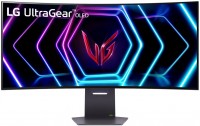
LG UltraGear 39GS95QE 39 " (39GS95QE-B)
 | Compare prices 2 → When you make a purchase through links on our site, we may receive a affiliate commission.
|
LG UltraGear 39GS95QE 39 "
34 "39 "
Screen size:39 "
Resolution:3440x1440 (21:9)
Panel:OLED (WOLED), response 0.03 ms
Frequency:240 Hz
Contrast:1 500 000:1
Brightness:275 cd/m²
Functions:HDR, AMD FreeSync Premium Pro, NVIDIA G-Sync Compatible, VESA Adaptive-Sync, PBP, Flicker-Free
Connectors:DisplayPort v1.4 • 2xHDMI v2.1
DTS Headphone:X support.
All specifications
Specifications UltraGear 39GS95QE
|
| ||||||||||||||||||||||||||||||||||||||||||||||||||||||||||||||||||||||||||||||||||||||||||


The information in the model description is for reference purposes.
Always clarify the specifications and configuration of the product with the online store manager before purchasing.
Catalog LG 2026 - new arrivals, bestsellers, and the most relevant models LG.
Always clarify the specifications and configuration of the product with the online store manager before purchasing.
Catalog LG 2026 - new arrivals, bestsellers, and the most relevant models LG.
Series LG UltraGear (gaming)Compare using chart →

gaming, 26.5 ", 2560x1440 (16:9), OLED (WOLED), response 0.03 ms, 240 Hz, 1.07B Colors, DCI-P3 98.5 %, HDMI, DisplayPort, ХАБ: USB-A 2x5Gbps, AMD FreeSync Premium Pro, NVIDIA G-Sync Compatible, VESA Adaptive-Sync, HDR

gaming, 44.5 ", 5K, 4K, 5120x2160 (21:9), curved 800R, OLED (WOLED), response 0.03 ms, 165 Hz, 330 Hz (WFHD), 10-bit (1.07B Colors), DCI-P3 98.5 %, HDMI, v 2.1, DisplayPort, USB-C (DP Alt Mode), Power Delivery, ХАБ: USB-A 2x5Gbps, speakers, AMD FreeSync Premium Pro, NVIDIA G-Sync Compatible, VESA Adaptive-Sync, HDR
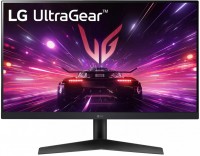
gaming, 23.8 ", 1920x1080 (16:9), IPS, response 1 ms, 180 Hz, 8-bit (16.7M Colors), sRGB 99 %, HDMI, DisplayPort, AMD FreeSync, NVIDIA G-Sync Compatible, HDR, TÜV Rheinland

31.5 ", 4K, 3840x2160 (16:9), OLED (WOLED), response 0.03 ms, 165 Hz, 330 Hz (Full HD), 1.07B Colors, DCI-P3 98.5 %, HDMI, v 2.1, DisplayPort, ХАБ: USB-A 2x5Gbps, AMD FreeSync Premium, NVIDIA G-Sync Compatible, HDR
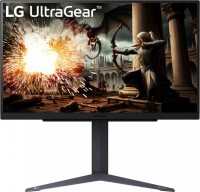
gaming, 31.5 ", 2560x1440 (16:9), IPS, response 1 ms, 180 Hz, 8-bit + FRC (1.07B Colors), sRGB 99 %, HDMI, DisplayPort, AMD FreeSync, NVIDIA G-Sync Compatible, HDR
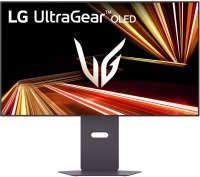
gaming, 31.5 ", 4K, 3840x2160 (16:9), OLED (WOLED), response 0.03 ms, 240 Hz, 480 Hz (Full HD), 10-bit (1.07B Colors), DCI-P3 98.5 %, HDMI, v 2.1, DisplayPort, USB-C (DP Alt Mode), Power Delivery, speakers, AMD FreeSync Premium Pro, NVIDIA G-Sync Compatible, VESA Adaptive-Sync, HDR
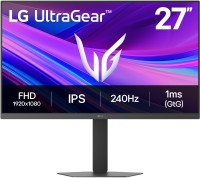
gaming, 27 ", 1920x1080 (16:9), IPS, response 1 ms, 240 Hz, 16.7M Colors, sRGB 99 %, HDMI, DisplayPort, AMD FreeSync Premium, NVIDIA G-Sync Compatible, HDR
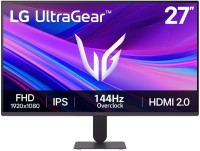
gaming, 27 ", 1920x1080 (16:9), IPS, response 5 ms, MPRT 1 ms, 144 Hz, 6-bit + FRC (16.7M Colors), sRGB 99 %, HDMI, DisplayPort, AMD FreeSync Premium Pro, NVIDIA G-Sync Compatible, VESA Adaptive-Sync, HDR
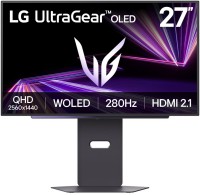
gaming, 26.5 ", 2560x1440 (16:9), OLED (WOLED), response 0.03 ms, 280 Hz, 10-bit (1.07B Colors), DCI-P3 99.5 %, HDMI, v 2.1, DisplayPort, ХАБ: USB-A 2x5Gbps, AMD FreeSync Premium Pro, NVIDIA G-Sync Compatible, VESA Adaptive-Sync, HDR
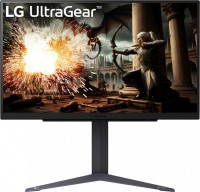
gaming, 27 ", 2560x1440 (16:9), IPS, response 1 ms, 180 Hz, 16.7M Colors, sRGB 99 %, HDMI, DisplayPort, AMD FreeSync, NVIDIA G-Sync Compatible, HDR
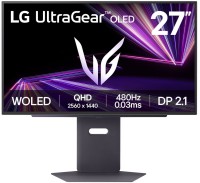
gaming, 26.5 ", 2560x1440 (16:9), OLED (WOLED), response 0.03 ms, 480 Hz, 10-bit (1.07B Colors), DCI-P3 98.5 %, HDMI, v 2.1, DisplayPort, ХАБ: USB-A 2x5Gbps, AMD FreeSync Premium Pro, NVIDIA G-Sync Compatible, VESA Adaptive-Sync, HDR
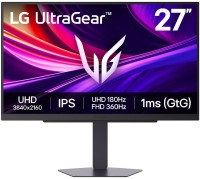
gaming, 27 ", 4K, 3840x2160 (16:9), IPS, response 1 ms, 180 Hz, 360 Hz (Full HD), 1.07B Colors, DCI-P3 95 %, HDMI, v 2.1, DisplayPort, ХАБ: USB-A 2x5Gbps, AMD FreeSync Premium Pro, NVIDIA G-Sync Compatible, VESA Adaptive-Sync, HDR
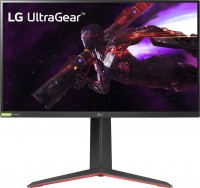
gaming, 27 ", 2560x1440 (16:9), IPS, response 1 ms, 165 Hz, DCI-P3 98 %, HDMI, DisplayPort, ХАБ: USB-A 2x5Gbps, AMD FreeSync Premium, NVIDIA G-Sync Compatible, HDR
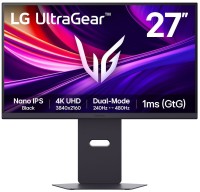
gaming, 27 ", 4K, 3840x2160 (16:9), IPS, response 1 ms, 240 Hz, 480 Hz (Full HD), 1.07B Colors, DCI-P3 99 %, HDMI, v 2.1, DisplayPort, ХАБ: USB-A 2x5Gbps, AMD FreeSync Premium Pro, NVIDIA G-Sync Compatible, VESA Adaptive-Sync, HDR
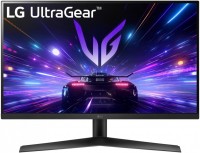
gaming, 27 ", 1920x1080 (16:9), IPS, response 1 ms, 180 Hz, 8-bit (16.7M Colors), sRGB 99 %, HDMI, DisplayPort, AMD FreeSync, NVIDIA G-Sync Compatible, HDR, TÜV Rheinland
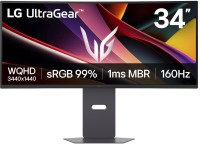
gaming, 34 ", 3440x1440 (21:9), curved 1800R, *VA, response 5 ms, MPRT 1 ms, 160 Hz, 16.7M Colors, sRGB 99 %, HDMI, DisplayPort, speakers, AMD FreeSync Premium, VESA Adaptive-Sync, HDR

gaming, 27 ", 5K, 5120x2880 (16:9), Mini LED IPS, response 1 ms, 165 Hz, 330 Hz (Quad HD), 1.07B Colors, DCI-P3 99 %, HDMI, v 2.1, DisplayPort, USB-C (DP Alt Mode), Power Delivery, ХАБ: USB-A 2x5Gbps, speakers, AMD FreeSync Premium, NVIDIA G-Sync Compatible, HDR, TÜV Rheinland
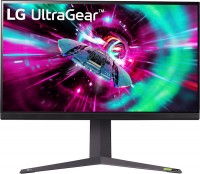
gaming, 31.5 ", 4K, 3840x2160 (16:9), IPS, response 1 ms, 144 Hz, 8-bit + FRC (1.07B Colors), DCI-P3 95 %, HDMI, v 2.1, DisplayPort, ХАБ: USB-A 2x5Gbps, AMD FreeSync Premium, NVIDIA G-Sync Compatible, VESA Adaptive-Sync, HDR

gaming, smart, 39 ", 3440x1440 (21:9), curved 800R, OLED (WOLED), response 0.03 ms, 240 Hz, 10-bit (1.07B Colors), DCI-P3 98.5 %, HDMI, v 2.1, DisplayPort, USB-C (DP Alt Mode), Power Delivery, LAN, Bluetooth, Wi-Fi, ХАБ: USB-A 2x2.0, speakers, AMD FreeSync Premium, NVIDIA G-Sync Compatible, VESA Adaptive-Sync, HDR
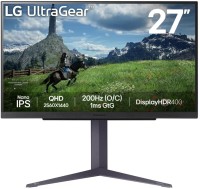
gaming, 27 ", 2560x1440 (16:9), IPS, response 1 ms, 180 Hz, 8-bit + FRC (1.07B Colors), DCI-P3 98 %, HDMI, DisplayPort, ХАБ: USB-A 2x5Gbps, AMD FreeSync, NVIDIA G-Sync Compatible, VESA Adaptive-Sync, HDR
AccessoriesAll accessories for LG UltraGear 39GS95QE →

Model overview based on user reviews
The LG UltraGear 34GS95QE 34" is a gaming monitor that impresses with its OLED panel, 34-inch size, and 800R curvature, providing an immersive experience. It features a 240Hz refresh rate and HDR capabilities, enhancing gaming and entertainment. Users appreciate the matte finish and wide format, though some note that a high-end graphics card is necessary to fully utilize its potential. Initial issues with color gradation and stripes were resolved with pixel refreshing, a common OLED characteristic. The monitor is ideal for those planning a future PC upgrade or console use, offering a significant upgrade from smaller, lower-resolution displays. However, some older games may not support its resolution, and users should be aware of potential flickering in dark scenes at lower FPS. Regular maintenance like pixel refreshing and shift is recommended for longevity.
Pros
Cons
I bought this monitor and have been using it for a week now. Previously, I had no experience with similar products. It's 34 inches with a curvature of 800R. Initially, when I turned it on, everything was fine for the first 5 minutes. Later, stripes appeared, and I noticed incorrect color gradation. I went to chat with GPT, who told me that this is somewhat normal and that the monitor needs to warm up and work for a bit—this is a feature of OLED. I didn't like this because my acquaintances with other models didn't have this issue. GPT recommended using it for 50-100 hours and performing pixel refreshing. After refreshing the pixels, the problem disappeared, but another issue arose. I have a 1080 Ti graphics card that does NOT support 240Hz, only 144Hz in a 10-bit mode, which is something to consider when purchasing. The monitor was bought for a future PC upgrade, for a console purchase, and for watching movies (entertainment and relaxation), so it's not a problem, but keep it in mind. Transitioning from a 24-inch full HD 60Hz made a noticeable difference between full HD and roughly 2K, and also in smoothness. Even in games with 30/60 fps, it became more comfortable to play due to higher refresh rates. However, keep in mind that the lower the FPS, the more likely the monitor will flicker in dark game scenes, which is a G-Sync feature. The HDR on the monitor is magnificent. It is recommended to completely turn off black stabilization, otherwise, why have OLED? It's recommended to use dark themes wherever possible. After a long session (up to 8-15 hours), perform pixel refreshing and activate pixel shift to ensure your monitor serves you well for a long, happy time! HDR, diagonal size, WOLED matrix, matte finish Required graphics card rtx 30+ / rx6800+ series  Vitaliy: use LG UltraGear 34GS95QE less than month Vitaliy: use LG UltraGear 34GS95QE less than month |
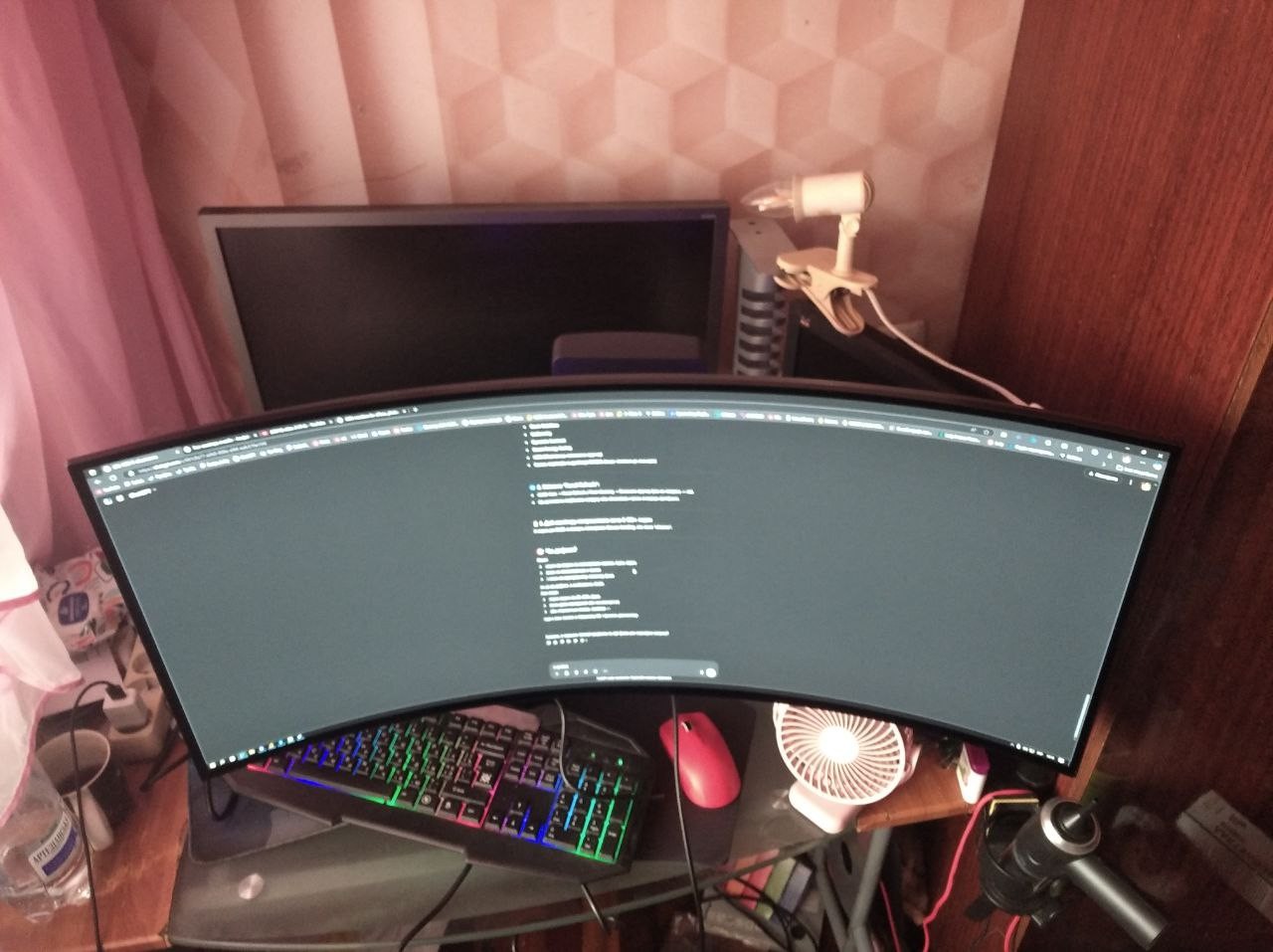
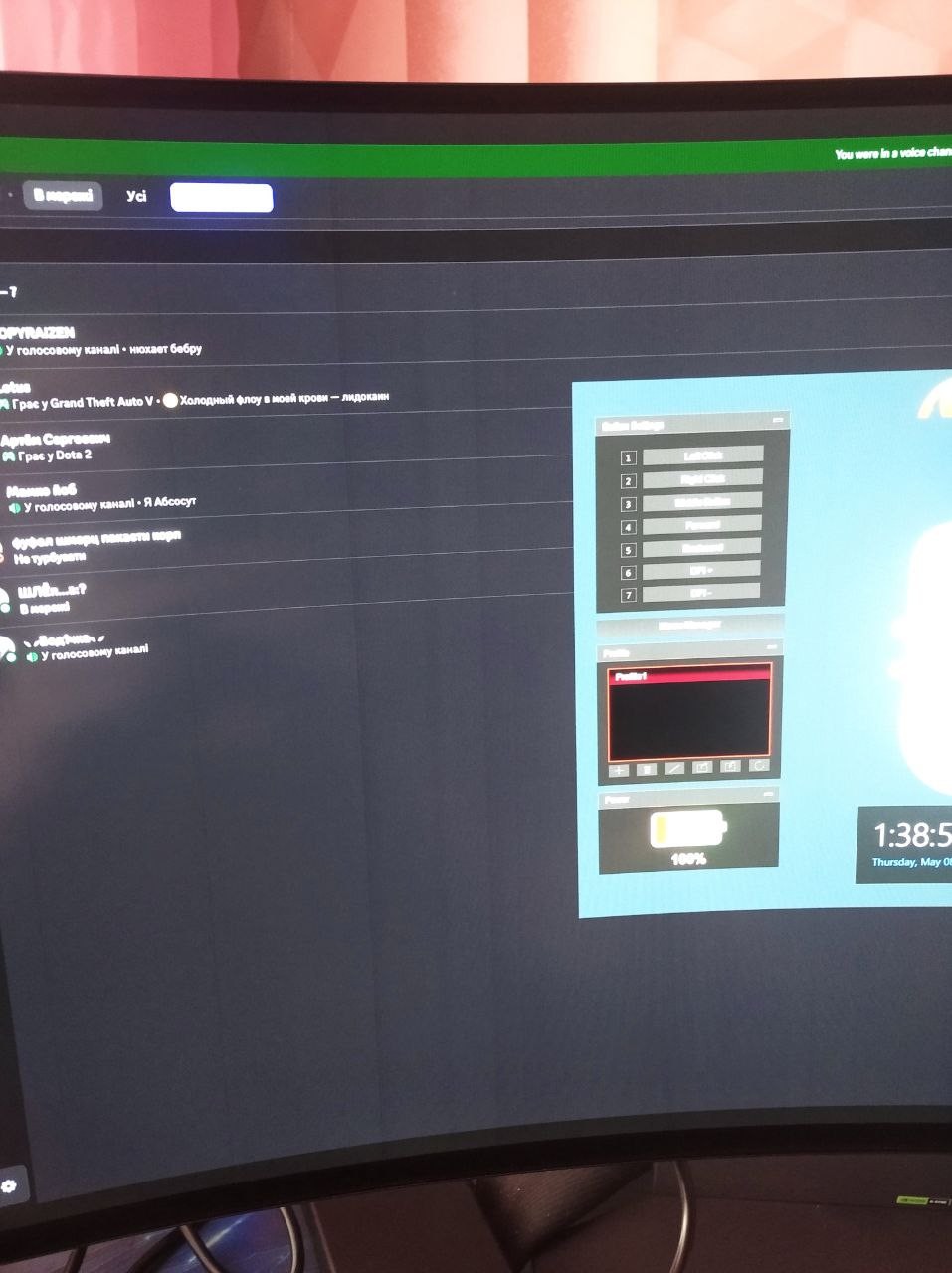
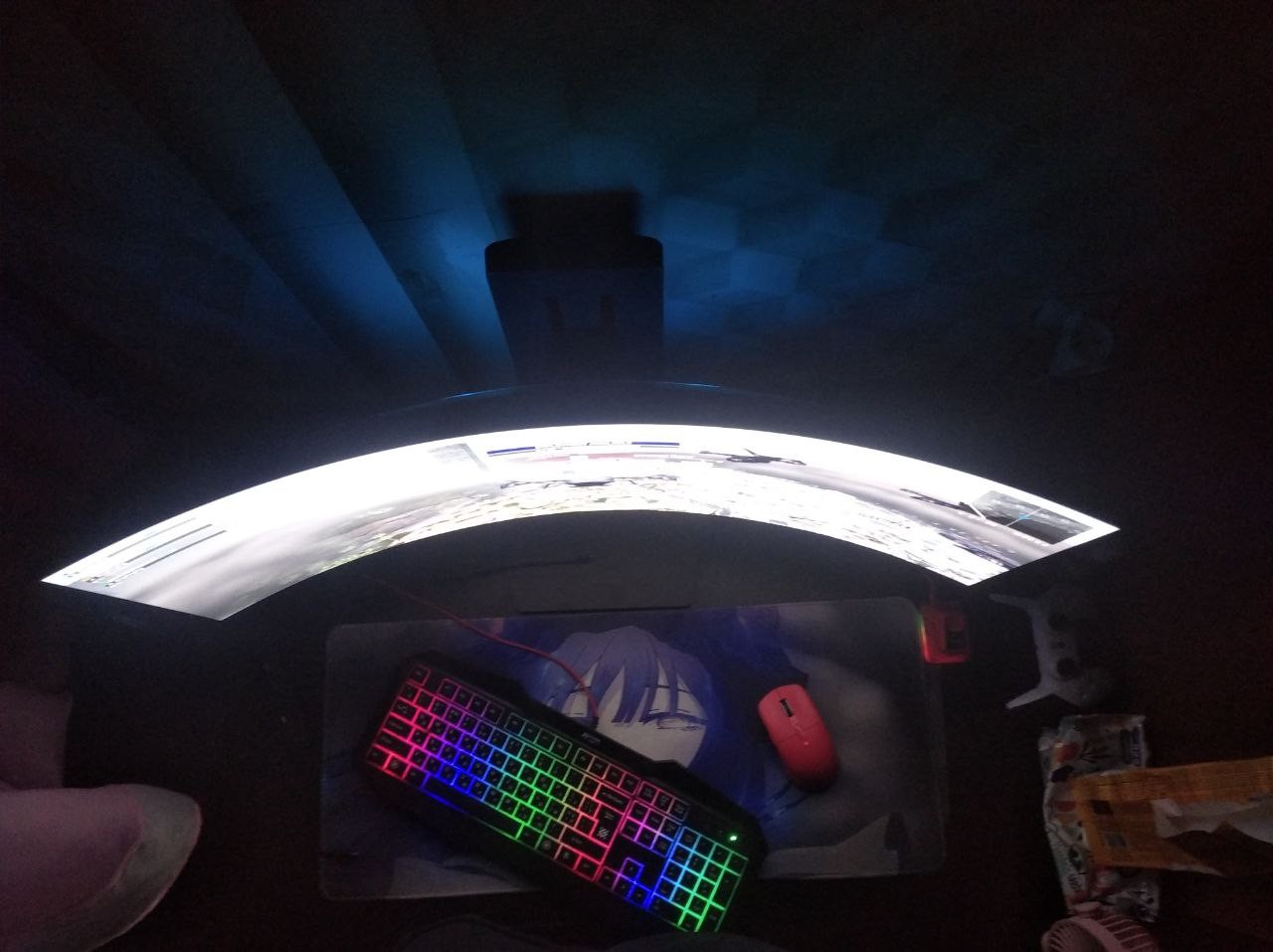
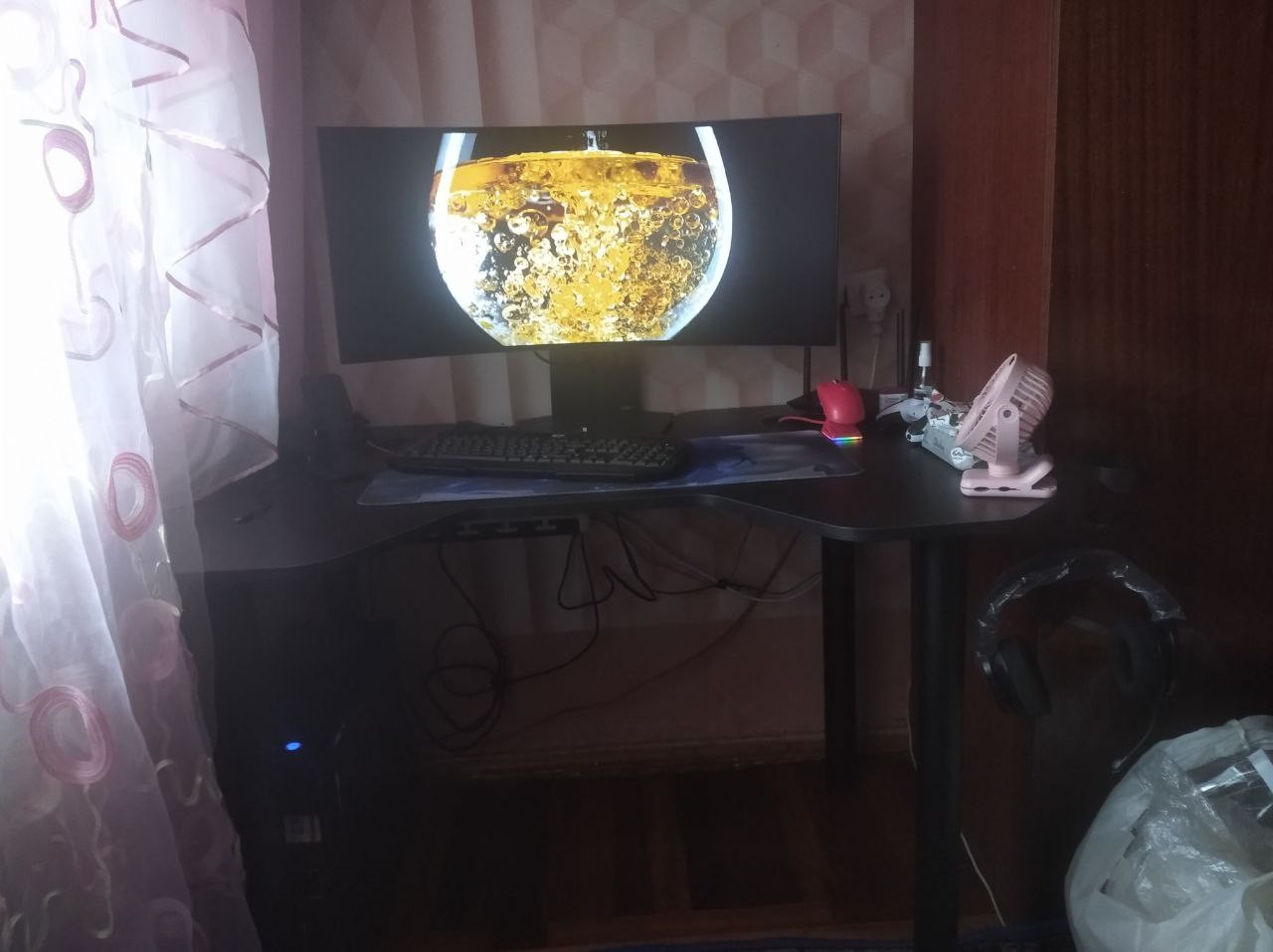
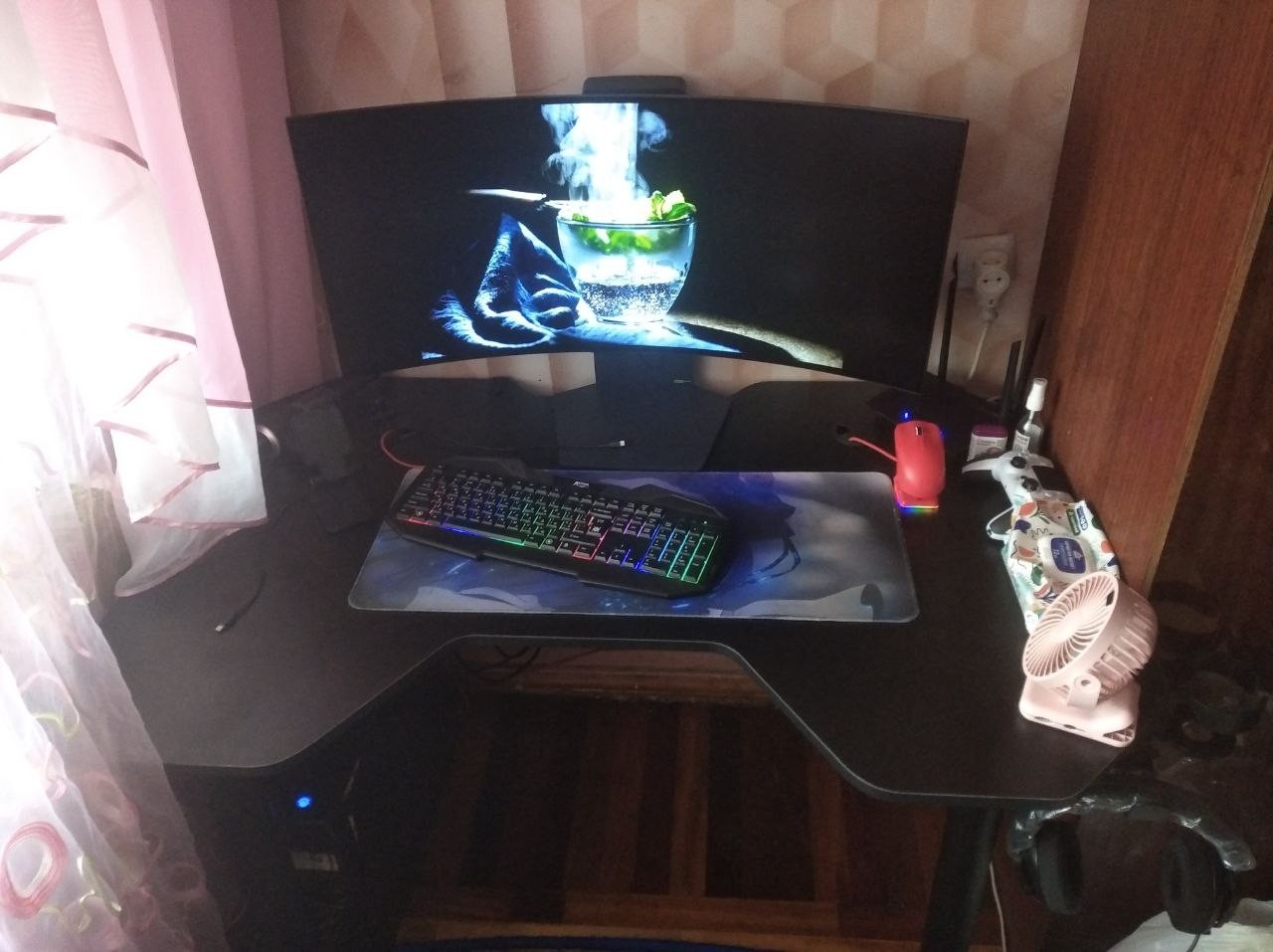
Bought recently, playing for the second week. I like it. Indeed, the wide format enhances immersion into games. Unfortunately, not many old games support this screen resolution. oLED panel, wide format i thought the field of view in games would be bigger and better. Dmitry Bogart: use LG UltraGear 34GS95QE less than month |
Add Review
LG UltraGear 39GS95QE configurations
| Price for LG UltraGear 39GS95QE | ||||
|---|---|---|---|---|
 | LG UltraGear 34GS95QE 34 " | from $799.99 | 6 offers | |
 | LG UltraGear 39GS95QE 39 " | from $979.00 | 2 offers | |
Video reviews

LG's NEW 39" OLED Gaming Monitor 240Hz 39GS95QE Review
4 March 2024344 316 view

LG 34" UltraGear OLED 34GS95QE Curved Gaming Monitor Review : 240Hz UltraWide WOLED
2 April 2024179 293 view

Bigger WOLED Ultrawide, But Is It Better? - LG 39GS95QE Review
4 April 2024159 813 view
LG 39" UltraGear OLED 39GS95QE Curved Gaming Monitor Review : 240Hz UltraWide WOLED
10 April 2024104 319 view
SimilarCompare using chart →
gaming, 44.5 ", 3440x1440 (21:9), curved 800R, OLED (WOLED), response 0.03 ms, 240 Hz, 10-bit (1.07B Colors), sRGB 127.5 %, DCI-P3 98.5 %, HDMI, DisplayPort, USB-C (DP Alt Mode), Power Delivery, ХАБ: USB-A 4x5Gbps, KVM-switch, speakers, AMD FreeSync Premium, NVIDIA G-Sync Compatible, VESA Adaptive-Sync, HDR
gaming, 23.8 ", 1920x1080 (16:9), IPS, response 1 ms, 165 Hz, 8-bit (16.7M Colors), sRGB 99 %, DCI-P3 90 %, HDMI, DisplayPort, AMD FreeSync Premium
gaming, 27 ", 2560x1440 (16:9), QD-OLED, response 0.03 ms, 360 Hz, 10-bit (1.07B Colors), DCI-P3 99 %, HDMI, v 2.1, DisplayPort, ХАБ: USB-A 2x5Gbps, AMD FreeSync Premium Pro, VESA Adaptive-Sync, HDR
19 ", 1280x1024 (5:4), IPS, response 6 ms, 60 Hz, 8-bit (16.7M Colors), VGA, HDMI, DisplayPort, ХАБ: USB-A 2x2.0, 2x5Gbps
gaming, 27 ", 2560x1440 (16:9), IPS, response 4 ms, 165 Hz, 8-bit (16.7M Colors), sRGB 99 %, HDMI, DisplayPort, speakers, AMD FreeSync, NVIDIA G-Sync Compatible, HDR
gaming, smart, 49 ", 5120x1440 (32:9), curved 1800R, QD-OLED, response 0.03 ms, 240 Hz, DCI-P3 99 %, Micro HDMI v2.1, HDMI, v 2.1, DisplayPort, Bluetooth, Wi-Fi, ХАБ: USB-A 5Gbps, USB-C 2x5Gbps, speakers, AMD FreeSync Premium Pro, HDR
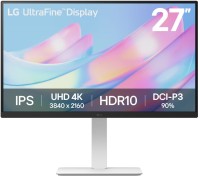
27 ", 4K, 3840x2160 (16:9), IPS, response 5 ms, 60 Hz, 8-bit + FRC (1.07B Colors), DCI-P3 90 %, HDMI, DisplayPort, HDR
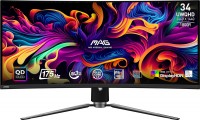
gaming, 34 ", 3440x1440 (21:9), curved 1800R, QD-OLED, response 0.03 ms, 175 Hz, 10-bit (1.07B Colors), sRGB 139.1 %, DCI-P3 99.3 %, HDMI, v 2.1, DisplayPort, USB-C (DP Alt Mode), Power Delivery, ХАБ: USB-A 2x2.0, KVM-switch, AMD FreeSync Premium Pro, VESA Adaptive-Sync, HDR, TÜV Rheinland
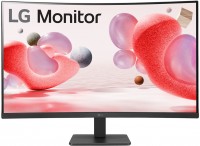
31.5 ", 1920x1080 (16:9), curved 1500R, *VA, response 5 ms, 100 Hz, VGA, HDMI, AMD FreeSync
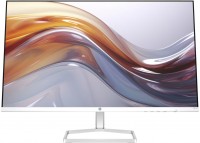
27 ", 1920x1080 (16:9), IPS, response 5 ms, 100 Hz, 6-bit + FRC (16.7M Colors), sRGB 99 %, VGA, HDMI, speakers
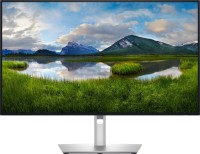
for graphics, 27 ", 4K, 3840x2160 (16:9), IPS, response 5 ms, 120 Hz, 1.07B Colors, sRGB 100 %, DCI-P3 99 %, HDMI, v 2.1, DisplayPort, USB-C (Thunderbolt v4), Power Delivery, LAN, ХАБ: USB-A 5x10Gbps, USB-C 2x10Gbps, KVM-switch, VESA Adaptive-Sync, HDR, CalMAN Verified, TÜV Rheinland
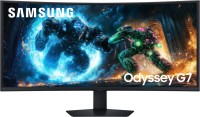
gaming, 40 ", 5K, 4K, 5120x2160 (21:9), curved 1000R, *VA, response 1 ms, 180 Hz, 1.07B Colors, sRGB 99 %, DCI-P3 90 %, HDMI, v 2.1, DisplayPort, ХАБ: USB-A 2x5Gbps, AMD FreeSync Premium Pro, HDR