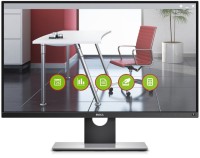
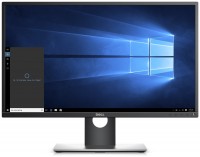
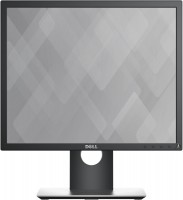
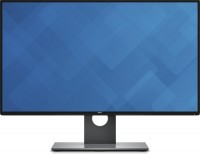
Dell UltraSharp U2717D 27 "
 | Compare prices 2 → When you make a purchase through links on our site, we may receive a affiliate commission.
|
|
| |||||||||||||||||||||||||||||||||||||||||||||||||||||||||||||||||||


Always clarify the specifications and configuration of the product with the online store manager before purchasing.
Catalog Dell 2026 - new arrivals, bestsellers, and the most relevant models Dell.
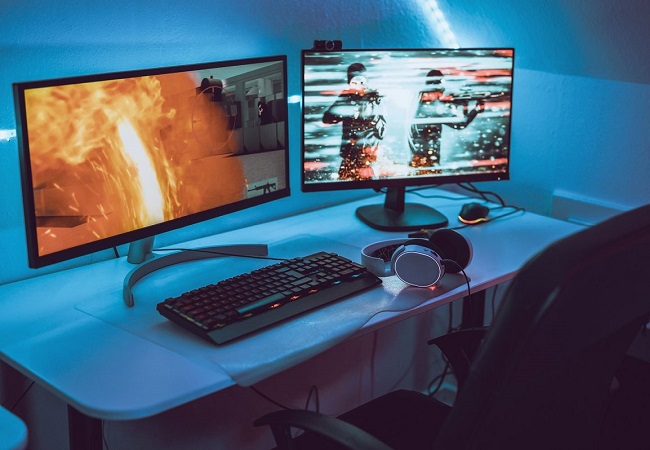
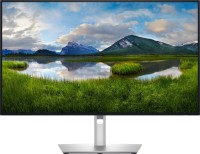
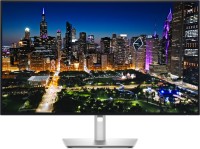
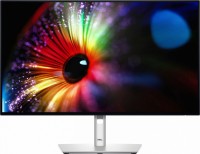
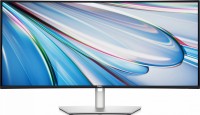

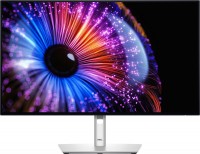
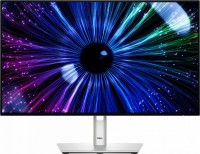
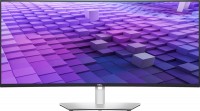

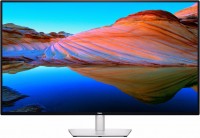
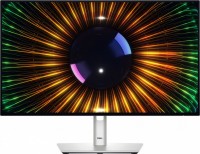
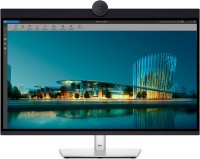
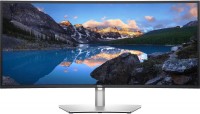
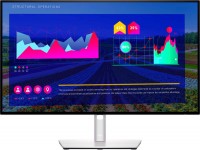
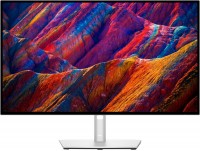
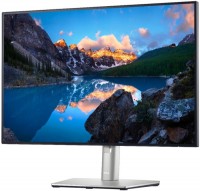
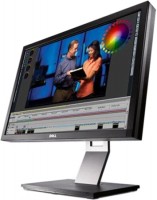

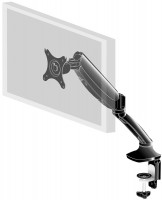
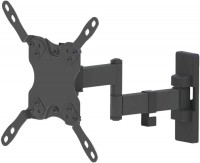
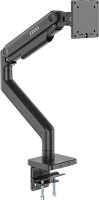
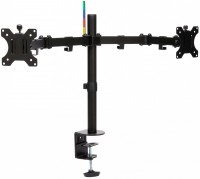
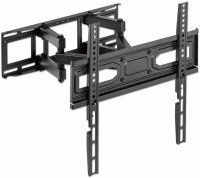
I have always respected Dell monitors in general, and the Ultrasharp series especially. The price of these monitors may not be the most attractive, but this is the only series that you can simply not check when purchasing. If the original packaging is not damaged, then the monitor is in perfect order and is guaranteed to work. And, yes, Dell is one of the few manufacturers that guarantees replacement of the monitor if even a single hot pixel appears during the warranty period. A very versatile and high-quality monitor in all senses. It features a high-quality 8-bit "IPS" type matrix with good color reproduction and decent response time. The monitor has undergone factory color calibration, and the corresponding certificate is included. It delivers a bright, vivid image with more or less uniform backlighting (there's slight unevenness, but it's only visible in complete darkness against a black background). Importantly, the matrix is quite fast in terms of response time, so you can play games if you wish; in PUBG, the image is sharp enough without noticeable ghosting or blurring. The highest praise goes to the branded Dell stand, which weighs over 1100 grams. It allows you to adjust the screen position in all possible and impossible planes, you can even rotate the screen plane by 90 degrees, i.e., into portrait orientation. There are enough interfaces for connection, including HDMI and two DisplayPorts, with input and output for daisy-chaining. There is an anti-reflective matte film on the screen and because of it there is a noticeable crystalline effect. In principle, the problems are expected, as is the glow effect, which is also present here and is clearly visible on black fills. But you quickly get used to both of these shortcomings and simply stop paying attention. They don’t interfere with work and that’s fine. |
I examined four units of the U2417H; three of them had noticeable banding of varying degrees, as seen in the photo at the link: http://en.community.dell.com/support-forums/periph The fourth unit had darkened corners. I decided not to buy it and will look for something else. All the advantages are listed in other reviews, I will not repeat them. - Dimming of brightness at the bottom of the screen, especially in the corners; - Plastic is coming away from the bottom part of the frame. |
Dell UltraSharp U2717D configurations
| Price for Dell UltraSharp U2717D | ||||
|---|---|---|---|---|
 | Dell UltraSharp U2417H 24 " | from $149.99 | 7 offers | |
 | Dell UltraSharp U2717D 27 " | from $332.58 | 2 offers | |
The well-established AH-IPS type matrix, on the basis of which the monitor screen from the American company Dell is built, stands out for its high colour reproduction quality, as well as a wide coverage of sRGB and AdobeRGB colour spaces (99% and 82% respectively). Therefore, Dell U2717D can be safely recommended for serious work with graphics.
Optimum Density
With a screen resolution of 2560x1440 pixels, the optimal pixel density is achieved — their size will not be too small in order not to miss a possible defect when working with images or video files, and not too large so as not to catch the eye. A bright LED-backlight (350 cd / m² at the maximum level) will help to catch the difference between the slightest shades of colours.
Accuracy
The monitor screen requires almost no intervention in terms of colour calibration — factory settings provide high colour accuracy with 8-bit colour depth, which corresponds to the ability to display more than 16.3 million different shades. As befits a professional tool, the surface of the matrix is matte, and a special anti-reflective coating is applied on top of it.
Without Borders
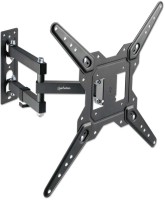
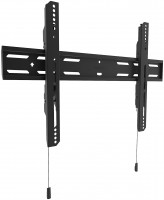
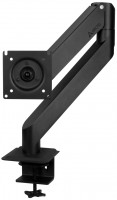
There are two ways to mount the monitor in front of the user: using a 100x100mm VESA wall mount, or using a practical stand. The latter allows you to adjust the position of the screen in height (within 13 cm), as well as the angle of its inclination. Adherents of a multi-monitor layout will like the thinnest bezels of the Dell U2717D — with a bezel thickness of 7.3 mm, the line between two or three adjacent monitors is practically erased.
Interfaces
The owners of the model blame only one drawback in its design — the lack of built-in speakers. It is solved by connecting external speakers or headphones to the monitor, for which a 3.5 mm mini-jack is provided on the back of the case. It is also necessary to note the support of MHL technology, the purpose of which lies in the transmission of digital video and audio signals from the screen of a smartphone or tablet directly to the monitor display.