Best Wireless Gamepads for PC

We independently test the products and technologies that we recommend.
| Logitech G | $29.99 | To Store |
| Newegg.com | $43.69 | To Store |
| BestBuy.com | $49.71 | To Store |
| Officedepot.com | $49.99 | To Store |
| BestBuy.com | $59.00 | To Store |
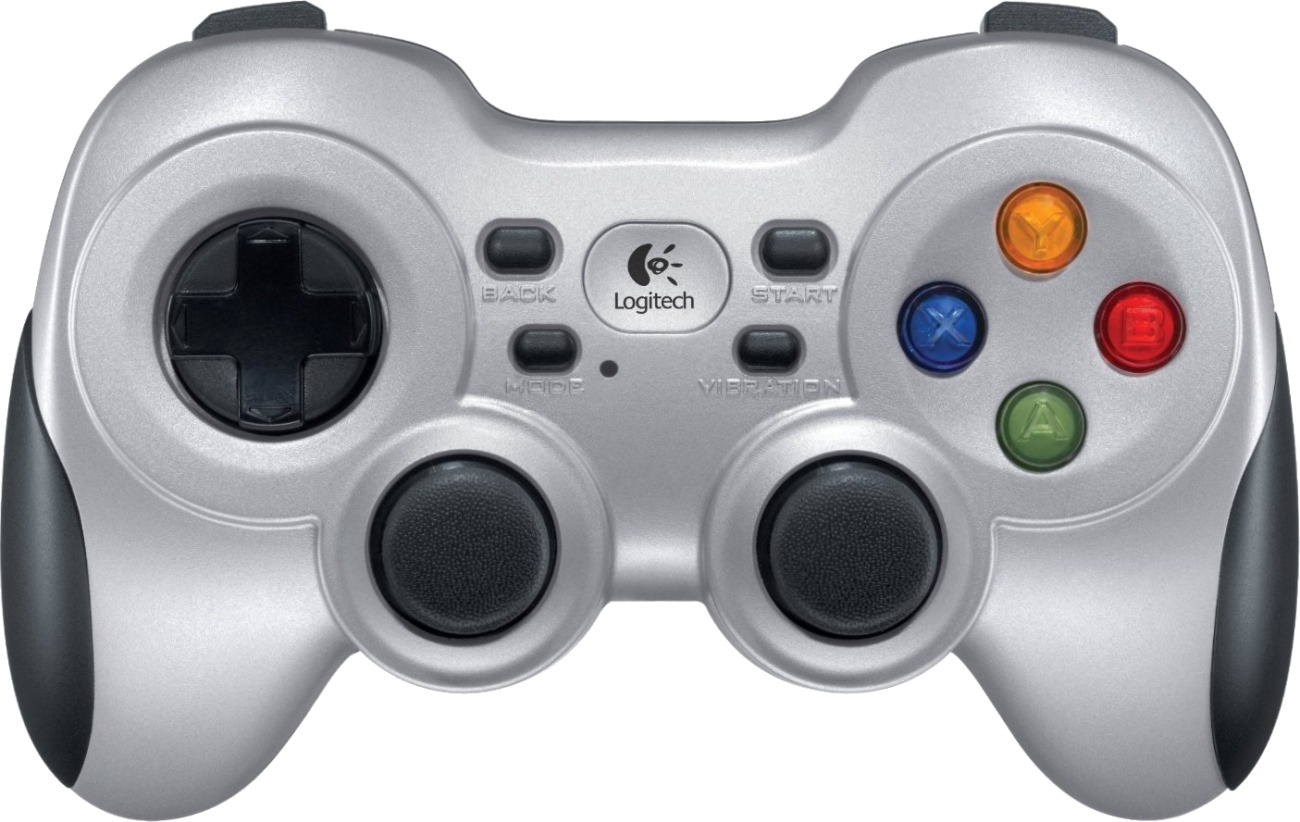
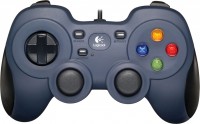
Design-wise, the F710 is entirely modeled after PlayStation gamepads — a pair of symmetrical sticks, a D-pad with arrows, 4 side shift buttons, and a main block with four buttons. The main difference is that the main buttons are labeled with colored letters "ABXY" like Xbox instead of geometric shapes like DualShock. Since most PC games are oriented toward Xbox, you won't be in a rush looking for the necessary button when a prompt like "press X, then A" appears on screen.
The main feature of Logitech controllers is the simultaneous support of XInput and DirectInput modes. In the first case, the system identifies the F710 as an Xbox Controller for Windows with a standard layout, and in the second as a Rumblepad with the capability to reprogram buttons as desired. In the latter case, the gamepad can be tuned for use in third-party applications, for example, using it as a MIDI-controller in music software. You can switch modes using a special mechanical switch on the body.
The main weakness of the F710 is in ergonomics. Stick responsiveness is unimpressive, despite now being able to move in a perfectly circular trajectory. Accuracy at small deviations is low, and the finger does not sit quite comfortably and tires faster. Especially in games like FIFA, where both sticks constantly need to be turned. Plus, the analog triggers/shifters are somewhat tight. This is a plus for durability, but a minus for convenience. For example, in racing games, where the throttle needs to be pressed most of the time, fingers tire faster than when playing with Xbox and PS controllers. So be sure to try the gamepad before purchasing.
Another major difference from the products of Sony and Microsoft is in power supply. Instead of a battery, the Logitech F710 uses regular AA batteries. It is their quality that determines how long the charge of the gamepad will last.

| BestBuy.com | $42.08 | To Store |
| MSI.com | $39.99 | To Store |
| Newegg.com | $38.05 | To Store |
| BestBuy.com | $72.03 | To Store |
| MSI.com | $39.99 | To Store |
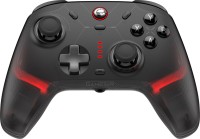
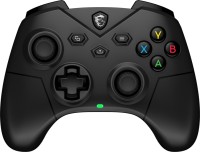
The MSI brand gamepad represents the mid-price segment and is recommended for PC or Android device owners. It is notable for its support of combined connection, meaning both wired and wireless — via Bluetooth and radio connection. The model is available in two versions — white or black.
The MSI Force GC300 Wireless has an asymmetrical Xbox-style shape, ergonomic design for comfortable grip even in long sessions, and is relatively lightweight (230 grams). In wireless scenarios, the 600 mAh battery can provide up to 20 hours of life, but with vibration feedback turned off.
The 4-position D-pad, ABXY buttons, and two sticks complement the familiar bumpers and triggers (triggers). The latter support two pressing options — full and short stroke (with separate switches) — respectively for racing simulators and dynamic shooters. The triggers are based on Hall magnetic sensors to extend service life and ensure exemplary accuracy. There are also two more programmable rear buttons. With the MSI Center software, commands can be configured for them, as well as other controller work parameters can be flexibly set.
Highlights include a 3.5-mm jack for headphones, but note that it doesn't work when the model is Bluetooth-connected to a PC or smartphone. A minus of the gamepad is limited overall compatibility, as it cannot be paired with popular gaming consoles and Apple devices.
The MSI Force GC300 Wireless is a balanced controller without overpayments and unnecessary options for casual gaming.
| Lenovo.com | $69.99 | To Store |
| Verizon.com | $64.99 | To Store |
| Target | $49.49 | To Store |
| Abt.com | $69.99 | To Store |
| Newegg.com | $73.11 | To Store |
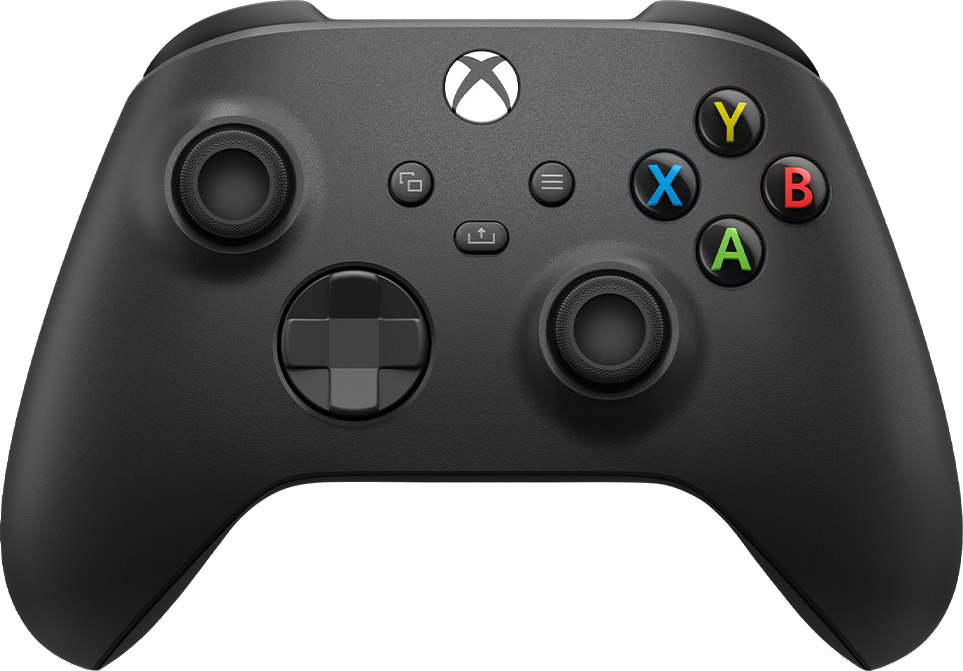
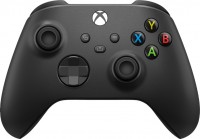
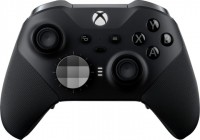
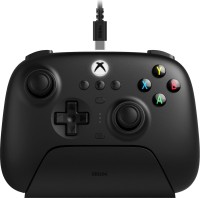
All the past decade, the Microsoft/Xbox management was involved in anything but its main job — they made unsuccessful kinects, tried to turn the console into a DVD player, and ultimately lost the war of exclusives. Amid this turmoil, many players missed the fact that Xbox has a damn comfortable controller. And not including it in the selection of the best wireless manipulators for PC would be sacrilegious.
The main claim usually against the Xbox controller is that it is not a DualShock. The form isn't right, who even came up with asymmetrical sticks? In reality, these claims fall away within a few minutes of gaming. It turns out that asymmetrical sticks are even more convenient than symmetrical ones. And unlike Sony's gamepads, which often require manually adding a game in Steam or installing third-party drivers, the Xbox Controller is smoothly picked up on any device, whether it is a gaming laptop on Win 10, a smartphone on Android, or a new iPad Pro.
Otherwise, the new Xbox Controller has remained virtually the same as in the Xbox 360 era. Microsoft slightly upgraded the sticks and adjusted the shape by removing a small bevel at the front top and replacing the non-durable glossy coating with practical matte plastic. Thanks to this, the gamepad is also slightly more ergonomic and convenient. Moreover, it fits more comfortably in both large and diminutive hands. Well, they added a headphone output, and the charging port was updated to the modern USB C. Although out of the box, the gamepad works on a pair of AA batteries, and the battery is usually sold separately. And they updated the cross, borrowing the idea from the tournament model Xbox Elite.







| Amazon.com | $55.99 | To Store |
| BestBuy.com | $54.99 | To Store |
| Banggood.com | $51.99 | To Store |
| BestBuy.com | $54.99 | To Store |
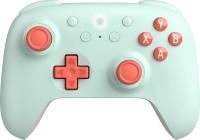
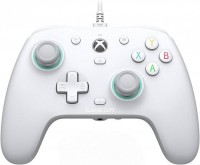
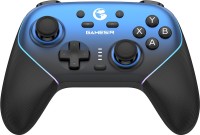
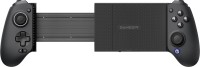
GameSir brand gamepad supports various connection methods. It can be "paired" with PCs and other devices via Bluetooth or radio channel (a dongle is included), as well as with a 3-meter cable. The model is intended to be used with computers, smartphones, and tablets (on Android and iOS), consoles Switch, modern smart TVs, TV boxes. For maximum multiplatform support, only official support for Xbox and PlayStation is lacking.
The bonuses of the GameSir Cyclone 2 equipment include customizable RGB lighting, headphone output (in addition to USB C for charging and wired connection), as well as a 6-axis gyroscope that provides gesture control (controller tilts).
By default, the layout of the model's controls repeats the Xbox solutions. At the same time, users have more buttons at their disposal than the classic Microsoft gamepad — 15, including two programmable rear ones. Additional advantages are sticks on TRM and triggers — on Hall sensors. Both their designs increase control accuracy, reduce wear, and minimize the likelihood of drift (spontaneous triggering without presses). Plus, TMR provides low power consumption as well.
A downside of the model is the autonomy of the 860 mAh battery, about 2 – 2.5 hours with lighting on, which is less than the main competitors. However, a version with a bundled docking station is available, allowing charging even during short pauses between gaming sessions. It's worth noting that easy lighting setup, button programming, and profiles are only available in the PC software — GameSir Connect; this functionality is missing in Android and iOS mobile apps — command changes are available only through physical combinations on the controller, which is somewhat inconvenient.
In any case, for its price category, the GameSir Cyclone 2 is a cool gamepad that will definitely satisfy PC owners and has significant bonuses for fans of smartphone, tablet, and other device games.

| Amazon.com | $74.00 | To Store |
| Lenovo.com | $74.99 | To Store |
| Target | $84.99 | To Store |
| HSN.com | $78.00 | To Store |
| bloomingdales.com | $81.99 | To Store |
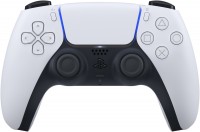
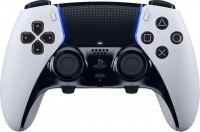
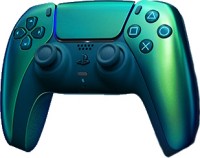
Surprised to see a PS5 gamepad in the selection of controllers for PC? Don't hurry, because Sony has befriended the PC platform after the PS5 announcement, much to the delight of all its fans. PC users have already completed exclusives like Death Stranding, Days Gone, and Horizon, with God Of War 2018 and possibly Uncharted remaster also on the horizon. Given all this, it's not surprising that the PS5 gamepad can be easily paired with a PC, using native support in Win 10, forced support in Steam, or the workaround application DS4Windows.
The only downside to this connection is that most games do not support the DualSense adaptive triggers. This is almost the main feature of the new gamepad, which significantly enhances the gaming experience. For example, the trigger may become tighter when Aloy from Horizon draws back the bowstring. Or it may create a tactile recoil effect when shooting in Deathloop. On PC, these capabilities are only beginning to appear — the first signs of support for tactile triggers were Metro Exodus: Enhanced Edition and Assassin’s Creed Valhalla. Otherwise, almost all main functions are supported when connected, including the touchpad (can be used to replace a mouse), gyroscope, microphone, and motion sensor. Haptic feedback in most games is implemented at a basic level.
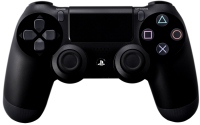
Regarding the gamepad itself, the feelings are mixed. On the one hand, it has advanced in terms of quality. It feels expensive, the buttons press softer and more confidently, the cross seems a bit stiffer, and the coating is many times more pleasant than the Dual Shock 4, especially the handle coating. Fast charging appeared, and the battery lasts a bit longer. The bumpers practically didn't change, we have already mentioned adaptive triggers above. On the other hand, not everyone likes the updated gamepad design. The old DualShock was a self-sufficient thing that spawned a million imitators; the new DualSense tries hard to stand out, thus becoming similar to an imitator. Well, you probably heard the story about drifting sticks. Some PS5 owners had sticks glitching or self-actuating without player touches within a couple of weeks. Sony has apologized several times and apparently fixed everything in the spring firmware update.
Articles, reviews, useful tips
All materials