
Microsoft Xbox Elite Wireless Controller
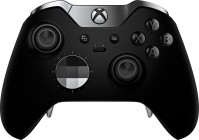 | Expecting restock Microsoft Xbox Elite Wireless Controller is a fairly expensive and high-end controller with high capabilities for customization and customization of functions based on the gamer’s own preferences. In fact, it is an improved eSports version of the Microsoft gamepad, which was presented in 2016 along with the limited Xbox One Elite set. Compared to the regular Xbox controller, the Elite version offers many improvements, including adjustable analog stick tension, shorter trigger throws, multiple types of interchangeable D-pads, and additional wing-shaped triggers that hide on the back of the controller. In total, the kit includes 6 analog sticks of different heights, 2 interchangeable crosses of different types (d-pad and plate), as well as 4 interchangeable rear triggers with different level...s of rigidity. By default, these additional four knobs duplicate the functions of the A/B/X/Y buttons, but they can be reconfigured to suit your needs. Otherwise, the Microsoft Xbox Elite Wireless Controller is a familiar gamepad, the layout of which will evoke nostalgic feelings in any owner of Xbox consoles and many PC gamers: on the right under the thumb there is an analog stick and 4 main ABXY control buttons, on the left there is a second stick and 8- Positional D-pad. Unlike the layout of Sony gamepads, the sticks are positioned asymmetrically, which is still a source of controversy among some players. Microsoft Xbox Elite Wireless Controller Series connects to the console and personal computer via Bluetooth or using the included USB-C cable. The power source can be either a pair of AA batteries or a proprietary battery, which, alas, is not included with the manipulator. E-Catalog uses affiliate links compensated by our partners. |





Microsoft Xbox Elite Wireless Controller | ||||||||||||||||||||||||||||||||||||||||||||||||||||||||||||||||||||||
|
| |||||||||||||||||||||||||||||||||||||||||||||||||||||||||||||||||||||


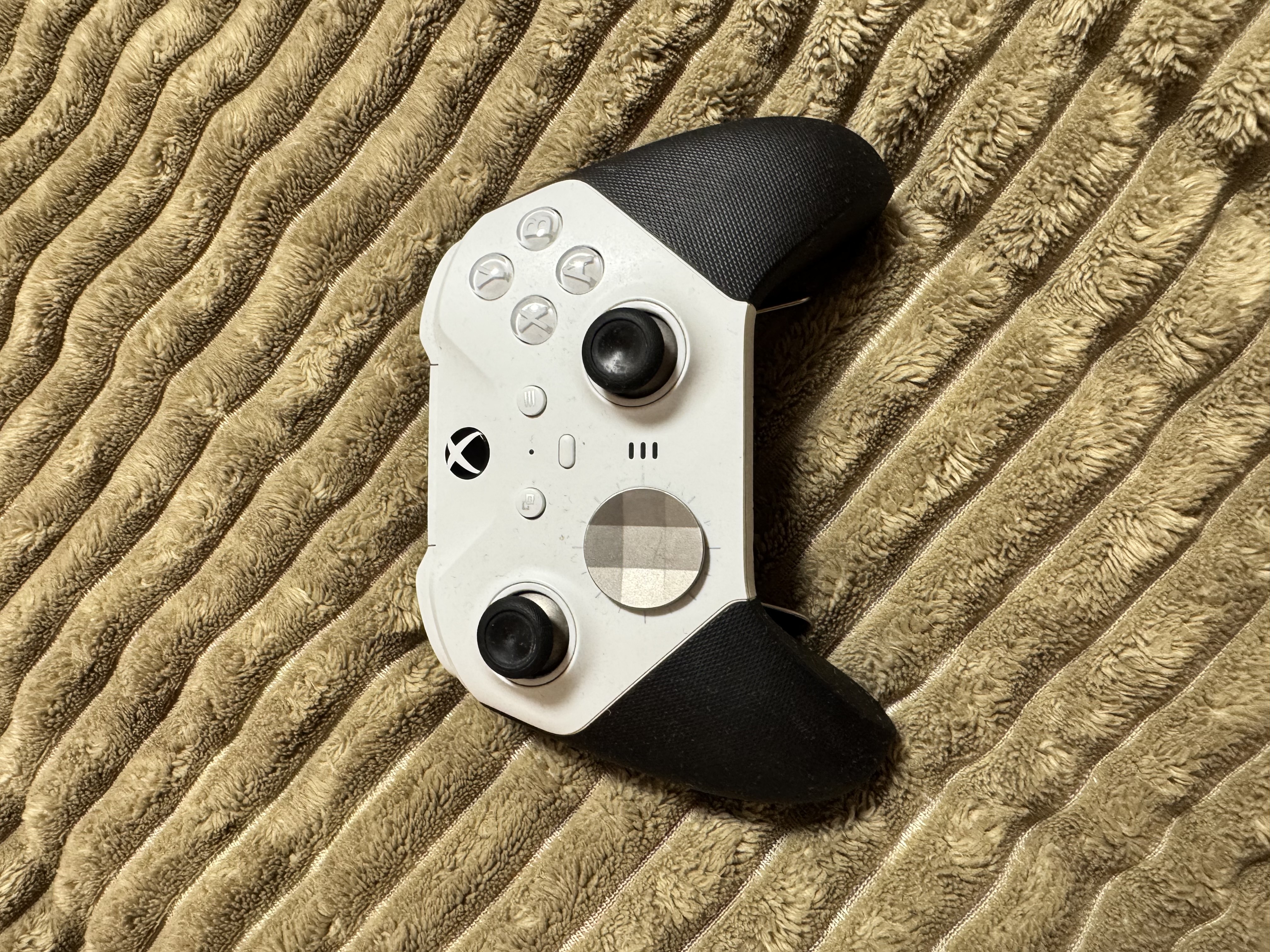
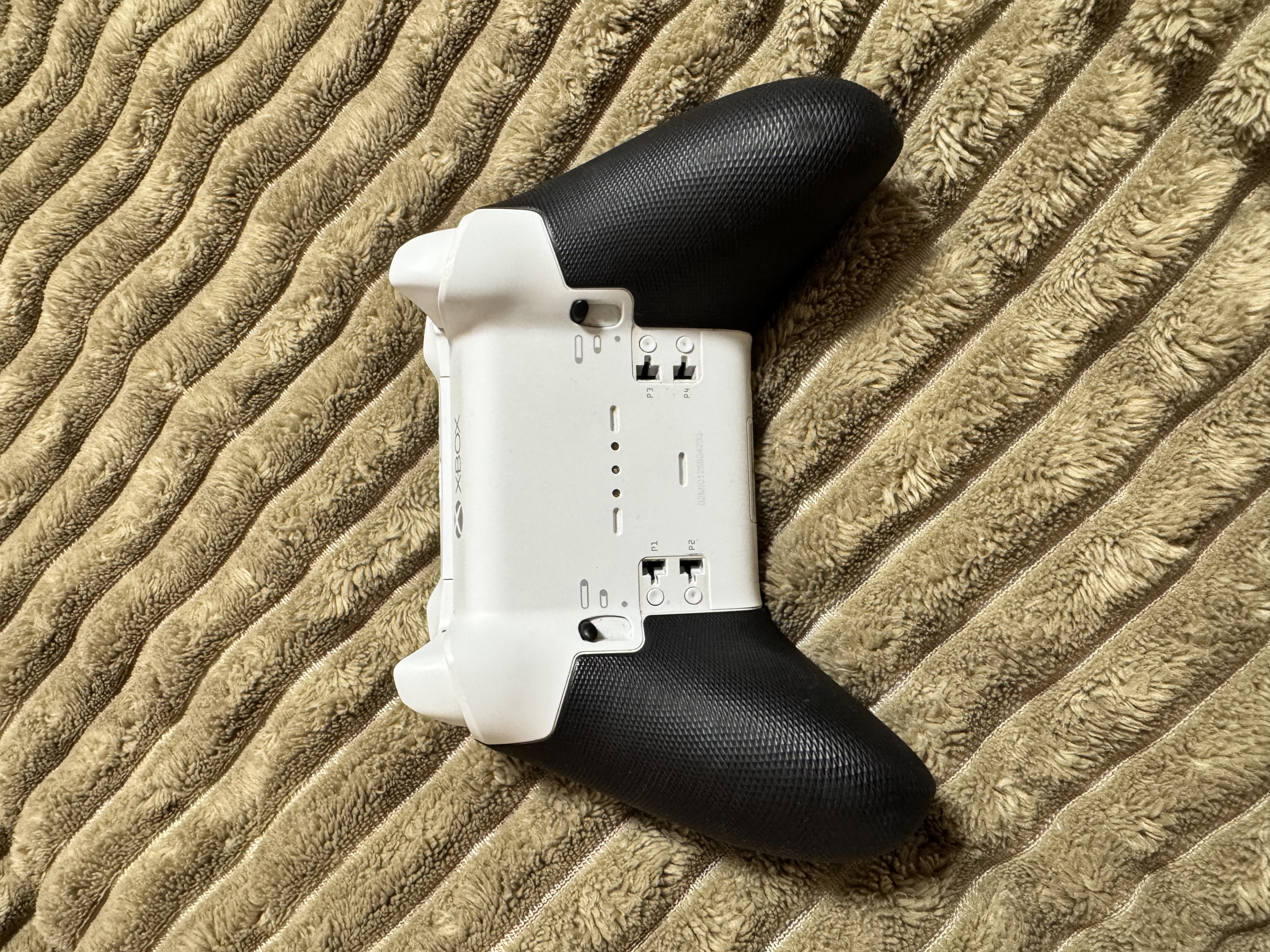
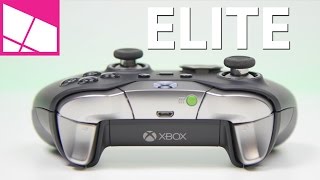
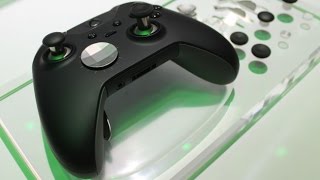
Microsoft Xbox Elite Wireless Controller is a fairly expensive and high-end controller with high capabilities for customization and customization of functions based on the gamer’s own preferences. In fact, it is an improved eSports version of the Microsoft gamepad, which was presented in 2016 along with the limited Xbox One Elite set. Compared to the regular Xbox controller, the Elite version offers many improvements, including adjustable analog stick tension, shorter trigger throws, multiple types of interchangeable D-pads, and additional wing-shaped triggers that hide on the back of the controller.
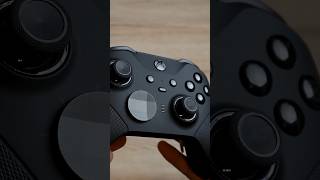
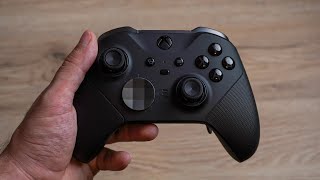
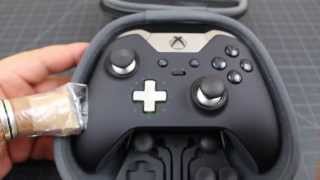
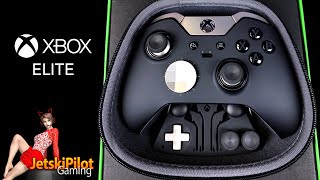
In total, the kit includes 6 analog sticks of different heights, 2 interchangeable crosses of different types (d-pad and plate), as well as 4 interchangeable rear triggers with different levels of rigidity. By default, these additional four knobs duplicate the functions of the A/B/X/Y buttons, but they can be reconfigured to suit your needs. Otherwise, the Microsoft Xbox Elite Wireless Controller is a familiar gamepad, the layout of which will evoke nostalgic feelings in any owner of Xbox consoles and many PC gamers: on the right under the thumb there is an analog stick and 4 main ABXY control buttons, on the left there is a second stick and 8- Positional D-pad.
Unlike the layout of Sony gamepads, the sticks are positioned asymmetrically, which is still a source of controversy among some players. Microsoft Xbox Elite Wireless Controller Series connects to the console and personal computer via Bluetooth or using the included USB-C cable. The power source can be either a pair of AA batteries or a proprietary battery, which, alas, is not included with the manipulator.
Always clarify the specifications and configuration of the product with the online store manager before purchasing.
Catalog Microsoft 2026 - new arrivals, bestsellers, and the most relevant models Microsoft.
1 1 1 7 |
A monster compared to the native box controller in terms of both size and features. It's much heavier and larger, but believe it or not, it has a battery! So you no longer need to buy all the batteries within a 2 km radius. And by the way, pro tip: the paddles from the first generation fit as well. Flexible gamepad customization on the console itself, with 3 presets for different bindings and sensitivity settings. Trigger locks, stick tension adjustment, and the ability to attach paddles allow you to play shooters comfortably, without having to relearn Clawgrip and risk injuring your wrist and tendons. It also works smoothly with Windows. The battery life is probably about 24 hours. What I didn't like is the stick drift after six months of use and the fact that it doesn't always turn on the first time. However, it has fallen multiple times, so that might be the reason. Also, the upper-left paddle button became stiffer and requires more force to activate. In shooters, where you need to jump a lot, I ended up with a callus on the fourth finger of my left hand after a few hours of play. Functions Flexibility Modularity Battery Design Drift of sticks Problems with the button under the paddle  Maksim Pasichnik: use Microsoft Xbox Elite Wireless Controller more than year Maksim Pasichnik: use Microsoft Xbox Elite Wireless Controller more than year |




Gamepad for eSportsmen
A few years after the release of the Xbox One console, Microsoft released an unusual version of the console, which was subtitled Elite in the title. And a little later, separately from the console, an “elite” gamepad focused on athletes also went on sale. In terms of connecting to a PC, this is still the same simple gamepad. We connect, wait until Windows detects the gamepad and downloads the drivers .. Done, now you can go kill monsters, conquer race tracks or beat friends in Injustice.
Set of replacement sticks
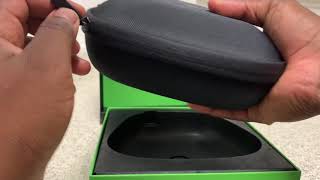
Now let's see what Microsoft has changed from the original controller. First, it's sticks. Due to the changed way they glide, they are now smoother and more docile. Tactile sensations are much more pleasant. Plus, they are now interchangeable and in the package you can find three pairs at once. Moreover, all the sticks are different, one pair is of standard height, the second is a little higher, the third is more reminiscent of DualShock sticks in shape. In order not to lose them, a special storage case is provided with the gamepad.
Additional toggle buttons
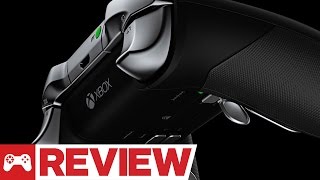
Secondly, on the inside of the gamepad, 4 detachable petal buttons appeared, which protrude above the textured surface like butterfly wings. You may have seen something similar in the Steam controller. By default, these additional four knobs duplicate the functions of the A/B/X/Y buttons, but they can be reconfigured to suit you.
Work on bugs
Thirdly, the D-pad, which was so cursed during the Xbox 360 days, has come close to the perfect of convenience. And as an additional option, instead of the standard cross, you can install a special rounded cross (sorry for the oxymoron) with faceted sides. Well, as a nice bonus, it became possible to adjust the amplitude of movement of the side triggers / shifts.
For the price of a sports car
In general, Microsoft has finally got an excellent controller in all respects, but you will have to pay as much as $150 for such pleasure. That's almost three times the size of a standard gamepad from Microsoft or Sony.