
Microsoft Xbox Series X|S Wireless Controller
 |

Microsoft Xbox Series X|S Wireless Controller | |||||||||||||||||||||||||||||||||||||||||||||||||||||||||||||||||||||||||||||||
|
| ||||||||||||||||||||||||||||||||||||||||||||||||||||||||||||||||||||||||||||||


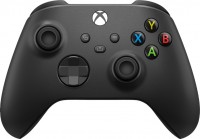
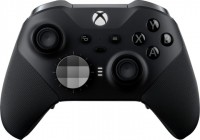
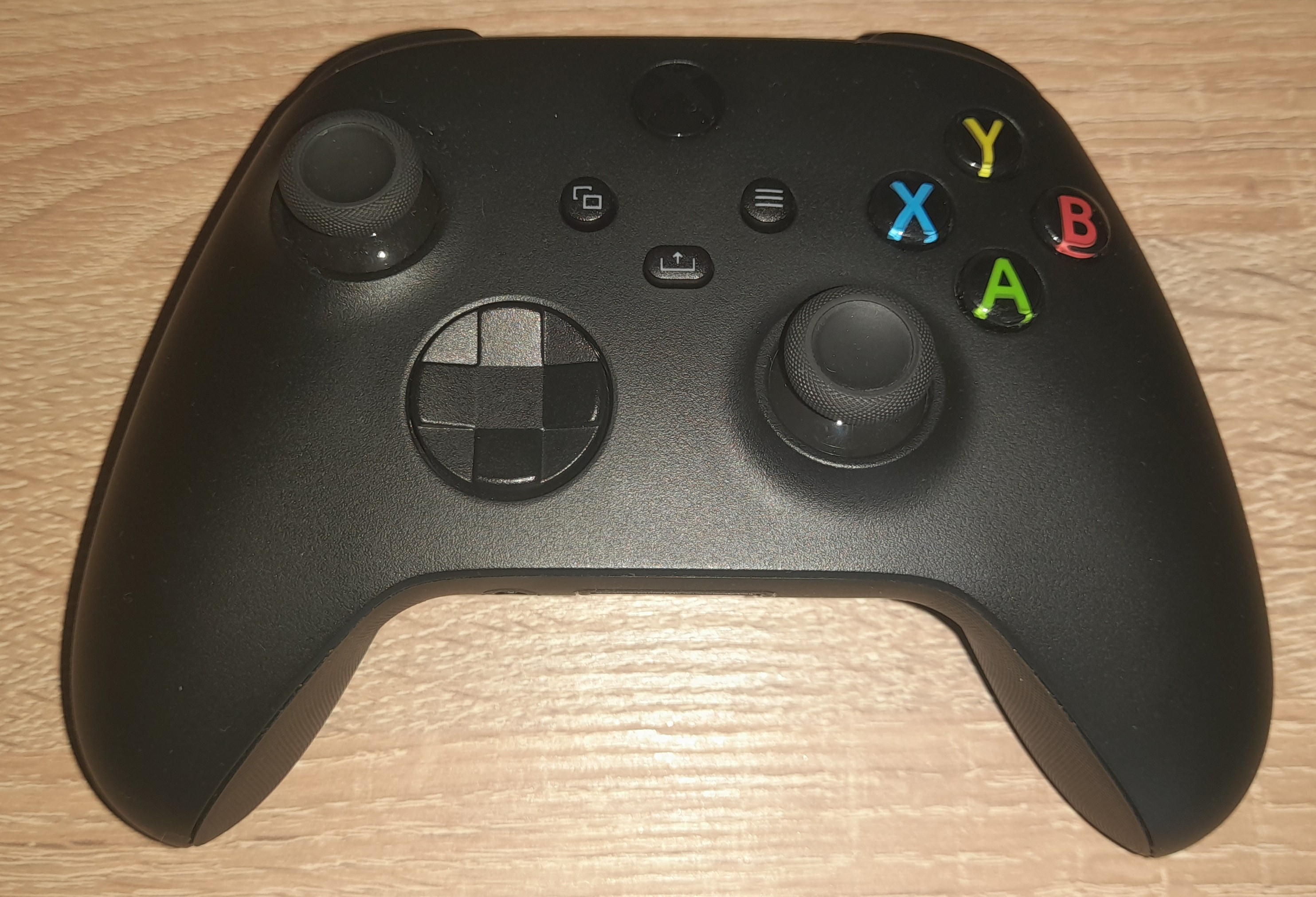
Updated version of the brand's wireless gamepad for next-generation gaming consoles Xbox Series X and Series S. This model belongs to the high price segment and is rightfully considered one of the best gaming controllers on the market alongside the legendary DualShock. The main difference between them is the approach to layout: while Sony's sticks and buttons are positioned symmetrically to each other, Xbox has switched the positions of the left stick and the D-pad, and replaced the pair of horizontal bumper buttons with vertical triggers.
Compared to the previous generation Xbox Controller, the manufacturer has refined the sticks and optimized the gamepad's shape, removing a slight taper at the front top. The old D-pad has been replaced with an 8-way D-Pad styled like the tournament model Xbox Elite. The not-so-comfortable glossy material has been replaced with a practical matte plastic, making the device more comfortable to hold and less slippery.
As a power source, you can use either a built-in battery (note: not included) or a pair of AA batteries. For charging the battery, a modern USB-C port is intended. Connection is made via radio channel or wireless Bluetooth protocol with a range of up to 10 meters. The gamepad is convenient as it requires no additional operations during installation and connects effortlessly to any device, whether it's an Xbox, a gaming laptop on Win 10, an Android smartphone, or a brand-new iPad Pro.
Always clarify the specifications and configuration of the product with the online store manager before purchasing.
Catalog Microsoft 2026 - new arrivals, bestsellers, and the most relevant models Microsoft.
Buy Microsoft Xbox Series X|S Wireless Controller
All prices 54 →XBOX Wireless Controller - Carbon Black - for XBOX Series X|S, XBOX One, PCs, and Cloud-Enabled Devices | $49.49 |  | |||
XBOX Wireless Controller – Robot White – for XBOX Series X|S, XBOX One, PCs, and Cloud-Enabled Devices | $48.99 |  | |||
Xbox PC Gaming Controller with USB-C Cable 1V8-00001 | $49.78 |  | |||
Xbox Wireless Controller - Carbon Black for Xbox Series X S, Xbox One, and Windows Devices EP2-29929 | $54.99 | | |||
Xbox Wireless Controller - Robot White QAS-00007 | $54.99 | | |||
0 5 11 18 |
Well-optimized for Windows, quickly integrates with the system, and operates stably. It has 3 connection options. A major advantage is the ability to choose an independent power source (battery, AA batteries, AA rechargeable batteries). Well-balanced in terms of functionality and autonomy. Feels comfortable and even somewhat pleasant in the hands. When connected to a PC, it is impossible to adjust the brightness of the LED on the gamepad. The headphone jack does not work when connected via a standard Bluetooth adapter. Loud D-pad. The described drawbacks are absolutely non-critical and go unnoticed against the background of the advantages.  Den: use Microsoft Xbox Series X|S Wireless Controller few months Den: use Microsoft Xbox Series X|S Wireless Controller few months |
Good gamepad, no connection issues. 1) Looks stylish, fits comfortably in hand 2) No issues with connection, whether via Bluetooth or cable - immediately visible in any game 3) Well-built, solid construction without gaps or spaces 4) No problems when used on Windows 10 LTSC, personally used it on a previous laptop (Windows Store installs perfectly on LTSC). 1) Battery not included. Batteries last a week. Original battery costs 1700 rubles, non-original - from 1200 rubles. 2) Loud buttons, sticks, and D-pad. When playing at night, it’s very loud and can be heard in the next room. 3) Price. Purchased in April 2021, it was 4100. Now it costs 6000 rubles. Alexander Shulga: use Microsoft Xbox Series X|S Wireless Controller few months |
for playing with 2 controllers, I recommend the following games (buy on Steam because Steam has software for controller management; games from torrent distribution might malfunction in control): - Dirt 5 (racing) - up to 4 players on PC - FIFA (the 22nd was disappointing because they removed Russia - Russophobia in action) - A Way Out (prison escape) - It Takes Two (if you're a fan of cartoons) - Grip: Combat Racing (racing) - Drag Outer Zones (racing) - Monster Jam Steel Titans 2 (big foot trucks) - Split/Second (old graphics) - Mortal Kombat 11 (fighting) - Tekken 7 (fighting) - Left 4 Dead 2 (old graphics/zombie apocalypse) - up to 4 players on PC Recommend fighting games like UFC, if any are available, not only on Steam but with split-screen support and 2 controllers. - almost completely replaces the console - 99% (slightly lacks some titles on a split screen and controller support in all games) - easy connectivity - ability to play two-player games on a split screen on a 28-inch screen - almost all buttons work (if game developers have enabled it) - discharge slowly if turned off (press the central button and hold for 10 sec) - in Windows 10, the charge percentage of each joystick is displayed - Controllers work correctly only via Steam (Steam has software for controller management). - Sometimes the controller constantly disconnects (to fix it, you need to remove unnecessary devices from the "Other" section and connect the controllers one by one via USB Type-C for synchronization) - this issue occurred when connecting two. - You need to buy 2 AA rechargeable batteries and a Duracell charging station for each controller (this is cheaper than chargers and batteries for controllers) (I have some left from Xbox 360) - overpriced (bought for 5k each) - it's a rip-off. - Some games do not support controllers (this is on Steam; if you play torrents, you'll have broken controls). LETS DO SMTH: use Microsoft Xbox Series X|S Wireless Controller few months |


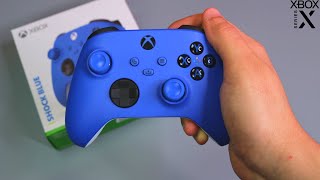


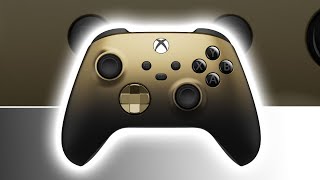


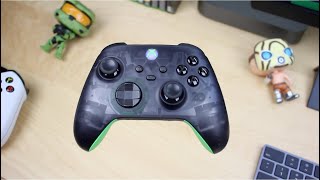


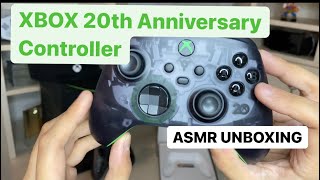


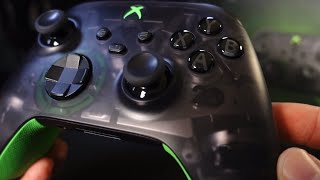


Updated Xbox controller for Series X and Series S consoles
For the past decade, Microsoft/Xbox executives have been doing anything but their core job - making failed kinects, trying to turn a console into a DVD player, and ultimately losing the exclusives war. In the midst of all this red tape, the fact that the Xbox has a hell of a handy controller went unnoticed by many players. And it would be blasphemy not to include it in the selection of the best wireless controllers for PC.
Friendly with almost all popular platforms
The main gripe with the Xbox controller is usually that it's not a DualShock. The shape is not the same, but asymmetric sticks - who came up with this? In fact, these claims disappear literally after a few minutes of playing. It turns out that asymmetric sticks are somewhat more convenient than symmetrical ones. Well, unlike Sony gamepads, for which you often need to manually add the game to Steam or install third-party drivers, the Xbox Controller is easily picked up on any device, be it a Win 10 gaming laptop, an Android smartphone or a brand new iPad Pro.
Work on bugs
The rest of the new Xbox Controller is pretty much the same as it was back in the days of the Xbox 360. Microsoft has slightly upgraded the sticks and tweaked the shape, removing a slight bevel on the top front and replacing the flimsy glossy finish with practical matte plastic. Thanks to this, the gamepad turned out to be a little more ergonomic and more convenient. In addition, it fits comfortably in both large and miniature hands. Well, the charging port has been updated to a modern USB-C. True, the gamepad runs on a pair of AA batteries out of the box, and the battery is usually sold separately. Well, the cross was updated, borrowing the idea from the Xbox Elite tournament model.


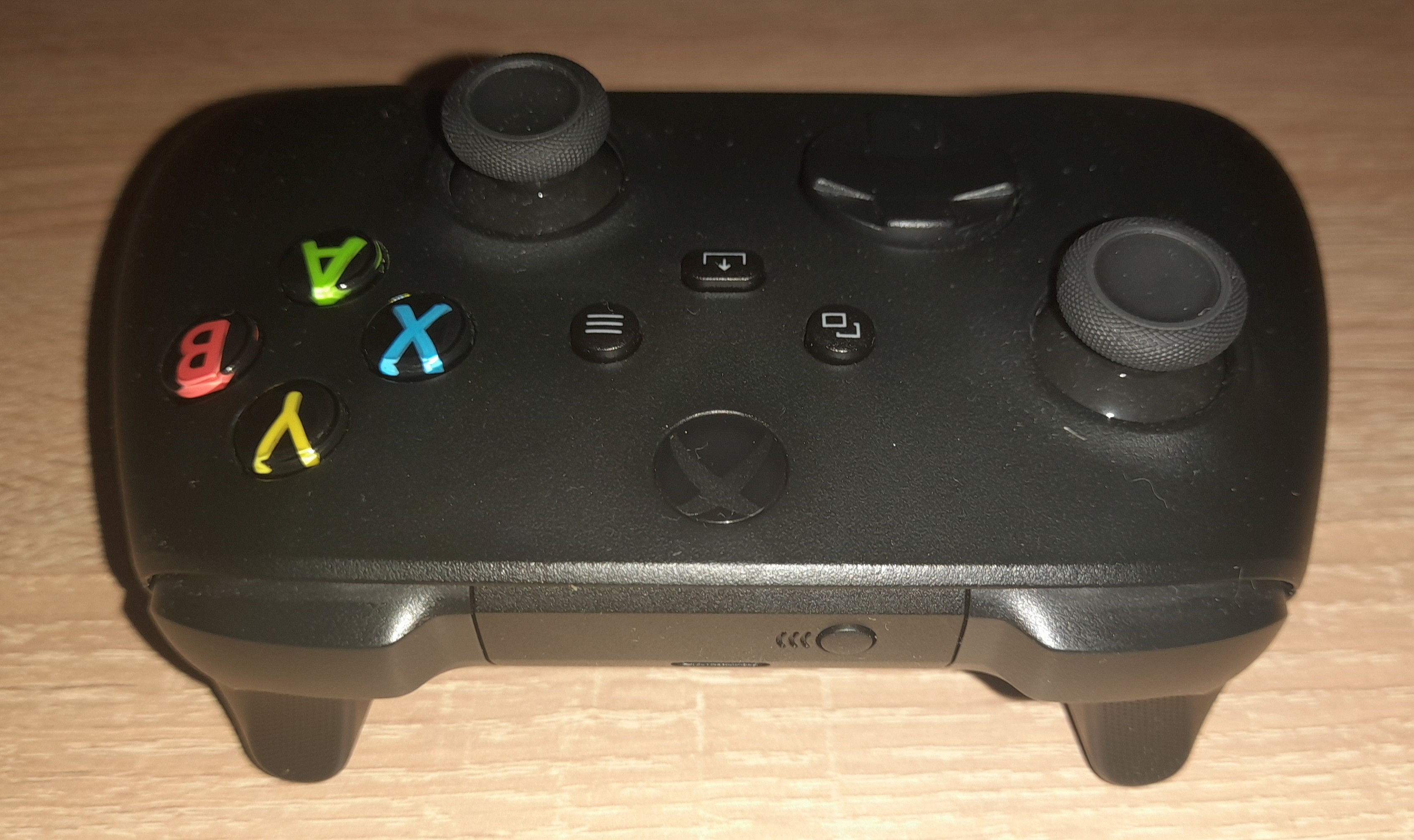
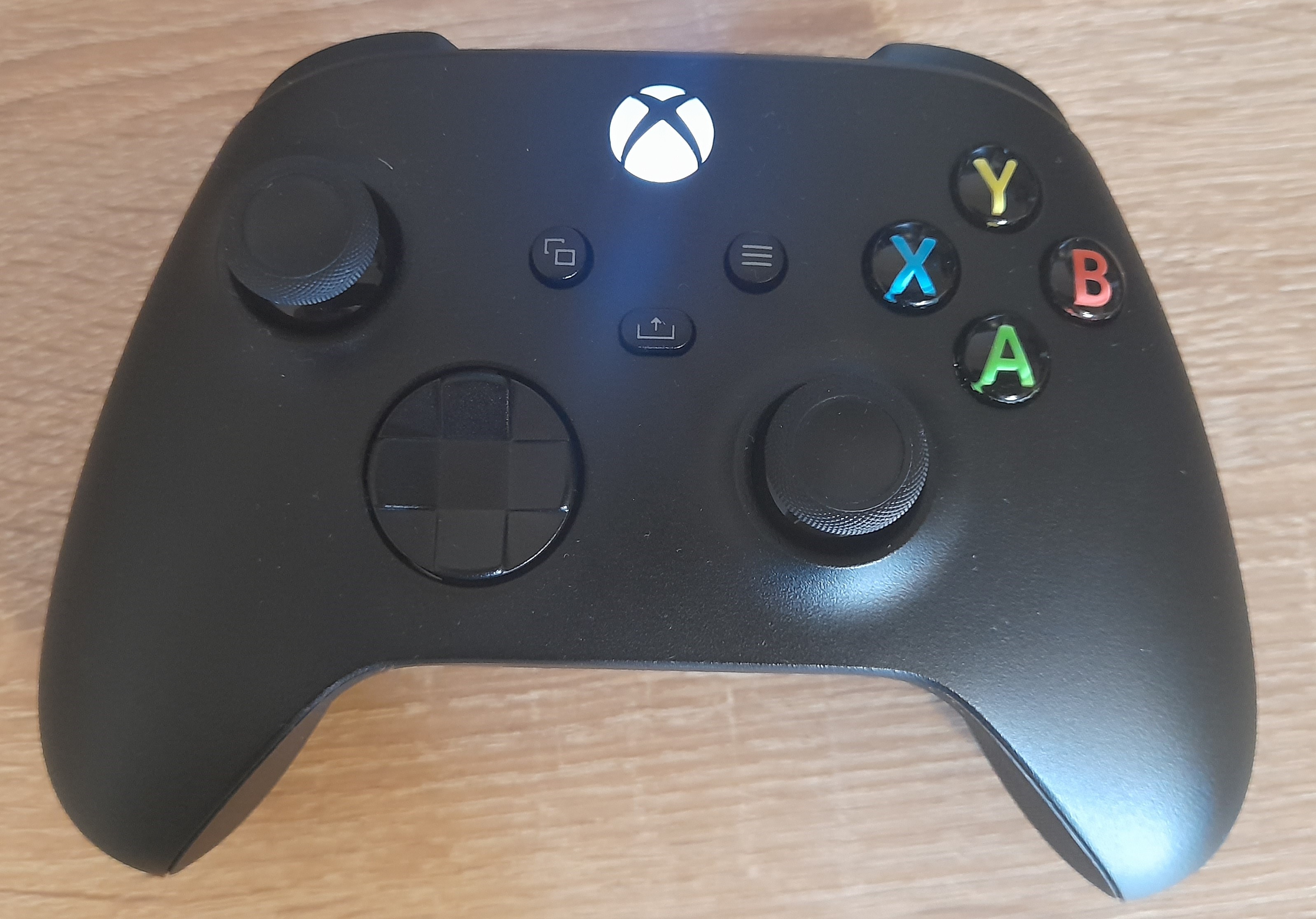
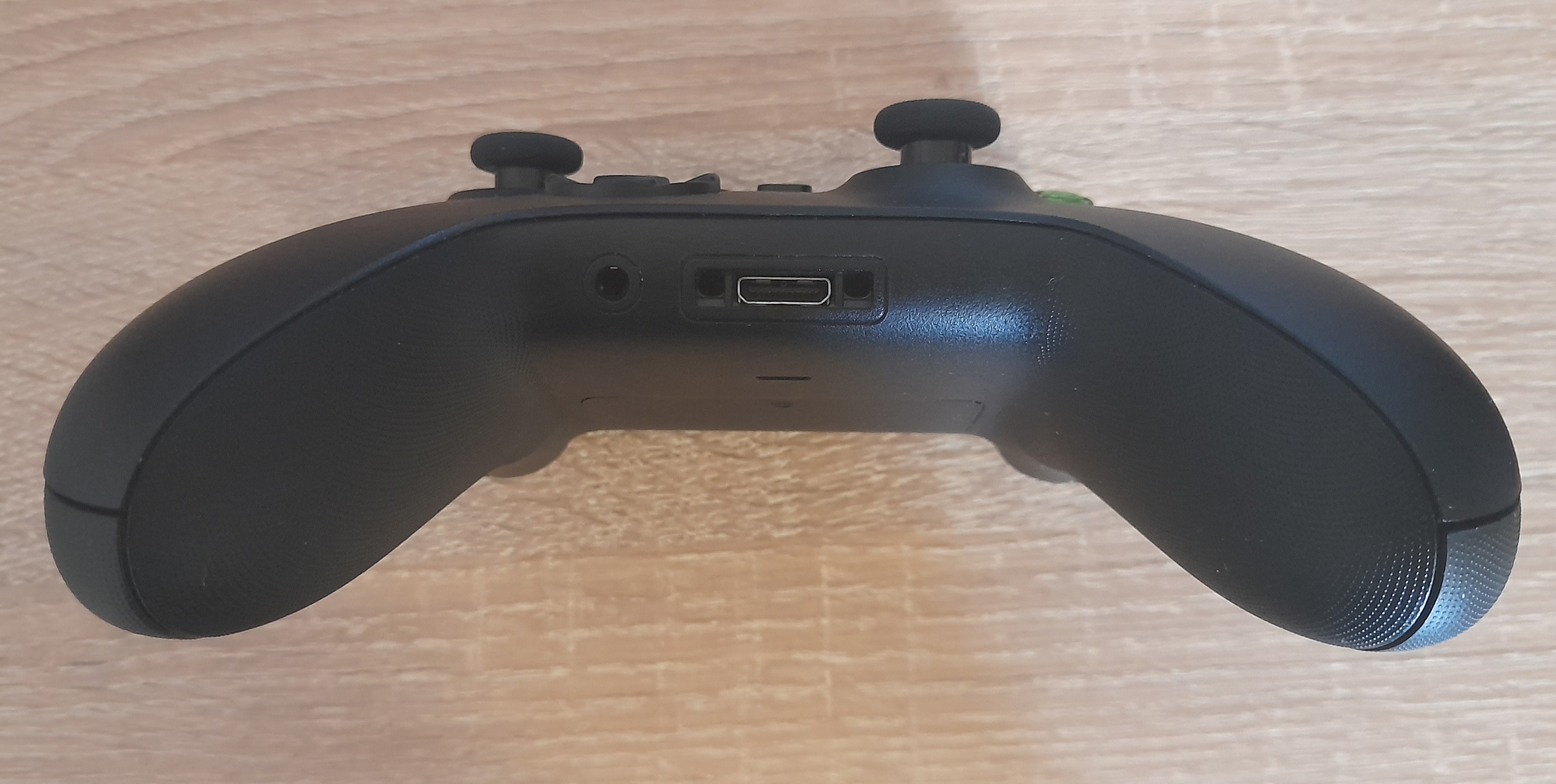
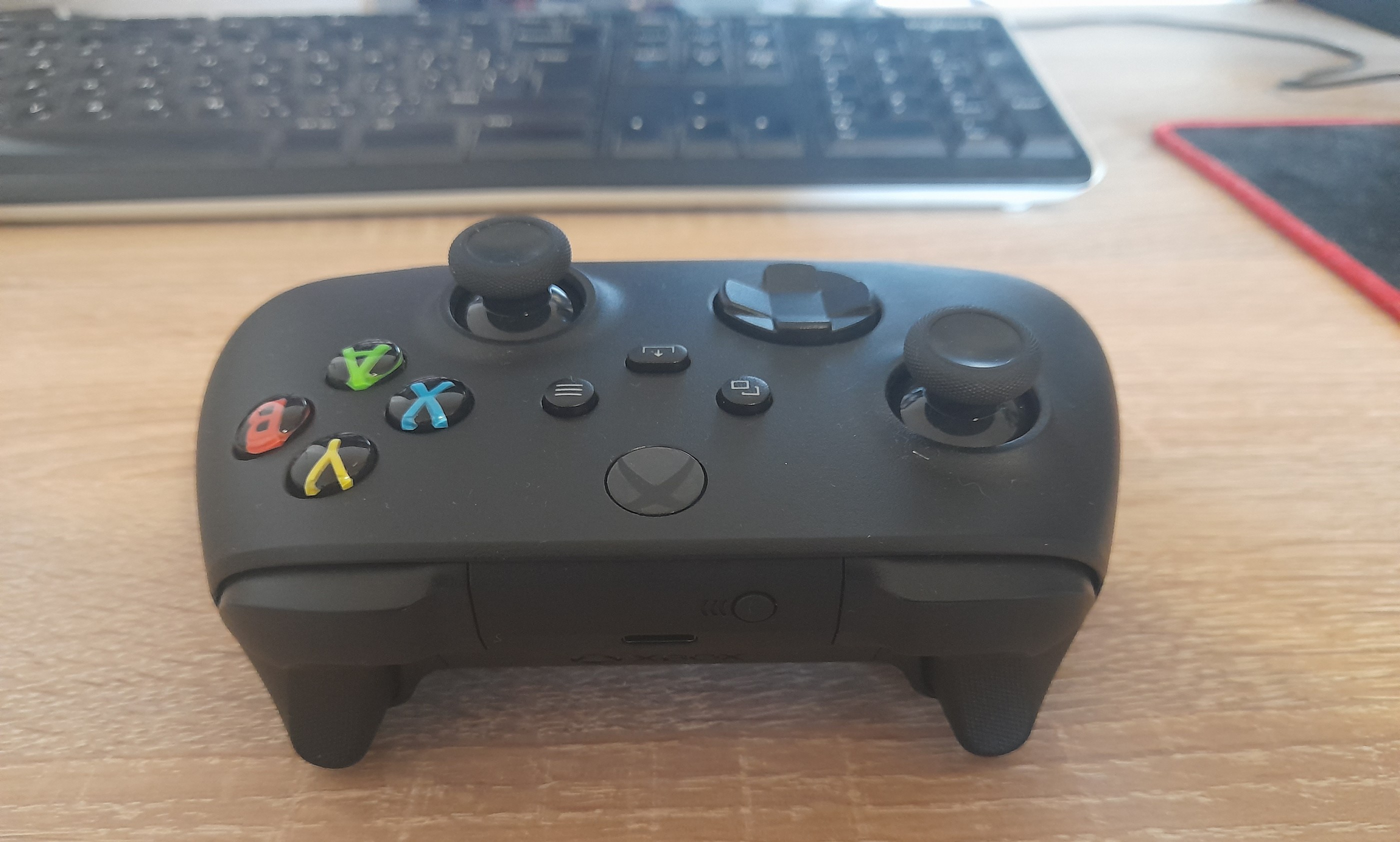
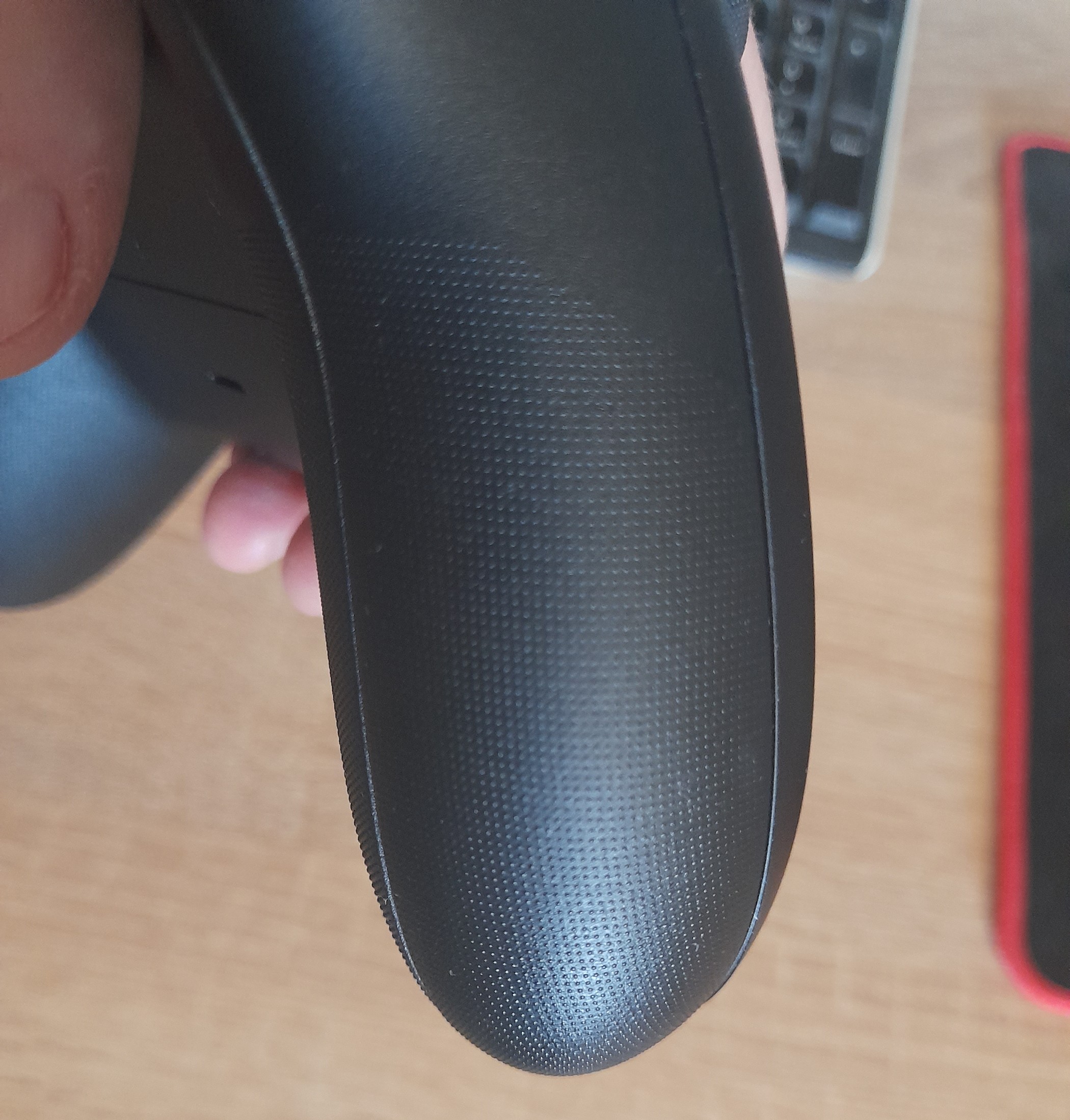
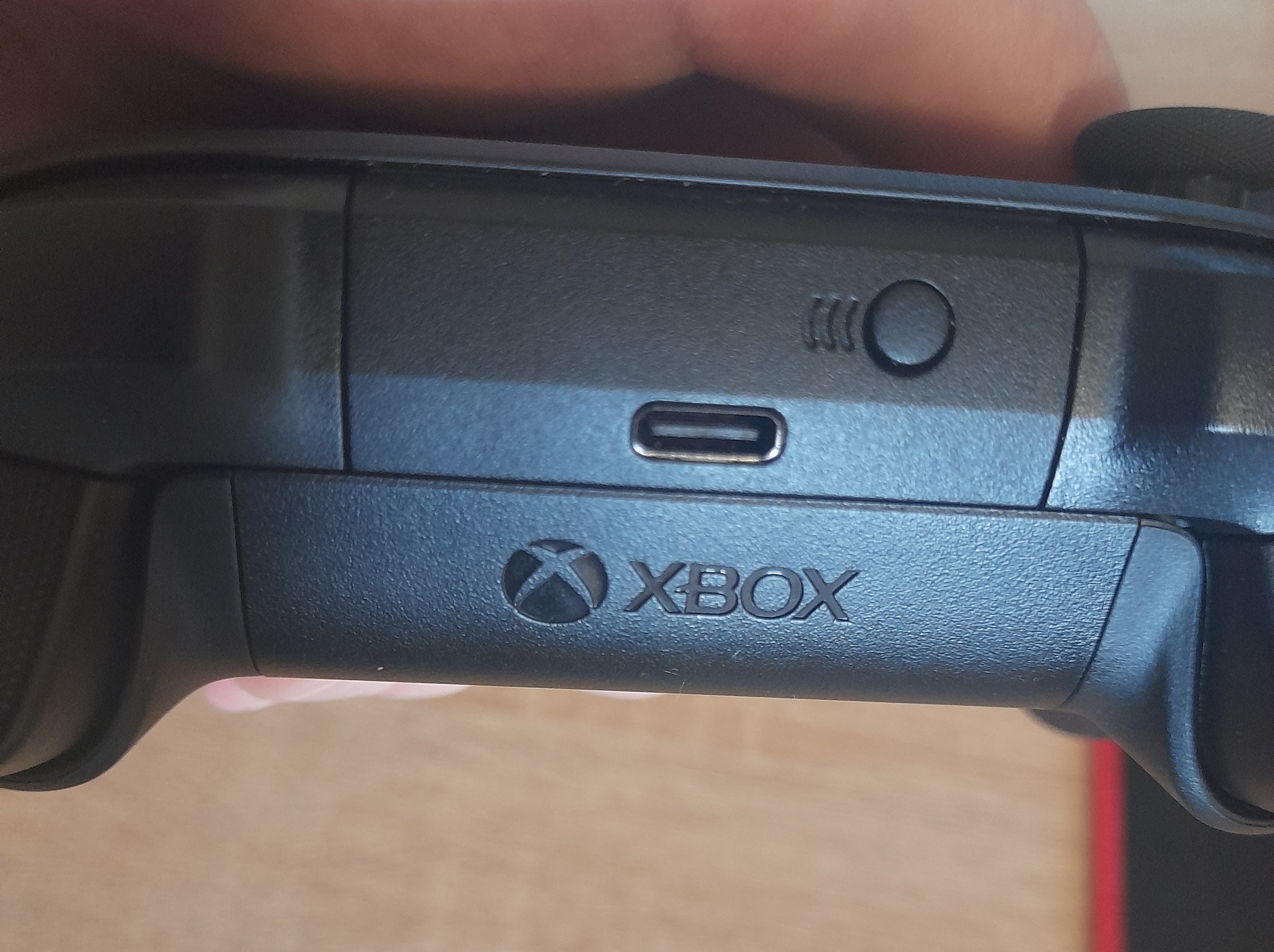
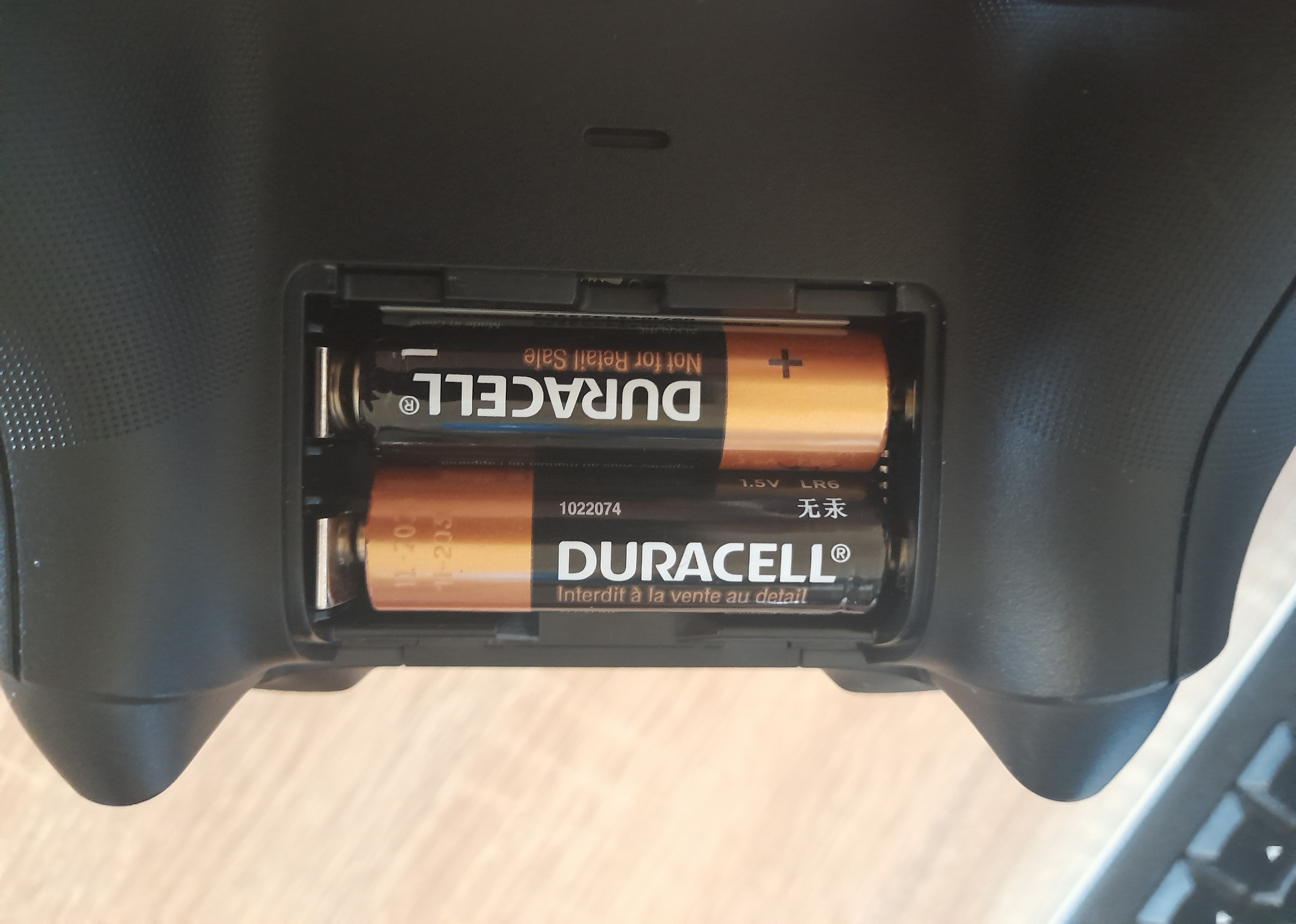
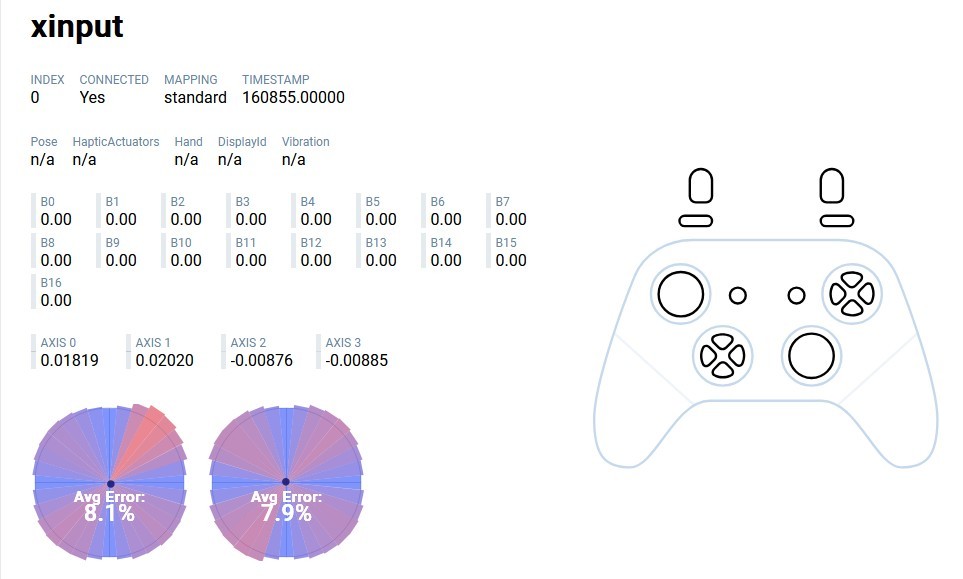
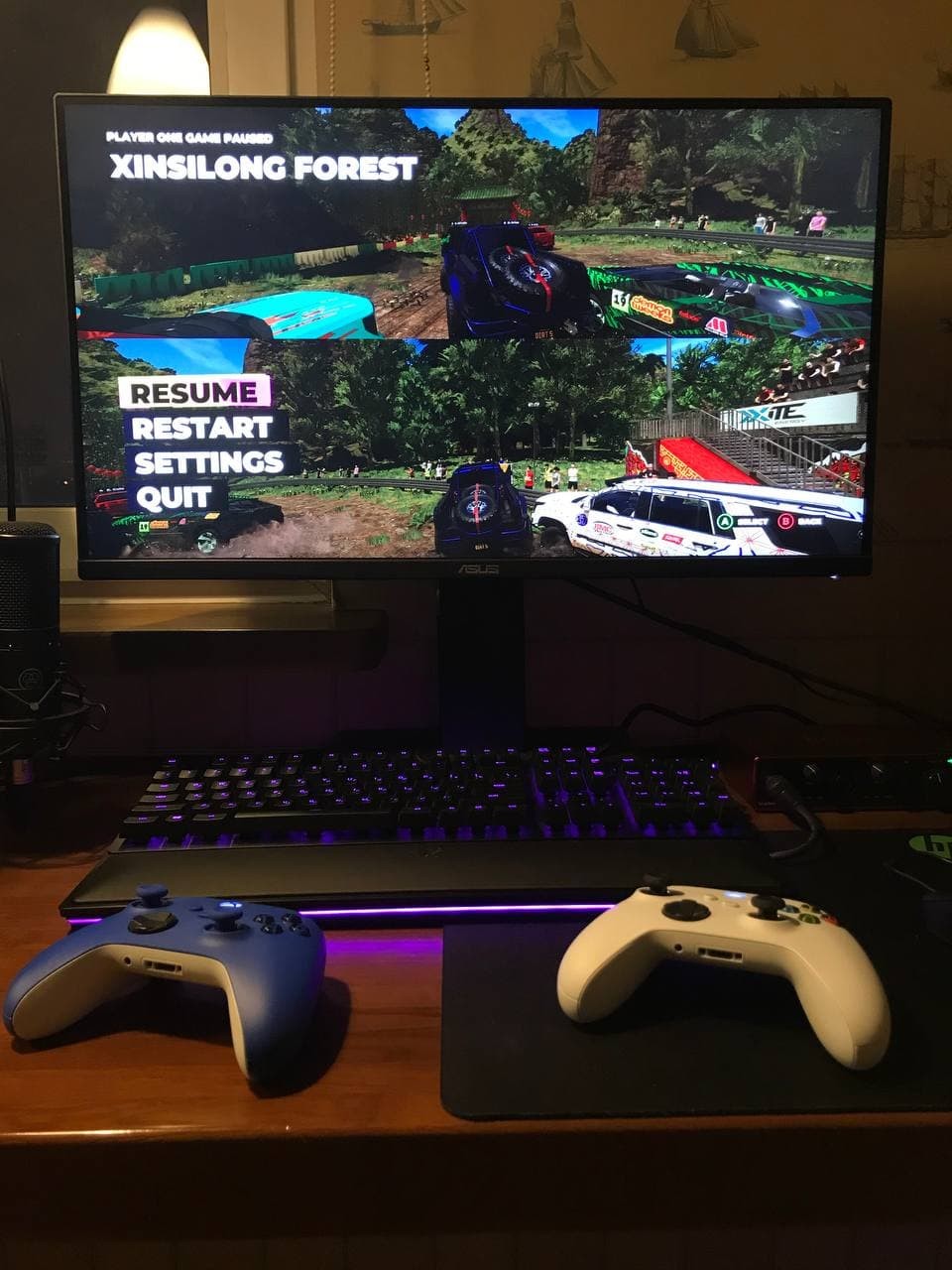

Connected without any problems via the TP-Link UB500 adapter to Windows 10 Enterprise LTSC 21H2 (I heard there were issues specifically with LTSC).