
Microsoft Xbox Wireless Controller - Heart Breaker Special Edition
 | Compare prices 2 → When you make a purchase through links on our site, we may receive a affiliate commission.
|

Microsoft Xbox Wireless Controller - Heart Breaker Special Edition | |||||||||||||||||||||||||||||||||||||||||||||||||||||||||||||||||||||||
|
| ||||||||||||||||||||||||||||||||||||||||||||||||||||||||||||||||||||||


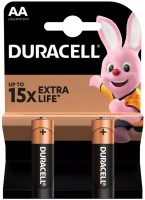
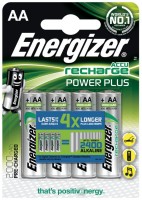
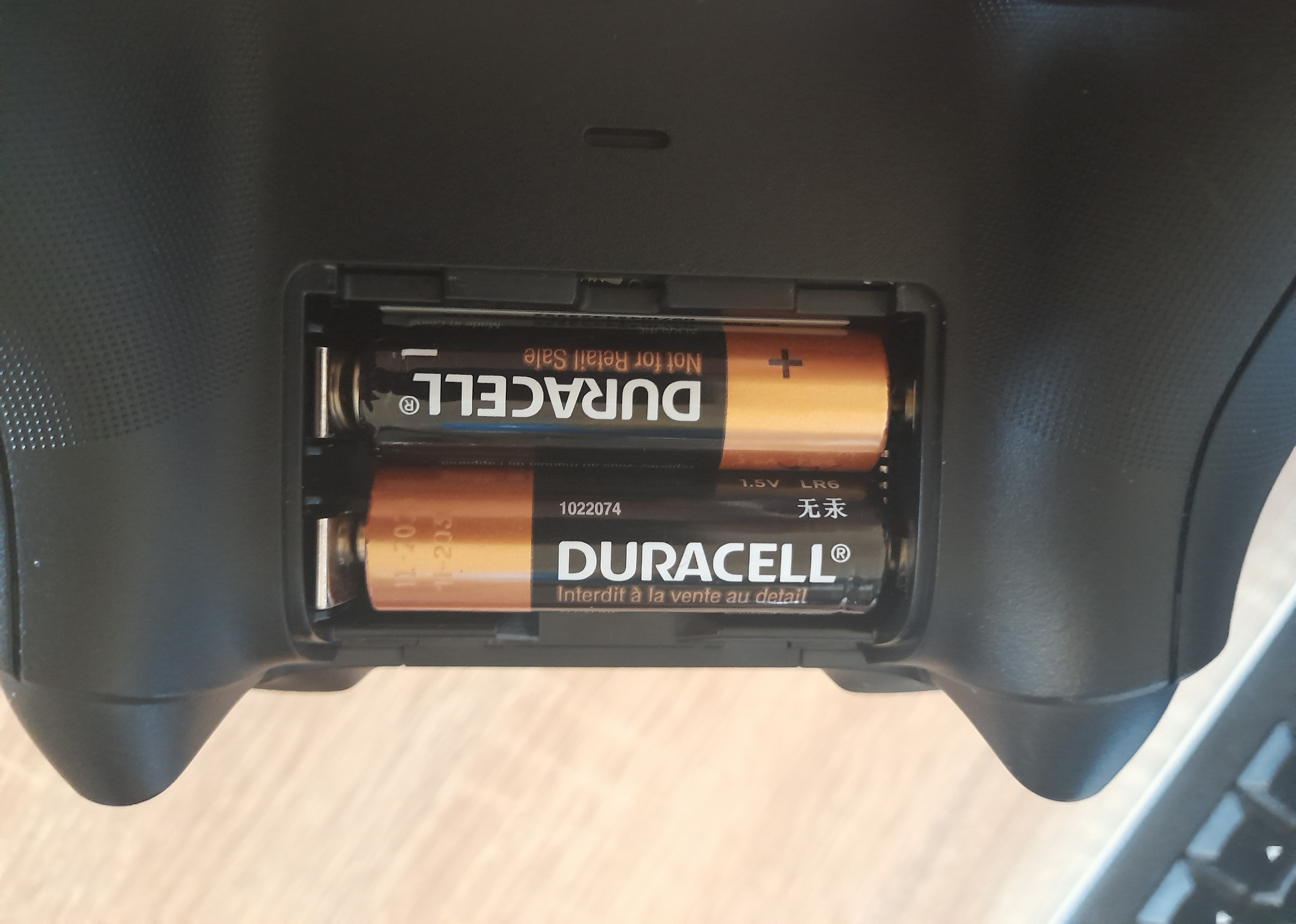
Battery is not included
The information in the model description is for reference purposes.
Always clarify the specifications and configuration of the product with the online store manager before purchasing.
Catalog Microsoft 2026 - new arrivals, bestsellers, and the most relevant models Microsoft.
Always clarify the specifications and configuration of the product with the online store manager before purchasing.
Catalog Microsoft 2026 - new arrivals, bestsellers, and the most relevant models Microsoft.
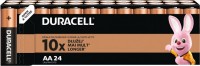
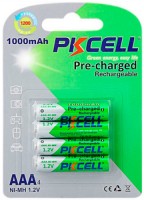
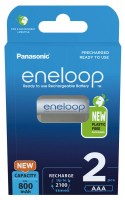
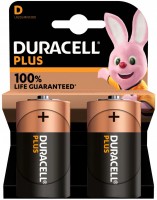
Model overview based on user reviews
The Microsoft Xbox Series X|S Wireless Controller is praised for its ergonomic design and compatibility with multiple platforms, including PC, Android, iOS, and Xbox. Users appreciate its easy connectivity and solid build quality, with a preference for its matte finish and improved D-pad. However, the controller's reliance on AA batteries is seen as outdated, with many recommending purchasing a rechargeable battery separately. The loud button clicks and vibration feedback are noted as potential drawbacks, especially for late-night gaming. Despite these issues, the controller is considered a reliable choice for gaming, offering a comfortable grip and smooth performance across various devices. Some users find it superior to competitors like the DualSense, particularly for Windows integration, though the lack of a built-in battery and occasional connectivity issues with certain games are mentioned. Overall, it is a highly recommended option for those seeking a versatile and durable gamepad.
Pros
Cons
0 5 11 18 |
Well-optimized for Windows, quickly integrates with the system, and operates stably. It has 3 connection options. A major advantage is the ability to choose an independent power source (battery, AA batteries, AA rechargeable batteries). Well-balanced in terms of functionality and autonomy. Feels comfortable and even somewhat pleasant in the hands. When connected to a PC, it is impossible to adjust the brightness of the LED on the gamepad. The headphone jack does not work when connected via a standard Bluetooth adapter. Loud D-pad. The described drawbacks are absolutely non-critical and go unnoticed against the background of the advantages.  Den: use Microsoft Xbox Series X|S Wireless Controller few months Den: use Microsoft Xbox Series X|S Wireless Controller few months |
Good gamepad, no connection issues. 1) Looks stylish, fits comfortably in hand 2) No issues with connection, whether via Bluetooth or cable - immediately visible in any game 3) Well-built, solid construction without gaps or spaces 4) No problems when used on Windows 10 LTSC, personally used it on a previous laptop (Windows Store installs perfectly on LTSC). 1) Battery not included. Batteries last a week. Original battery costs 1700 rubles, non-original - from 1200 rubles. 2) Loud buttons, sticks, and D-pad. When playing at night, it’s very loud and can be heard in the next room. 3) Price. Purchased in April 2021, it was 4100. Now it costs 6000 rubles. Alexander Shulga: use Microsoft Xbox Series X|S Wireless Controller few months |
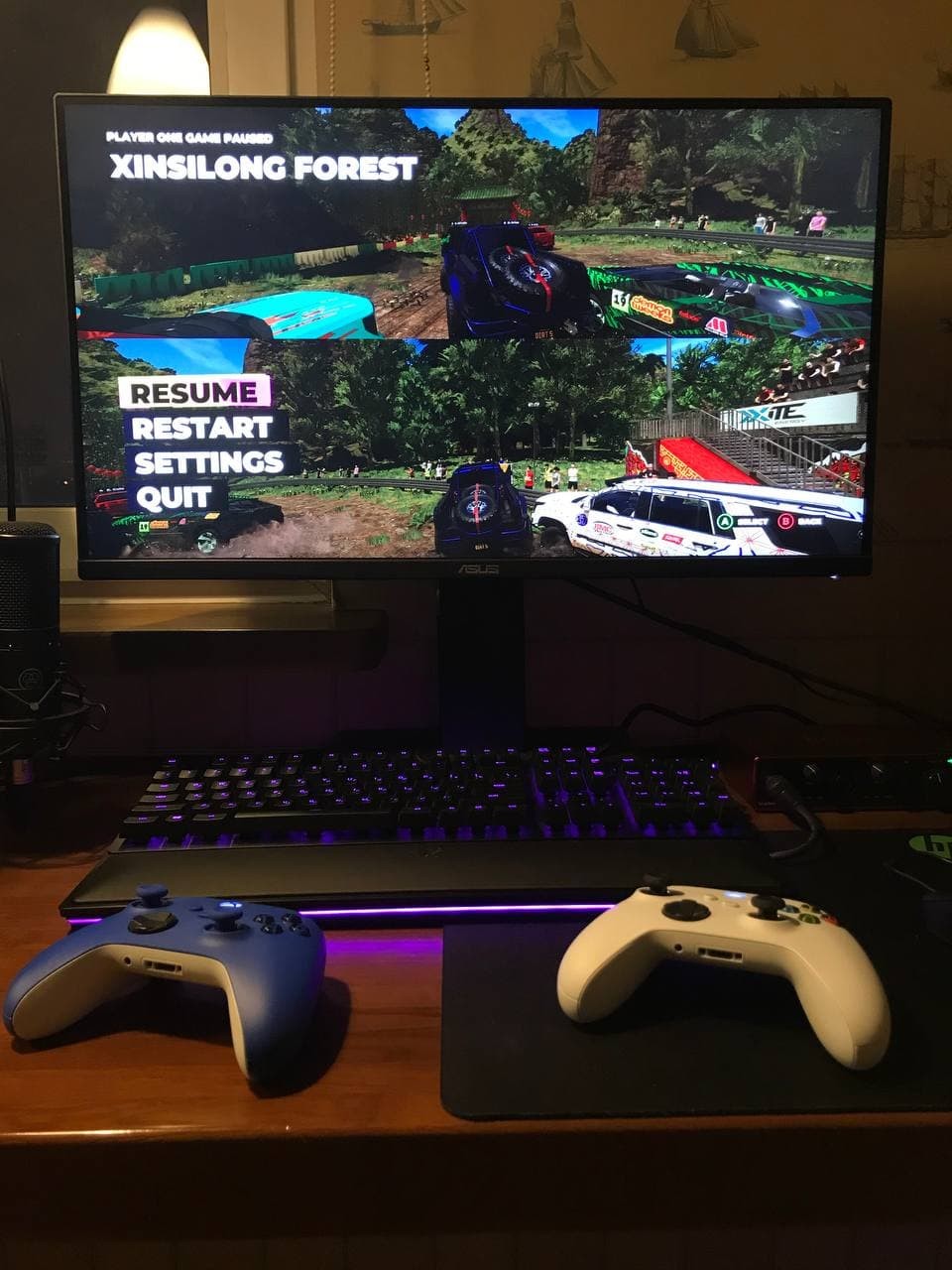
for playing with 2 controllers, I recommend the following games (buy on Steam because Steam has software for controller management; games from torrent distribution might malfunction in control): - Dirt 5 (racing) - up to 4 players on PC - FIFA (the 22nd was disappointing because they removed Russia - Russophobia in action) - A Way Out (prison escape) - It Takes Two (if you're a fan of cartoons) - Grip: Combat Racing (racing) - Drag Outer Zones (racing) - Monster Jam Steel Titans 2 (big foot trucks) - Split/Second (old graphics) - Mortal Kombat 11 (fighting) - Tekken 7 (fighting) - Left 4 Dead 2 (old graphics/zombie apocalypse) - up to 4 players on PC Recommend fighting games like UFC, if any are available, not only on Steam but with split-screen support and 2 controllers. - almost completely replaces the console - 99% (slightly lacks some titles on a split screen and controller support in all games) - easy connectivity - ability to play two-player games on a split screen on a 28-inch screen - almost all buttons work (if game developers have enabled it) - discharge slowly if turned off (press the central button and hold for 10 sec) - in Windows 10, the charge percentage of each joystick is displayed - Controllers work correctly only via Steam (Steam has software for controller management). - Sometimes the controller constantly disconnects (to fix it, you need to remove unnecessary devices from the "Other" section and connect the controllers one by one via USB Type-C for synchronization) - this issue occurred when connecting two. - You need to buy 2 AA rechargeable batteries and a Duracell charging station for each controller (this is cheaper than chargers and batteries for controllers) (I have some left from Xbox 360) - overpriced (bought for 5k each) - it's a rip-off. - Some games do not support controllers (this is on Steam; if you play torrents, you'll have broken controls). LETS DO SMTH: use Microsoft Xbox Series X|S Wireless Controller few months |
3 out of 34 user review(s) shown
10 more user review(s)
Video reviews

Introducing The Witcher 3 10th Anniversary Special Edition Controllers
22 May 2025118 528 view

Introducing the Xbox Wireless Controller – Gold Shadow Special Edition.
3 October 2023151 545 view

XBOX Series X Controller Unboxing
10 November 2020113 743 view
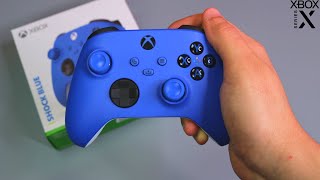
Shock Blue Xbox Series X Controller Unboxing
12 November 2020102 089 view

Electric Volt Xbox Series X Wireless Controller - Unboxing and Review
14 May 202162 594 view

Xbox series x controller carbon black unboxing / review on windows 10
5 September 202123 898 view

Unboxing The Xbox Series X Wireless Controller Ghost Cipher Special Edition - ASMR
16 October 202415 810 view

Xbox Wireless Controller – Pulse Cipher Special Edition Unboxing
21 January 202514 468 view

New! 2023 Xbox Wireless Controller – Arctic Camo Special Edition
17 May 202314 442 view

Xbox Series X Wireless Controller (Carbon Black): Unboxing and Tour
3 July 202214 186 view
Xbox Series X Wireless Controller (Carbon Black): Unboxing and Tour
3 July 202214 186 view

Xbox Wireless Controller - Arctic Camo Special Edition Unboxing
15 May 202011 383 view

New! Xbox Wireless Controller Sunkissed Vibes OPI Special Edition | Unboxing
10 May 20238 226 view

Unboxing Xbox wireless series x/s with windows 10 adapter
15 August 20217 466 view
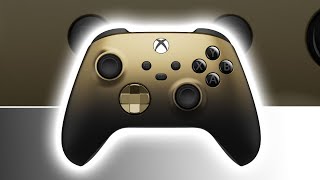
Xbox Wireless Controller – Gold Shadow Special Edition Unboxing
1 November 20236 751 view

Unboxing New! - Xbox Wireless Controller Stormcloud Vapor Special Edition
9 August 20236 261 view

Xbox Wireless Controller – Ghost Cipher Special Edition Unpacking #xbox #controller #unpacking
1 January 20251 367 view
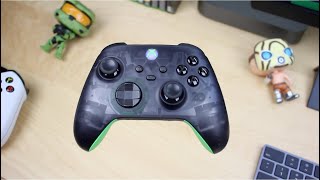
Xbox 20th Anniversary Controller Unboxing & Hidden Features!
6 December 20211 119 view

20th Anniversary Xbox Controller | Close Look
17 November 2021812 view

20th Anniversary Special Edition Xbox Controller!
1 August 2022718 view

Xbox Series X Wireless Controller Unboxing
30 June 2022701 view

20th Anniversary Xbox Controller Unboxing
6 December 2021672 view

20th Anniversary Special Edition Xbox Wireless Controller and Special Edition Xbox Stereo Headset
10 October 2021607 view
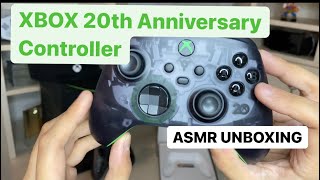
NEW Xbox Series X: 20th Anniversary Controller Unboxing ASMR Experience
15 November 2021511 view

Xbox Series X Wireless Controller (Robot White) UNBOXING | from GameXtremePH@gamextremeph_official
4 July 2024432 view

Xbox Series X 20th Anniversary Edition Controller
3 December 2021365 view

HALO Infinite Xbox Series X Limited Edition Unboxing - Look at these Stars
16 November 2021347 view
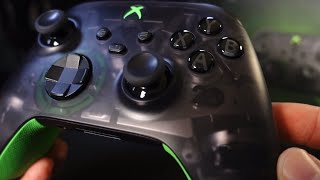
20th Anniversary Xbox Controller Up Close
19 December 2021273 view

Xbox series X 20th anniversary controller and PowerA battery combo the perfect match!
6 May 2022242 view

My reaction Xbox Wireless Controller - Ghost Cipher Special Edition. #Xbox #xboxseriesx
12 October 2024233 view

Xbox series x controller 20th Anniversary
8 February 2022207 view

UNBOXING | Xbox 20th Anniversary Controller
7 March 2022194 view

Ep 1247 - Limited Edition 20th Anniversary Microsoft Xbox Headset Unboxing
19 November 2021142 view

Unboxing Xbox 20th Anniversary Controller for Xbox Series X - Controller Review
15 November 2021132 view

Xbox 20th Anniversary Controller Unboxing Video | TheRealKRL204
16 November 2021130 view

Xbox Series X and Xbox Series X/S 20th anniversary controller unboxing.
17 January 2022124 view

Xbox 20th anniversary controller unboxing
24 November 2021123 view

Xbox series x 20th anniversary controller unboxing
17 November 2021121 view

Xbox 20th Anniversary Controller Unboxing
17 November 2021109 view
We recommendCompare using chart →

gamepad, wireless, for: PC (Windows), Xbox, Android, 17 buttons, gyroscope, battery, 1200 mAh
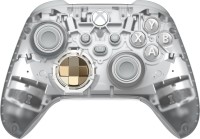
gamepad, wireless, for: PC (Windows), Xbox, Android, iOS, 13 buttons, 2xAA or battery, up to 40 h
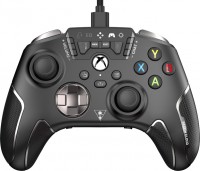

gamepad, wireless, for: PC (Windows), Xbox, Android, 17 buttons, gyroscope, battery, 1200 mAh
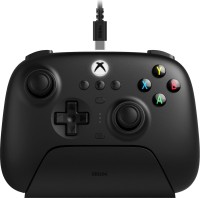
gamepad, wireless, for: PC (Windows), Xbox, Android, 16 buttons, hall-effect sensors, battery, up to 20 h

gamepad, wireless, for: PC (Windows), Xbox, Android, 16 buttons, hall-effect sensors, battery, up to 20 h
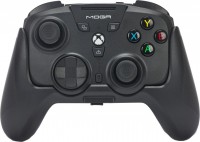
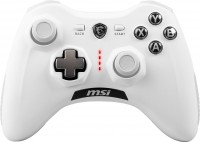
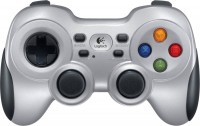
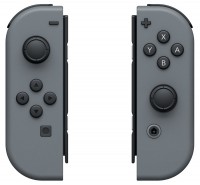
gamepad, wireless, for: PC (Windows), PS5, 16 buttons, speaker, gyroscope, lighting, battery, up to 8 h
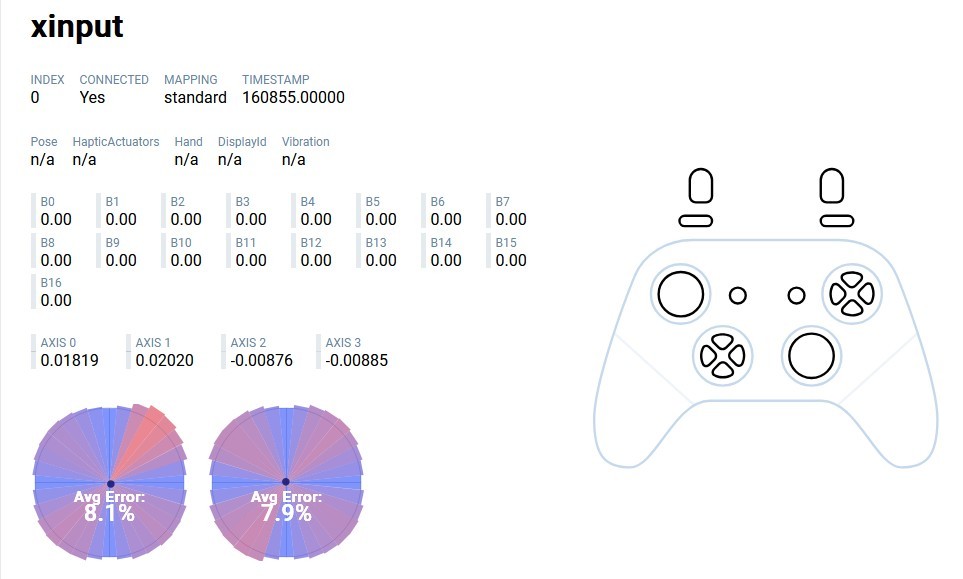
Connected without any problems via the TP-Link UB500 adapter to Windows 10 Enterprise LTSC 21H2 (I heard there were issues specifically with LTSC).