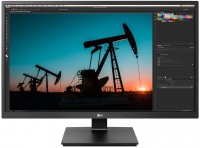
LG 27UL500 27 "
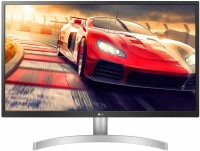 |


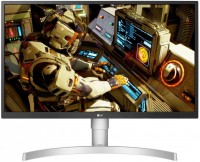
A quality, versatile display in a discreet design from LG's 2019 lineup. The monitor is equipped with a pseudo-ten-bit IPS-matrix (8-bit + FRC) with a resolution of 4K (3840x2160 pixels), support for the HDR10 specification of the technology of the extended dynamic range of the image and coverage of the "triangle" of the sRGB colour space of about 98%. Wide colour gamut, coupled with proper factory screen calibration, ensures accurate colour reproduction.
On other fronts, the LG 27UL500 display is characterized by a response time of 5 ms (according to the GtG method) and a refresh rate of 60 Hz. To eliminate image tearing due to frame rate inconsistencies on the screen and the output of the video adapter, the monitor was given support for AMD FreeSync frame synchronization technology. The monitor keeps the connection with video signal sources via a wire via DisplayPort version 1.2 and HDMI version 2.0 connection interfaces. The mini-Jack audio output (3.5 mm) keeps them company on the whitish back of the model.
|
| |||||||||||||||||||||||||||||||||||||||||||||||||||||||||||||||||||||||

Always clarify the specifications and configuration of the product with the online store manager before purchasing.
Catalog LG 2026 - new arrivals, bestsellers, and the most relevant models LG.




1 0 0 3 |
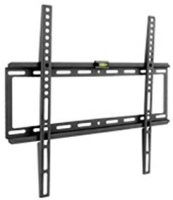
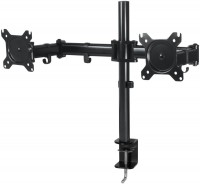
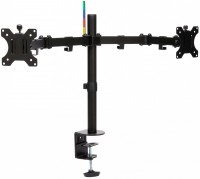
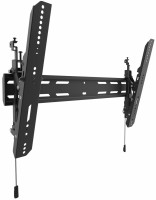
There are no speakers in the monitor, many people look for them. There is a DAC and a headphone output. Volume adjustment in the menu is for headphones only. There are no light leaks, excellent white and black colors, good factory calibrations. It's certainly not a professional monitor, but its color reproduction is good. Impressed by the compact power supply (not the usual "laptop" type, but more like the "MacBook" style, just smaller). The stand of the monitor is very weak. There is no adequate torsional rigidity, so the monitor wobbles significantly when there is any impact on the desk. It makes sense to consider mounting it on a VESA stand or bracket. The HDMI cable included in the package doesn't fully support 4K. The monitor sometimes blacks out or shows motion artifacts and horizontal lines. Replacing it with a simple Chinese cable completely solved the problem (even though the Chinese cable appears to be twice as thin and the same length).  Aleksey: use LG 27UL500 less than month Aleksey: use LG 27UL500 less than month |
The monitor has a few BUTs that can be resolved in 5-10 minutes. For this, go to the monitor settings: 1) It leans a bit towards warm tones, so in the color settings, I recommend setting the values to R-50 G-55 B-55 (or 45-50-50 respectively). 2) Set the Black Level to Low, making black truly black again, instead of dark blue. 3) The best gamma is at the "Gamma №1" setting. 4) It's better to reduce the contrast value from 70 to 68-65. 5) Through HDMI, you can only transmit 8bit 60fps or 10bit and 30fps, so connect via DisplayPort, where you get both 10bit and 60fps. (Yes, I know it’s 8bit+frc) I used it paired with a base model MacBook Pro 15 2017. 1) Picture quality (after basic setup). 2) No flickering thanks to Flicker-Free. 3) Diagonal/resolution ratio. 4) Assembly. 5) Convenient joystick for control. Not critical: 1) The stand could better compensate for vibrations. 2) Colors tend to shift towards warmer tones. (can be adjusted using the calibration from the comments) 3) HDR works a bit strangely here; the OS interface is displayed with low brightness, vibrant colors become oversaturated and even warmer, which can't be adjusted. The HDR video window itself looks great, with no distortions. So I turned off HDR, since there isn't much to watch in it. (but maybe that's normal, I haven't had other HDR monitors/TVs) Critical: 1) The stand only allows for vertical tilt adjustment of the monitor, or you need to buy and mount it on a good bracket. Mihail Zaycev: use LG 27UL500 less than month |
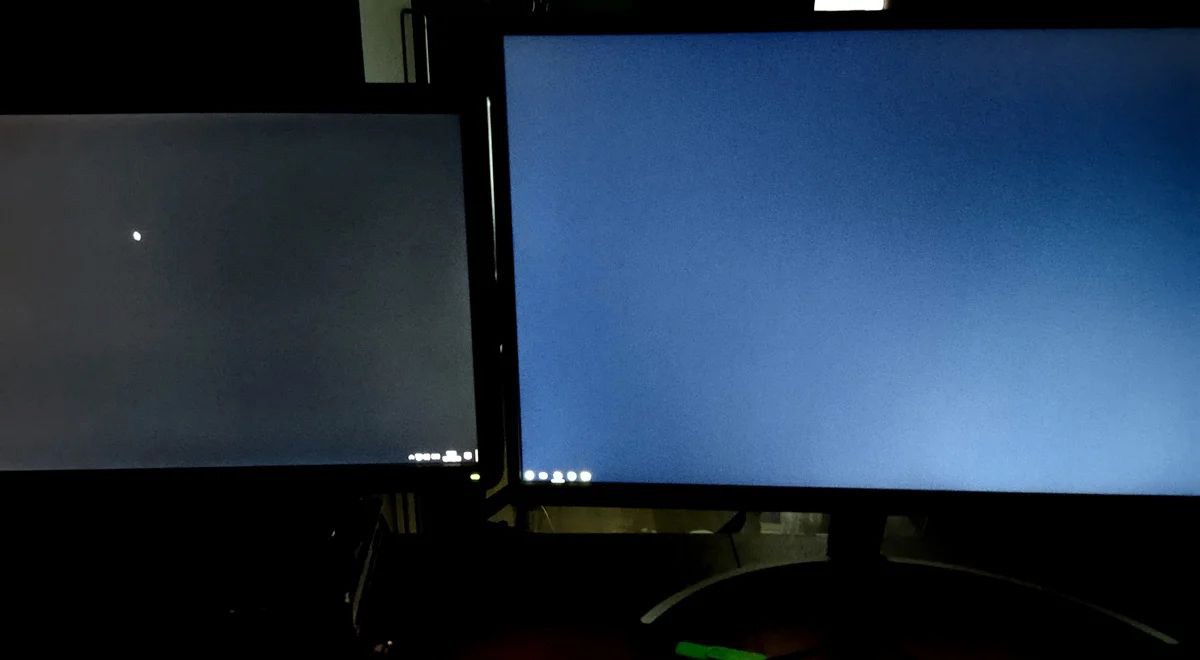
(The issue is mentioned at the end of the review.) The monitor was chosen for performing 3D graphics work and editing images in Photoshop/Lightroom. I see no point in listing the advantages... I'll just talk about the drawbacks. For professional tasks, it's better to get a higher-class monitor. Black: the monitor doesn't have black color, it's always blue. For example, an old BenQ 2210 produces a blacker color. Compared to its black, the LG seems deliberately set to blue. Color: the monitor is blue, it needs to be set warmer. The only working mode is SMRTE-C, but in general, the color and contrast from the factory are a mess. For example, after working on it for a couple of hours, when you look at a MacBook, its screen seems reddish, and I’m more inclined to trust Mac's monitors. You can calibrate it, but it won't help much. Eye fatigue: after 30-40 minutes of work, a pressing sensation in the eyes appears. After 3-4 hours of work, eyes hurt. Breakdown: Occurred after 5 months. Lines of greenish pixels appeared, they always stay lit and that's it. They are not visible on light backgrounds, but noticeable on dark ones. It's impossible to watch movies. You'll have to tolerate this defect. It appeared gradually. Now the matrix is "degrading," and these pixels are becoming brighter; I think over time, they will glow brightly. I called/wrote/traveled to the LG service a lot, to no avail. The store denied warranty, said to contact LG directly. Now, I can only sell the monitor as used. price for 4k Broken Died after six months!! No warranty from LG at all, it's impossible to get. Wild light spots on the edges, black is not black, the monitor is blue in the darkest area, small viewing angle, the monitor has a slight blue-green tint, eyes get tired quickly. Mar Neff: use LG 27UL500 few months |