
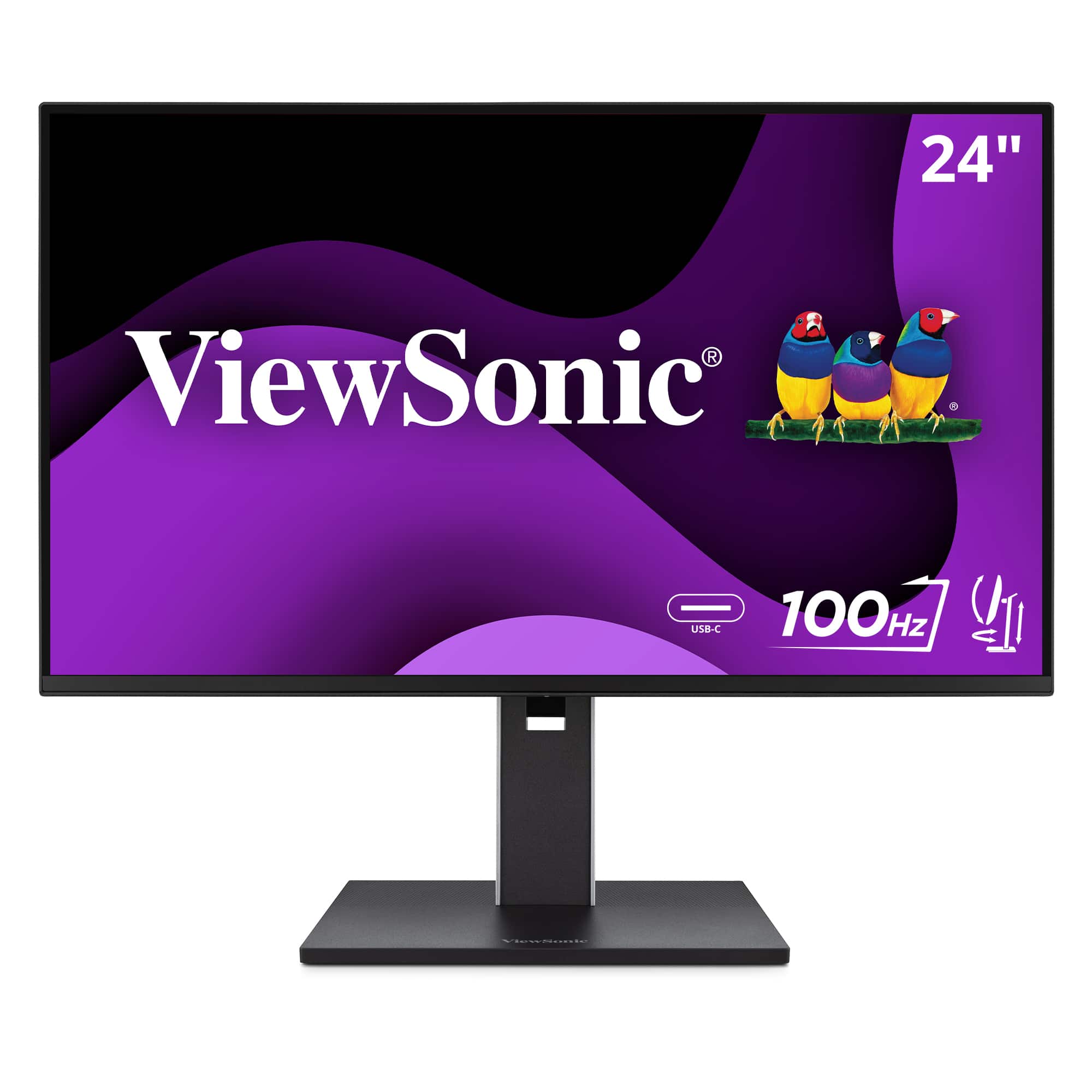
Viewsonic VG2452 24 IPS FHD Ergonomic - Black VG2452 (USB Hub, HDMI, DisplayPort)
 |
Buy Viewsonic VG2452 24 IPS FHD Ergonomic - Black VG2452 (USB Hub, HDMI, DisplayPort)
When you make a purchase through links on our site, we may receive a affiliate commission.
ViewSonic - VG2452 24 IPS FHD Ergonomic Monitor (USB Hub, HDMI, DisplayPort) - Black VG2452 | $219.99 |  | |||
ViewSonic - VG2452 24 IPS FHD Ergonomic Monitor (USB Hub, HDMI, DisplayPort) - Black | $248.38 |  | |||
| $248.38 |  | ||||
| $249.36 |  | ||||
| $285.70 |  | ||||
ViewSonic VG2452 24 Inch IPS 1080p Ergonomic Monitor with Tilt, Swivel, Pivot, Height Adjust, 100Hz, USB Hub, HDMI, DisplayP | $219.99 |  | |||
The VG2452 is a 24” FHD (1920 x 1080) USB-C monitor designed for business and home use. It features HDMI, DisplayPort, USB-C, and USB Type-A inputs, making connectivity simple. Simplify your work with just one cable that provides audiovisual, data and up to 65W power transfer. The monitor offers a 100Hz refresh rate, Eye ProTech+ technology, and various ViewMode presets for enhanced performance and comfortable viewing. Effortlessly personalize your workspace with a VESA-compatible mount, allowing easy adjustments for ergonomic multitasking. Reflecting ViewSonic's commitment to sustainability, this monitor is designed for energy efficiency and features a compact build with a laser-textured finish, made from sustainable materials. It also comes in FSC-certified, 100% recyclable packaging that minimizes single-use materials.
The product description is generated based on data from online stores. Before purchasing be sure to verify all information directly with the seller.
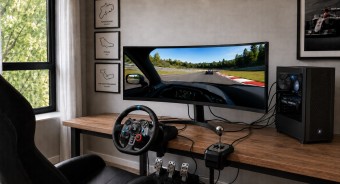
Best 34-inch Curved Gaming MonitorsA large ultra-wide screen provides full immersion in virtual gaming worlds.
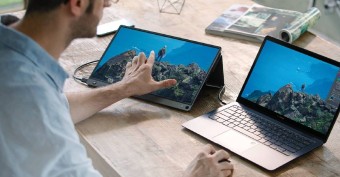
Best Portable MonitorsPortable monitors in the format of a "laptop cover".
How to place an order?How to add store?
Remember that the online store is responsible for the accuracy of information regarding price, warranty, and delivery!
SimilarCompare using chart →
gaming, 23.8 ", 1920x1080 (16:9), IPS, response 1 ms, 165 Hz, 8-bit (16.7M Colors), sRGB 99 %, DCI-P3 90 %, HDMI, DisplayPort, AMD FreeSync Premium
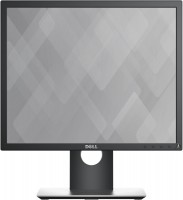
19 ", 1280x1024 (5:4), IPS, response 6 ms, 60 Hz, 8-bit (16.7M Colors), VGA, HDMI, DisplayPort, ХАБ: USB-A 2x2.0, 2x5Gbps
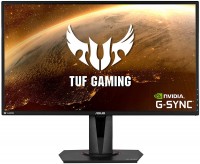
gaming, 27 ", 2560x1440 (16:9), IPS, response 4 ms, 165 Hz, 8-bit (16.7M Colors), sRGB 99 %, HDMI, DisplayPort, speakers, AMD FreeSync, NVIDIA G-Sync Compatible, HDR
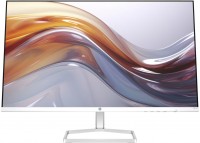
27 ", 1920x1080 (16:9), IPS, response 5 ms, 100 Hz, 6-bit + FRC (16.7M Colors), sRGB 99 %, VGA, HDMI, speakers
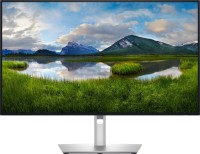
for graphics, 27 ", 4K, 3840x2160 (16:9), IPS, response 5 ms, 120 Hz, 1.07B Colors, sRGB 100 %, DCI-P3 99 %, HDMI, v 2.1, DisplayPort, USB-C (Thunderbolt v4), Power Delivery, LAN, ХАБ: USB-A 5x10Gbps, USB-C 2x10Gbps, KVM-switch, VESA Adaptive-Sync, HDR, CalMAN Verified, TÜV Rheinland
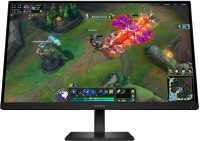
gaming, 27 ", 2560x1440 (16:9), IPS, response 1 ms, 180 Hz, 8-bit (16.7M Colors), DCI-P3 95 %, HDMI, DisplayPort, AMD FreeSync, VESA Adaptive-Sync, HDR, TÜV Rheinland
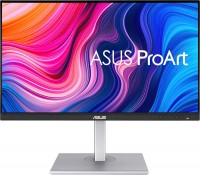
for graphics, 27 ", 2560x1440 (16:9), IPS, response 5 ms, 75 Hz, 8-bit (16.7M Colors), sRGB 100 %, HDMI, DisplayPort, USB-C (DP Alt Mode), Power Delivery, ХАБ: USB-A 4x5Gbps, speakers, CalMAN Verified
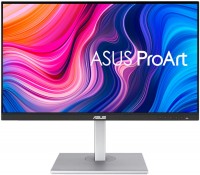
for graphics, 27 ", 4K, 3840x2160 (16:9), IPS, response 5 ms, 60 Hz, 8-bit + FRC (1.07B Colors), sRGB 100 %, HDMI, DisplayPort, USB-C (DP Alt Mode), Power Delivery, ХАБ: USB-A 4x5Gbps, speakers, HDR, CalMAN Verified

23.8 ", 1920x1080 (16:9), IPS, response 5 ms, 60 Hz, 6-bit + FRC (16.7M Colors), VGA, HDMI, DisplayPort, ХАБ: USB-A 4x5Gbps, speakers, webcam
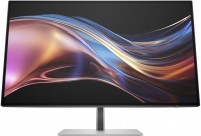
for graphics, 27 ", 2560x1440 (16:9), IPS, response 5 ms, 120 Hz, 8-bit + FRC (1.07B Colors), sRGB 100 %, DCI-P3 98 %, HDMI, DisplayPort, USB-C (Thunderbolt v4), Power Delivery, LAN, ХАБ: USB-A 5x5Gbps, USB-C 2x5Gbps, KVM-switch, AMD FreeSync Premium, HDR, Pantone Validated, TÜV Rheinland
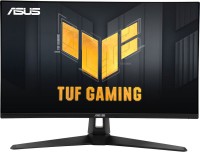
gaming, 27 ", 2560x1440 (16:9), IPS, response 1 ms, 180 Hz, sRGB 130 %, HDMI, DisplayPort, speakers, AMD FreeSync Premium, NVIDIA G-Sync Compatible, VESA Adaptive-Sync, HDR, TÜV Rheinland
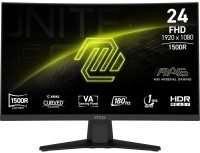
gaming, 23.6 ", 1920x1080 (16:9), curved 1500R, *VA, MPRT 1 ms, 180 Hz, 8-bit + FRC (1.07B Colors), sRGB 105 %, DCI-P3 84 %, HDMI, DisplayPort, AMD FreeSync, VESA Adaptive-Sync, HDR, TÜV Rheinland