
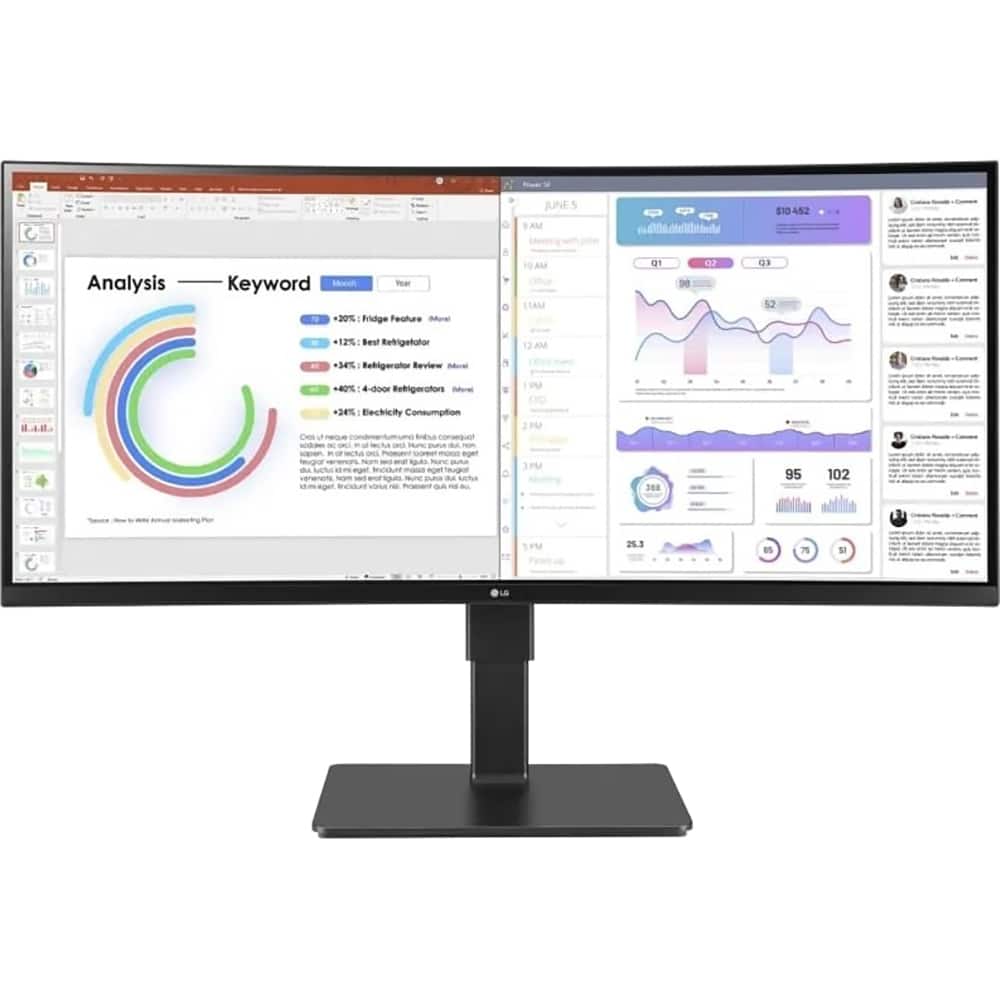
LG 34" UltraWide Curved 34BQ77QE-B - Black
 | Compare prices 2 → When you make a purchase through links on our site, we may receive a affiliate commission.
|
Buy LG 34" UltraWide Curved 34BQ77QE-B - Black
When you make a purchase through links on our site, we may receive a affiliate commission.
LG - 34" UltraWide Curved Monitor 34BQ77QE-B - Black | $584.53 |  | |||
LG 34BQ77QE-B 34' WQHD 3440x1440 5ms 3800R Curved LCD IPS Monitor | $500.38 |  | |||
LG UltraWide 34BQ77QE-B 34" 1440p HDR Curved Monitor: With its 3800R curved design, the LG UltraWide 34BQ77QE-B 34" 1440p HDR Curved Monitor boosts your productivity by allowing you to see more information at a glance. This 3440 x 1440 resolution display also enhances your workflow with versatile connectivity options and a built-in KVM switch that allows you to control two devices with a single mouse and keyboard. In addition to having two HDMI ports and a DisplayPort input, you can transfer video, data, and up to 90W of power with compatible laptops using a single USB-C cable. HDR10 support provides realistic visuals. Other features include an integrated Ethernet port and stereo speakers. A Wide View. Featuring a 3800R curve with a 21:9 aspect ratio and 178° viewing angles, the LG UltraWide monitor envelopes your field of view. Rich Visuals. Supporting 1.07 billion colors with high-dynamic range, covering 99% of the sRGB gamut, the 34" IPS panel delivers lifelike images with bright highlights and deep shadows. Versatile Connectivity. Two HDMI 2.0 ports are available alongside a DisplayPort 1.4 input. The USB-C port supports video, data, and up to 90W power transfers with compatible laptops. Additionally, the 4-port USB hub allows you to connect peripherals such as a mouse and keyboard through the monitor. Use the Ethernet port to connect to wired networks. Plugging a pair of headphones into the 3.5mm jack provides listening privacy. Enhanced Multitasking. The integrated KVM switch allows you to control up to two connected devices simultaneously using a single mouse and keyboard set in Picture-by-Picture (PbP) mode. Ergonomic Design. Adjust the screen's height, tilt, and swivel to match your comfort. You can also use the 100 x 100mm VESA mounting pattern to attach the display to a wall, swivel arm, or multi-monitor stand.
The product description is generated based on data from online stores. Before purchasing be sure to verify all information directly with the seller.
Best 34-inch Curved Gaming MonitorsA large ultra-wide screen provides full immersion in virtual gaming worlds.
Best Monitors for Photo, Video, and Graphic DesignCool monitors for budding designers, photographers, video editors, and more.
How to place an order?How to add store?
Remember that the online store is responsible for the accuracy of information regarding price, warranty, and delivery!
SimilarCompare using chart →
portable, 27 ", 2560x1440 (16:9), IPS, response 5 ms, 100 Hz, 16.7M Colors, sRGB 99 %, HDMI, USB-C (DP Alt Mode), Power Delivery, speakers, subwoofer, VESA Adaptive-Sync, TÜV Rheinland
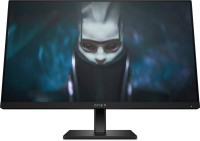
gaming, 23.8 ", 1920x1080 (16:9), IPS, response 1 ms, 165 Hz, 8-bit (16.7M Colors), sRGB 99 %, DCI-P3 90 %, HDMI, DisplayPort, AMD FreeSync Premium
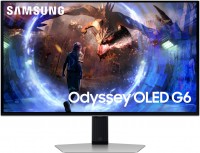
gaming, 27 ", 2560x1440 (16:9), QD-OLED, response 0.03 ms, 360 Hz, 10-bit (1.07B Colors), DCI-P3 99 %, HDMI, v 2.1, DisplayPort, ХАБ: USB-A 2x5Gbps, AMD FreeSync Premium Pro, VESA Adaptive-Sync, HDR
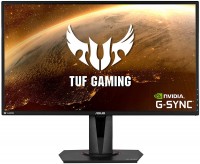
gaming, 27 ", 2560x1440 (16:9), IPS, response 4 ms, 165 Hz, 8-bit (16.7M Colors), sRGB 99 %, HDMI, DisplayPort, speakers, AMD FreeSync, NVIDIA G-Sync Compatible, HDR
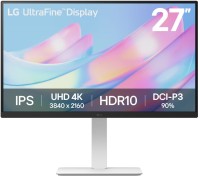
27 ", 4K, 3840x2160 (16:9), IPS, response 5 ms, 60 Hz, 8-bit + FRC (1.07B Colors), DCI-P3 90 %, HDMI, DisplayPort, HDR
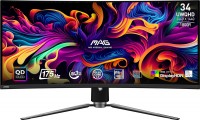
gaming, 34 ", 3440x1440 (21:9), curved 1800R, QD-OLED, response 0.03 ms, 175 Hz, 10-bit (1.07B Colors), sRGB 139.1 %, DCI-P3 99.3 %, HDMI, v 2.1, DisplayPort, USB-C (DP Alt Mode), Power Delivery, ХАБ: USB-A 2x2.0, KVM-switch, AMD FreeSync Premium Pro, VESA Adaptive-Sync, HDR, TÜV Rheinland

27 ", 2560x1440 (16:9), IPS, response 6 ms, 120 Hz, 8-bit + FRC (1.07B Colors), sRGB 99 %, DCI-P3 98 %, HDMI, v 2.1, DisplayPort, ХАБ: USB-A 3x5Gbps, USB-C 1x5Gbps, HDR, TÜV Rheinland
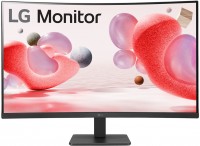
31.5 ", 1920x1080 (16:9), curved 1500R, *VA, response 5 ms, 100 Hz, VGA, HDMI, AMD FreeSync
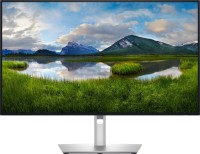
for graphics, 27 ", 4K, 3840x2160 (16:9), IPS, response 5 ms, 120 Hz, 1.07B Colors, sRGB 100 %, DCI-P3 99 %, HDMI, v 2.1, DisplayPort, USB-C (Thunderbolt v4), Power Delivery, LAN, ХАБ: USB-A 5x10Gbps, USB-C 2x10Gbps, KVM-switch, VESA Adaptive-Sync, HDR, CalMAN Verified, TÜV Rheinland
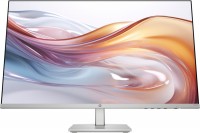
27 ", 1920x1080 (16:9), IPS, response 5 ms, 100 Hz, 6-bit + FRC (16.7M Colors), sRGB 99 %, VGA, HDMI
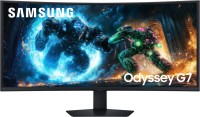
gaming, 40 ", 5K, 4K, 5120x2160 (21:9), curved 1000R, *VA, response 1 ms, 180 Hz, 1.07B Colors, sRGB 99 %, DCI-P3 90 %, HDMI, v 2.1, DisplayPort, ХАБ: USB-A 2x5Gbps, AMD FreeSync Premium Pro, HDR
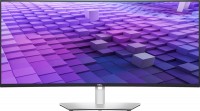
37.5 ", 3840x1600 (21:9), curved 2300R, IPS, response 5 ms, 60 Hz, sRGB 100 %, DCI-P3 98 %, HDMI, v 2.1, DisplayPort, USB-C (DP Alt Mode), Power Delivery, LAN, ХАБ: USB-A 5x5Gbps, speakers