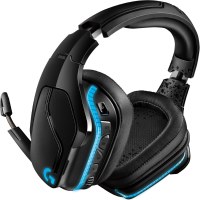
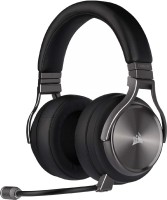
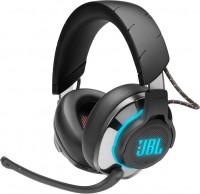
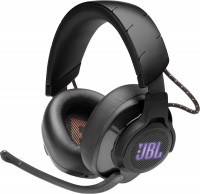
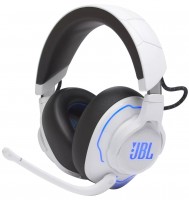
JBL Quantum 800 (JBLQUANTUM800BLK)
 | Compare prices 2 → When you make a purchase through links on our site, we may receive a affiliate commission.
|

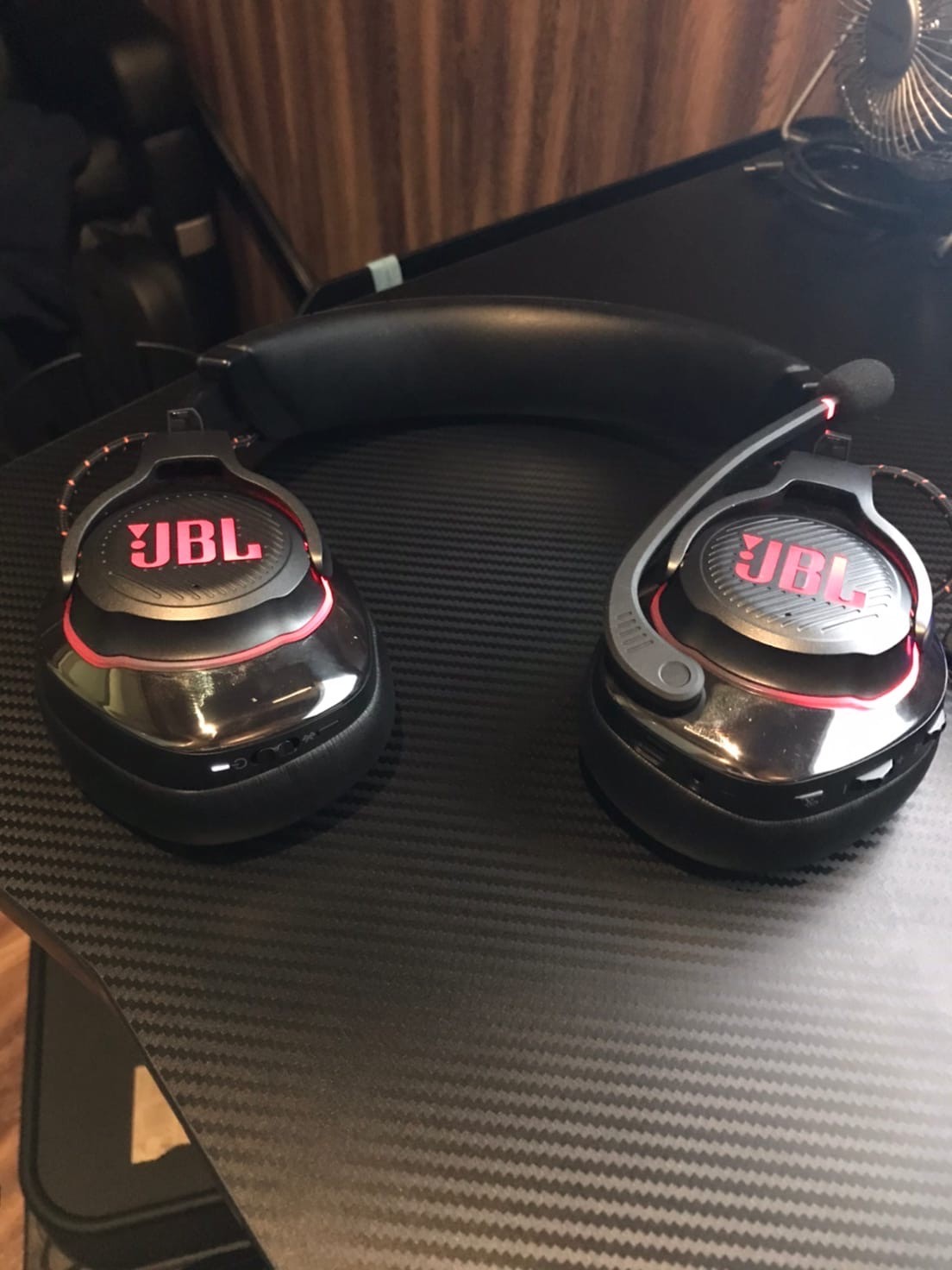
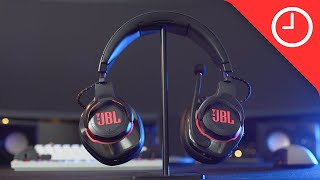
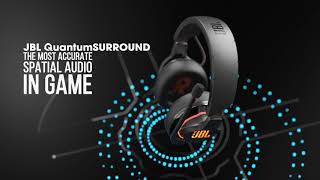
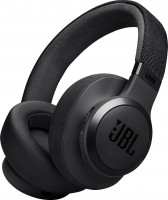
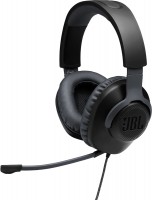
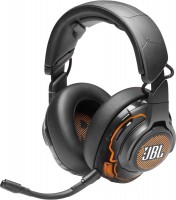
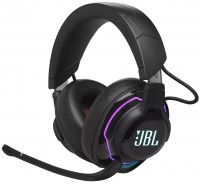
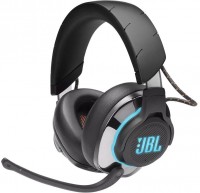
Spectacular and functional, closed-back wireless on-ear gaming headset with DTS Headphone:X 2.0 surround sound technology for full surround sound virtualization that enhances the depth of immersion in the game process. With JBL Quantum Surround technology, the user is directly in the thick of things, receiving accurate information about the location of sound sources and the distance to them.
Featuring 50mm Hi-Res approved drivers, JBL's QuantumSOUND Signature sound creates a lifelike soundstage that will give you the upper hand in any battle. Durable headband and memory foam ear cushions finished with genuine leather provide a comfortable feel during long tournament battles. To connect the JBL Quantum 800 gaming headphones to a PC, a USB dongle is used that supports sound transmission over a 2.4 GHz radio channel.
The unique JBL QuantumENGINE software provides a host of advanced settings and allows you to create your own RGB LED lighting profiles. For mobile gaming on smartphones, tablets or laptops, Bluetooth 5.0 wireless interface is used, operating within a radius of up to 10 m. The built-in battery is enough for 14 hours of sound, and when the battery is low, you can use a backup wired connection. Designed for PC gaming, the headset is also fully compatible with Xbox, PlayStation, Nintendo Switch game consoles, Apple Mac platform and VR devices.
|
| ||||||||||||||||||||||||||||||||||||||||||||||||||||||||||||||||||||||||||||||||||||||||||||||||||||


Always clarify the specifications and configuration of the product with the online store manager before purchasing.
Catalog JBL 2026 - new arrivals, bestsellers, and the most relevant models JBL.



Excellent headphones, the sound is cool, the software is very simple, informative. 1 Once you set it up and you won’t climb there anymore. Very comfortable, big. Surprisingly very tenacious ear pads. One Kotska appeared only after 2 years. The sound volume adjustment on the wheels themselves is mechanical, but not tight, when you put it on and take it off, you often touch it, and as a result you knock it down, but 5 seconds and everything gets better back. Charging the battery if you use the microphone will last for 8-9 hours. If without a micro day for 3-4. The build quality is good. DO NOT fasten or backlash. only the sound adjustments are not very tight as I wrote above. sound, fit, build quality, ear cushions. Sound control - very soft and not in an duobny place, very often hurts when taking off and putting on  Maksim Skvorcov: use JBL Quantum 800 more than year Maksim Skvorcov: use JBL Quantum 800 more than year |
Very quiet, almost no bass, no spatial sound, clearly unfinished Backlight The sound is quiet, no bass use JBL Quantum 800 less than month |
By design - volume control wheels + chat/game wheel - leaned back on the chair - reset the settings, turned my head, hit the wheels - reset the settings, a very stupid and rarely useful thing, chat/game has a lock in the middle position, but it locks in the good position In a word, it’s convenient to understand by touch that now 50/50 is set. comfortable, good sound, noise reduction is a nice thing The main disadvantage of this product is the disgusting software, I’ll start from the very beginning, when I first started it, I didn’t want to update my headphone drivers in any way - neither via cable, nor via dongle. I had to update them on another computer. Okay, I figured this out, another problem came up, once a day all the sound in the system drops off, the ears do not react at all, the sound device manager freezes tightly and hangs only after a few minutes, and the sound is restored only after running the diagnostics. Other reviews recommended removing the sound card drivers - but this solution is not suitable for me, and is it even normal? It often happens that after waking up, the headphones do not produce sound; you need to turn it on and off again and pull the dongle out of the slot. Another problem - I don’t know how, but on my USB 3.0 the dongle works disgustingly, and refuses to work through the USB extension cable, and where it works, only the right and left front channels work in 7.1 (I don’t use it), it doesn’t work in stereo and dts at all, in the end, with my PC location, the headphones only reach a distance of half the room, and then the sound drops off, and at the first connection everything was okay, but it lasted for two days at most and the sound dropped off. |