HyperX Pulsefire Core
 | Compare prices 4 → When you make a purchase through links on our site, we may receive a affiliate commission.
|

HyperX Pulsefire Core | |||||||||||||||||||||||||||||||||||||||||||||||||||||||||||||||||||||||||||
|
| ||||||||||||||||||||||||||||||||||||||||||||||||||||||||||||||||||||||||||


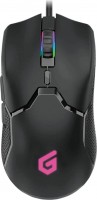
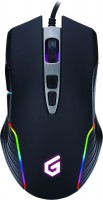
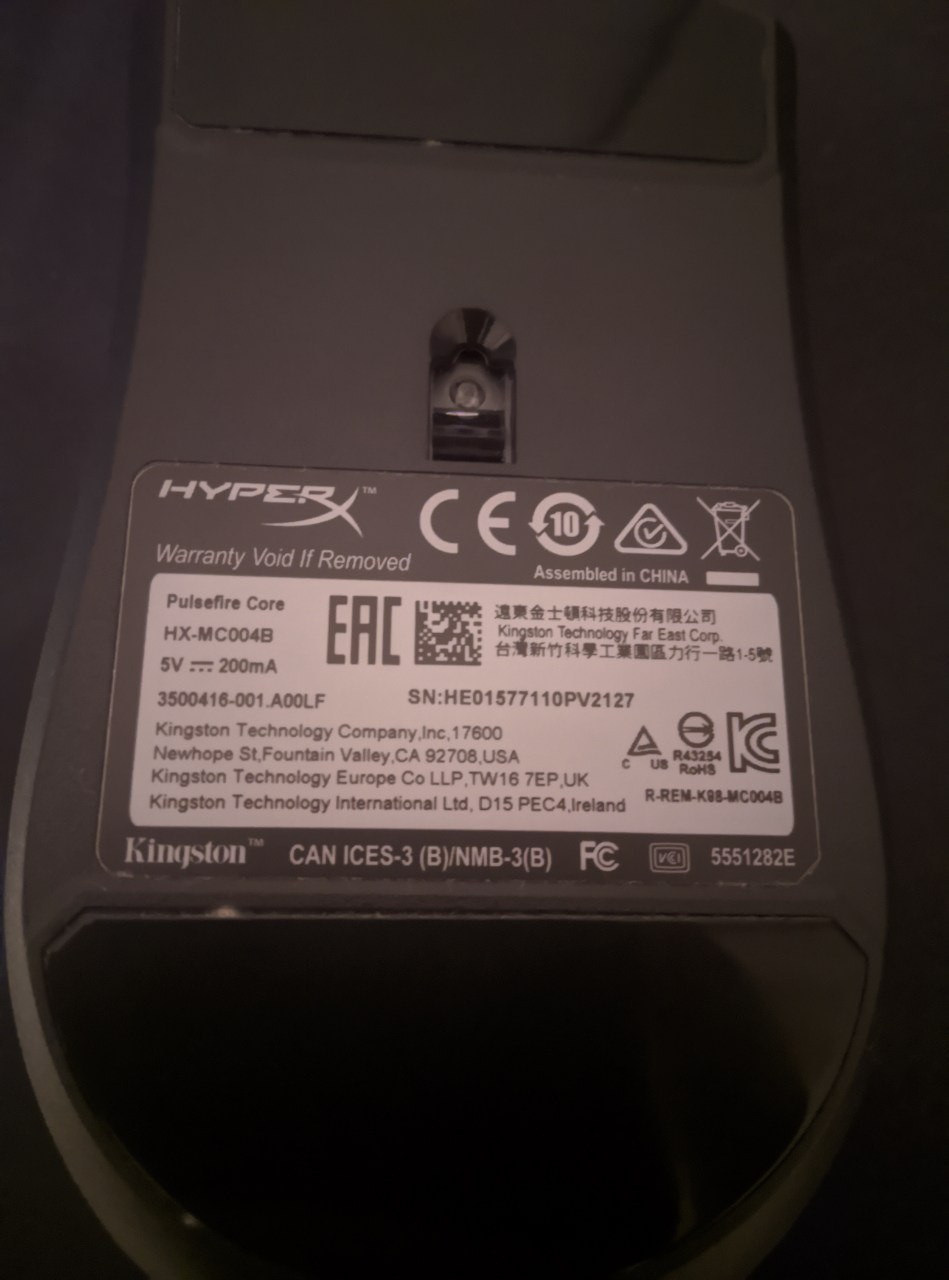
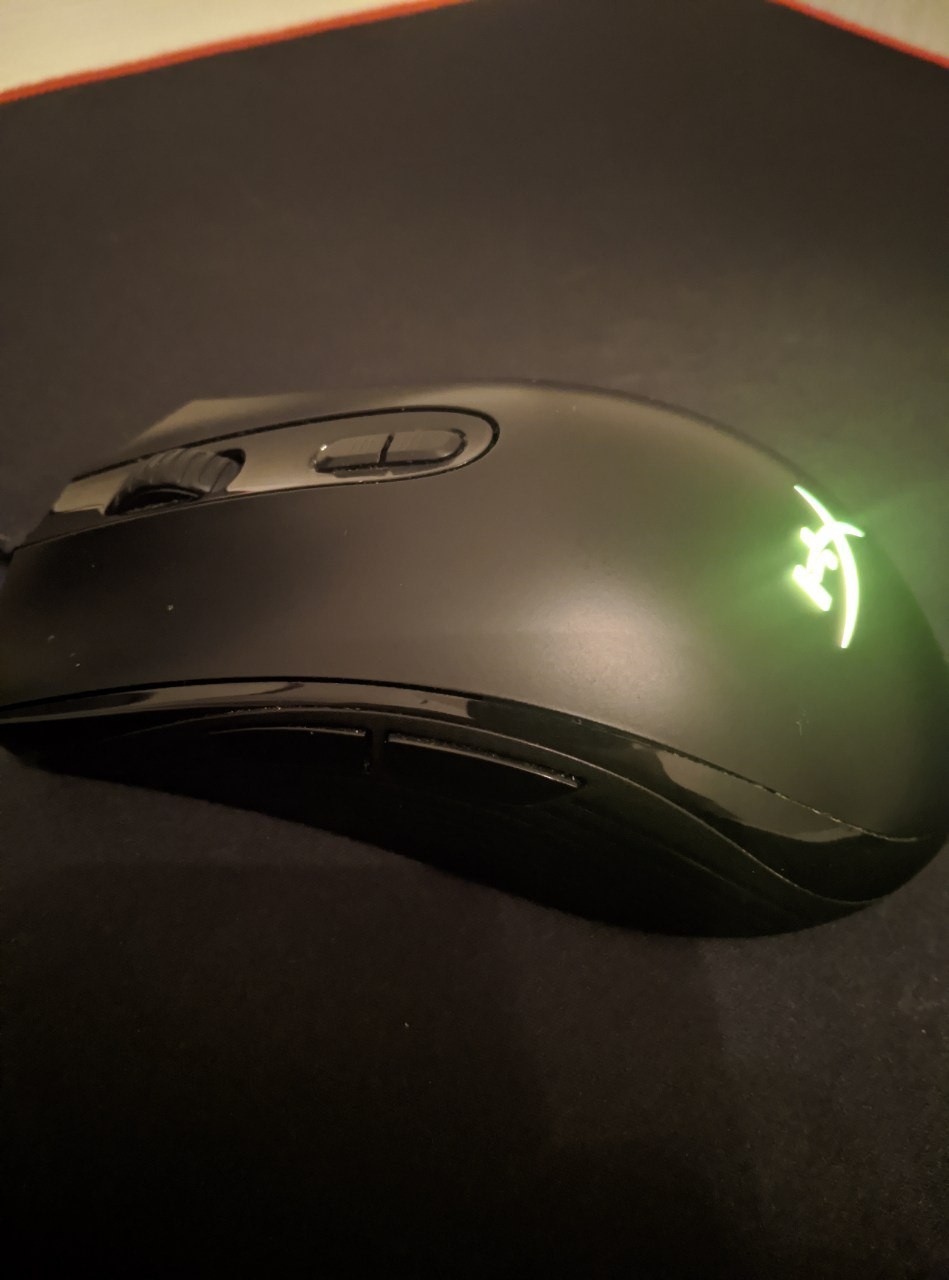
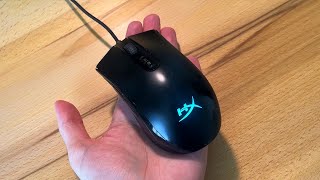
Mid-level game pad from the popular company Kingston. The device has got a well-balanced body, while the design of the mouse has a clear symmetry, which makes the device universal for left-handers and right-handers. The weight of the device, excluding the cord, is only 87 g. The mass of the manipulator is distributed in such a way that no excess is felt in any direction. The optical sensor is based on the PixArt PMW3327 sensor with a maximum resolution of 6200 dpi.
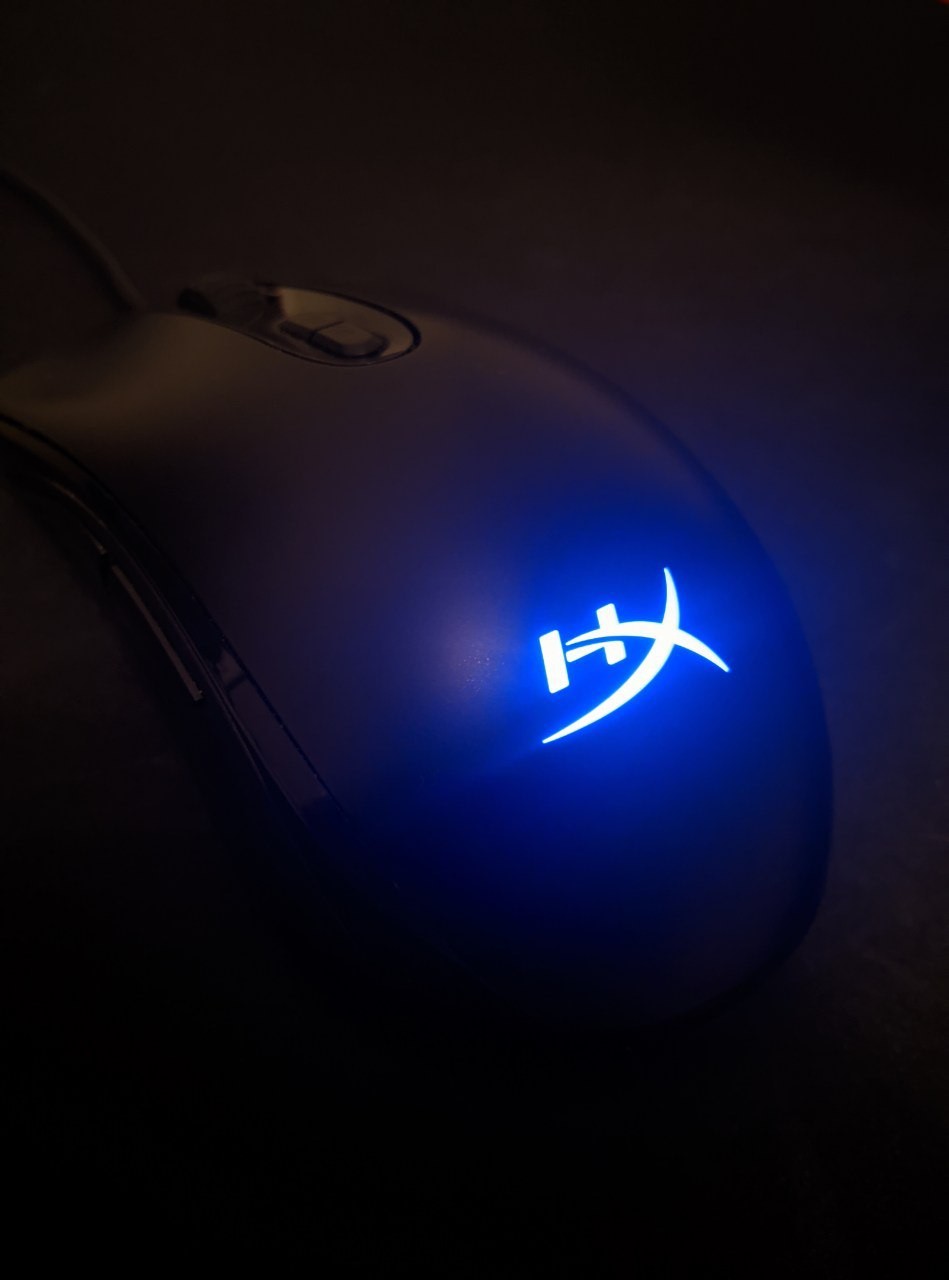
The minimum optical resolution is 200 dpi. The resolution of the sensor can be adjusted in steps of 100 dpi, for which 2 buttons are provided on the body at once (zoom in and out). In total, there are 6 buttons and a scroll wheel on board the mouse. To add variety to the design of the mouse, you can use RGB lighting, which is configured using HyperX NGenuity proprietary software. Using the software, you can also optionally reassign buttons and set macros. This mouse has a wide range of modifications: Surge, FPS and Pro. This particular model differs from analogues by a well-balanced body and the most attractive combination of price and quality.
Always clarify the specifications and configuration of the product with the online store manager before purchasing.
Catalog HyperX 2026 - new arrivals, bestsellers, and the most relevant models HyperX.
Buy HyperX Pulsefire Core
HyperX Pulsefire Core - RGB Gaming Mouse, Software Controlled RGB Light Effects & Macro Customization, Pixart 3327 Sensor up | $30.00 |  | |||
HyperX Pulsefire Core RGB Gaming Mouse, Black, HXMC004B HX-MC004B | $29.99 |  | |||
HyperX Pulsefire Core Gaming Mouse, Black - 4P4F8AA 4P4F8AA | $40.00 |  | |||
| $49.99 |  | ||||












4 1 0 6 |
Good mouse for its money Bought a mouse at Comfy back in 2019, and it still works, although there are issues with the scroll wheel and side button. The sensor doesn't glitch, and overall everything else is fine, although I don't use the software actively even though it's available, and more features could have been added for this mouse. Probably, it's the fact that after the first month of use, the paint of the mouse started to peel off; overall, for me, it's not critical as long as the mouse continues to perform well, there are no complaints.  Engineerio: use HyperX Pulsefire Core more than year Engineerio: use HyperX Pulsefire Core more than year |
I bought the mouse a year and a half ago. After watching "honest" bloggers, I decided it would be a good choice. The first thing that pleasantly surprised me was the reliable sensor; despite the fact that I love playing dynamic shooters, the sensor hasn't failed once during the entire time of use. Another advantage the mouse has is its fairly long cable and its high-quality braid. Throughout its use, there has been no wear on it; the material is simply superb (because I have a large mouse pad and use a low DPI setting, the mouse flies around the table, and along with it, the cable, which rubbed against the sharp edge of the table. When I decided to inspect the cable, I thought it was done for, but it turned out to be completely fine). At this point, all the advantages of this device end. I'll go through the points. 1. Software Since the mouse has a backlight, of course, I wanted to customize it. I downloaded the software and set everything up to my liking. But after 2 hours, the mouse started turning on and off by itself, and the cursor was moving across the screen like crazy, not even uninstalling the software helped. Later, I found out that I wasn't the only one experiencing this issue, and after a few more hours, I managed to solve the problem. 2. Build Quality After I took the mouse in my hand, it started to creak and screech like even Chinese mice don't. It was coming apart on all fronts, and even headphones didn't help. Not to mention the huge lag of the left and right buttons, which later evolved into a double-click issue. 3. Scroll Wheel There's not much to say here, after 2 months, the scroll wheel just refused to function properly. sensor - Cable length and its braiding Everything that could possibly be disappointing was: - Software - Wheel detachment - Creaking and roaring on all fronts - Button wobble - Double-click - Overpriced  ferlux: use HyperX Pulsefire Core more than year ferlux: use HyperX Pulsefire Core more than year |
Normal average gaming mouse Quite a light mouse. Good quality - in a year the sensor has never been torn off, the quality of the materials is also quite good, I used it for half a year without a mat on a rusty table and the mouse was almost not scratched The setting does not reveal the entire dance of the mouse use HyperX Pulsefire Core more than year |









HyperX burns
We've been amazed by how Kingston's gaming division, HyperX, has broken into the gaming peripherals market, smashing big-name heavyweights like Razer and SteelSeries to the left and right. Okay, we got excited about throwing, but it's hard not to note the success. Take the same mice of the PulseFire series, which are not so expensive, but at the same time tempt potential buyers with excellent build quality and the famous PixArt sensors.
PixArt 3327 sensor
HyperX PulseFire Core is the youngest model in the line. This is a fairly simple ambidextrous mouse that takes all the best from Razer, Logitech and Roccat mice yet costs less than $40. Perhaps the main star of the party is the PixArt 3327 optical sensor with a sensitivity of 6200 DPI and a maximum acceleration of 30 G. It extremely correctly processes even the sharpest movements, and in order to disrupt the sensor in conventional CS: GO, you will have to try very, very hard. Switches with a resource of 20 million clicks did not let us down either. Although, the sensor still belongs to the average level and experienced e-sportsmen are unlikely to fully fit.
Slippery coating on the sides of the body
It is a pity that Akela missed the ergonomics. Soft touch coating is not so soft touch, and there are no usual rubberized pads on the sides (there are just small, not very useful strips), so in the heat of battles, fingers can slide off the side walls. If you think this is a trifle, then try to finish off the adored Marauder in Doom Eternal on a nightmare and not break a sweat. Well, okay, but there is a customizable backlight, additional buttons on the side, a durable braided cable, a DPI switch and internal memory for saving control settings.