Common Error Codes in EcoFlow, BLUETTI, Fossibot, ANKER, and Oukitel Power Stations

We independently test the products and technologies that we recommend.
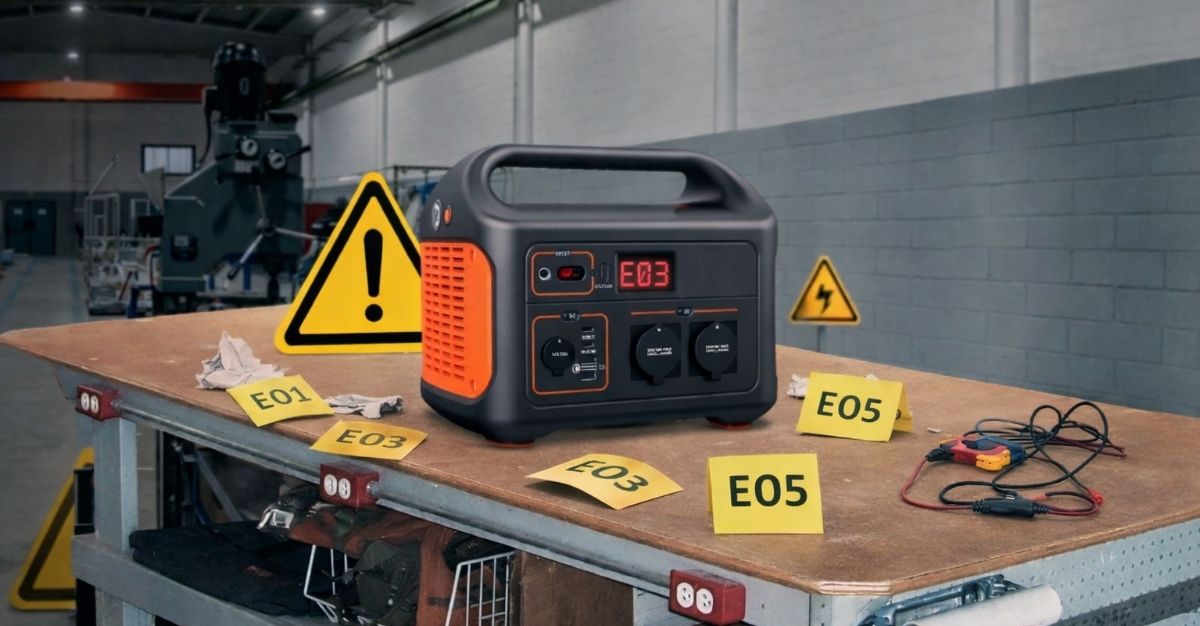
In error coding systems for charging stations, there is no universally accepted standard — each manufacturer uses its own logic for coding faults and activation of protective systems. Generally, combinations of Latin letters and numbers from 0 to 9 are used to indicate errors. To correctly understand the meaning of a specific code, you should use the user manual or service documentation, which provides error explanations, potential causes, and ways to resolve them.
Below is a list of the most common error codes with their descriptions for products from five popular portable charging station manufacturers.
1. EcoFlow Charging Stations
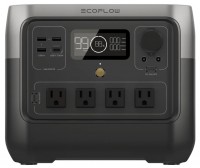
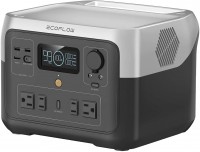
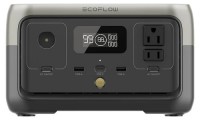
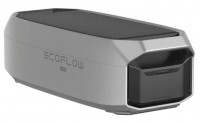
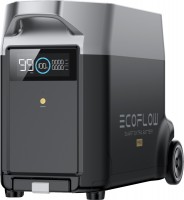
EcoFlow mobile power stations often use alphanumeric codes of the E01-E99 format and/or three-digit error codes. Additionally, icons frequently appear on the charging station’s display, and text messages pop up in the associated mobile app, helping to identify specific fault groups.
Common error codes include the following examples:
- E01 (AC Overload) — The allowable power of connected devices is exceeded, causing overload. To resolve the issue, disconnect the excessive load and reboot the station (turn it off and on).
- E02 / E09 (Inverter Overload) — Inverter overload. Typically, errors in this category occur due to excessively high starting currents of connected equipment. Simply disconnect powerful devices and restart the station.
- E03 (Short Circuit) — Short circuit on the output. Check the cables of the connected equipment.
- E04 (Battery Low Voltage) — Low battery voltage. This error appears when the built-in battery is deeply discharged, and it is treated by fully charging the battery.
- E05 / E06 (Battery Over Temperature / Low Temperature) — Battery overheating or too low a temperature. In the first case, the station needs to ‘cool down’; in the second, it is advisable to create a more favorable temperature environment to warm up the battery.
- E07 / E08 (Inverter Fault) — Internal inverter fault, which may result in abnormal output voltage. It is recommended to reboot the charging station to solve the issue; if it does not help, contact the service center.
- E10 – E14 (Battery Protection) — Malfunctions in battery operation (overvoltage, imbalance, cell degradation, etc.). Errors in this group usually require more thorough diagnostics by specialized technicians.
- 018 — Conflict with battery modules. This occurs due to failures in the BMS board or incorrect connection of additional batteries.
- 025 — Insufficient charging power. The error appears when the AC charging source, generator, or solar panels have low power.
In some models, icons on the LCD screen are used to indicate malfunctions:
- High/Low Temperature — Flashing thermometer icons with sun and snowflake symbols signal overheating and overcooling protection activation in battery discharge mode. If the label Recharging Time also lights up, it means the temperature is beyond permissible limits while charging. And when the thermometer icon flashes along with the 50 Hz symbol, protection against overheating and overcooling of the AC output is triggered.
- Overload — A group of errors associated with charging station overload. Along with this label, one of the flashing icons (USB-C port, car lighter socket, 230 V outlets, or charging connectors) appears on the display.
- Fan Error — Failures in the internal cooling system appear as a flashing fan icon.
- 50 Hz — The corresponding flashing indicator informs about a communication failure between the main control board and the AC power source. Usually, everything normalizes after rebooting the charging station. If not, seek service assistance.

2. BLUETTI Charging Stations
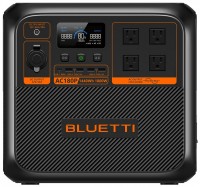
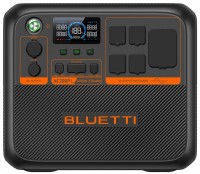
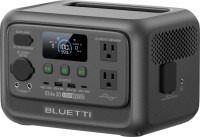
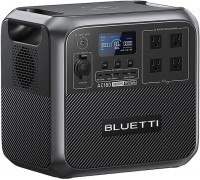
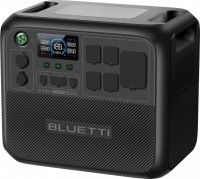
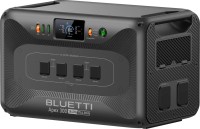
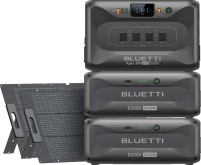
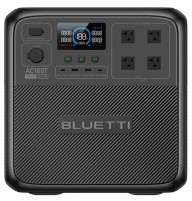
In BLUETTI stations, error and/or malfunction codes have a more logical and generalized structure. Most often, they are marked with the letter E (from the English word Error) followed by three digits. Corresponding codes are displayed on the charging stations' screens along with an error icon.
The list of common error codes for BLUETTI stations is provided below:
- E001 / E013 (Inverter Overload) — Inverter overload. Check the power of connected devices and reduce the load. In early BLUETTI models, the error code E001 may indicate a battery voltage excedence.
- E002 (Inverter Overtemperature) — Inverter overheating. The station should be allowed to ‘cool down.’ In older models, this code indicated low battery voltage.
- E003 (Short Circuit) — Short circuit. In previous generations of BLUETTI charging stations, this code meant a battery failure.
- E004 (Output Failure) — Output voltage failure. For earlier model lines — activation of overheating protection during battery discharge.
- E005 (Battery under-temperature) — ‘Battery’ error associated with triggering protection at excessively low battery temperature values.
- E007 / E008 (Over-temperature Errors) — Exceeding the internal temperature of the charging station. Disconnect the load and allow the device to rest for a while.
- E013 – E016 (Input Errors) — Group of input errors. E013/E014 codes represent high and low voltage at the solar charge input, E015 — solar input overload, E016 — AC charger failure.
- E028 (Fan Error) — Cooling system fan malfunction. It needs to be cleaned of dust or diagnostically checked for faults.




3. Fossibot Charging Stations
For popular Fossibot charging stations, standardized error codes are not used. Instead, warning icons about operational failures and potential malfunctions of onboard systems appear on their screens:
- High/Low Temperature Protection — Overheating or cooling of the battery or inverter. To stabilize operation, the charging station should be placed in normal temperature conditions. Note that the same icon is used for both high and low temperatures.
- Output Overload — Output overload. Excessive load is connected to the charging station — to normalize the situation, disconnect unnecessary devices and/or devices with high starting currents. The error manifests as a flashing AC Output icon, along with which the station emits an audible signal (characteristic beep).
- Fan Error — The corresponding flashing indicator informs about a fan malfunction or blocked air intake. If the cooler icon simply lights up, the station's fan operates in normal mode.
- Input Fault — A flashing charging input symbol indicates a damaged charging adapter, insufficient input voltage, or an issue with the ports. Finally, abnormal load is shown by flashing icons of corresponding output connection ports.
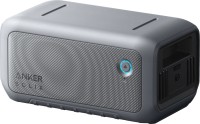
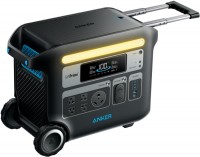
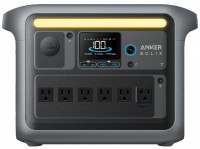
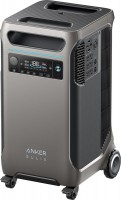
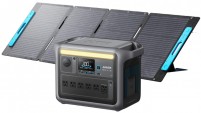
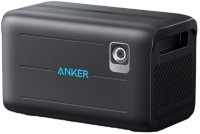
4. ANKER Charging Stations
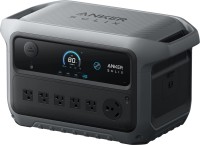
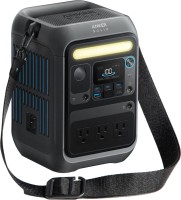
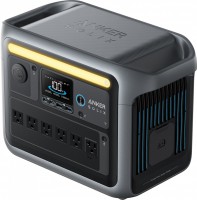
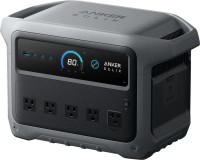
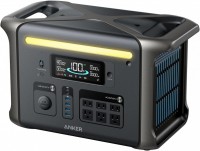
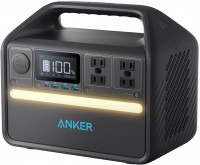
In the current generation of ANKER stations, the error coding system is represented by the letter E with four digits. Failure codes appear on the LCD display alongside an exclamation mark icon in a red circle.
Common error variants include the following:
- E0003 — Incorrect voltage on USB-A ports (above 5.7 V or below 3.8 V). Reconnect the device in the appropriate connectors or disconnect it completely.
- E0008 — Overcurrent on USB-C ports. The problem is solved similarly to the point above.
- E0009 / E0010 — Short circuit on USB-C ports.
- E0014 — Incorrect voltage on the car lighter socket output (above 14.4 V or below 10.4 V). The connector must be disconnected and restarted after about 30 seconds.
- E0027 / E0028 — Overheating / overcooling of the battery during charging. Errors manifest when the temperature is outside the range of +2°C to +58°C.
- E0032 / E0033 — Overheating / overcooling of the battery in discharge mode. The temperature range in this case is somewhat wider — from -17°C to +60°C.
- E0036 — Overload on the charging station's output sockets due to the connection of an excessively powerful total load.




5. Jackery Charging Stations
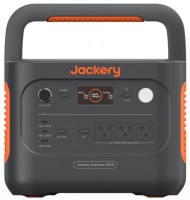
Modern models of Jackery stations display error codes on the LCD screen and in the associated mobile app (if used). Alongside the failure coding system, which has the format of a Latin letter F and one digit, graphical warnings in the form of icons (e.g., high/low temperature symbols) may appear.
Such codes inform about operational malfunctions:
- F0 — General system errors, often related to communication disruption between BMS and the main board. A self-reset in such a case rarely helps — the station will probably need to be taken to a service center for diagnostics.
- F1 — Inverter communication failure. The action algorithm is identical to the above.
- F2 — Charging input port malfunction, rendering energy replenishment in battery cells unavailable.
- F3 — Battery malfunction. This could be caused by a battery defect, cell degradation, and similar problems.
- F4 / F5 — Too high and too low battery voltage, respectively. Typically, errors are automatically cleared if a normal battery charge level is maintained.
- F6 — Inverter or AC output fault. Often, the problem can be rectified by disconnecting an excessively high load that the station simply cannot handle.
- F7 — Malfunction or failure of input charging ports, possibly caused by their failure or non-compliance of used charging adapters.
- F8 — Protection against overload and/or short circuiting during charging and discharging. The problem can be resolved by unplugging the socket or disconnecting electrical appliances.
- F9 — DC outputs are overloaded or have short-circuited. The station often recovers from the failure automatically when electrical appliances are disconnected from the respective connectors.
Articles, reviews, useful tips
All materials