ARM Laptops on Windows: Is There Life on Mars?

We independently test the products and technologies that we recommend.
1. What are laptops with ARM processors, and what's Apple's role?
A year ago, we examined the entire initial lineup of Snapdragon processors and explored the features of ARM processors. Therefore, below is a shortened version.
The ARM architecture was long used primarily in mobile devices due to its high energy efficiency and simplified RISC instruction set. As a result, ARM was long considered "mobile toys" - interesting but not suitable for serious work. However, in 2020, this stereotype was broken by Apple with its range of laptop and later desktop processors, Apple Silicon M. After the first generation of laptops with the M1 chip left no stone unturned from classic Intel processors in both synthetic and real tests, the market understood that ARM could compete with the x86 architecture not only in efficiency but also in power. Many manufacturers "wanted to be like Apple."
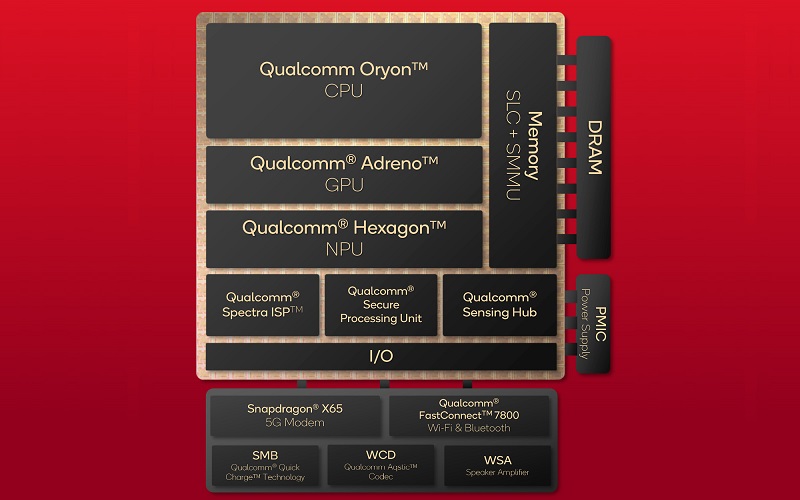
Among those interested was the Qualcomm and Microsoft tandem, which in 2024 introduced its own line of Snapdragon laptop processors. Architecturally, Snapdragon X chips are in many ways similar to Apple Silicon. Instead of separate elements, there is again one common chip divided into several blocks. The largest part is occupied by the Oryon processor core cluster, Adreno video accelerator, RAM module, cache memory, and neural processor theoretically necessary for working with built-in Copilot AI tools. Also, controllers and hubs for USB, Wi-Fi, Bluetooth, and other important stuff are soldered onto the chip.
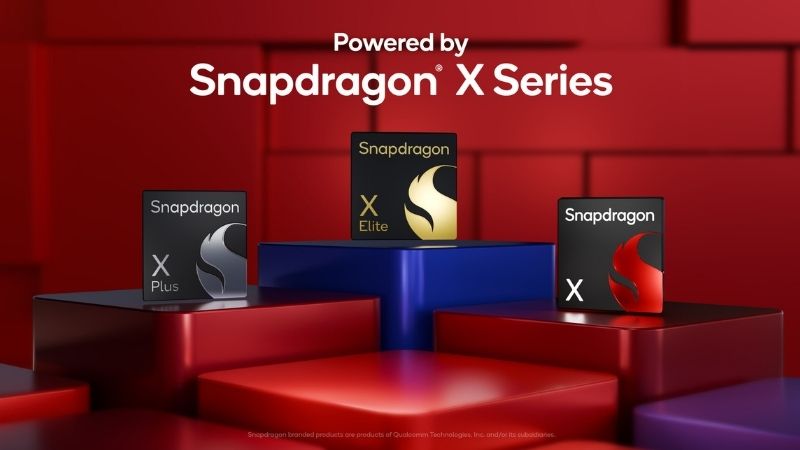
The Snapdragon X lineup includes around 10 different processors, which can be divided into 3 groups:
- Snapdragon X: entry-level with 8 physical cores and a trimmed Adreno X1-45 GPU with a power of 1.7 teraflops versus 4.6 teraflops in the older models)
- Snapdragon X Plus: mid-range processors with 8-10 cores and integrated Adreno graphics with a maximum power of up to 3.8 teraflops.
- Snapdragon X Elite: flagship processors with 12 physical cores and integrated Adreno graphics with a maximum power of up to 4.6 teraflops.
Regardless of price, all series representatives are equipped with an identical neural block with a performance of 45 TOPS. This is an important point since Microsoft selected a base minimum for Copilot+ of 40 TOPS, and it was important for the manufacturer to maintain consistency between all processors. Also, all Snapdragon X models do not support multithreading and do not have the usual division into energy-efficient and performance cores.
2. Software Compatibility on Windows
But before moving on to the tests and numbers, it's worth discussing one important detail — software compatibility with the ARM architecture. There are still plenty of conflicting reviews online: some write "I love my Snapdragon laptop," while others complain about constant crashes and incompatibility with necessary applications.
Over the past year, the situation has significantly improved. According to Microsoft and Qualcomm, over 95% of popular applications from the top 100 (including browsers, office suites, and creative software like Adobe Photoshop) already have a native ARM64 version, and the rest work through the built-in Prism emulator in Windows 11. This system allows running both x86 and x64 applications, and with the latest updates, it supports modern instructions like AVX and FMA, which means previously incompatible programs now run without problems. Here you can check the compatibility of a necessary application.
And here the nuances begin - Windows 10 does not have full support for ARM laptops, there was only an old emulator for 32-bit applications. Therefore, Windows 11 is critically essential for Snapdragon devices. But that's not all: emulation only covers user applications, not drivers. Any component that works at the kernel level requires a native ARM driver, so there's quite a high chance that an old printer or external sound card simply won't be recognized by the system.
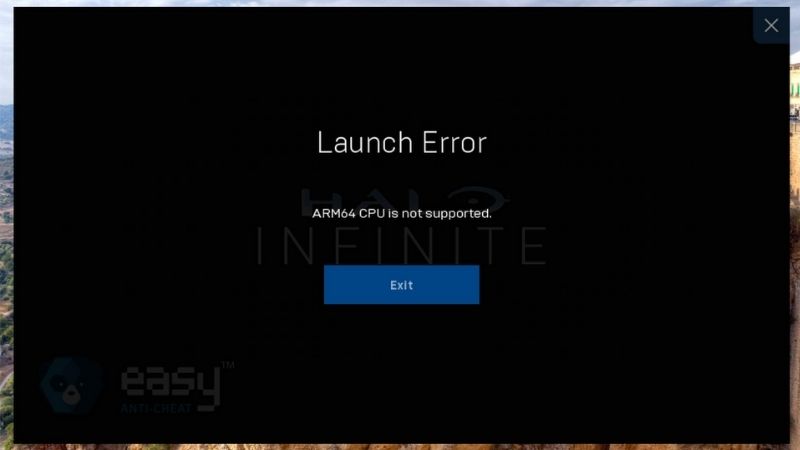
As a result, there is a slight lottery effect: an application may work fine on paper but malfunction due to driver incompatibility, a project in conditional Bitwig may not open due to using VST plugins protected by the iLok system, and a game with an anti-cheat like BattlEye may not launch at all. And even though Microsoft regularly releases fresh updates that systematically solve these problems, it's crucial to keep in mind that there's always a chance something won't start, will crash, or glitch. This particularly applies to specialized applications, professional peripherals, and games. Therefore, for serious work, it is safer to choose proven solutions.
3. Performance
| Model | Cores | "Multithreaded Frequency" | "Single-threaded Frequency" | Cache | "GPU FLOPs" |
|---|---|---|---|---|---|
| Snapdragon X Elite (X1E-84-1DE) | 12 | 3.8 GHz | 4.3 GHz | 42 MB | 4.6 |
| Snapdragon X Elite (X1E-84-100) | 12 | 3.8 GHz | 4.2 GHz | 42 MB | 4.6 |
| Snapdragon X Elite (X1E-80-100) | 12 | 3.4 GHz | 4.0 GHz | 42 MB | 3.8 |
| Snapdragon X Elite (X1E-78-100) | 12 | 3.4 GHz | 3.4 GHz | 42 MB | 3.8 |
| Snapdragon X Plus (X1P-66-100) | 10 | 3.4 GHz | 4.0 GHz | 42 MB | 3.8 |
| Snapdragon X Plus (X1P-64-100) | 10 | 3.4 GHz | 3.4 GHz | 42 MB | 3.8 |
| Snapdragon X Plus (X1P-46-100) | 8 | 3.4 GHz | 4.0 GHz | 30 MB | 2.1 |
| Snapdragon X Plus (X1P-42-100) | 8 | 3.2 GHz | 3.4 GHz | 30 MB | 1.7 |
| Snapdragon X (X1-26-100) | 8 | – | 2.97 GHz | 30 MB | 1.7 |
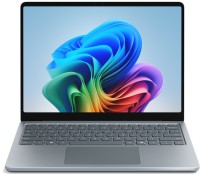
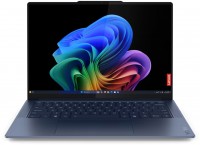
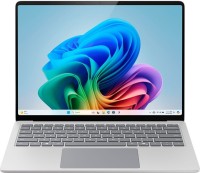
Overall, all Snapdragon X chips provide a decent level of performance, but there was no wow-effect like with the first generation of Apple Silicon. However, to Qualcomm's credit, they achieved what Intel struggled with for a long time — namely, providing the same level of performance with or without a connected charger.
The junior 8-core Snapdragon X (X1-26-100) shows the lowest benchmark results. This is logical, as the manufacturer targeted budget laptops that confidently handle everyday tasks and run on battery power longer than most counterparts. The overall performance level here is more or less at the level of the 12-core Intel Core-i5 1240P, which was released in 2022.
Snapdragon X Plus chips occupy the mid-range segment. Their power is comparable to modern Intel Core Ultra 5 and AMD Ryzen AI 9: they often surpass competitors in single-threaded tests but fall short in multi-threaded ones. At the same time, results often vary depending on the type of load. For example, they work confidently with computational tasks, but in conditional Blender or Lightroom, they may noticeably lag behind.
The flagship 12-core Snapdragon X Elite scores from 14 to 15 thousand points in multi-threaded mode in Geekbench 6 and on paper closely approaches Apple M3 and Core Ultra 7 165H. But again, they suffer from inconsistency, especially when working with graphics and video. For instance, rendering scenes in Blender and exporting projects in DaVinci Resolve on the top 12-core Snapdragon X1E-84-1DE takes 2-3 times longer than on the 8-core Apple M3.
Lastly, it's important to note 2 more nuances. The positive one is that over the past year, the Qualcomm and Microsoft tandem has solved most of the initial problems, and if a year ago in almost every review some synthetic tests simply didn't run or showed strange results, now almost everything works correctly. The flip side is that if software runs not natively but through an emulator, the processor's performance may decrease by 20-30%.




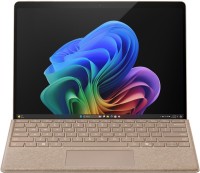

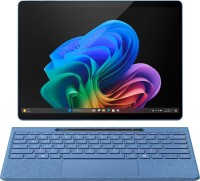

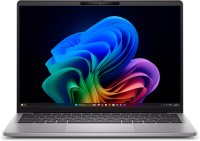
4. Power Consumption and Autonomy
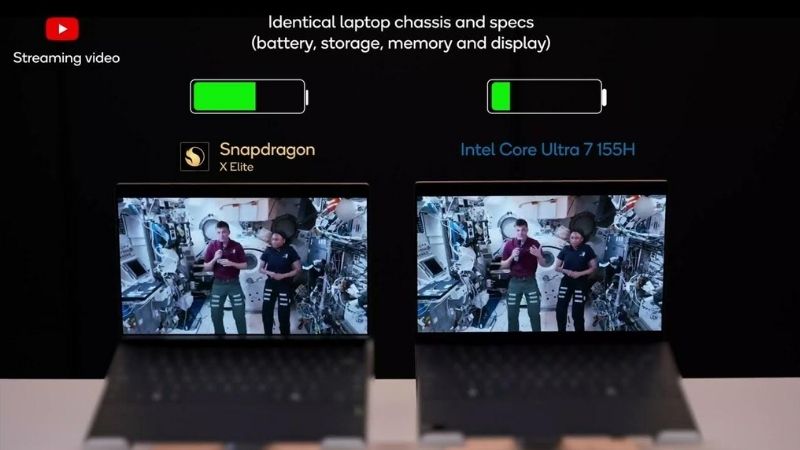
This is arguably the strongest side of Snapdragon laptops — provided you don't overload the system. In light tasks (web surfing, video viewing), Snapdragon X Elite laptops easily hold a charge for 15-20 hours, while in sleep mode, they hardly discharge (1-2% charge overnight). However, under heavy loads like rendering or code compilation, the situation changes, and efficiency drops.
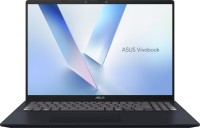
This is especially noticeable compared to laptops based on the Lunar Lake series processors, where Intel significantly improved energy efficiency and fixed the old problem of the processor heavily lowering frequencies when the laptop was unplugged. A conditional Asus Vivobook S with Core Ultra 5 226V in office mode can also hold a charge for about 20 hours, but under heavy load, it won't discharge as quickly as a laptop with conditional Snapdragon X1-26-100. Not to mention that adding a few extra grams to the battery easily "negates" Qualcomm's advantage.
The instant speed of turning on and waking up from sleep mode deserves special mention. Especially compared to other often sluggish laptops based on Windows.
5. Gaming: Better, but Plenty of Issues Remain
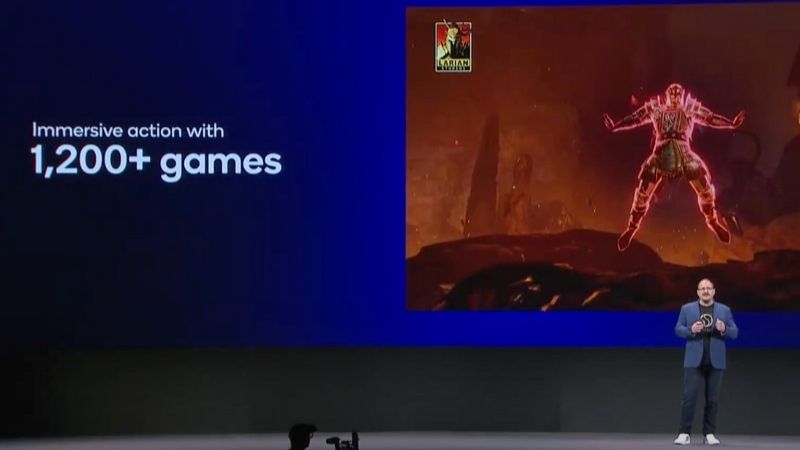
The picture with Snapdragon and games is sad. The integrated Adreno graphics in the first-generation chips remains a placeholder and is only suitable for somewhat undemanding online games. DirectX 11 and 12 are technically supported through Qualcomm drivers, but in practice, many games suffered from rendering artifacts or simply didn't start. However, after a year, the compatibility situation looks much better, especially after adding AVX and AVX2 instructions to the Prism emulator. However, the gaming experience still leaves much to be desired — some games like CS2 suffer from input delays, Apex Legends doesn't start because of the anti-cheat system, Disco Elysium just freezes on launch, Indiana Jones Great Circle throws a DX12 error, and in Clair Obscur: Expedition 33 it's impossible to play because of character rendering problems. Therefore, in almost any Snapdragon laptop test, there will be a note like "game X didn't start."
Compared, AMD has done a fantastic job with integrated graphics in recent years. A year ago, we praised the Radeon 7XXM series of integrated graphics cards, and the newer Ryzen AI processors with Radeon 890M graphics have gone even further and deliver performance at the level of mobile GeForce GTX 1650, allowing you to play recent blockbusters more or less comfortably. Though on low settings with an upscaler. After launching Arc graphics cards, Intel also significantly improved integrated graphics. For example, Lunar Lake with integrated Arc graphics is practically on par with AMD's latest solutions and can confidently handle conditional GTA 5, Diablo 4, or Baldur’s Gate 3.
6. Conclusion: Is the Glass Half Full or Half Empty?
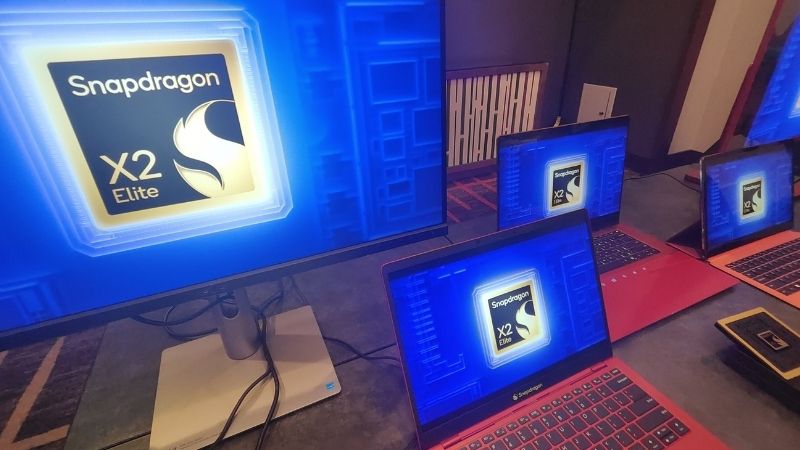
and how it turns out in reality, we will learn in the spring of 2026.
The conclusion is in the spirit of "is the glass half full or half empty." On the one hand, for the first generation, it's quite decent: performance is in order, autonomy is excellent, almost all popular software has been ported, and prices are quite adequate. On the other hand, Snapdragon X processors did not come close to providing the performance breakthrough like the first generation of the Apple M-series, they are not suitable for games, and the hyped NPU block for Copilot largely looks like a marketing gimmick. Moreover, compatibility issues persist in certain cases: for example, Ableton Live (one of the most popular DAWs on the market) still does not support ARM.
Meanwhile, competitors are not resting. New Intel Lunar Lake processors last 15-20 hours without recharging on office tasks, and office laptops with new Ryzen AI can feasibly be considered gaming options. Meanwhile, many solutions based on the simplest Ryzen and Core Ultra processors cost the same money. As of now, Snapdragon X solutions seem more advantageous for everyday office work rather than something more serious. Let's see if the second generation, promised for the spring of 2026, can turn this potential into something more convincing.






Articles, reviews, useful tips
All materials