
Apple iMac 27 2019
Monitors2349
 |
320.99Buy!
$
$
eBay.com
Report
 |
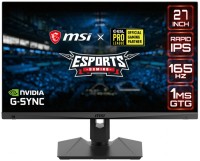
gaming, 27 ", 2560x1440 (16:9), IPS, response 1 ms, 210 Hz, 10-bit (1.07B Colors), sRGB 130 %, DCI-P3 95 %, HDMI, DisplayPort, speakers, AMD FreeSync Premium, VESA Adaptive-Sync, HDR, TÜV Rheinland
Price from $159.99
Compare prices2→Compare prices and buy MSI MAG 275QF E20
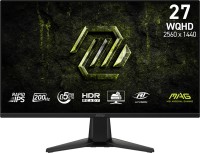 |
gaming, 27 ", 2560x1440 (16:9), IPS, response 0.5 ms, 200 Hz, 8-bit + FRC (1.07B Colors), sRGB 115 %, DCI-P3 90 %, HDMI, DisplayPort, AMD FreeSync Premium, NVIDIA G-Sync Compatible, VESA Adaptive-Sync, HDR, TÜV Rheinland
Price from $217.06 up to $247.55
Compare prices3→Compare prices and buy Lenovo Legion 27-10
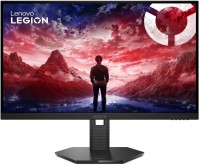 |
gaming, 27 ", 1920x1080 (16:9), IPS, response 1 ms, MPRT 0.5 ms, 240 Hz, 6-bit + FRC (16.7M Colors), sRGB 100 %, HDMI, v 2.1, DisplayPort, AMD FreeSync Premium, NVIDIA G-Sync Compatible, VESA Adaptive-Sync, HDR, TÜV Rheinland
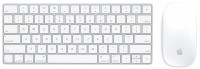
Keyboards10
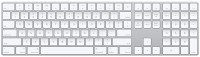

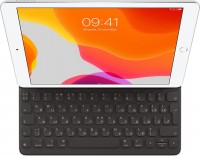
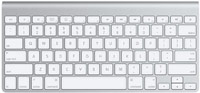


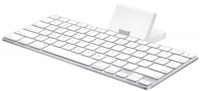
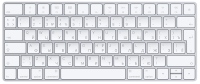
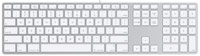
Mice4
Apple Magic Mouse 2 USB C (2024)
from $69.00
Apple Magic Trackpad 2 USB-C (2024)
from $119.99
Apple Magic Trackpad (1st gen)
from $149.99
Apple Magic Trackpad 2 (2021)
from $169.99
Cables (video, audio, USB)64
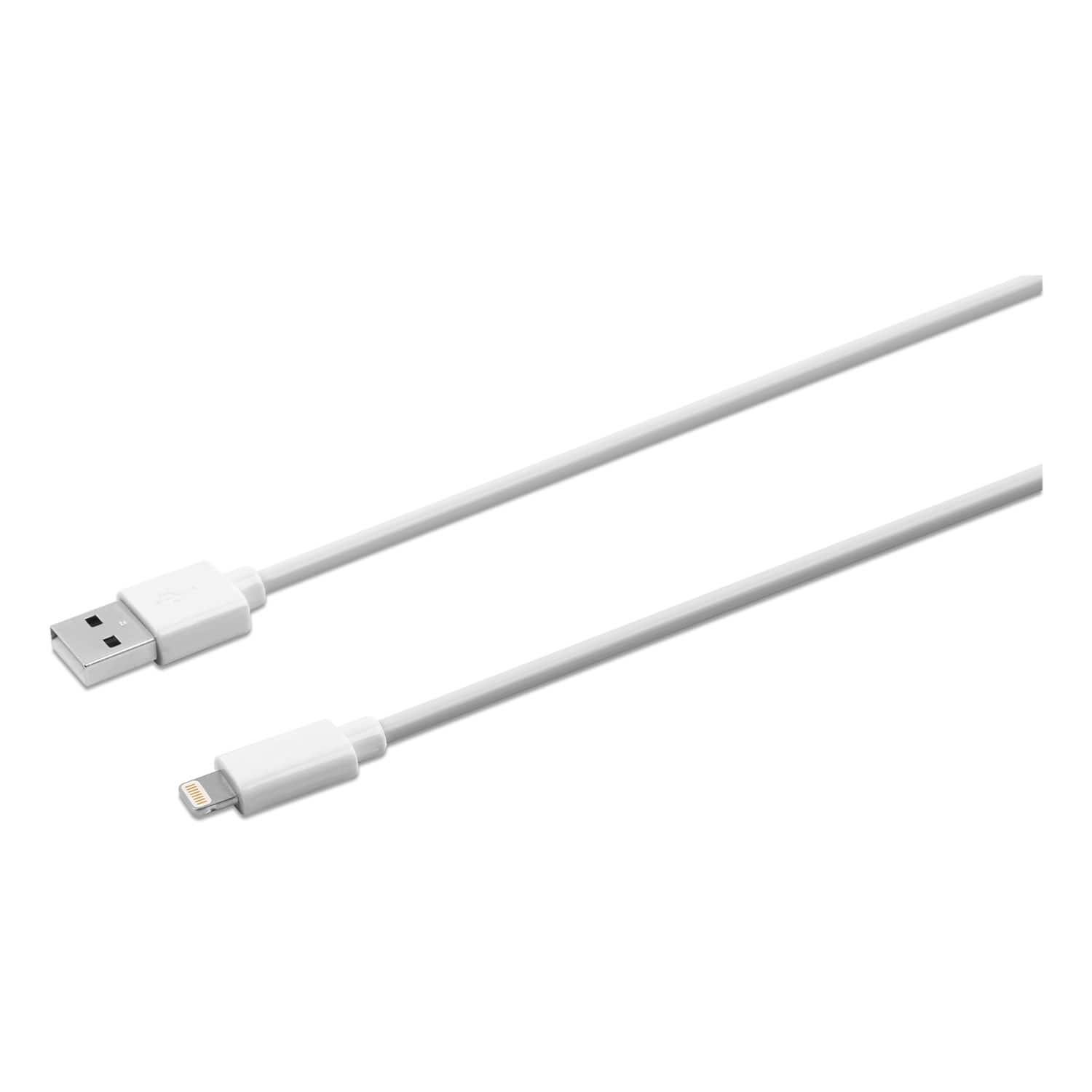 |
Innovera's Lightning Sync/Charge Cable connects your iPhone, iPad or iPod to the USB port on any computer, allowing you to charge and transfer data. Innovera Lightning cables are MFi-certified for use more→with iPhone, iPad and iPod devices. Compatible with iPhone (5, 5c, 5s, 6, 6 Plus, 6s, 6s Plus, SE, 7, 7 Plus, 8, 8 Plus, X), iPad (4th and 5th generations), iPad mini, iPad mini 2, iPad mini 3, iPad mini 4, iPad Air, iPad Air 2, iPod Touch (5th and 6th generations), iPad Pro 12.9 inch (1st generation) and iPad Pro 9.7 inch. Reversible 8-pin Lightning connector plugs into your Apple device in either direction.
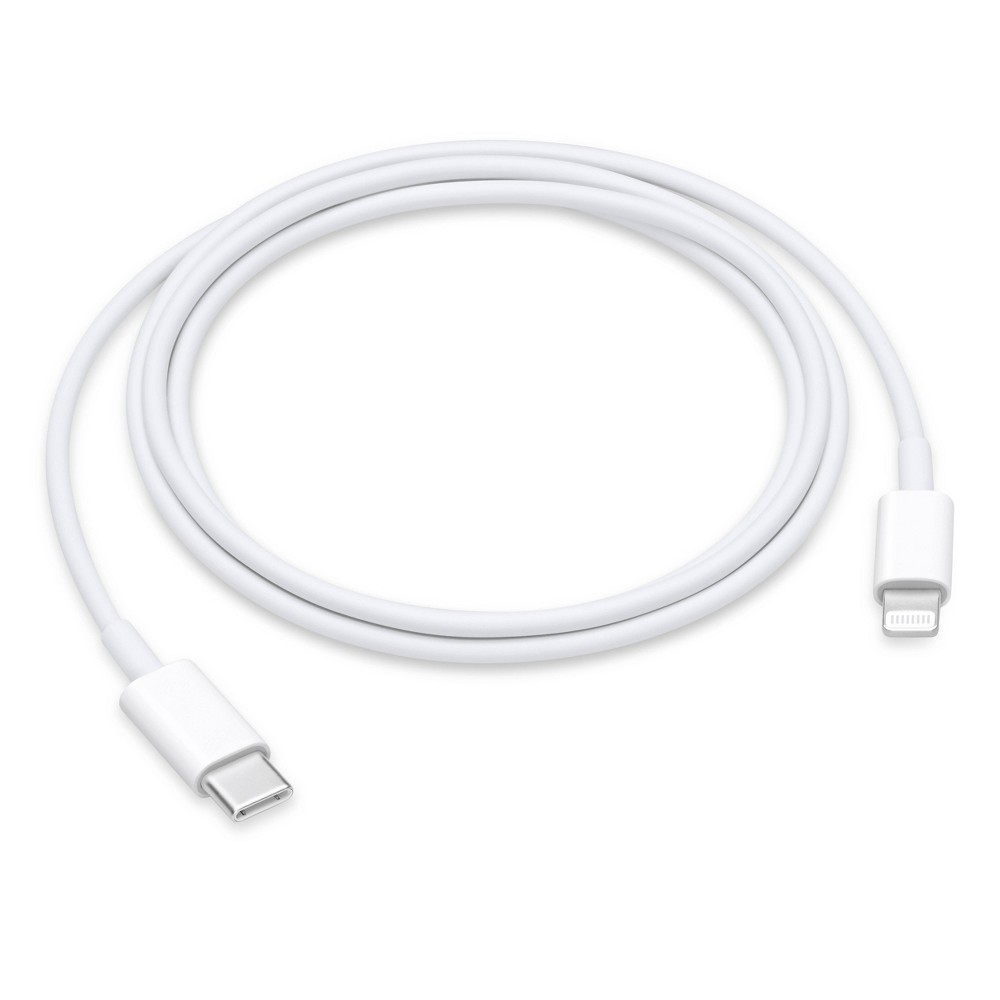 |
Technical Specifications Connections • Lightning • USB-C Compatibility iPhone Models • iPhone 14 • iPhone 14 Plus • iPhone 14 Pro • iPhone 14 Pro Max • iPhone 13 mini • iPhone 13 • iPhone 13 Pro • iPh more→one 13 Pro Max • iPhone 12 Pro Max • iPhone 12 Pro • iPhone 12 • iPhone 12 mini • iPhone 11 Pro • iPhone 11 Pro Max • iPhone 11 • iPhone SE (1st, 2nd, and 3rd generation) • iPhone XS • iPhone XS Max • iPhone XR • iPhone X • iPhone 8 • iPhone 8 Plus • iPhone 7 • iPhone 7 Plus • iPhone 6s • iPhone 6s Plus • iPhone 6 • iPhone 6 Plus • iPhone 5s • iPhone 5c • iPhone 5 iPad Models • iPad Pro 13-inch (M5) • iPad Pro 11-inch (M5) • iPad Pro 13-inch (M4) • iPad Pro 12.9-inch (1st, 2nd, 3rd, 4th, 5th, and…
 |
24.99Buy!
$
$
BestBuy.com
Delivery: in USA
Report
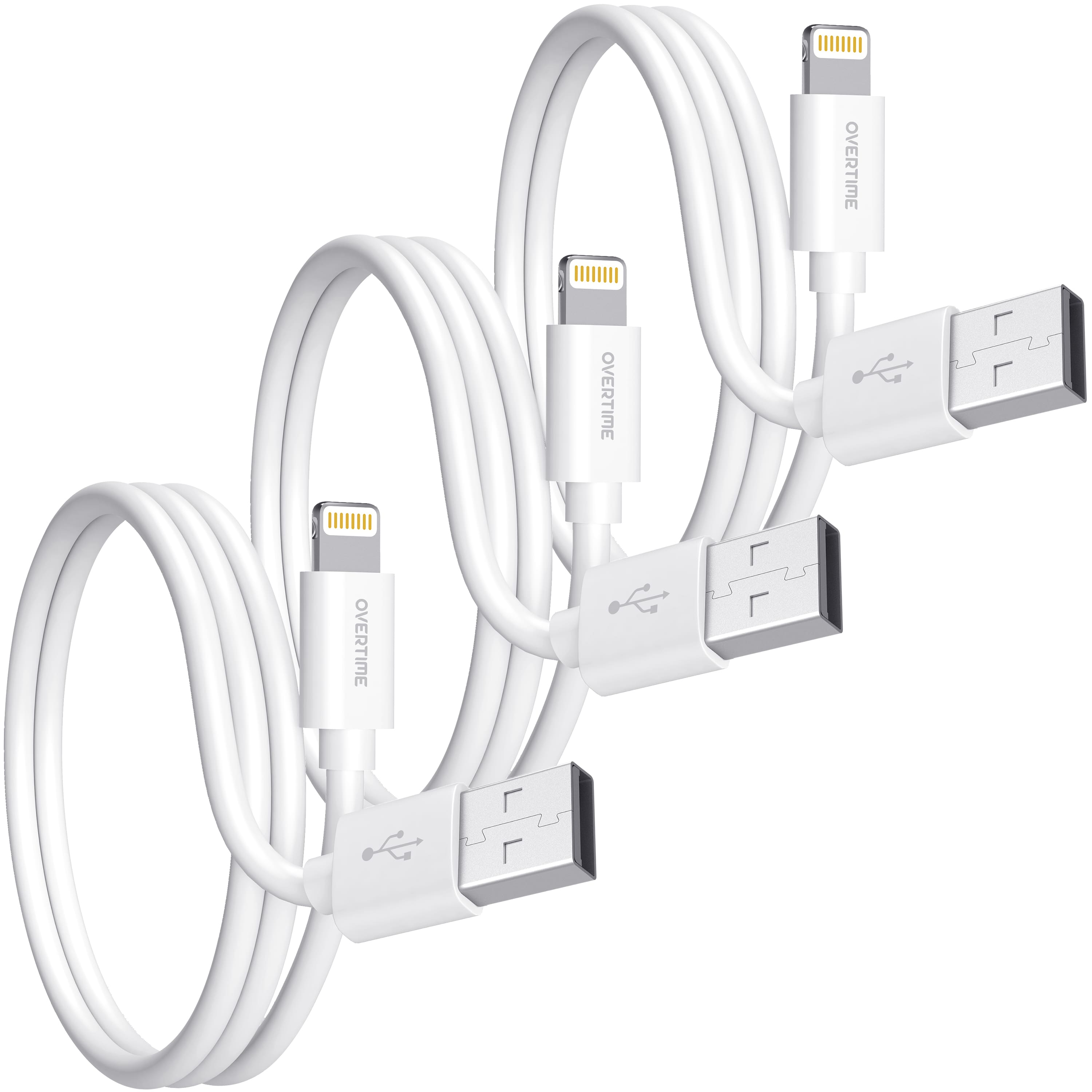
Enhance your tech essentials with Overtime 3-Pack usb to lightning cables, crafted for speed and safety with an integrated Apple chipset. Certified by Apple MFI to meet rigorous performance standards, more→these apple lightning cables guarantee a bend lifespan of over 30,000, pairing longevity with reliability. Achieve swift data transfers at speeds up to 480 Mbps for all your Apple devices, from iPhones to MacBooks. The 4ft length provides ample reach, and the laser-welded connectors promise endurance against twists and tugs. Designed with high-quality materials for a premium look and fast-charging capability, these apple lightning chargers for iphone are your go-to for sustained battery life and …
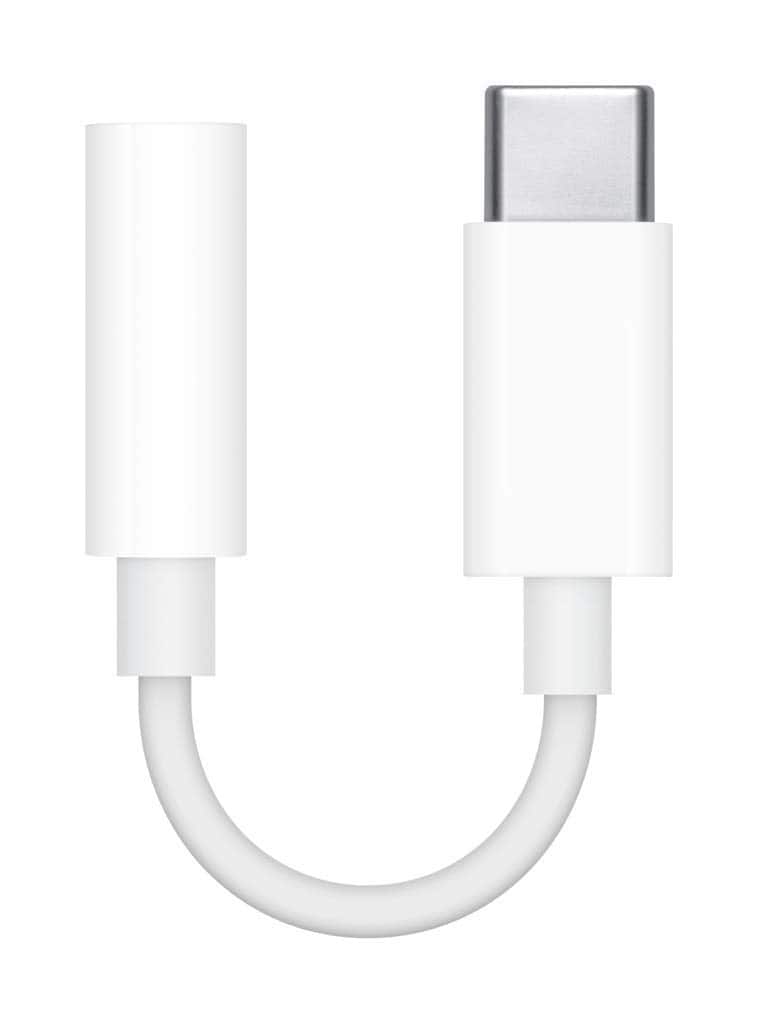 |
Apple USB-C to 3.5mm Headphone Jack Adapter
Important!
Compatibility with specific models Desktop PCs should be confirmed with the online store manager directly before purchase.
Compatibility with specific models Desktop PCs should be confirmed with the online store manager directly before purchase.