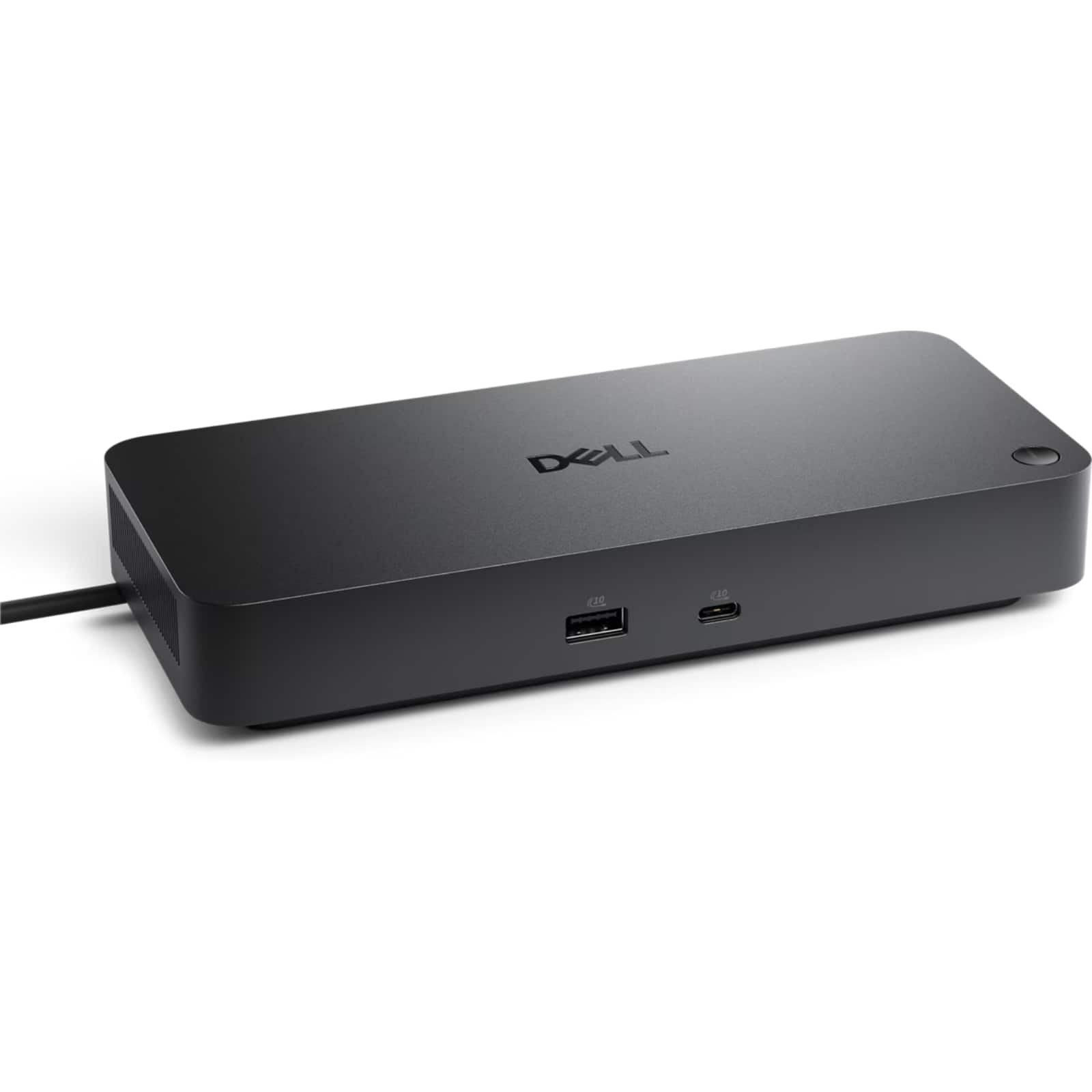
Dell Pro Dock WD25Z USB-C Docking Station, Up to 130W Power Delivery, Up to Four Displays, 2.5GbE Ethernet, -WD25Z - B
 | When you make a purchase through links on our site, we may receive a affiliate commission. Buy! Dell - Pro Dock WD25Z USB-C Docking Station, Up to 130W Power Delivery, Up to Four Displays, 2.5GbE Ethernet, DELL-WD25Z - BBestBuy.comDelivery: in USA Report |
Buy Dell Pro Dock WD25Z USB-C Docking Station, Up to 130W Power Delivery, Up to Four Displays, 2.5GbE Ethernet, -WD25Z - B
When you make a purchase through links on our site, we may receive a affiliate commission.
Dell - Pro Dock WD25Z USB-C Docking Station, Up to 130W Power Delivery, Up to Four Displays, 2.5GbE Ethernet, DELL-WD25Z - B | $199.00 | | |||
Transform a compatible USB-C or Thunderbolt laptop into a full desktop workstation with the Dell Pro Dock WD25Z, delivering single-cable connectivity for power, video, data, and wired networking through an integrated 0.9 m (90 cm) USB-C cable. Designed for business and power-user setups, the dock can provide up to 130W power delivery to supported Dell systems (up to 96W for non-Dell notebooks) while expanding ports for modern peripherals and displays. Connect up to four external monitors via two DisplayPort 1.4 outputs, one HDMI 2.1 port, and a USB-C 3.2 Gen 2 multifunction DisplayPort (video modes and maximum resolutions depend on the host system, bandwidth, and supported features such as DSC). Built-in wired networking supports up to 2.5GbE through the RJ-45 port, and additional connectivity includes four USB-A 3.2 Gen 2 ports plus two USB-C 3.2 Gen 2 ports for high-speed accessories. The WD25Z also supports enterprise deployment and maintenance with Dell utilities and features such as PXE boot, MAC address pass-through, and Wake-on-LAN on supported systems, making it a strong choice for office desks, hot-desking, and managed fleets across Windows 10/11 and select Linux and ChromeOS environments.
The product description is generated based on data from online stores. Before purchasing be sure to verify all information directly with the seller.
New USB Labels: How to Avoid Confusion in Speeds, Cables, and ConnectorsThe USB-IF organization has finally updated the USB port labels. Let's figure out what has changed.
All about USB-C interfaceExploring the possibilities of USB-C: from universal charging and high-speed data transfer to image streaming
How to place an order?How to add store?
Remember that the online store is responsible for the accuracy of information regarding price, warranty, and delivery!
We recommendCompare using chart →
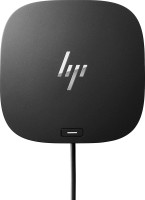
USB hub, connection USB-C, 5Gbps, ports: USB-A 4 pcs, USB-C 1 pcs, HDMI, DisplayPort, LAN, functions: external power supply, Power Delivery
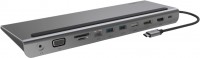
hub with card reader, connection USB-C, 5Gbps, ports: USB-A 3 pcs, USB-C 1 pcs, HDMI, DisplayPort, VGA, LAN, card reader: SD, microSD, functions: Power Delivery
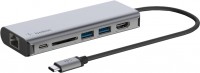
hub with card reader, connection USB-C, 5Gbps, ports: USB-A 2 pcs, USB-C 1 pcs, HDMI, LAN, card reader: SD, functions: Power Delivery
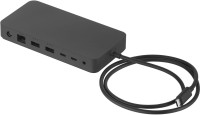
USB hub, connection USB-C, USB4 40Gbps / Thunderbolt 4, ports: USB-A 3 pcs, USB-C 3 pcs, LAN, functions: external power supply, Power Delivery
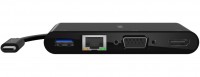
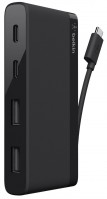
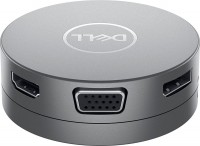
USB hub, connection USB-C, 5Gbps, ports: USB-A 2 pcs, USB-C 1 pcs, HDMI, DisplayPort, VGA, LAN, functions: Power Delivery