
Cooler Master MasterMouse MM712
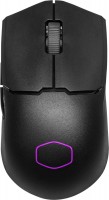 |

Cooler Master MasterMouse MM712 | |||||||||||||||||||||||||||||||||||||||||||||||||||||||||||||||||||||||||||||||||
|
| ||||||||||||||||||||||||||||||||||||||||||||||||||||||||||||||||||||||||||||||||


The information in the model description is for reference purposes.
Always clarify the specifications and configuration of the product with the online store manager before purchasing.
Catalog Cooler Master 2026 - new arrivals, bestsellers, and the most relevant models Cooler Master.
Always clarify the specifications and configuration of the product with the online store manager before purchasing.
Catalog Cooler Master 2026 - new arrivals, bestsellers, and the most relevant models Cooler Master.

How to choose a gaming mouseWe'll look at grip types, sensor sensitivity, pushbutton switches, and other important nuances

How to choose a mouse for games, office tasks and creative workLet's explore the nuances of the computer mouse market together and find the perfect options that match your requirements
Buy Cooler Master MasterMouse MM712
All prices 7 →When you make a purchase through links on our site, we may receive a affiliate commission.
| $49.99 |  | ||||
Cooler Master MM712 Wireless Gaming Mouse - Black 78805551 | $49.99 |  | |||
| $66.00 |  | ||||
COOLER MASTER MM712 Matte White Matte White Wired/2.4GHz/BT 5.1 Pixart Optical Sensor Gaming Mice MM-712-WWOH1 | $77.99 |  | |||
| $131.00 | | ||||
Cooler Master MM-712-KKOH1 Cooler Master MM712 Wireless Gaming Mouse Black Refurbished MM-712-KKOH1 | $145.14 |  | |||
Cooler Master MM-712-WWOH1 Cooler Master MM712 Wireless Gaming Mouse White New MM-712-WWOH1 | $158.65 | | |||
Series Cooler Master MasterMouseCompare using chart →
gaming mouse, radio / Bluetooth / wired, USB-A, Multi-Device, buttons: 4, programmable, + wheel, свитчи: optical, RGB backlight, sensor 19000 DPI, battery, up to 180 h
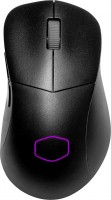
gaming mouse, radio / Bluetooth / wired, USB-A, BT v 5, Multi-Device, buttons: 4, programmable, + wheel, свитчи: optical, RGB backlight, sensor 19000 DPI, battery, 500 mAh, up to 190 h
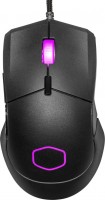
gaming mouse, wired, USB-A, with memory, buttons: 5, programmable, + wheel, свитчи: mechanical, RGB backlight, sensor 12000 DPI
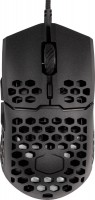
wired, USB-A, with memory, buttons: 5, programmable, + wheel, свитчи: mechanical, Omron, sensor 16000 DPI











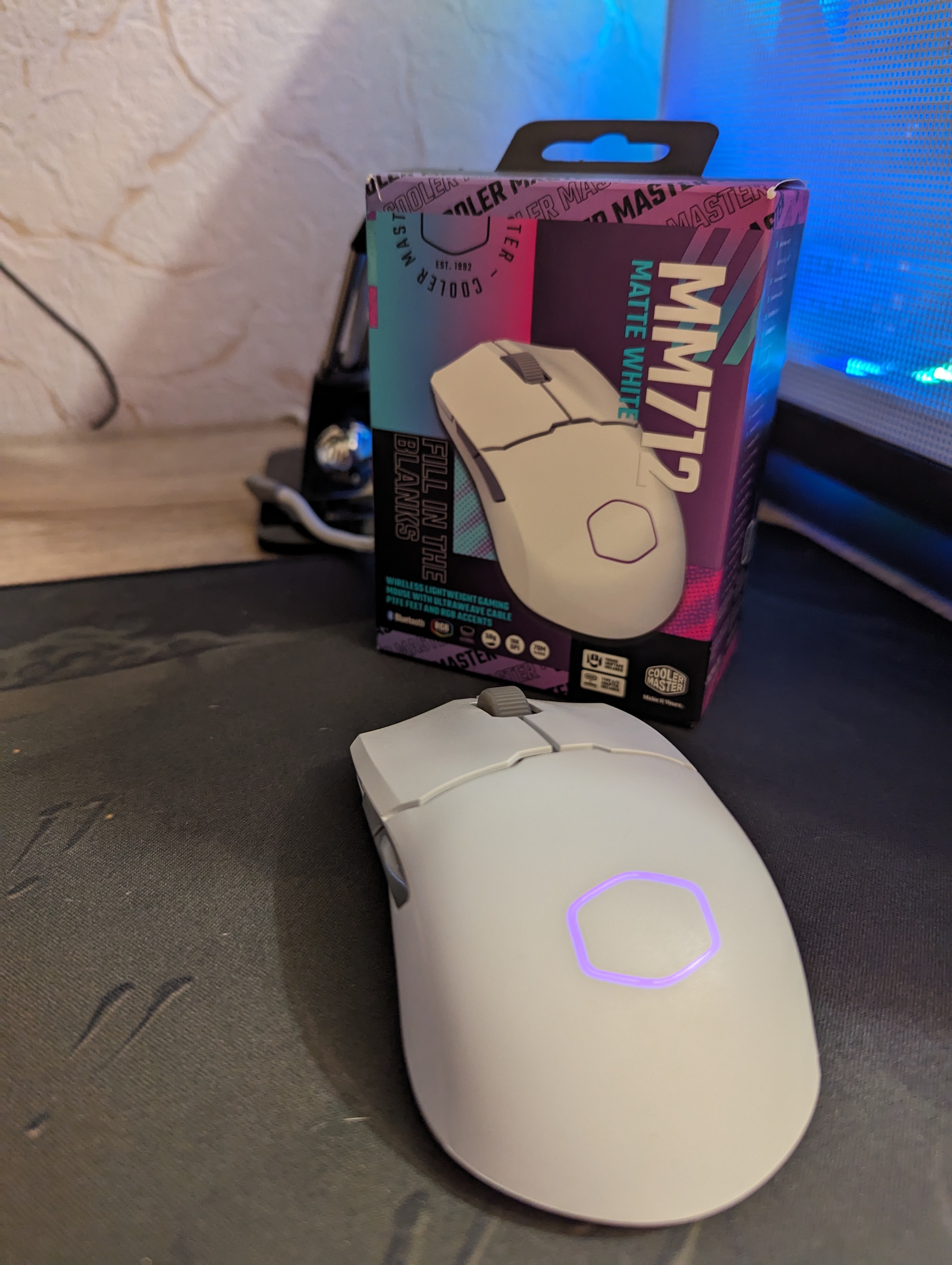
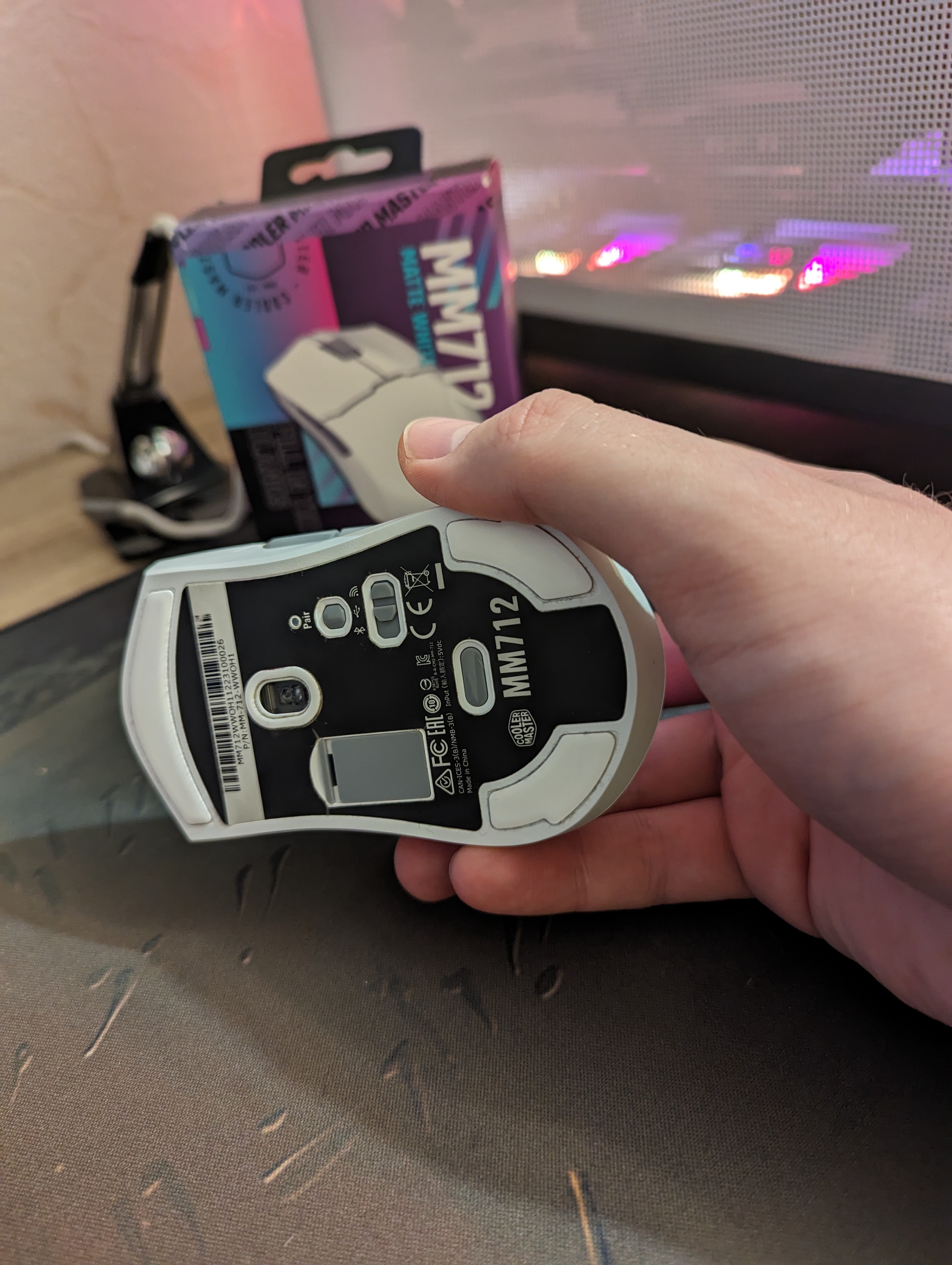
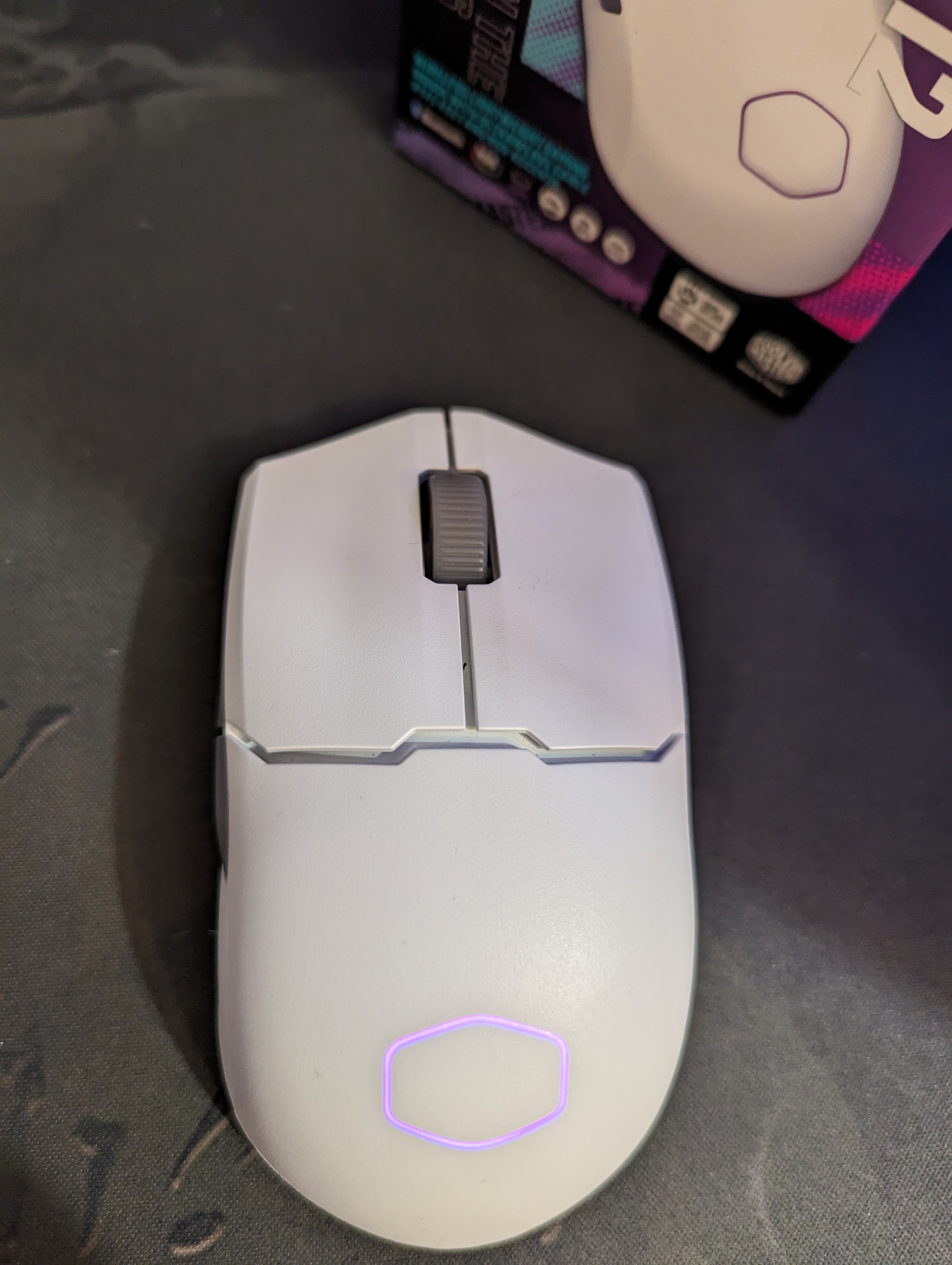
After the recent passing of my rodent, I decided to go for something newer and more exciting. I wanted a wireless and lightweight device. I chose this option. It's got an optimal size, lightness, solid build quality, a decent package, and three connectivity options (Bluetooth, dongle, and wired). There's software available to customize various modes, macros, lighting, etc. It has performed excellently both for work and gaming. Optimal size, lightness, monolithic assembly, standard set, and 3 connection options (Bluetooth, dongle, and wired). During the period of use (from March to December), I disassembled the device twice to clean it. After about 4-5 months, the scrolling on the wheel started skipping forward and backward, and I thought it was done for. I cleaned the dirt and hair near the encoder (I have a cat and a dog) and everything started working fine again. In early December, the same situation occurred. I've had different mice before, but this situation never happened.  Yevgeniy: use Cooler Master MasterMouse MM712 few months Yevgeniy: use Cooler Master MasterMouse MM712 few months |
Add Review
Video reviews

Coolermaster Back AT IT AGAIN! MM712 Review
6 October 202256 275 view

CoolerMaster MM712 Review
6 October 202224 758 view

NEW MICE - Vancer Castor & Pollux - CoolerMaster MM712 - Glorious Model O Pro Forge
27 October 202219 387 view

CoolerMaster MM712 Review
16 November 202217 756 view

"this Mouse Is Lighter Than Air!" - Coolermaster Mm712 Review
9 November 202211 096 view

CoolerMaster MM712 Review | Drastically Improved!
7 November 20229 285 view

Finally CoolerMaster Did It | MM712 Review
22 November 20227 781 view

The best alternative? Cooler Master MM712 Wireless Gaming Mouse Review - Tagalog
7 October 20225 596 view

Coolermaster MM712 initial impressions, budget wireless banger!
15 October 20224 919 view

Cooler Master Introduces the MM712 Gaming Mouse - Press Release
4 October 20221 625 view
We recommendCompare using chart →
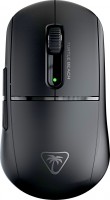
gaming mouse, radio / Bluetooth / wired, USB-A, Multi-Device, with memory, buttons: 5, programmable, + wheel, свитчи: optical, up to 100 mln, sensor 26000 DPI, battery, up to 120 h
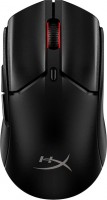
gaming mouse, radio / Bluetooth / wired, USB-A, Multi-Device, with memory, buttons: 5, programmable, + wheel, свитчи: optical, HyperX, up to 100 mln, RGB backlight, sensor 26000 DPI, in box: replaceable legs, battery, up to 100 h

gaming mouse, radio / Bluetooth / wired, USB-A, BT v 5, Multi-Device, buttons: 6, programmable, + wheel, свитчи: optical, up to 70 mln, RGB backlight, sensor 26000 DPI, battery, up to 420 h

gaming mouse, radio / Bluetooth / wired, USB-A, Multi-Device, with memory, buttons: 4, programmable, + wheel, свитчи: optical, Omron, up to 70 mln, sensor 42000 DPI, in box: case, battery, 500 mAh

gaming mouse, radio / Bluetooth / wired, USB-A, Multi-Device, with memory, buttons: 6, programmable, + wheel, RGB backlight, sensor 26000 DPI, battery, up to 210 h

gaming mouse, radio / Bluetooth / wired, USB-A, Multi-Device, buttons: 4, programmable, + wheel, свитчи: up to 70 mln, sensor 42000 DPI, battery
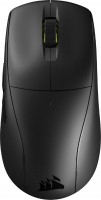
gaming mouse, radio / Bluetooth / wired, USB-A, Multi-Device, with memory, buttons: 4, programmable, + wheel, sensor 26000 DPI, battery

gaming mouse, radio / Bluetooth / wired, USB-A, Multi-Device, buttons: 5, + wheel, RGB backlight, sensor 26000 DPI, in box: replaceable legs, battery, up to 200 h
gaming mouse, radio / Bluetooth / wired, USB-A, Multi-Device, buttons: 5, + wheel, RGB backlight, sensor 26000 DPI, in box: replaceable legs, battery, up to 82 h


Bluetooth/radio, BT v 5, Multi-Device, buttons: quiet, 7, programmable, + wheel, sensor 8000 DPI, battery, 650 mAh, up to 70 days