Wacom One Medium (CTL-672)
 | Compare prices 2 → When you make a purchase through links on our site, we may receive a affiliate commission.
|

Wacom One Medium | ||||||||||||||||||||||||||||||||||||||||||||||||||||||||
|
| |||||||||||||||||||||||||||||||||||||||||||||||||||||||

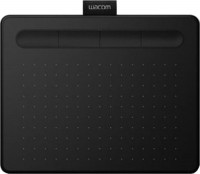
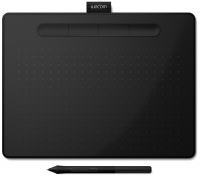
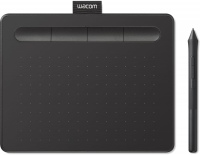
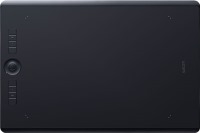
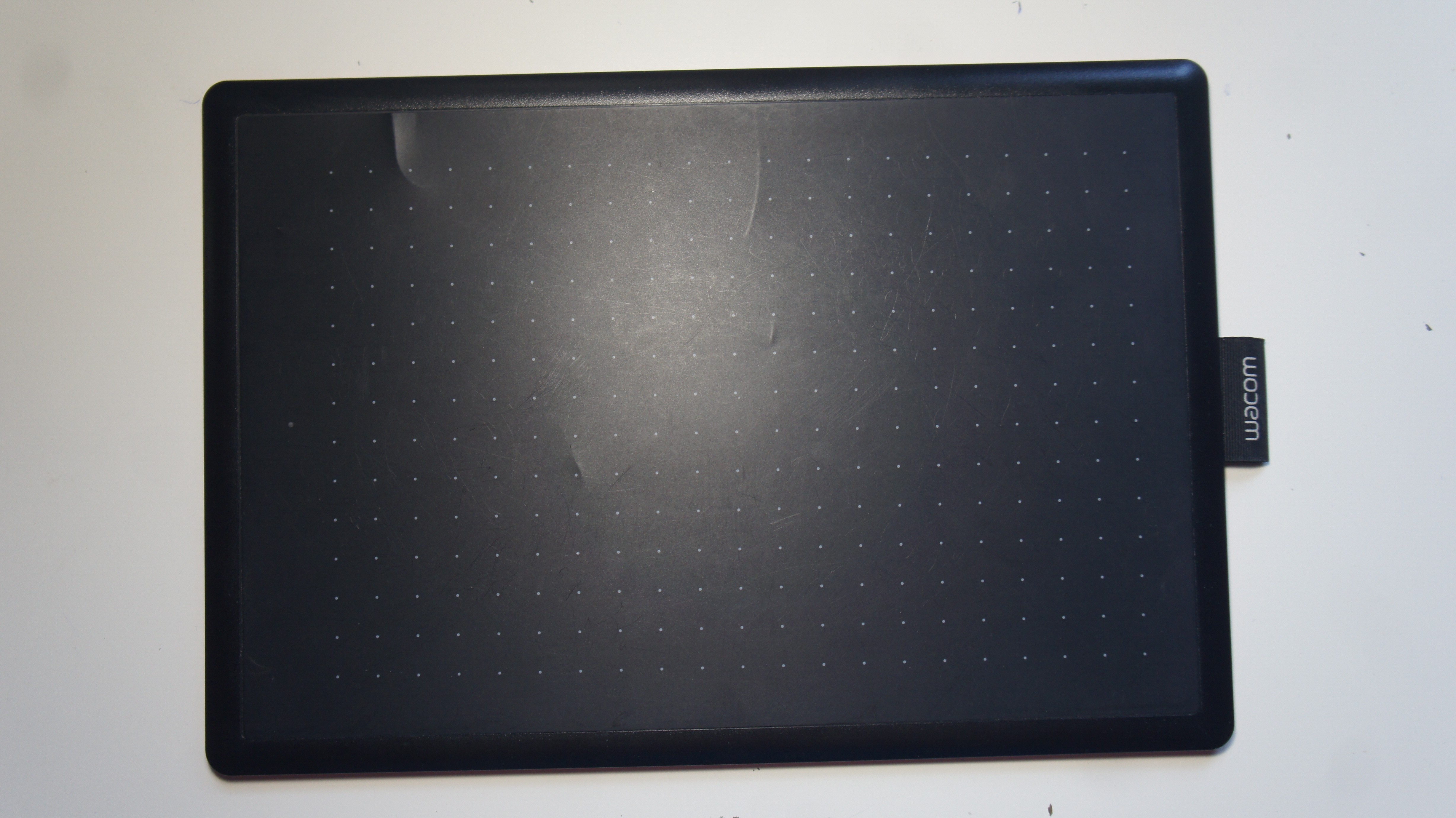
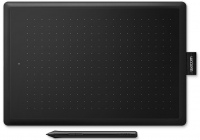
The Wacom One Medium graphics tablet has a 13.3-inch diagonal active area, which provides plenty of space for creativity and editing of advanced projects. The size is optimal for clear elaboration of even the smallest details. The device resolution is 2540 lpi (lines per inch), which ensures high detail of transferred images and reproduction accuracy. The tablet is well suited for transportation and use in various conditions and places, the weight of the device is 432 grams. The kit includes a stylus for operation that does not require batteries. The pen's pressure sensitivity is 2048 levels, which allows you to create soft transitions and fine lines when drawing, but is far from a professional level. The device synchronizes with all types of operating systems on Windows 7 and higher and Mac OS from update 10.10.
Always clarify the specifications and configuration of the product with the online store manager before purchasing.
Catalog Wacom 2026 - new arrivals, bestsellers, and the most relevant models Wacom.

0 0 1 4 |
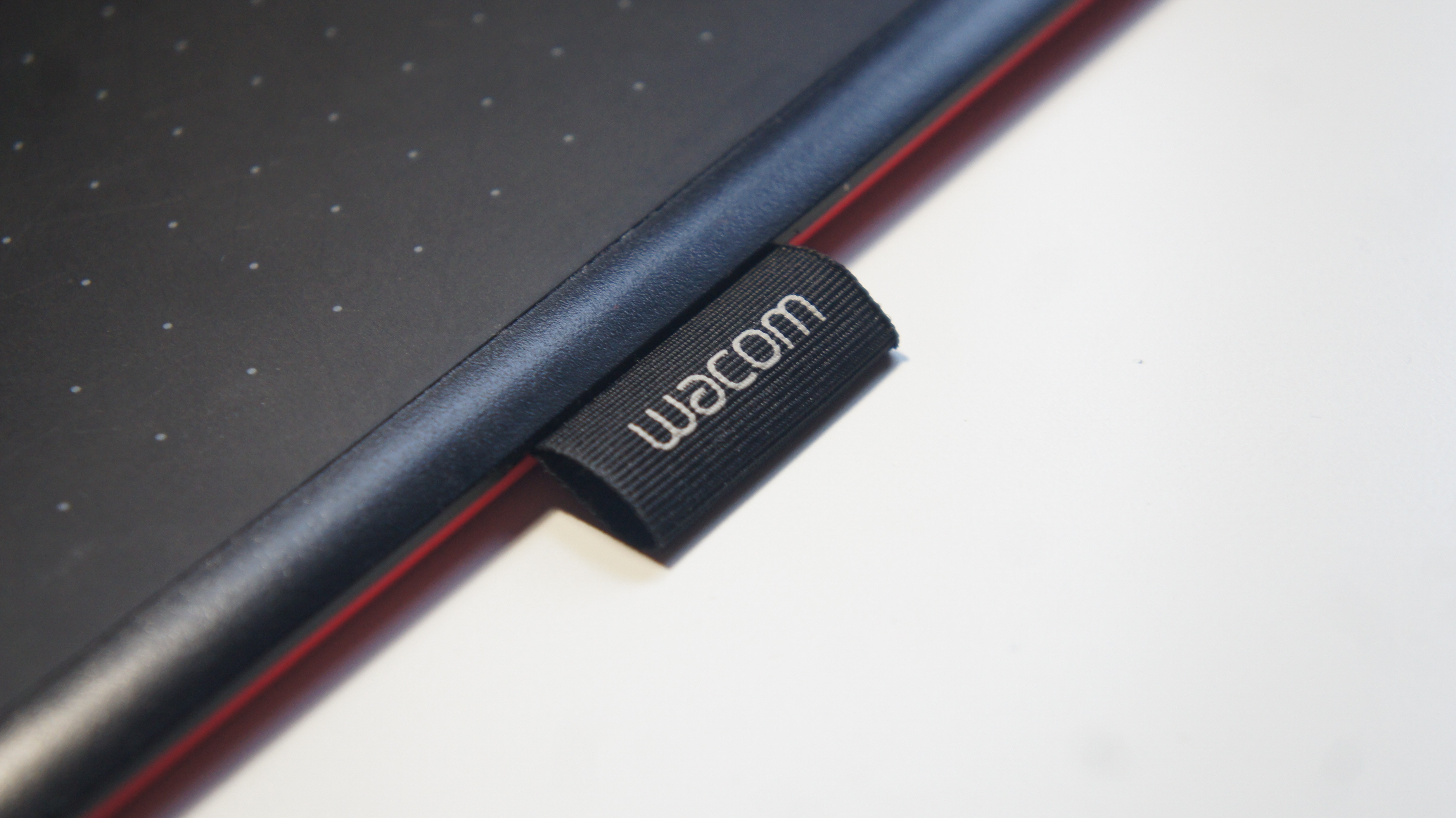
I'm not a professional when it comes to graphic tablets, but this one, for a beginner like me, surprised me. It's simple, there is an eraser, no batteries or charging needed. The only thing is, I didn't even know it was red at first, but that doesn't really bother me ¯\_(ツ)_/¯ Convenient, beautiful, easy to set up, price is satisfactory Have not found yet use Wacom One Medium less than month |
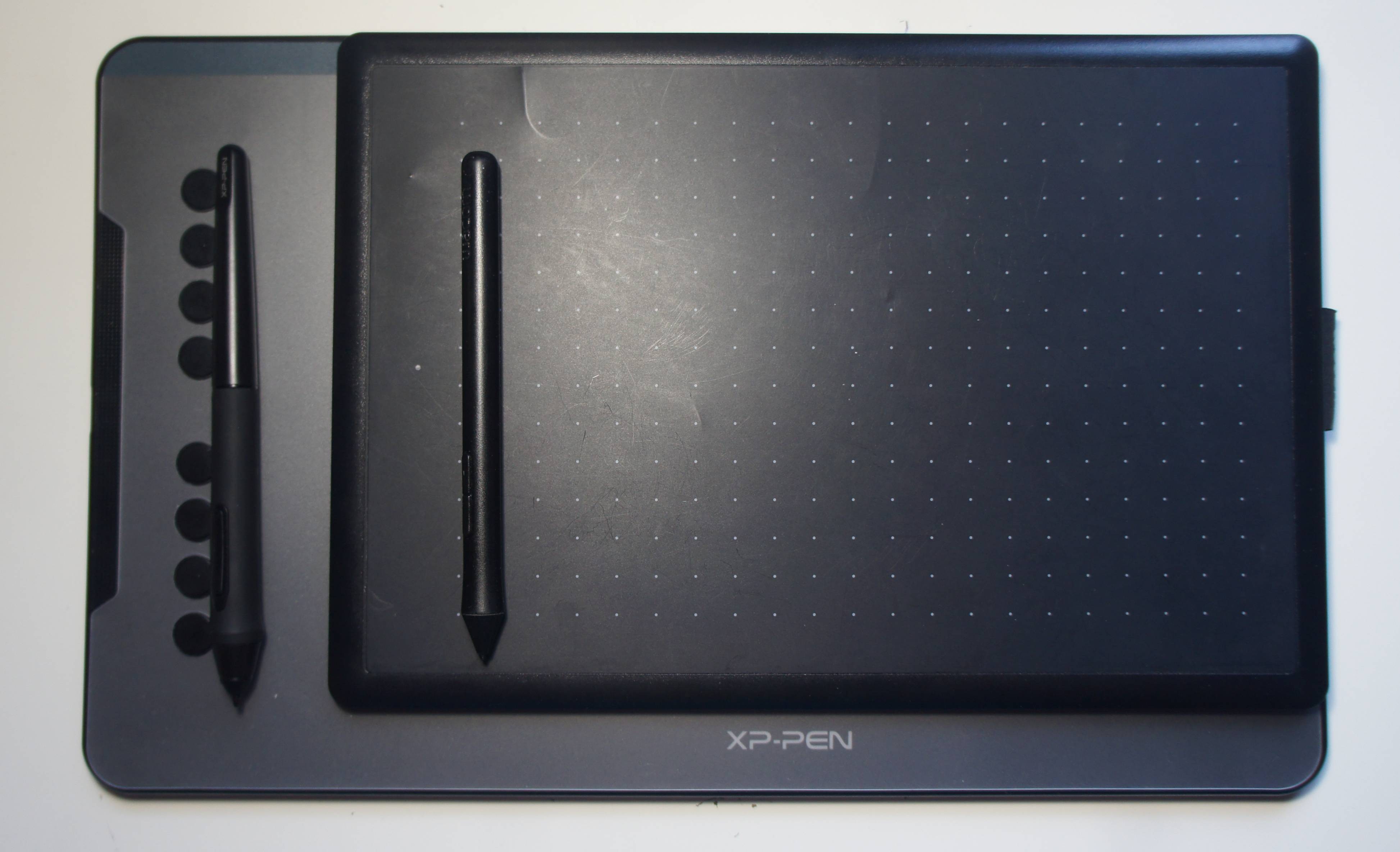
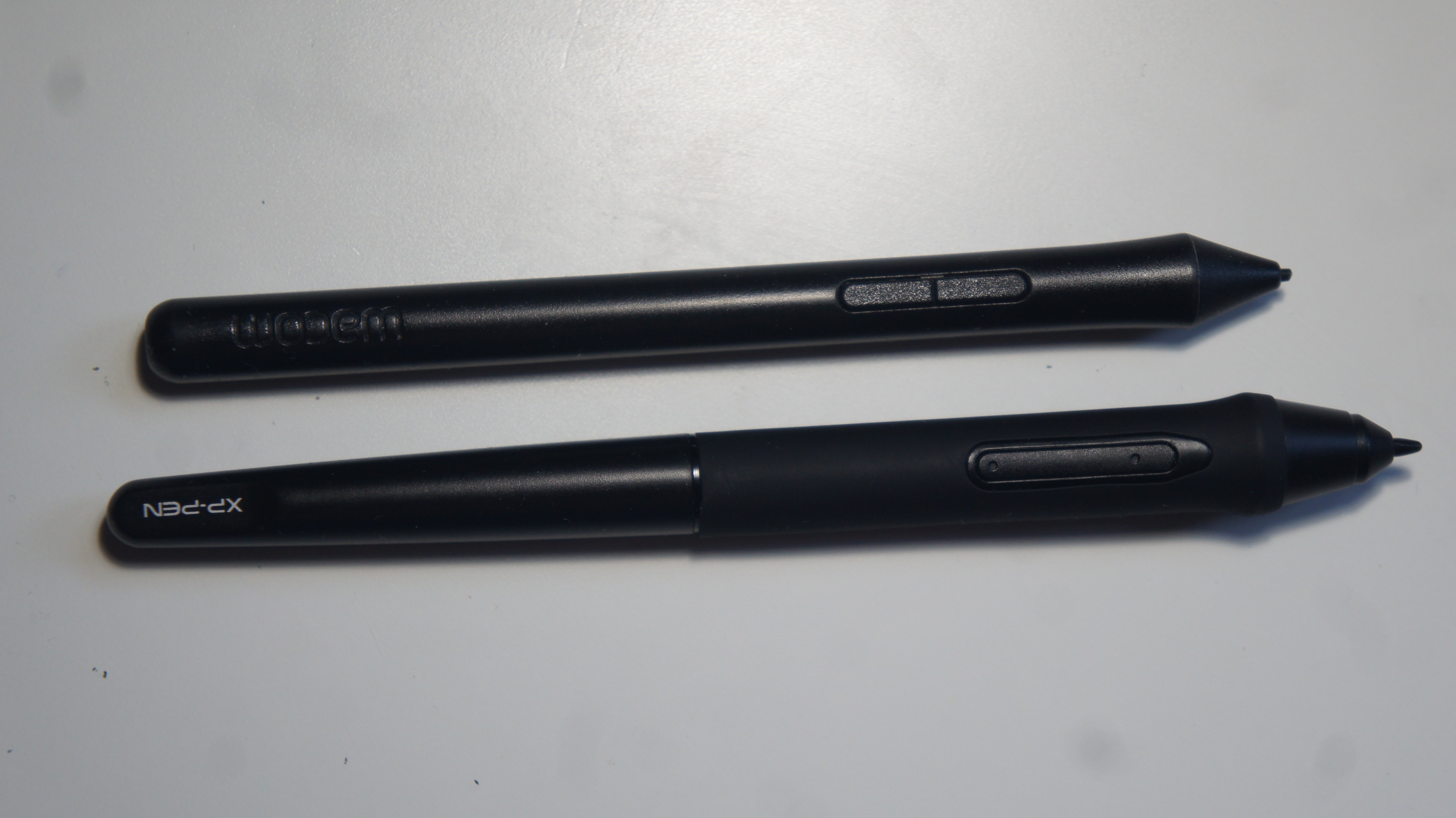
Great purchase for a first graphics tablet. Thank you Wacom for releasing models for beginners. I recommend it to novice artists and tutors. My review-comparison with the XP-PEN Deco 01v2 https://clck.ru/SqHJQ Renowned brand. High-quality components. Suitable for artists, as the pen detects pressure. Does not work out of the box. Requires setup. Inconvenient buttons on the pen. No buttons on the tablet.  Vladimir Malko: use Wacom One Medium few months Vladimir Malko: use Wacom One Medium few months |
I bought a tablet for work on my old MacBook Pro 2009. Connecting it took some time, as I had to download older drivers from the website, but in the end, it works smoothly, both on the laptop screen and the monitor. There are no glitches, no slowdowns, and no lags when using it. The tablet is beautifully made, the pen is large enough and convenient for work. It’s not heavy, compact, and not expensive, exactly what I was looking for. I use it for retouching photos, removing dust, scratches, unwanted arrows, text, etc. When you pick up the stylus from the surface and put it back down, it moves to the corresponding part of the screen, rather than staying in one place like a mouse does. Beginners need some time to get used to this, but after a couple of weeks of practice, I got the hang of it, and then my productivity improved by 50%. Now it takes me much less time than I used to spend when retouching with a mouse or trackpad. You can adjust the pen pressure and transfer hotkeys from applications. The downsides are the insensitivity to tilt and the power cable sticks out from the left side, when it would be better positioned on the long top side of the tablet. The tablet doesn't glitch, slow down, or lag. It is beautifully made, and the stylus is large enough and convenient for work. It is not heavy, compact, and not expensive. An ideal option for photo retouching, removing dust, scratches, and unwanted marks, text, etc. You can adjust the stylus pressure and transfer hotkeys from applications. Insensitive to tilt and the power cable sticks out on the left side when it would be better located on the long top side of the tablet. Yuliya: use Wacom One Medium few months |