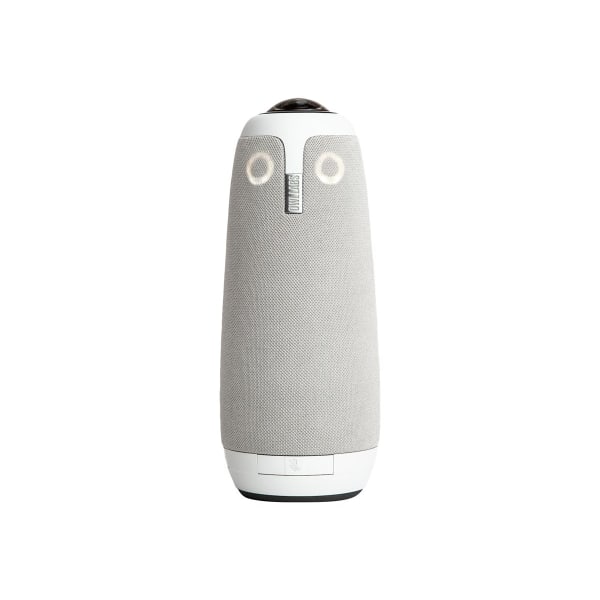
Owl Labs Meeting Owl 3 - Conference camera - color - 1920 x 1080 - 1080p - audio - wireless - Wi-Fi - USB-C MTW300-1000
 | Compare prices 3 → When you make a purchase through links on our site, we may receive a affiliate commission.
|
Buy Owl Labs Meeting Owl 3 - Conference camera - color - 1920 x 1080 - 1080p - audio - wireless - Wi-Fi - USB-C MTW300-1000
When you make a purchase through links on our site, we may receive a affiliate commission.
Owl Labs Meeting Owl 3 - Conference camera - color - 1920 x 1080 - 1080p - audio - wireless - Wi-Fi - USB-C MTW300-1000 | $1,077.89 |  | |||
| $1,099.00 |  | ||||
| $1,099.00 |  | ||||
See the whole room. The panoramic 360� camera renders a 10ft radius of the room in 1080p, so you don't miss a thing. Say hello to flexible technology. Connects multiple Owl Labs devices to support meeting rooms of all sizes and budgets. Cameras give remote participants a fully immersive experience. Effortlessly expands the pickup range to 44ft for audio and 28ft for video by allowing two Meeting Owl to work as one. The do-it-all device that works hard for your team. See inside the technology that makes meetings with the Meeting Owl 3 the closest thing to being together in person. Owl intelligence system gets smarter over time. Behind the dynamic features in all Owl Labs devices is the Owl Intelligence System, proprietary AI-driven software that receives regular upgrades to make collaborating even more immersive and inclusive.
The product description is generated based on data from online stores. Before purchasing be sure to verify all information directly with the seller.

PC Build for Halo: Campaign EvolvedThree PCs of varying performance levels that will let you feel 100% like you’re in Master Chief’s shoes.
Best Cameras for VloggingConvenient cameras for filming anything and everything literally “on the go.”
How to place an order?How to add store?
Remember that the online store is responsible for the accuracy of information regarding price, warranty, and delivery!
We recommendCompare using chart →
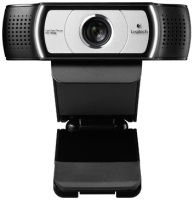
Full HD (1080p), viewing angle 90 °, focus automatic, noise canceling, monitor mount, tripod mounting, activity indicator
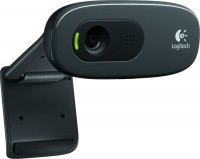
HD (720p), viewing angle 55 °, focus manual, noise canceling, monitor mount, activity indicator
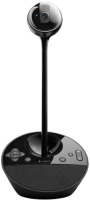
conferences, Full HD (1080p), viewing angle 78 °, focus automatic, noise canceling, speaker, activity indicator
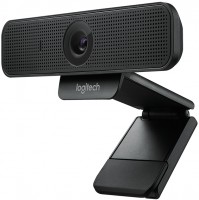
Full HD (1080p), viewing angle 78 °, focus automatic, noise canceling, monitor mount, tripod mounting
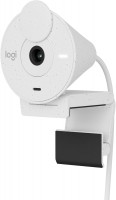
HD (720p), Full HD (1080p), viewing angle 70 °, focus fixed, monitor mount, activity indicator
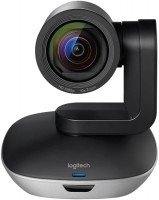
conferences, Full HD (1080p), viewing angle 90 °, focus automatic, noise canceling, monitor mount, tripod mounting
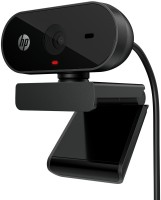
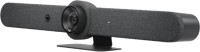
conferences, HD (720p), Full HD (1080p), Ultra HD (4K), viewing angle 90 °, focus automatic, noise canceling, speaker

conferences, HD (720p), Full HD (1080p), Ultra HD (4K), viewing angle 113 °, focus automatic, noise canceling, speaker
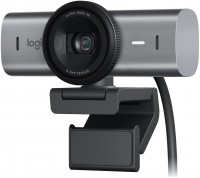
HD (720p), Full HD (1080p), Ultra HD (4K), viewing angle 90 °, focus automatic, monitor mount, tripod mounting, activity indicator