Catalog   /   Sound & Hi-Fi   /   Portable Audio   /   Portable Recorders   /   Plaud

Plaud Note

Photos - Portable Recorder Plaud Note
Photos 26
Plaud Note
Main
Typevoice recorder
Built-in memory64 GB
Recording
Microphone typestereo
Microphonebuilt-in / 2 MEMS + 1 VCS /
Recording formatWAV
Max. recording quality (WAV)1536 kbps
Maximum recording time30 h
Featuresmicrophone sensitivity change
record quality change
voice activation
record labels
More features
Additional featurescomputer connect
smartphone control / Bluetooth, Wi-Fi /
General
Power sourceli-Ion battery / 400 mAh /
Dimensions (HxWxT)85.6x54.1x2.99 mm
Weight30 g
Official Websiteplaud.ai
Added to E-CatalogMay 2025
P/N
NB-100

PLD-64G-BL

PLD-64G-SI

More
PLD-64G-ST

Full integration with AI: voice-to-text translation with the ability to change languages on the fly, recording and transcription of phone conversations. Compact size, lightweight, three noise-canceling microphones, built-in memory of 64 GB.
Advanced features are available only with a paid subscription.
The information in the model description is for reference purposes.
Always clarify the specifications and configuration of the product with the online store manager before purchasing.
Catalog Plaud 2026 - new arrivals, bestsellers, and the most relevant models Plaud.

Buy Plaud Note

All prices 11 →
When you make a purchase through links on our site, we may receive a affiliate commission.

Plaud Note AI Voice Recorder, AI Note Taking Device, Transcribe & Summarize, Support 112 Languages, 64GB Navy Blue Digital A

Amazon.com
Delivery: in USA
Report
$159.00

Plaud Note - Black

What is Plaud Note AI voice recorder? Plaud Note is your professional Al note taker to maximize productivity. And this Plaud... moreAI voice recorder has following key features: Plaud Intelligence: AI transcription in 112 languages with speaker labels and custom vocabulary. Generate multidimensional summaries with over 10,000+ templates, mind maps, and seamless workflow integration. Data security: Built to the highest standards with ISO 27001, ISO 27701, GDPR, SOC 2, HIPAA, and EN 18031 compliance. Every conversation is secure and protected. Multimodal input: Capture audio, type notes, add images, and press to highlight key moments for richer context. Ultra slim design and powerful performance: Plaud Note measures only 2.99 mm thin and weighs 30 g. It delivers up to 30 hours of continuous recording, holds standby for 60 days, and stores up to 64 GB of audio locally. Dual-mode recording: Switch between phone call and in-person recording modes, so every conversation is captured without distraction. Everything included: Each Plaud AI note taker comes with a 300-minute monthly transcription quota, a magnetic case, a magnetic ring, and a charging cable. How to use Plaud Note AI voice recorder? Step 1: Charge the device: connect the USB-C cable to Plaud Note, and plug it into a power adapter (DC-5V, ≥0.5A). Step 2: Download the app: install the Plaud App on your iOS or Android phone, and sign in or create an account. Step 3: Connect the device: open the Plaud App and tap “Connect” in the top-left corner. Select “Plaud Note”, then press and hold the record button until the white light flashes. When the device appears in the list, tap to pair. Step 4: Select recording mode: toggle the switch down to Note Recording Mode for meetings or lectures (effective recording range 3m); toggle up to Phone Call Recording Mode for calls (attach to the back of your phone using the vibration conduction sensor, and do not use earphones). Step 5: Start recording: long-press the record button for 1 second until you feel one vibration — the indicator light will turn on. Step 6: Stop recording: long-press the record button again for 1 second until you feel two vibrations — the indicator light will turn off. Step 7: Manage your recordings: Sync recordings: open the Plaud App after recording — your audio files will sync automatically. Process recordings: use the app’s AI functions to generate AI transcription, AI summary, and mind map from your recordings. Manage and export files: rename, trim, edit, or organize your files in folders, and export them in TXT, PDF, DOCX, MP3, or WAV format. How does Plaud Note work? Plaud Note is a professional-grade AI note-taking device designed for busy meetings, calls and on-the-go capture. It records audio via its hardware, then uses powerful AI models (e.g., GPT-5.1, Claude Sonnet 4, Gemini 3 Pro) to perform two core functions: Transcription: Captures speech and converts it into text; supports many languages (112 supported).
Global.plaud.ai
Delivery: in USA
Report
$159.00

Plaud Note - Starlight

What is Plaud Note AI voice recorder? Plaud Note is your professional Al note taker to maximize productivity. And this Plaud... moreAI voice recorder has following key features: Plaud Intelligence: AI transcription in 112 languages with speaker labels and custom vocabulary. Generate multidimensional summaries with over 10,000+ templates, mind maps, and seamless workflow integration. Data security: Built to the highest standards with ISO 27001, ISO 27701, GDPR, SOC 2, HIPAA, and EN 18031 compliance. Every conversation is secure and protected. Multimodal input: Capture audio, type notes, add images, and press to highlight key moments for richer context. Ultra slim design and powerful performance: Plaud Note measures only 2.99 mm thin and weighs 30 g. It delivers up to 30 hours of continuous recording, holds standby for 60 days, and stores up to 64 GB of audio locally. Dual-mode recording: Switch between phone call and in-person recording modes, so every conversation is captured without distraction. Everything included: Each Plaud AI note taker comes with a 300-minute monthly transcription quota, a magnetic case, a magnetic ring, and a charging cable. How to use Plaud Note AI voice recorder? Step 1: Charge the device: connect the USB-C cable to Plaud Note, and plug it into a power adapter (DC-5V, ≥0.5A). Step 2: Download the app: install the Plaud App on your iOS or Android phone, and sign in or create an account. Step 3: Connect the device: open the Plaud App and tap “Connect” in the top-left corner. Select “Plaud Note”, then press and hold the record button until the white light flashes. When the device appears in the list, tap to pair. Step 4: Select recording mode: toggle the switch down to Note Recording Mode for meetings or lectures (effective recording range 3m); toggle up to Phone Call Recording Mode for calls (attach to the back of your phone using the vibration conduction sensor, and do not use earphones). Step 5: Start recording: long-press the record button for 1 second until you feel one vibration — the indicator light will turn on. Step 6: Stop recording: long-press the record button again for 1 second until you feel two vibrations — the indicator light will turn off. Step 7: Manage your recordings: Sync recordings: open the Plaud App after recording — your audio files will sync automatically. Process recordings: use the app’s AI functions to generate AI transcription, AI summary, and mind map from your recordings. Manage and export files: rename, trim, edit, or organize your files in folders, and export them in TXT, PDF, DOCX, MP3, or WAV format. How does Plaud Note work? Plaud Note is a professional-grade AI note-taking device designed for busy meetings, calls and on-the-go capture. It records audio via its hardware, then uses powerful AI models (e.g., GPT-5.1, Claude Sonnet 4, Gemini 3 Pro) to perform two core functions: Transcription: Captures speech and converts it into text; supports many languages (112 supported).
Global.plaud.ai
Delivery: in USA
Report
$159.00

Plaud Note - Silver

What is Plaud Note AI voice recorder? Plaud Note is your professional Al note taker to maximize productivity. And this Plaud... moreAI voice recorder has following key features: Plaud Intelligence: AI transcription in 112 languages with speaker labels and custom vocabulary. Generate multidimensional summaries with over 10,000+ templates, mind maps, and seamless workflow integration. Data security: Built to the highest standards with ISO 27001, ISO 27701, GDPR, SOC 2, HIPAA, and EN 18031 compliance. Every conversation is secure and protected. Multimodal input: Capture audio, type notes, add images, and press to highlight key moments for richer context. Ultra slim design and powerful performance: Plaud Note measures only 2.99 mm thin and weighs 30 g. It delivers up to 30 hours of continuous recording, holds standby for 60 days, and stores up to 64 GB of audio locally. Dual-mode recording: Switch between phone call and in-person recording modes, so every conversation is captured without distraction. Everything included: Each Plaud AI note taker comes with a 300-minute monthly transcription quota, a magnetic case, a magnetic ring, and a charging cable. How to use Plaud Note AI voice recorder? Step 1: Charge the device: connect the USB-C cable to Plaud Note, and plug it into a power adapter (DC-5V, ≥0.5A). Step 2: Download the app: install the Plaud App on your iOS or Android phone, and sign in or create an account. Step 3: Connect the device: open the Plaud App and tap “Connect” in the top-left corner. Select “Plaud Note”, then press and hold the record button until the white light flashes. When the device appears in the list, tap to pair. Step 4: Select recording mode: toggle the switch down to Note Recording Mode for meetings or lectures (effective recording range 3m); toggle up to Phone Call Recording Mode for calls (attach to the back of your phone using the vibration conduction sensor, and do not use earphones). Step 5: Start recording: long-press the record button for 1 second until you feel one vibration — the indicator light will turn on. Step 6: Stop recording: long-press the record button again for 1 second until you feel two vibrations — the indicator light will turn off. Step 7: Manage your recordings: Sync recordings: open the Plaud App after recording — your audio files will sync automatically. Process recordings: use the app’s AI functions to generate AI transcription, AI summary, and mind map from your recordings. Manage and export files: rename, trim, edit, or organize your files in folders, and export them in TXT, PDF, DOCX, MP3, or WAV format. How does Plaud Note work? Plaud Note is a professional-grade AI note-taking device designed for busy meetings, calls and on-the-go capture. It records audio via its hardware, then uses powerful AI models (e.g., GPT-5.1, Claude Sonnet 4, Gemini 3 Pro) to perform two core functions: Transcription: Captures speech and converts it into text; supports many languages (112 supported).
Global.plaud.ai
Delivery: in USA
Report
$159.00

Plaud Note - Navy Blue

What is Plaud Note AI voice recorder? Plaud Note is your professional Al note taker to maximize productivity. And this Plaud... moreAI voice recorder has following key features: Plaud Intelligence: AI transcription in 112 languages with speaker labels and custom vocabulary. Generate multidimensional summaries with over 10,000+ templates, mind maps, and seamless workflow integration. Data security: Built to the highest standards with ISO 27001, ISO 27701, GDPR, SOC 2, HIPAA, and EN 18031 compliance. Every conversation is secure and protected. Multimodal input: Capture audio, type notes, add images, and press to highlight key moments for richer context. Ultra slim design and powerful performance: Plaud Note measures only 2.99 mm thin and weighs 30 g. It delivers up to 30 hours of continuous recording, holds standby for 60 days, and stores up to 64 GB of audio locally. Dual-mode recording: Switch between phone call and in-person recording modes, so every conversation is captured without distraction. Everything included: Each Plaud AI note taker comes with a 300-minute monthly transcription quota, a magnetic case, a magnetic ring, and a charging cable. How to use Plaud Note AI voice recorder? Step 1: Charge the device: connect the USB-C cable to Plaud Note, and plug it into a power adapter (DC-5V, ≥0.5A). Step 2: Download the app: install the Plaud App on your iOS or Android phone, and sign in or create an account. Step 3: Connect the device: open the Plaud App and tap “Connect” in the top-left corner. Select “Plaud Note”, then press and hold the record button until the white light flashes. When the device appears in the list, tap to pair. Step 4: Select recording mode: toggle the switch down to Note Recording Mode for meetings or lectures (effective recording range 3m); toggle up to Phone Call Recording Mode for calls (attach to the back of your phone using the vibration conduction sensor, and do not use earphones). Step 5: Start recording: long-press the record button for 1 second until you feel one vibration — the indicator light will turn on. Step 6: Stop recording: long-press the record button again for 1 second until you feel two vibrations — the indicator light will turn off. Step 7: Manage your recordings: Sync recordings: open the Plaud App after recording — your audio files will sync automatically. Process recordings: use the app’s AI functions to generate AI transcription, AI summary, and mind map from your recordings. Manage and export files: rename, trim, edit, or organize your files in folders, and export them in TXT, PDF, DOCX, MP3, or WAV format. How does Plaud Note work? Plaud Note is a professional-grade AI note-taking device designed for busy meetings, calls and on-the-go capture. It records audio via its hardware, then uses powerful AI models (e.g., GPT-5.1, Claude Sonnet 4, Gemini 3 Pro) to perform two core functions: Transcription: Captures speech and converts it into text; supports many languages (112 supported).
Global.plaud.ai
Delivery: in USA
Report
$159.00
6 more offer(s)
For those who like to plan their day and generally like to record thoughts
18 August 2025 
Incredibly cool thing, but not for everyone
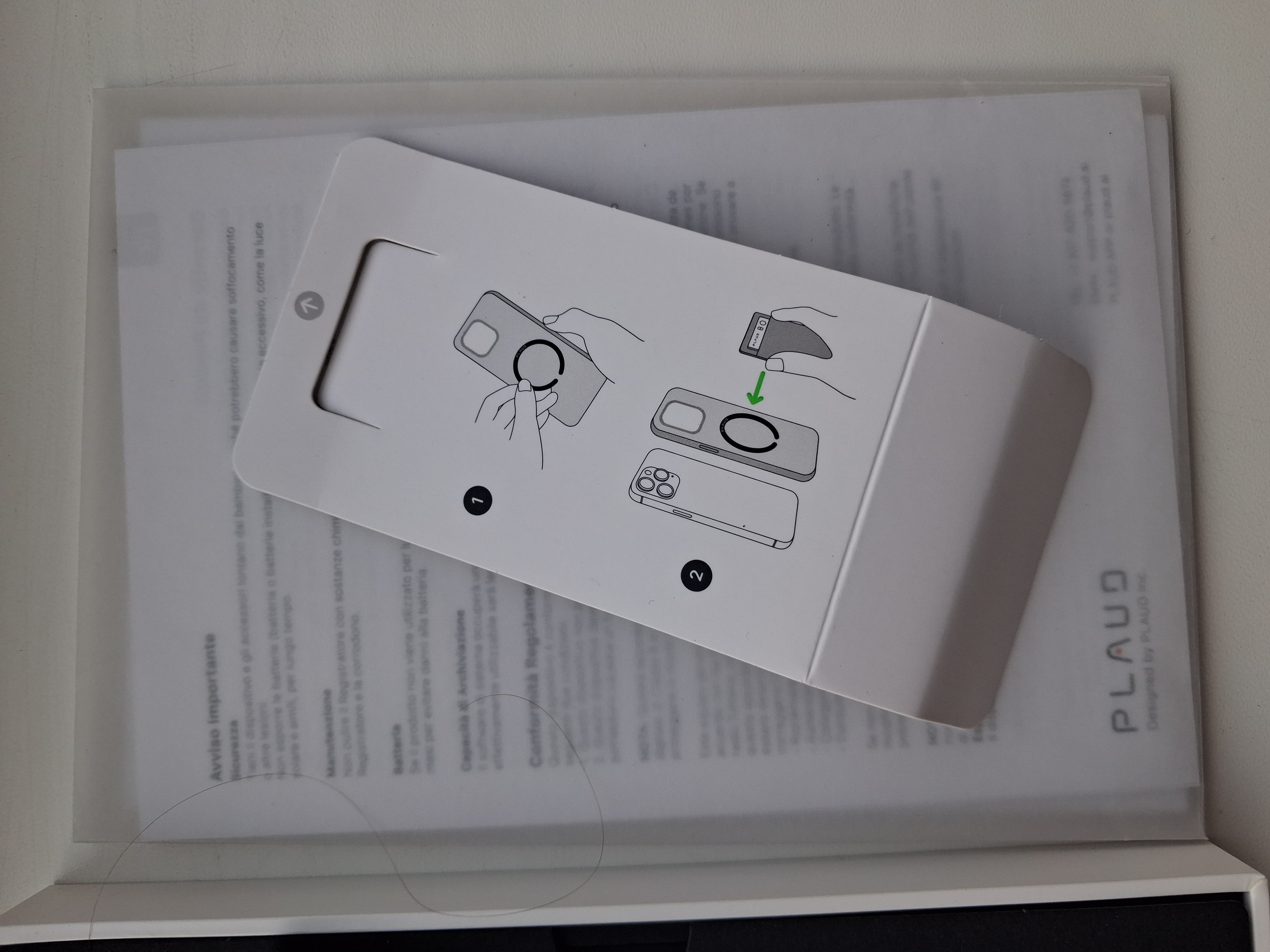
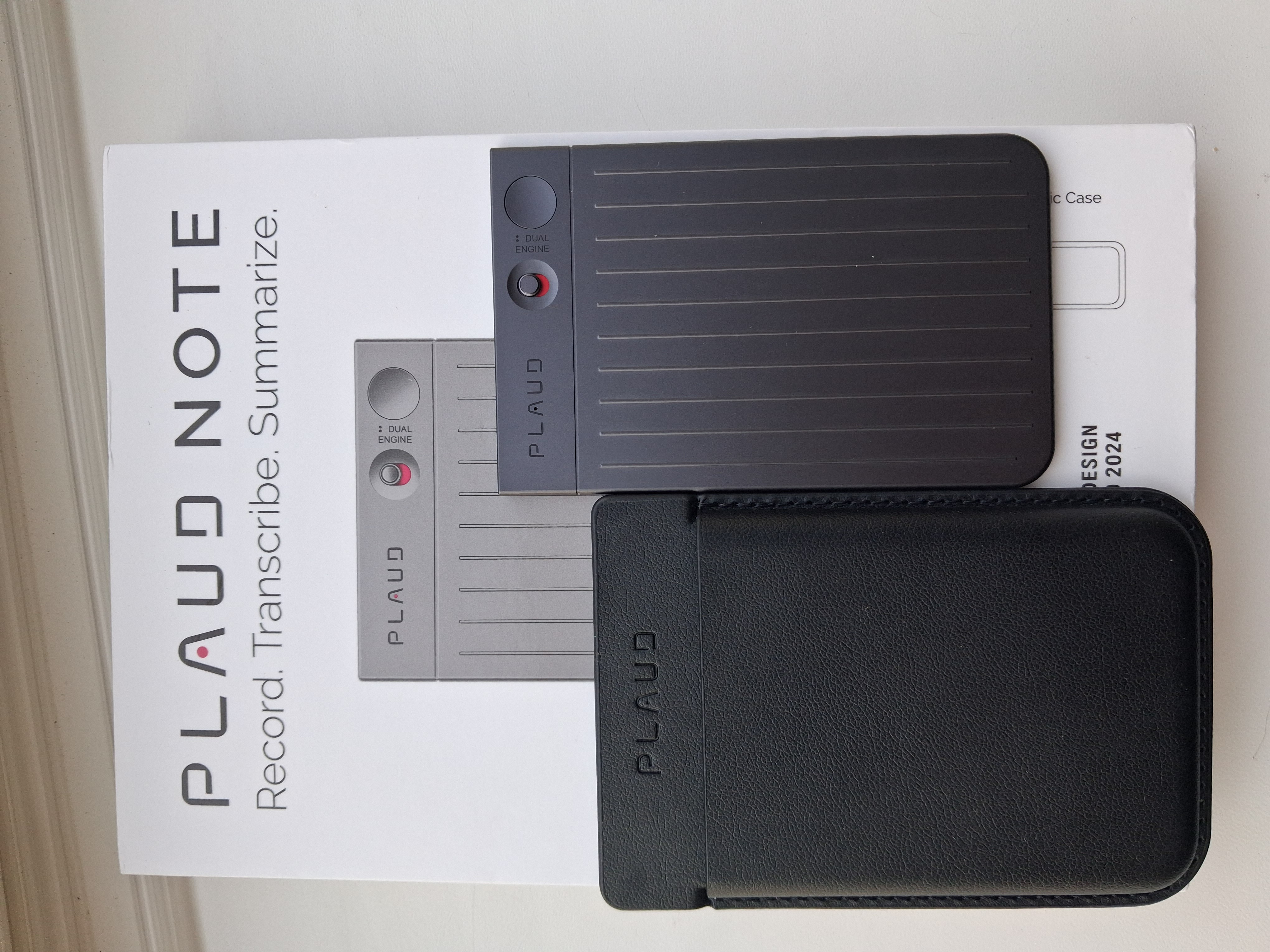
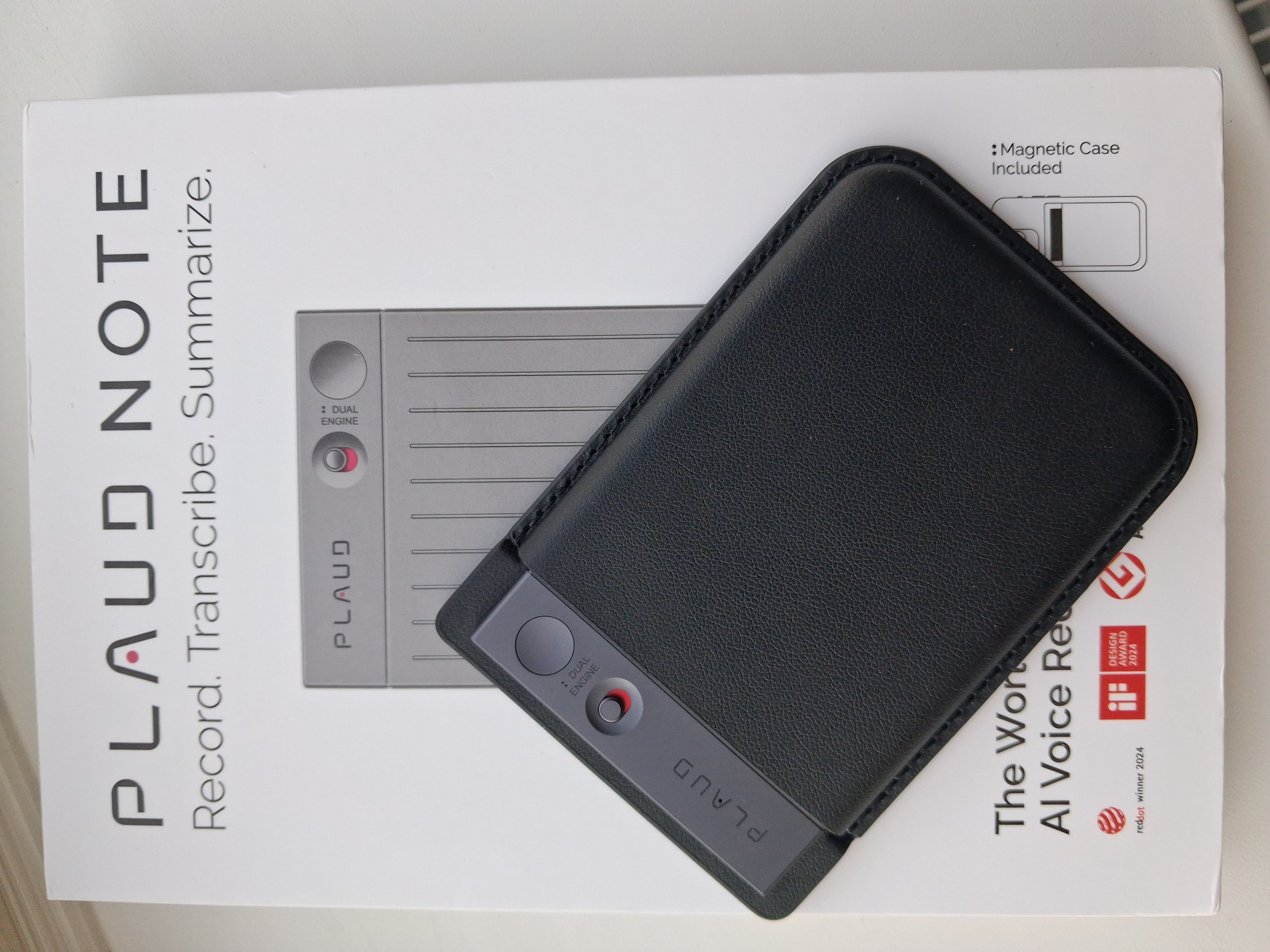
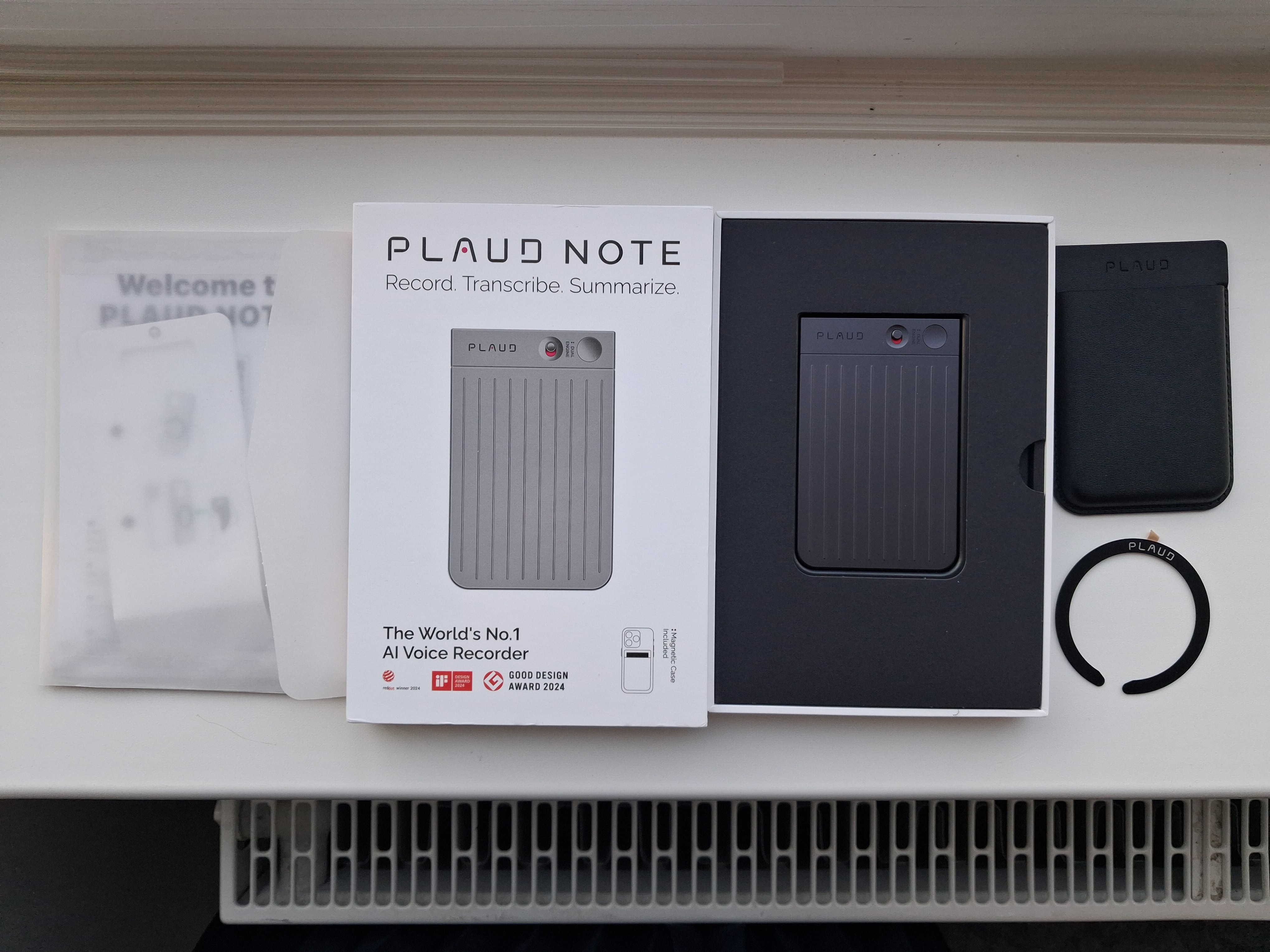
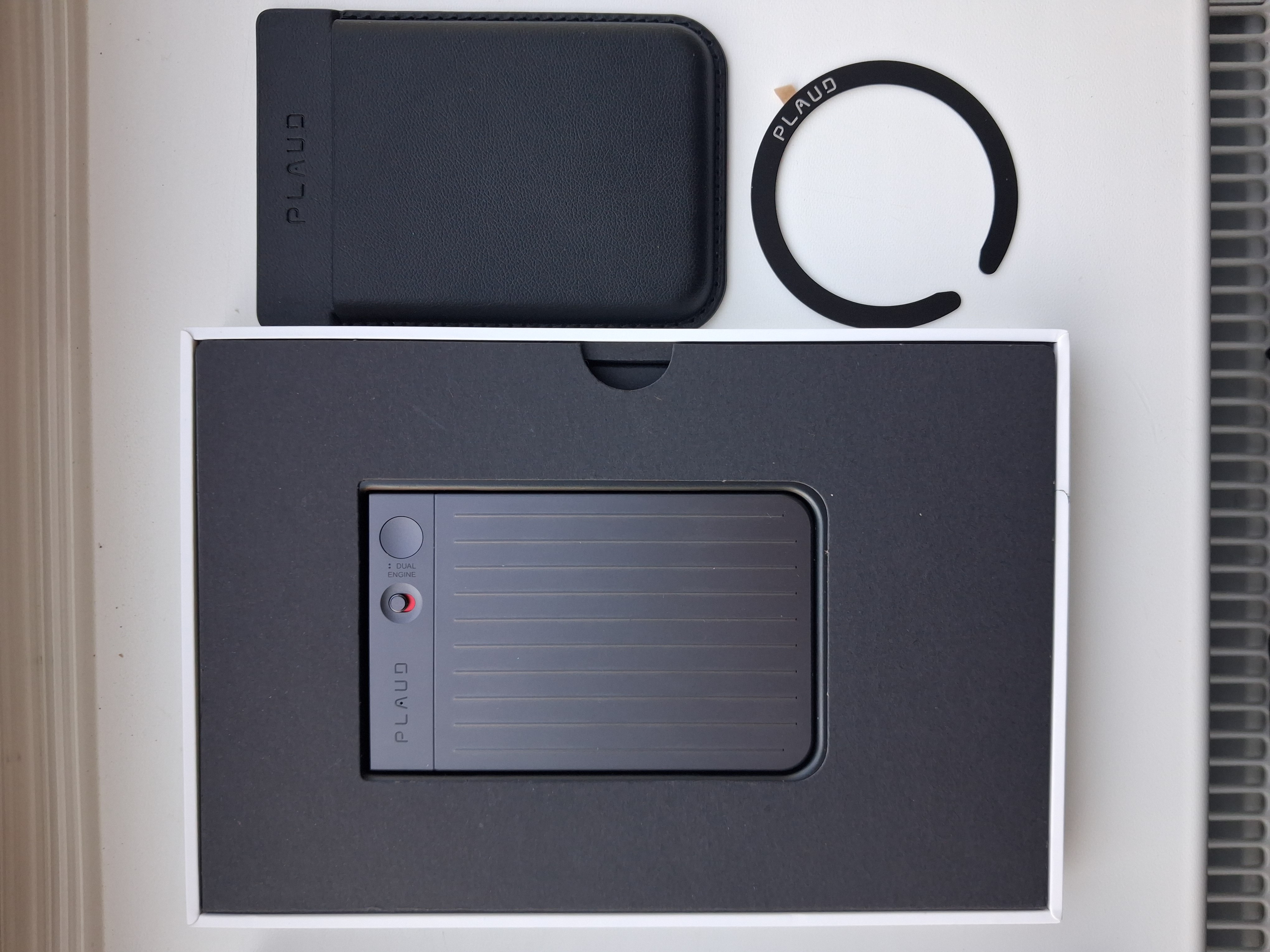
The first thing that stands out is the design and materials of the device. The design is original and adds a premium feel, the materials are high-quality, and the assembly is top-notch. The kit was a pleasant surprise - it has everything, including a magnetic case for attaching to a smartphone. There are a bunch of manuals (in English) and a magnetic ring (if you don't have an iPhone).

The recording quality matches the price - it's good, capturing sound from all directions and excellently filtering out noise. The large memory capacity lets you not worry about the length or number of recordings. The battery lasts a long time.

Regarding the transcription of recordings - the AI does a fairly good job, although there can be some inaccuracies. You can do it directly or import recordings into an app. There are many options for importing transcriptions into different types of documents.

The controls are convenient and understandable, and connecting to the app also doesn't cause any problems. It works on Android and iOS.
The language of the official app is only English, so without basic knowledge, it might be a bit of a hassle to figure out the menu options. There are time restrictions without a subscription.
Aleksandr Chuse Plaud Note few months
Add Review

Personal Stenographer

Plaud Note is a modern take on the portable voice recorder for voice notes with artificial intelligence support. Three built-in microphones record both dialogues, clearly distinguishing who among the speakers is talking and in which language, as well as phone calls (using MagSafe mounting on the back of the iPhone). The built-in battery lasts up to 30 hours of continuous recording, and the internal memory capacity is 64 GB.

Without Language Barriers

Built-in AI assistants OpenAI ChatGPT, Google Gemini Pro, and Anthropic Claude Sonnet convert speech to text almost error-free, translate into 112 world languages, summarize information using one of 3000 templates, and briefly answer questions. There's no need to take notes manually anymore — you can fully concentrate on studying or work.

Focusing on What Matters

To start recording, just press one button, and repeated clicks allow you to mark key moments of the conversation. Through the Plaud AI Note Taker app, you can add photos to clarify the conversation's context. The device weighs only 30 g. The free plan includes 300 minutes of speech recognition per month and has no other functional limitations.