
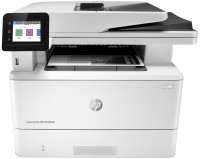
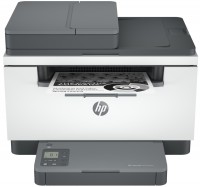
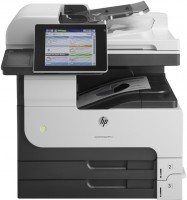
HP LaserJet Pro M428FDN
 | Compare prices 2 → When you make a purchase through links on our site, we may receive a affiliate commission.
|

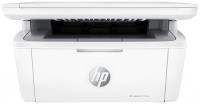
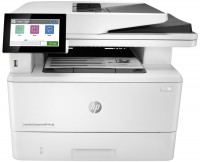
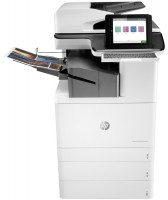
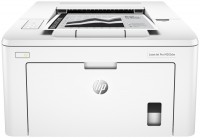
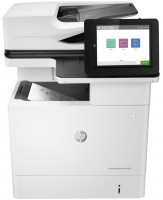
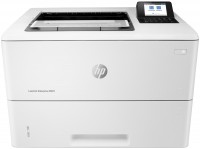
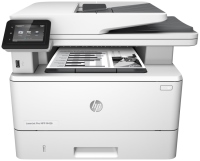
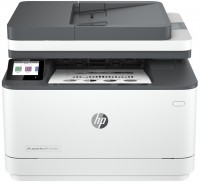
A professional MFP model that can meet the needs of a company of almost any size. First of all, let's pay attention to the fact that the device uses ultra-economical monochrome laser printing on traditional A4 paper. The technique is recommended for use under a workload of 700-4000 pages per month, but the maximum allowable load reaches 80,000 pages per month. The print and copy speed is at around 38 ppm.
The HP LaserJet Pro M428FDN MFP has a built-in fax, and the ability to work with e-mail is additionally provided. For ease of use, the control panel is equipped with a 2.7” touch colour display. To access the network, a Gigabit Ethernet 10/100/1000BASE-T network adapter is provided. Please note that the MFP supports a wide range of applications for remote and mobile printing: HP Smart, Apple AirPrint, Google Cloud Print, HP ePrint, Mopria, etc. This model allows you to significantly speed up and improve the quality of workflow, because in addition to direct high the device boasts support for automatic two-sided printing (duplex), and the scanner is equipped with an automatic document feeder. The print quality is at an excellent level of 1200x1200 dpi, which is quite enough for printing executive class documents.
|
| ||||||||||||||||||||||||||||||||||||||||||||||||||||||||||||||||||||||||||||||||||||||||||||||||||||


Always clarify the specifications and configuration of the product with the online store manager before purchasing.
Catalog HP 2026 - new arrivals, bestsellers, and the most relevant models HP.
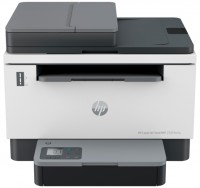
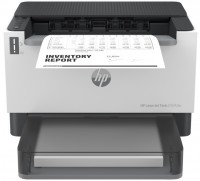
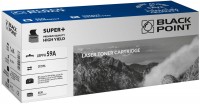
3. Quiet operation of the device. 1. Frequent firmware bugs. 2. Fragile body construction, particularly the tray. 3. HP constantly "recommends" installing software I don't need. It's not a problem for a single installation, but it becomes very tiresome when it comes to an office. 4. Complete incompatibility with the identical HP 426 printer. So, you can't take the same cartridge from the 426 and put it in the 428, and vice versa, as the guides on top will prevent it. You can't trim them either because they pull the flag in the printer itself. There's also the chip incompatibility. 5. Severe problems with the availability of non-original cartridges. 6. A new original cartridge costs almost as much as half the printer. 7. The scanning feature is disabled by default. It can be enabled via the web. Troubles start if the printer is connected through USB.  Luka Mudischev: use HP LaserJet Pro M428FDN more than year Luka Mudischev: use HP LaserJet Pro M428FDN more than year |
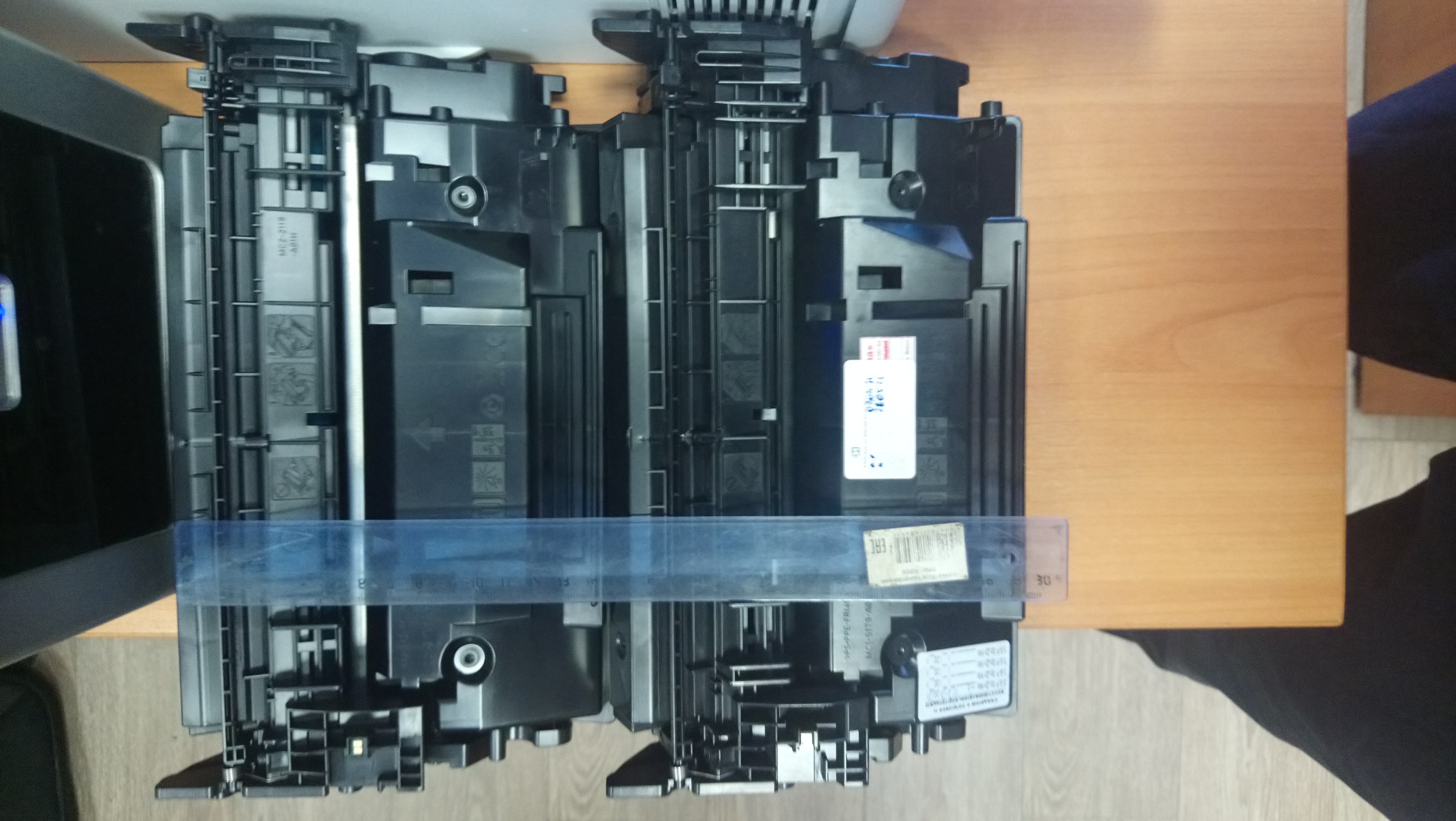
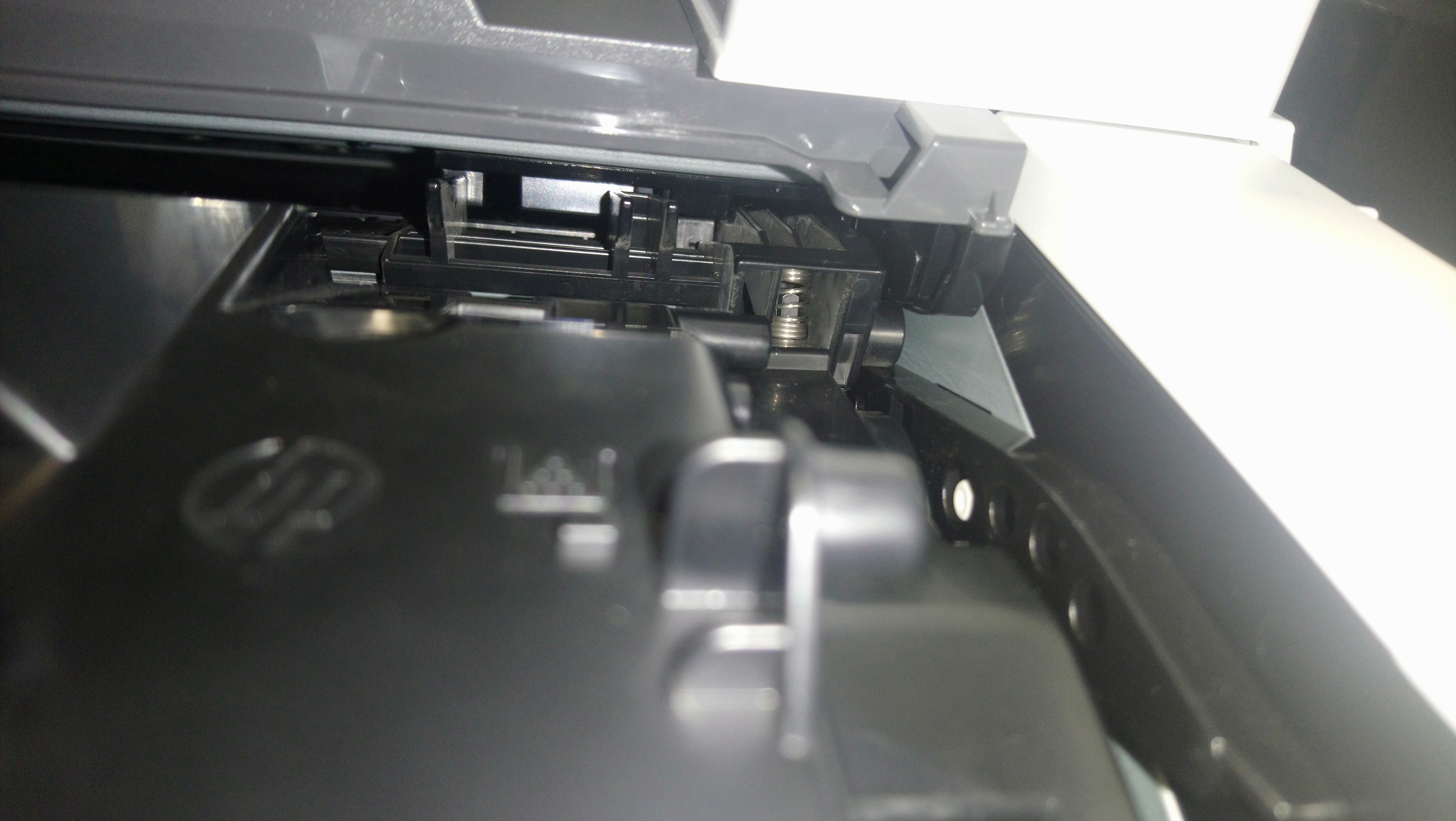

I also attach a photo where you can see the incompatibility of cartridge edges (226X from the 426 printer and 428 printer) upon close inspection.