Gaomon S620
 | Compare prices 3 → When you make a purchase through links on our site, we may receive a affiliate commission.
|

Gaomon S620 | ||||||||||||||||||||||||||||||||||||||||||||||||||
|
| |||||||||||||||||||||||||||||||||||||||||||||||||

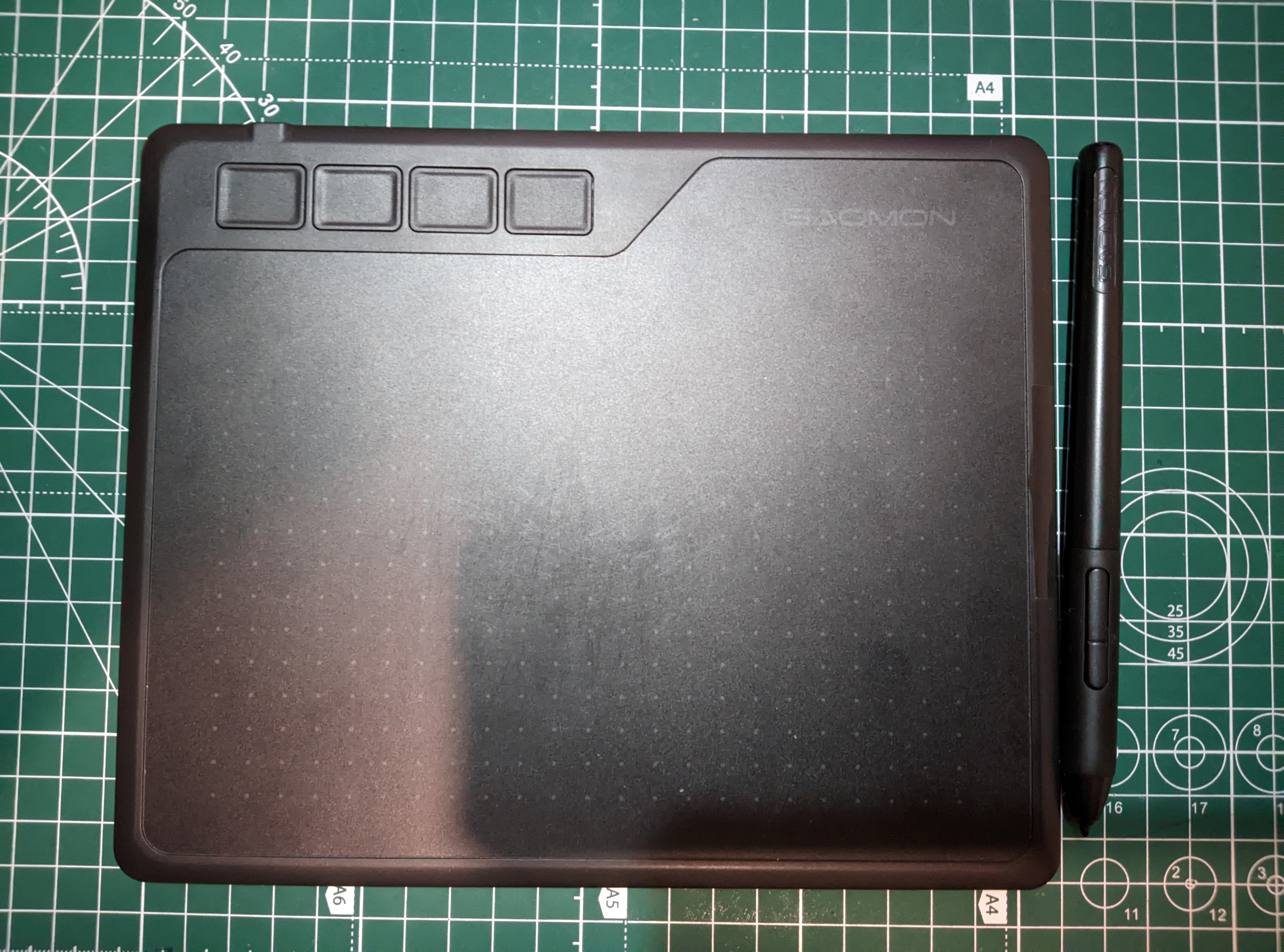
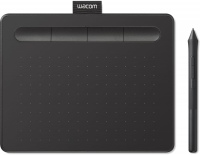
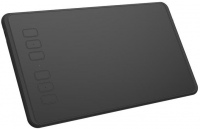
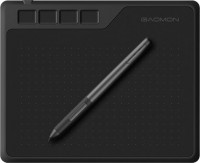
Ultra-compact A6 format graphics tablet with a working area of 165x102 mm when connected to a computer and 101.6x63.5 mm when used with an Android smartphone, making it a versatile tool for mobile creativity. Designed with a stylish 8 mm thick body and weighing only 249 grams — thinner than a smartphone, it fits easily in a bag or backpack for work anywhere. Four anti-slip rubber feet provide device stability on the working surface during use.
Equipped with a battery-free stylus supporting 8192 levels of pressure sensitivity, it allows for the creation of flexible and dynamic lines of varying width and intensity, accurately conveying individual drawing styles. The high resolution of 5080 lpi combined with a response rate of 266 points per second ensures instantaneous reaction to stylus movements without delays — the cursor follows the pen even for very fast drawing, which is especially valuable for dynamic games like OSU! The Gaomon S620 graphics tablet recognizes the pen at a height of up to 10 mm above the surface for accurate positioning without touching.
Equipped with four programmable quick access keys on the body for workflow customization, plus two additional buttons on the pen. Connects via microUSB port to computers running Windows, MacOS, and Android devices. Powered via USB port without the need for an external adapter. Suitable for digital drawing, handwriting input, electronic signatures, and interactive online learning.
Always clarify the specifications and configuration of the product with the online store manager before purchasing.
Catalog Gaomon 2026 - new arrivals, bestsellers, and the most relevant models Gaomon.
Buy Gaomon S620
| $30.72 |  | ||||
| $31.99 | | ||||
| $41.98 | | ||||
It's been three years since the purchase, I've used it a little but it cost half the price, back then it was what you'd call the best bang for your buck, suitable for a beginner. It's quite comfortable to use and decently assembled. No need to charge the pen, the plastic is of average quality, even with careful use, the panel gets scratched and then you feel those scratches with the pen while working. I also really missed the legs for tilting. The package includes a bunch of spare nibs and a tool for changing them, a glove, a pen case, and a cool cable. In the tablet program, you can adjust the pressure sensitivity and its curve, and also what the physical buttons on both the tablet and the pen do. Set, no need to charge the pen, decent software. Characteristics of the plastic, micro USB interface, cannot adjust the tilt angle, old.  Aranskiy Volodimir: use Gaomon S620 few months Aranskiy Volodimir: use Gaomon S620 few months |