
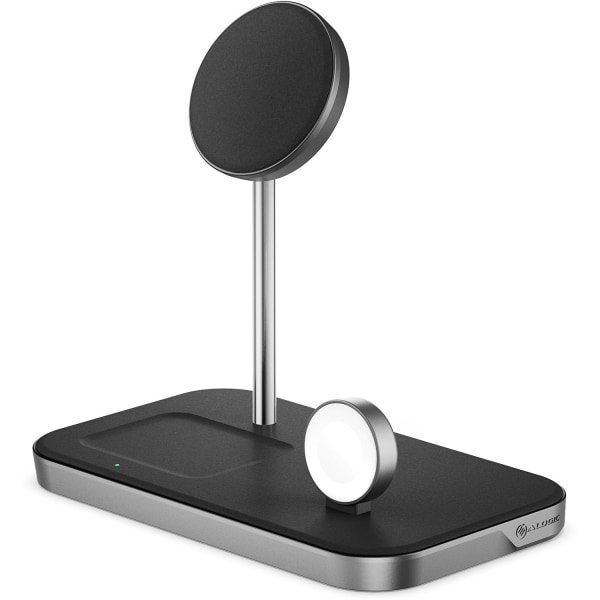
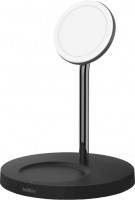
ALOGIC MagSpeed 3-in-1 - Wireless charging stand - 15 Watt - matte black, aluminum - for Apple AirPods; AirPods Pro; iPhone
 | When you make a purchase through links on our site, we may receive a affiliate commission. Buy! ALOGIC MagSpeed 3-in-1 - Wireless charging stand - 15 Watt - matte black, aluminum - for Apple AirPods; AirPods Pro; iPhoneOfficedepot.comDelivery: in USA Report |
Buy ALOGIC MagSpeed 3-in-1 - Wireless charging stand - 15 Watt - matte black, aluminum - for Apple AirPods; AirPods Pro; iPhone
When you make a purchase through links on our site, we may receive a affiliate commission.
ALOGIC MagSpeed 3-in-1 - Wireless charging stand - 15 Watt - matte black, aluminum - for Apple AirPods; AirPods Pro; iPhone | $98.99 | | |||
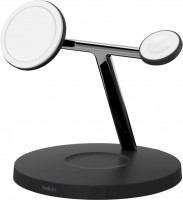
Simple to use - snap it, charge it. One of the biggest charms of wireless charging is that it's as easy as it looks. The MagSpeed 3-in-1 is testament to this. Just pop your devices on the MagSpeed's triple charger pads and the device's bright LED indicator will notify you that your devices' batteries are charging. Forget about handling notoriously unreliable cables each time you want to charge your devices. A triple wireless charger - and more. Place your MagSafe compatible devices, Apple AirPods and Apple Watch, on the MagSpeed 3-in-1 to instantly revive them with top-flight charging technology. The MagSpeed 3-in-1 outputs up to 15W power and peace of mind, exceeding all charger safety and performance requirements. The MagSpeed 3-in-1 is perfect for set-and-forget power bursts on idle devices, and for using your iPhone while it charges. Make the Most of MagSafe. In those situations where you want to use your phone while it's charging at your desk, nightstand, kitchen bench, or elsewhere, the MagSpeed excels. Thanks to its robust mounting mechanics, the lightweight charger moonlights formidably as a phone stand. In between office tasks on your laptop, scroll your phone at a convenient angle and height, while it charges. The MagSpeed's design features also add a dash of decorum to your desk.
The product description is generated based on data from online stores. Before purchasing be sure to verify all information directly with the seller.
New USB Labels: How to Avoid Confusion in Speeds, Cables, and ConnectorsThe USB-IF organization has finally updated the USB port labels. Let's figure out what has changed.
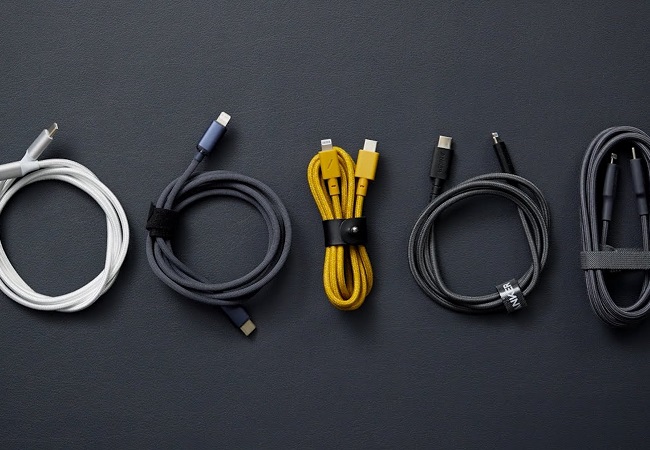
How to Choose the Right Cable for Your Smartphone, Tablet, and LaptopConnectors, power, bandwidth and other criteria for choosing a cable for gadgets
How to place an order?How to add store?
Remember that the online store is responsible for the accuracy of information regarding price, warranty, and delivery!
We recommendCompare using chart →
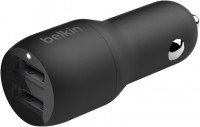
car charger, connectors: USB-A 2 pcs, per 1 port 12 W, on the все ports 24 W, USB-C cable, microUSB cable, lightning cable
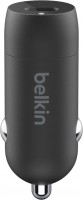
car charger, connectors: USB-C 1 pcs, fast charge, per 1 port 18 W, lightning cable, 54x20x20 mm
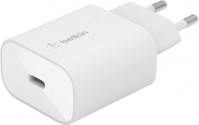
mains charger, connectors: USB-C 1 pcs, fast charge, PD3.0, per 1 port 25 W, no cable, 73x43x26 mm
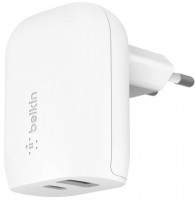
mains charger, connectors: USB-A 1 pcs, USB-C 1 pcs, fast charge, PD3.0, per 1 port 25 W, on the все ports 37 W, no cable
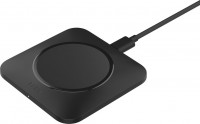
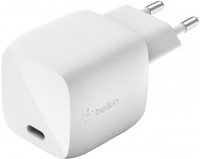
GaN charger, connectors: USB-C 1 pcs, fast charge, per 1 port 30 W, no cable, 40x40x39 mm
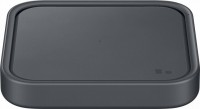
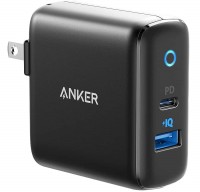
mains charger, connectors: USB-A 1 pcs, USB-C 1 pcs, fast charge, per 1 port 32 W, no cable, 62x63x29 mm
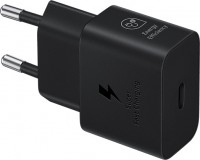
GaN charger, connectors: USB-C 1 pcs, fast charge, per 1 port 25 W, no cable, 67x38x22 mm