
HP 14" Laptop - Intel Processor N150 - 4GB Memory - 256GB storage - Windows 11 - Honey Lavender 2025 (128GB UFS+128GB Card)
 | When you make a purchase through links on our site, we may receive a affiliate commission. Buy! HP - 14" Laptop - Intel Processor N150 2025 - 4GB Memory - 256GB storage(128GB UFS+128GB Card) - Windows 11 - Honey LavenderBestBuy.comDelivery: in USA Report |
Buy HP 14" Laptop - Intel Processor N150 - 4GB Memory - 256GB storage - Windows 11 - Honey Lavender 2025 (128GB UFS+128GB Card)
When you make a purchase through links on our site, we may receive a affiliate commission.
| $269.99 | | ||||
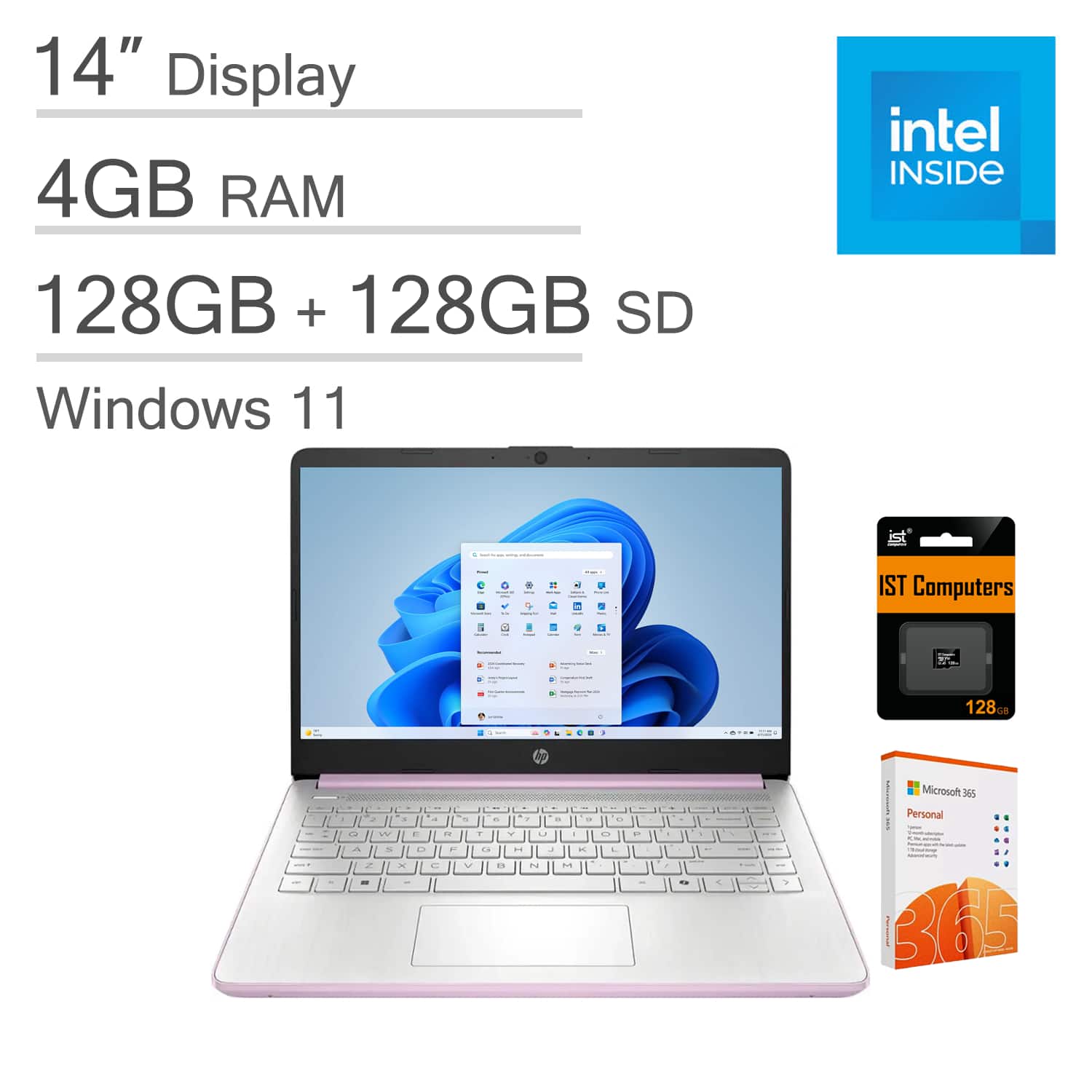
The HP 14 is an entry-level laptop designed for light workloads and everyday use, featuring up to 11 hours of battery life and HP fast charge to keep you productive all day long; it also includes a one-year subscription to Microsoft 365—complete with Word, Excel, and PowerPoint—to help bring your ideas to life, while AI serves as your personal assistant to kickstart new projects with relevant answers, simplified solutions, and helpful advice. Equipped with an Intel N150 processor and Intel Graphics, this laptop delivers smooth performance for daily tasks, paired with 4GB DDR4 RAM for efficient multitasking and 256GB of storage (128GB UFS + 128GB SD Card) that provides ample space for your files, apps, and media. It boasts an excellent visual experience too, with a 14" HD (1366 x 768) LED display that is anti-glare, offers 250 nits of brightness, and covers 65.2% NTSC; you can expand your workspace by connecting to external monitors via HDMI and USB-C, which support resolutions up to 4K (3840x2160) @60Hz, and the HP True Vision 720p HD camera ensures crisp video calls with enhanced clarity. For versatile connectivity, the HP 14 comes with USB-C, 2x USB-A, HDMI 1.4, a power connector, and an audio combo jack, plus Wi-Fi 6 and Bluetooth 5.4 for fast, reliable wireless performance. Running on Windows 11 Home in S mode—designed for optimal security and performance—this laptop can be switched out of S mode to Windows 11 Home by opening Windows Settings > System > Activation, making it ideal for a range of uses including family entertainment, school education, daily productivity, casual gaming, streaming, online classes, remote learning, Zoom meetings, and video conferences.
The product description is generated based on data from online stores. Before purchasing be sure to verify all information directly with the seller.

PC Build for Halo: Campaign EvolvedThree PCs of varying performance levels that will let you feel 100% like you’re in Master Chief’s shoes.

Wi-Fi 8: Exploring the Capabilities of the New Wireless StandardInstead of the usual race for speed, Wi‑Fi 8 marked a shift toward the concept of enhanced reliability.
How to place an order?How to add store?
Remember that the online store is responsible for the accuracy of information regarding price, warranty, and delivery!
You may be interested in