
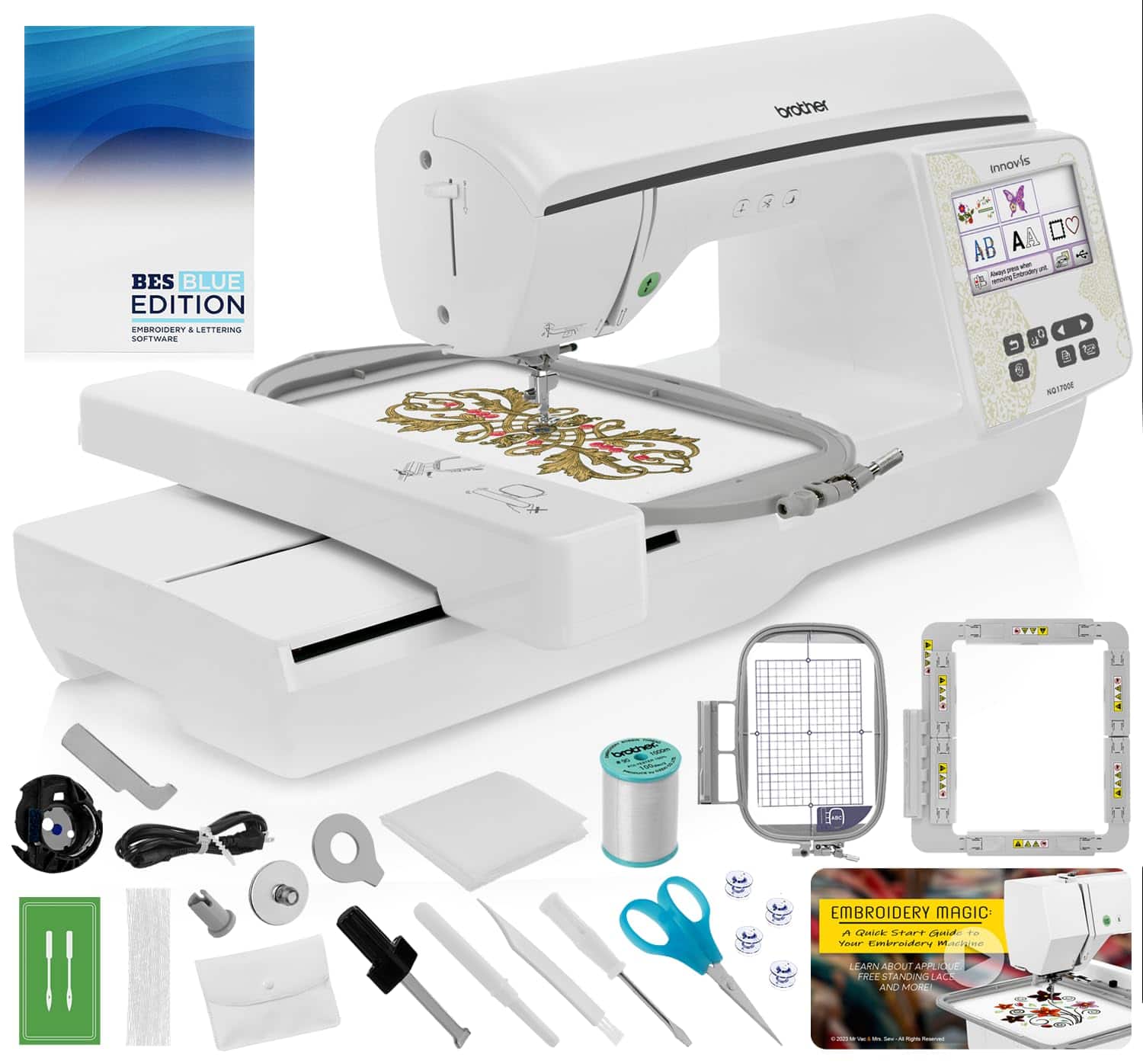
Brother NQ1700E Embroidery Machine Includes BES Lettering Software + Magnetic Hoop + Embroidery Magic Video - White NQ1700E
 | Expecting restock Presser foots: E-Catalog uses affiliate links compensated by our partners. |


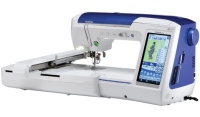
The perfect machine to launch your embroidery journey, the NQ1700E has a host of premium features to get you started. With the NQ1700E, you can embellish and personalize all of your DIY projects with 258 built-in embroidery designs, 140 frame pattern combinations, and 13 embroidery lettering fonts, plus a large 6" x 10" embroidery area so you can tackle those big projects. Edit your creations right at your fingertips on the generous 4.85" color LCD touch screen display and when connected to a wireless network, send designs to your machine using Design Database Transfer (no USB needed). The automatic thread trimming cuts both upper and lower threads at the end of each thread color. The NQ1700E is equipped with a Thread Cutter Button that allows you to cut both the upper and lower threads with the touch of a button whenever you like. A conveniently located Function Panel is located right in front of the user, allowing easy access to the Programmed Thread Trimming Button, Needle Up/Down Button and Start/Stop Button. When installing a bobbin in the NQ1700E Embroidery Machine simply drop in a full bobbin, thread in the direction of the arrow and you are ready to sew. With the NQ1700E you can position your design wherever you like, rotate your design, reflect your design and increase the size of your design right on the NQ1700E's LCD Touch Screen. The NQ1700E also has On-Screen instructions to help you better understand and utilize your machine.
The product description is generated based on data from online stores. Before purchasing be sure to verify all information directly with the seller.
How to choose an overlockLet's figure out what an overlock is, what it is needed for and how to choose the right model.
How to choose a sewing machineLet's figure out how to choose a sewing machine for beginners, active home use and professional sewing
We recommendCompare using chart →
computerized, loop: automatic, 12, shuttle: horizontal rotary, stitches: 700, stitch: length 6 mm, width 7 mm
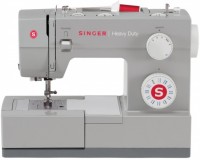
electromechanical, loop: automatic, 1, shuttle: horizontal rotary, stitches: 22, stitch: length 4 mm, width 5 mm, 1100 stitches/min

electromechanical, loop: semi-automatic, shuttle: horizontal rotary, stitches: 13, stitch: length 4 mm, width 5 mm, 400 stitches/min
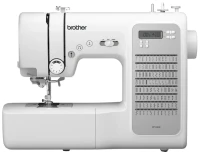
computerized, loop: automatic, 8, shuttle: horizontal rotary, stitches: 100, stitch: length 5 mm, width 7 mm, 750 stitches/min

electromechanical, loop: automatic, 1, shuttle: horizontal rotary, stitches: 27, stitch: length 4 mm, width 5 mm, 800 stitches/min
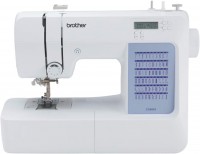
computerized, loop: automatic, 7, shuttle: horizontal rotary, stitches: 60, stitch: length 5 mm, width 7 mm, 750 stitches/min
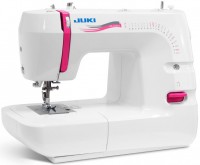
electromechanical, loop: automatic, shuttle: horizontal rotary, stitches: 21, stitch: length 4 mm, width 7 mm
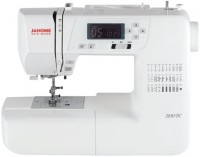
computerized, loop: automatic, 3, shuttle: horizontal rotary, stitches: 30, stitch: length 5 mm, width 7 mm, 820 stitches/min
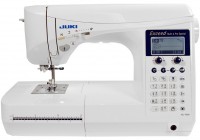
computerized, loop: automatic, 16, shuttle: horizontal rotary, stitches: 225, stitch: length 5 mm, width 7 mm, 900 stitches/min
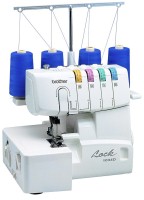
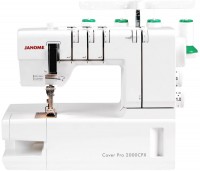
sewing and embroidery, loop: automatic, 15, shuttle: horizontal rotary, stitches: 1852, needlework area: 300x200 mm