
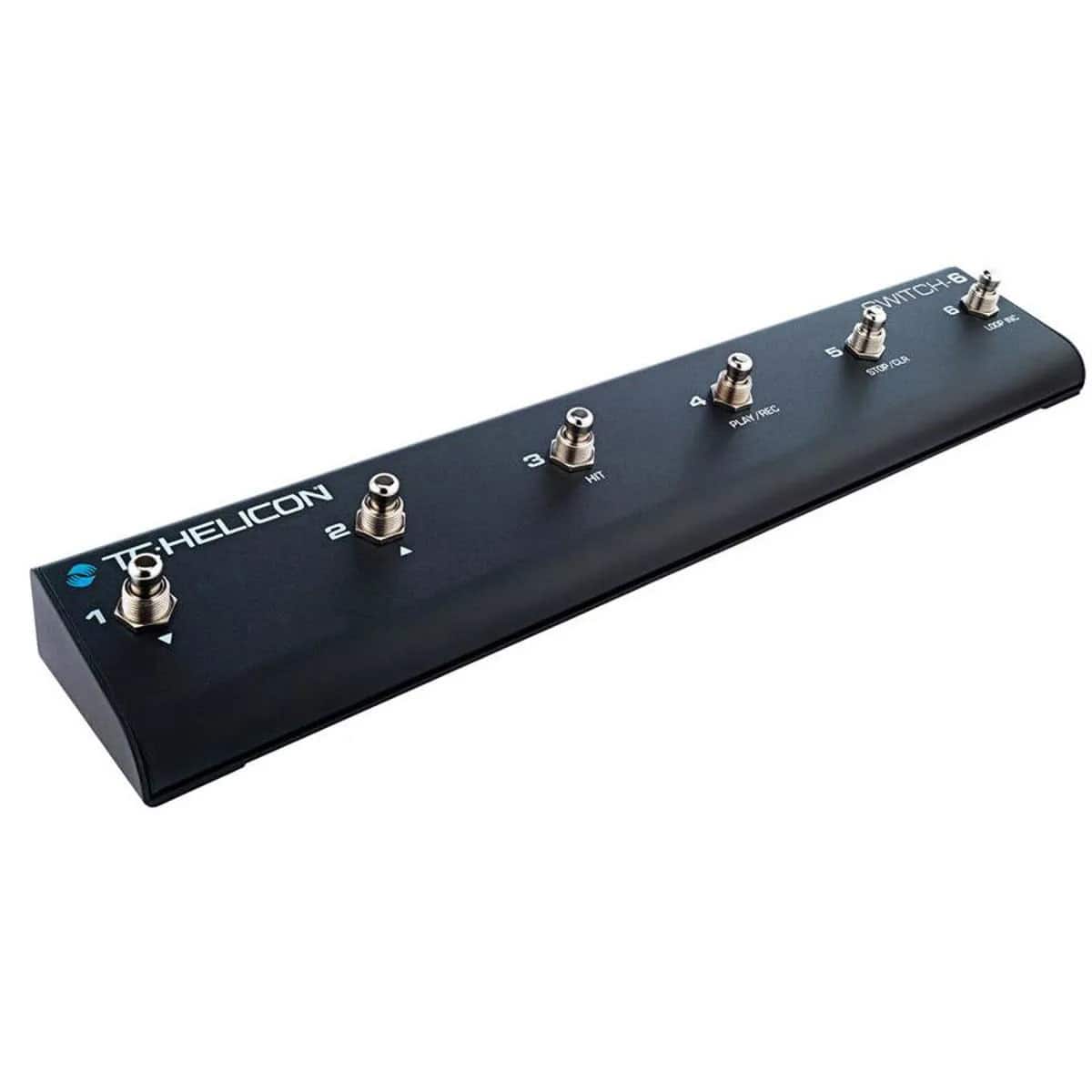
TC Electronic Switch 6 Amplifier Footswitch 0726-AAW86-001
 |
Buy TC Electronic Switch 6 Amplifier Footswitch 0726-AAW86-001
When you make a purchase through links on our site, we may receive a affiliate commission.
TC Electronic - Switch 6 Amplifier Footswitch 0726-AAW86-001 | $56.90 |  | |||
Even More Remote Control Switch-6 extends the control of compatible TC-Helicon vocal/guitar processors to fit your unique performance style and needs. The six footswitches can be customized for a multitude of functions, which will let you loop, toggle individual effects, change presets, engage HIT or even use as a guitar pedalboard ...and more. Six individual footswitches for remote control of programmable functions, (consult the manual or the Switch-6 setup menu screen on your unit for exact options) Heavy-duty metal construction designed for gigging Works with VoiceLive Touch 2, VoiceLive 3 and Play Electric Includes TRS cable How To Set It Up Craig shows how to set up your VoiceLive 3 and VoiceLive Touch 2 with the Switch-6 pedal for even more switch-based control of your vocals, guitar FX and looping. Creative Command Create your own favorite control scheme or use the preprogrammed setups on your unit. No matter what setup you choose, Switch-6 offers a handy shortcut for getting the sounds you want, when you want them. The durable design means that it won't quit before you do. Remember To Update Switch-6 requires the latest firmware to be installed on VoiceLive 3, VoiceLive Touch 2 or Play Electric. If you don't have it, you can download it for free via VoiceSupport - their free app for PC/Mac. Just follow the steps below: Download and install VoiceSupport Connect your TC-Helicon unit to your computer using the supplied USB cable Launch VoiceSupport After the updates have downloaded, click on the Firmware tab Click on the topmost firmware version. It will likely say "New" next to it Allow the update process to complete. Do Not Unplug Or Reboot Your Unit.
The product description is generated based on data from online stores. Before purchasing be sure to verify all information directly with the seller.

How to Choose Headphones for Kids: Hearing Protection, Comfort, and Everyday DurabilityGood children's headphones are chosen not by design, but by the volume limiting system.

Headphones with a Good Microphone: A Buying GuideYou’ll judge the sound yourself. Your conversation partner will judge the microphone for you.
How to place an order?How to add store?
Remember that the online store is responsible for the accuracy of information regarding price, warranty, and delivery!
We recommendCompare using chart →
combo amplifier, electric guitar, transistor, 50 W, 12 ", Overdrive, Reverb, Chorus, connectors: Line in, Footswitch, on headphones
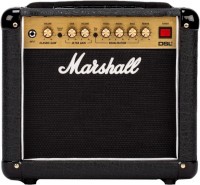
combo amplifier, electric guitar, tube, 1 W, 8 ", Reverb, connectors: Line in, Footswitch, Line out, Speaker out
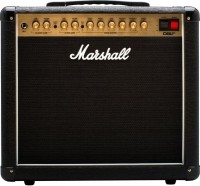
combo amplifier, electric guitar, tube, 20 W, 12 ", Reverb, connectors: Footswitch, Line out, Speaker out
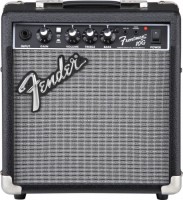
combo amplifier, electric guitar, transistor, 10 W, 6 ", Overdrive, connectors: Line in, on headphones
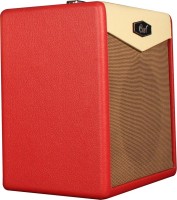
combo amplifier, electric guitar, transistor, 15 W, 8 ", impedance 8 Ohm, Reverb, connectors: Line in, on headphones
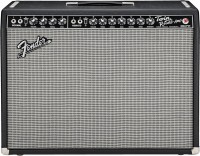
combo amplifier, electric guitar, tube, 85 W, 12 ", Reverb, Tremolo, connectors: Footswitch, Speaker out
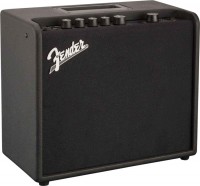
combo amplifier, electric guitar, digital, 25 W, 8 ", Overdrive, Distortion, Reverb, Tremolo, Chorus, Delay, connectors: Line in, Footswitch, on headphones
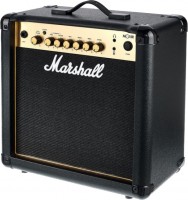
combo amplifier, electric guitar, transistor, 15 W, 8 ", Overdrive, Reverb, connectors: Line in, Footswitch, on headphones

combo amplifier, electric guitar, digital, 20 W, Overdrive, Reverb, Delay, connectors: Line in, Footswitch, on headphones
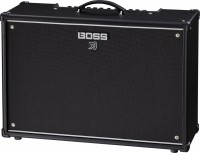
combo amplifier, electric guitar, digital, 100 W, 12 ", Reverb, Delay, connectors: Line in, Footswitch, Line out, on headphones