
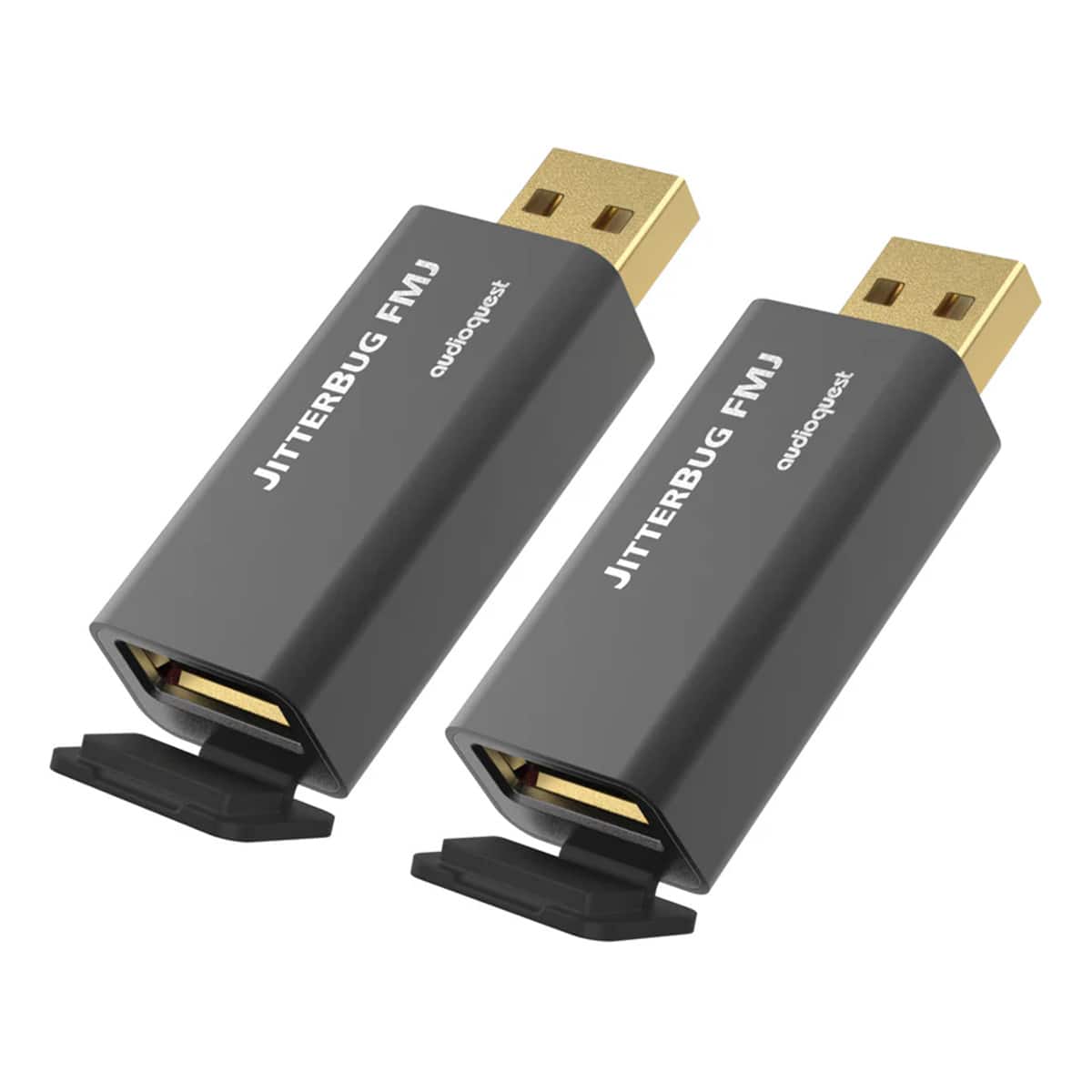
AudioQuest JitterBug FMJ USB 2.0 Power & Noise-Filter - Pair - Black JITTERBUGFMJ-PR
 | When you make a purchase through links on our site, we may receive a affiliate commission. Buy! AudioQuest - JitterBug FMJ USB 2.0 Power & Noise-Filter - Pair - Black JITTERBUGFMJ-PRBestBuy.comDelivery: in USA Report |
Buy AudioQuest JitterBug FMJ USB 2.0 Power & Noise-Filter - Pair - Black JITTERBUGFMJ-PR
When you make a purchase through links on our site, we may receive a affiliate commission.
AudioQuest - JitterBug FMJ USB 2.0 Power & Noise-Filter - Pair - Black JITTERBUGFMJ-PR | $139.90 | | |||
JitterBug FMJ USB 2.0 Power & Noise-FilterAudioQuest JitterBug FMJ (Full Metal Jacket) USB 2.0 Noise Filter uses Dual Discrete Noise-Dissipation Circuits to reduce the radio-frequency noise and resonances that are inherent to all digital electronics. The result is more spacious and compelling sound music dialog etc. for a better audio experience.JitterBug FMJ features a shielded metal case to protect against external noise. An included USB plug is perfect for when JitterBug FMJ’s USB output port is unoccupied or when using a second JitterBug in parallel to the first further preventing high-frequency noise from contaminating the audio signal.Many tens of thousands of music lovers are already enjoying better audio enabled by the original AudioQuest JitterBug USB Noise Filter—plugged into cars’ USB jacks laptop computers USB “service-only” jacks on Ethernet Streamers and more.Now JitterBug FMJ with its Full Metal Jacket raises the stakes. Whether used in series (in-line) or in parallel JitterBug significantly reduces contamination from RF generated by a computer car or other devices—JitterBug FMJ also thoroughly addresses environmental RF Noise taking advantage of this vulnerable interface.The new metal case is the most obvious change though even the seemingly innocuous hinged “rubber” piece covering JitterBug’s output is crucial to JitterBug’s improved performance. That little black “door” is RF-proof thanks to the material being substantially RF-absorbing Carbon.Employ one JitterBug in series between any computer smartphone NAS streamer or car audio system and a USB input. For an additional sonic improvement use a second JitterBug in another unoccupied USB port—in parallel to the first—except with JitterBug FMJ’s front door
The product description is generated based on data from online stores. Before purchasing be sure to verify all information directly with the seller.
New USB Labels: How to Avoid Confusion in Speeds, Cables, and ConnectorsThe USB-IF organization has finally updated the USB port labels. Let's figure out what has changed.
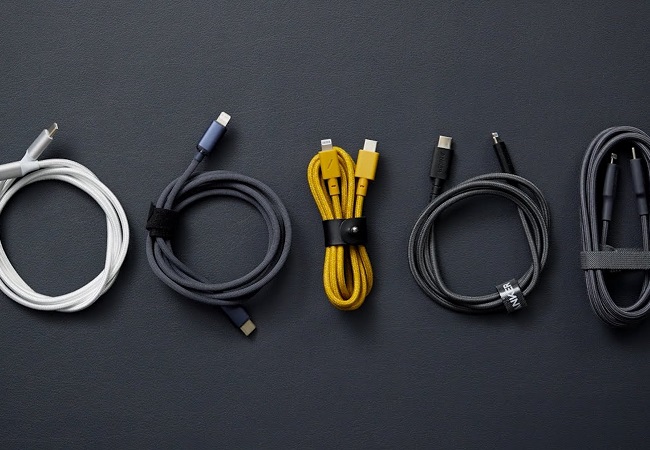
How to Choose the Right Cable for Your Smartphone, Tablet, and LaptopConnectors, power, bandwidth and other criteria for choosing a cable for gadgets
How to place an order?How to add store?
Remember that the online store is responsible for the accuracy of information regarding price, warranty, and delivery!
You may be interested in