Samsung S34J550WQI 34 "
 | Outdated Product The ultra-wide 34-inch monitor with a resolution of 3440x1440 debuted on the market at the end of 2018, immediately becoming one of the most affordable and simple solutions for devices with such a large diagonal and 21:9 screen format. The display received an 8-bit VA-matrix with a vertical scan of up to 75 Hz and a response speed of 4 ms. The image on the Samsung S34J550WQI monitor is easily adjusted to the needs of the user, up to peak brightness values of 300 cd / m2, and a static contrast ratio of 3000:1. Owners of AMD graphics cards will appreciate the support for FreeSync synchronization technology. Other nice features include Flicker-Free flicker protection and a picture-by-picture function with various display splitting scenarios. Despite the large diagonal, the ergonomics of the s...tand leaves much to be desired: it is rather bulky and only allows you to adjust the tilt of the screen. But the manufacturer left the opportunity to do without it: you can fix the monitor on the wall using a VESA 100x100 mm bracket. E-Catalog uses affiliate links compensated by our partners. |


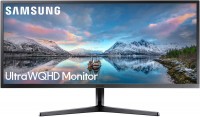
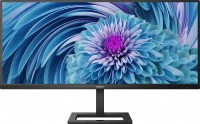
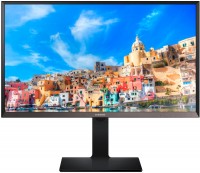
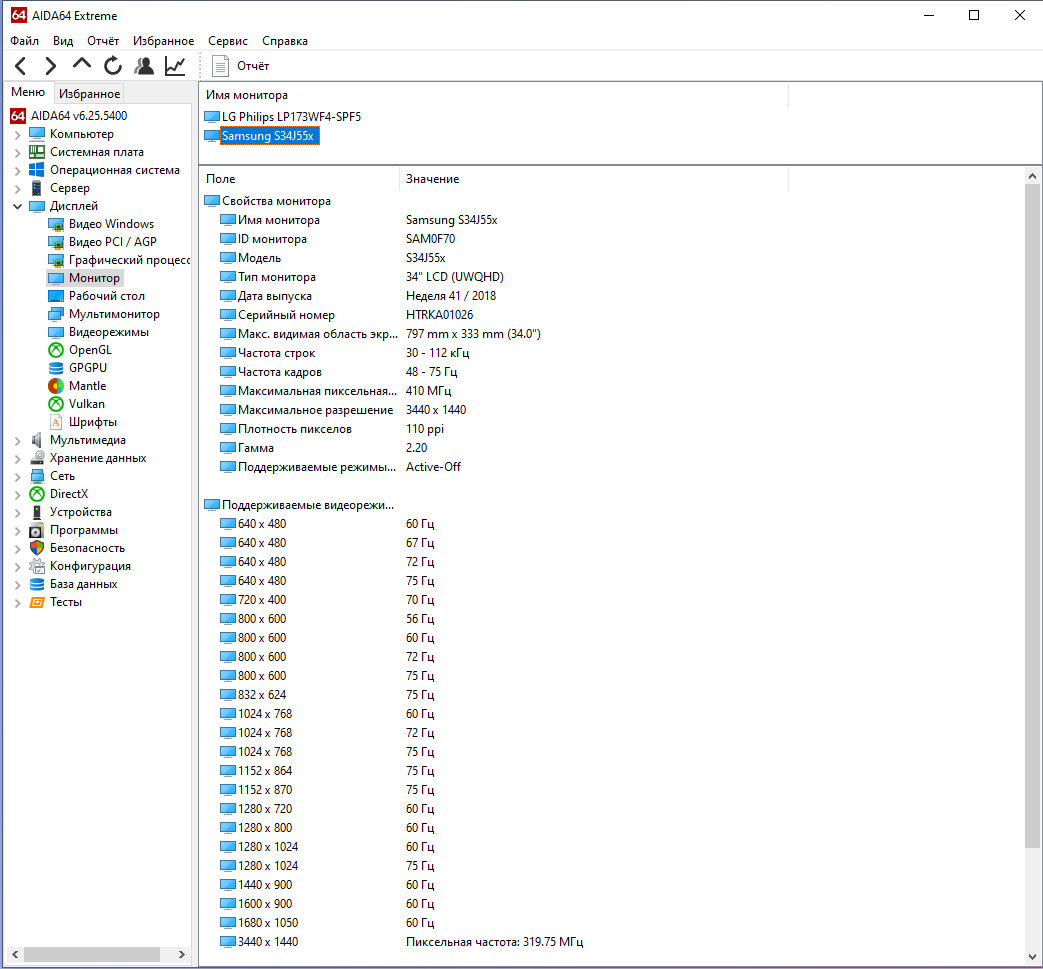
The ultra-wide 34-inch monitor with a resolution of 3440x1440 debuted on the market at the end of 2018, immediately becoming one of the most affordable and simple solutions for devices with such a large diagonal and 21:9 screen format. The display received an 8-bit VA-matrix with a vertical scan of up to 75 Hz and a response speed of 4 ms. The image on the Samsung S34J550WQI monitor is easily adjusted to the needs of the user, up to peak brightness values of 300 cd / m2, and a static contrast ratio of 3000:1.
Owners of AMD graphics cards will appreciate the support for FreeSync synchronization technology. Other nice features include Flicker-Free flicker protection and a picture-by-picture function with various display splitting scenarios. Despite the large diagonal, the ergonomics of the stand leaves much to be desired: it is rather bulky and only allows you to adjust the tilt of the screen. But the manufacturer left the opportunity to do without it: you can fix the monitor on the wall using a VESA 100x100 mm bracket.
|
| |||||||||||||||||||||||||||||||||||||||||||||||||||||||||||||||

Always clarify the specifications and configuration of the product with the online store manager before purchasing.
Catalog Samsung 2026 - new arrivals, bestsellers, and the most relevant models Samsung.


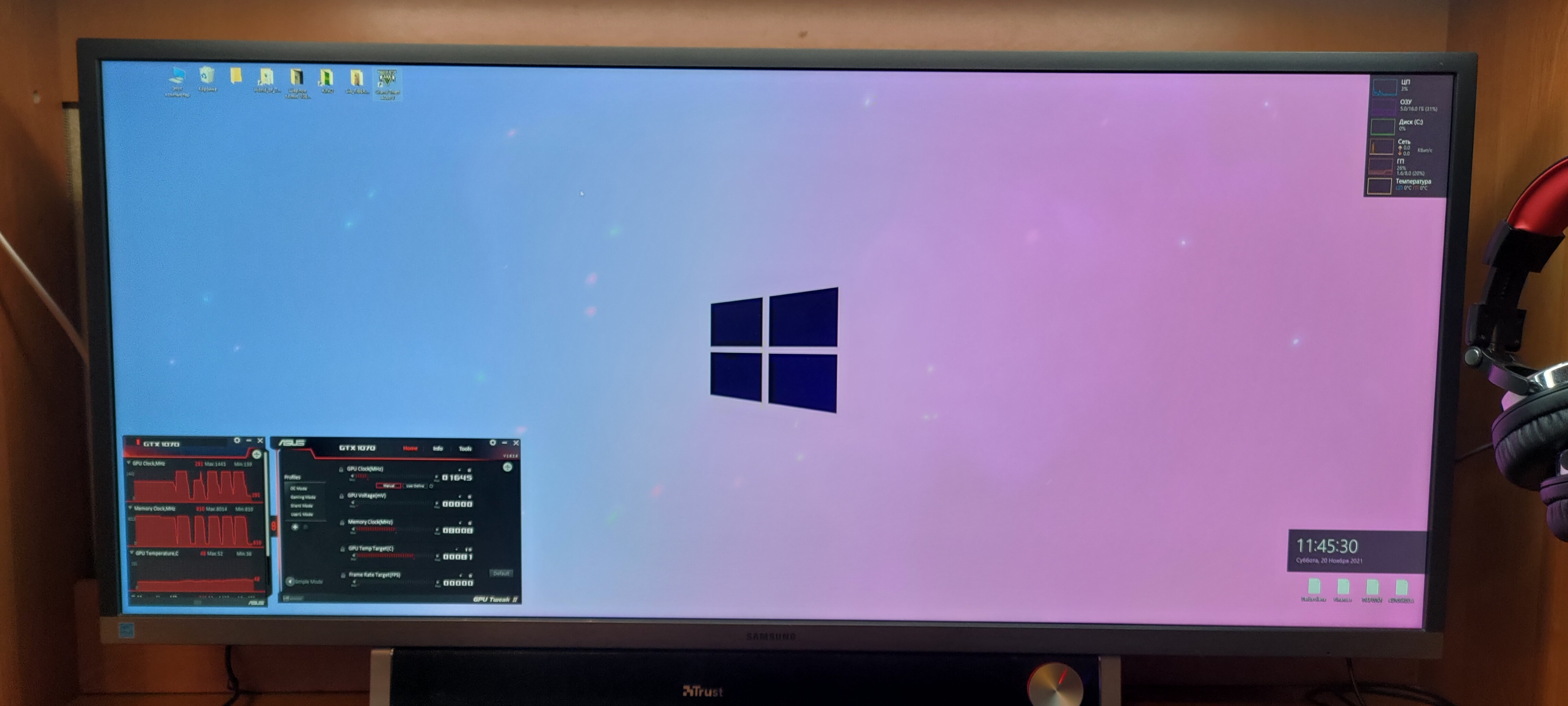
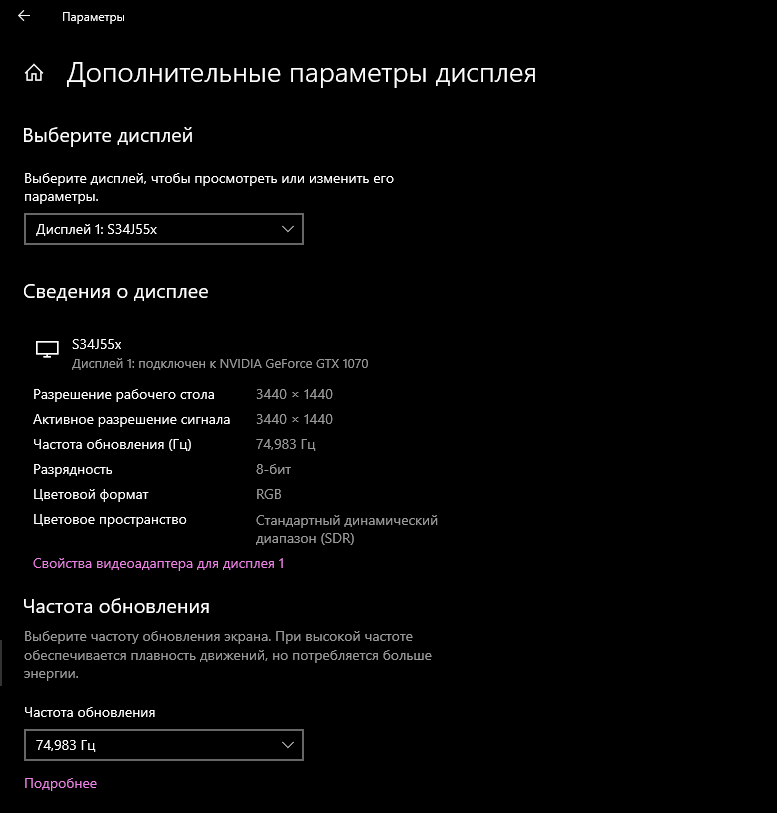
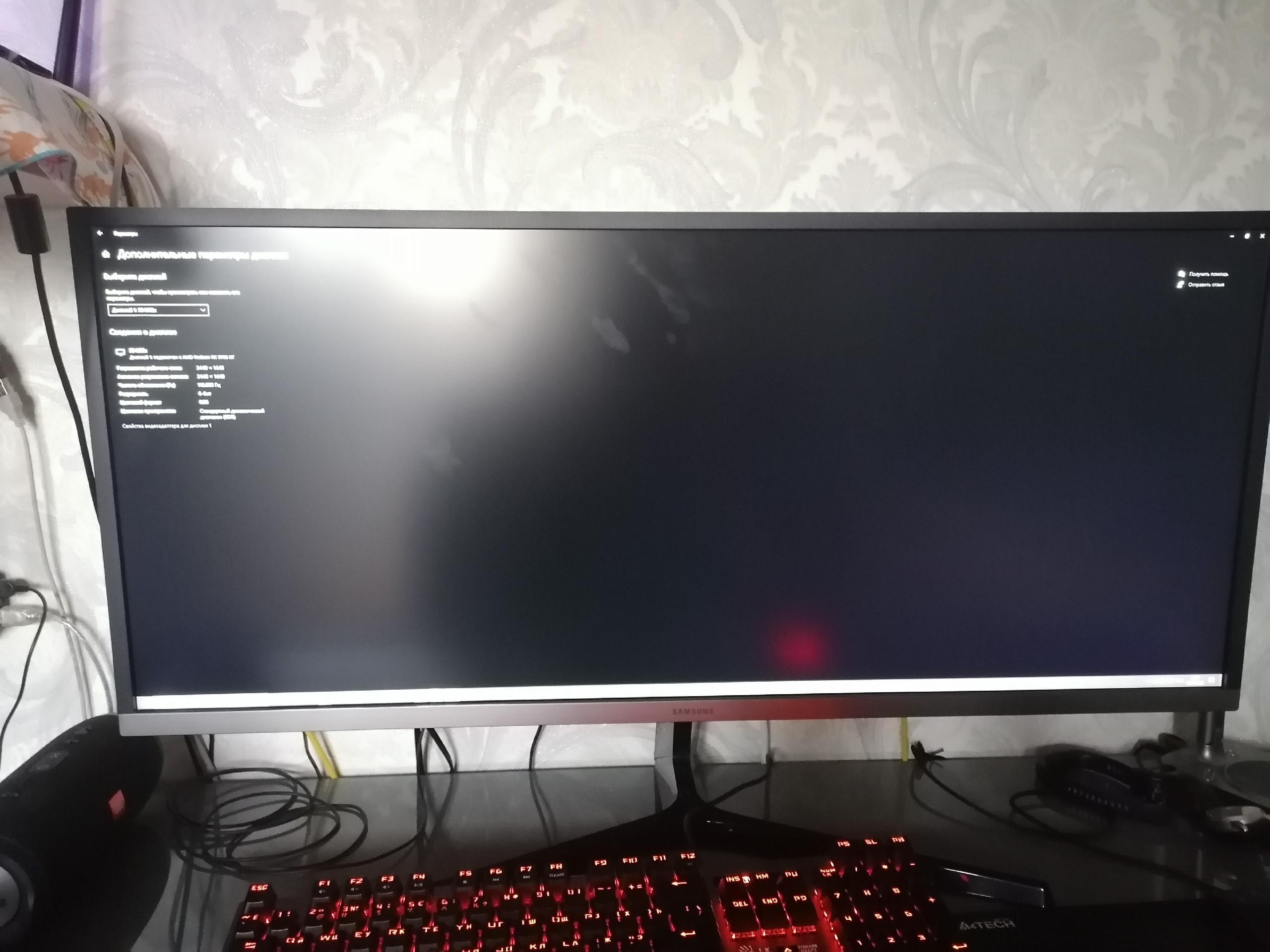
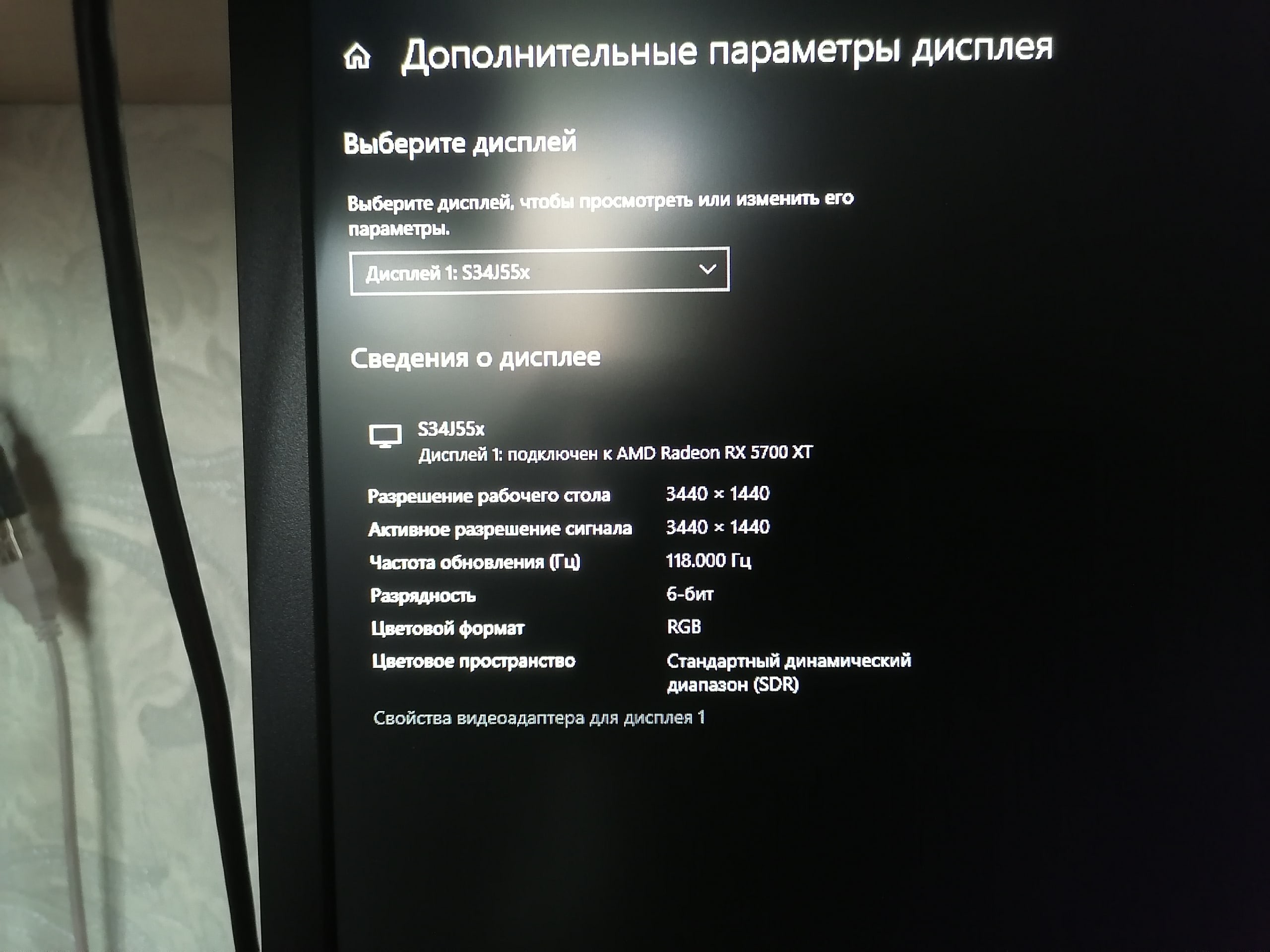
- Excellent monitor for its price. The picture quality pleases the eye. At first, it was very unusual to switch from laptop monitors with an 18'' diagonal to a 34''. Programmers will appreciate this monitor, it's very convenient to open 2 or even 3 windows. - All games open correctly in 21:9 format (I haven't checked older ones). - Full WQHD - With a color depth of 6 bits, it was possible to overclock to 118 Hz. When using all 8 bits, in my case, it was possible to overclock to 85 Hz. - The stand holds the monitor firmly - A slightly long start-up time for the monitor. It might not work for about 10 seconds when turning on the PC, but this might be an issue with my computer itself. - YouTube will mostly open in a 16:9 format (although some videos opened in 21:9). The fact is, there isn't much content on YouTube in such a wide format. - No ability to adjust screen height  Kirill Ermakov: use Samsung S34J550WQI less than month Kirill Ermakov: use Samsung S34J550WQI less than month |
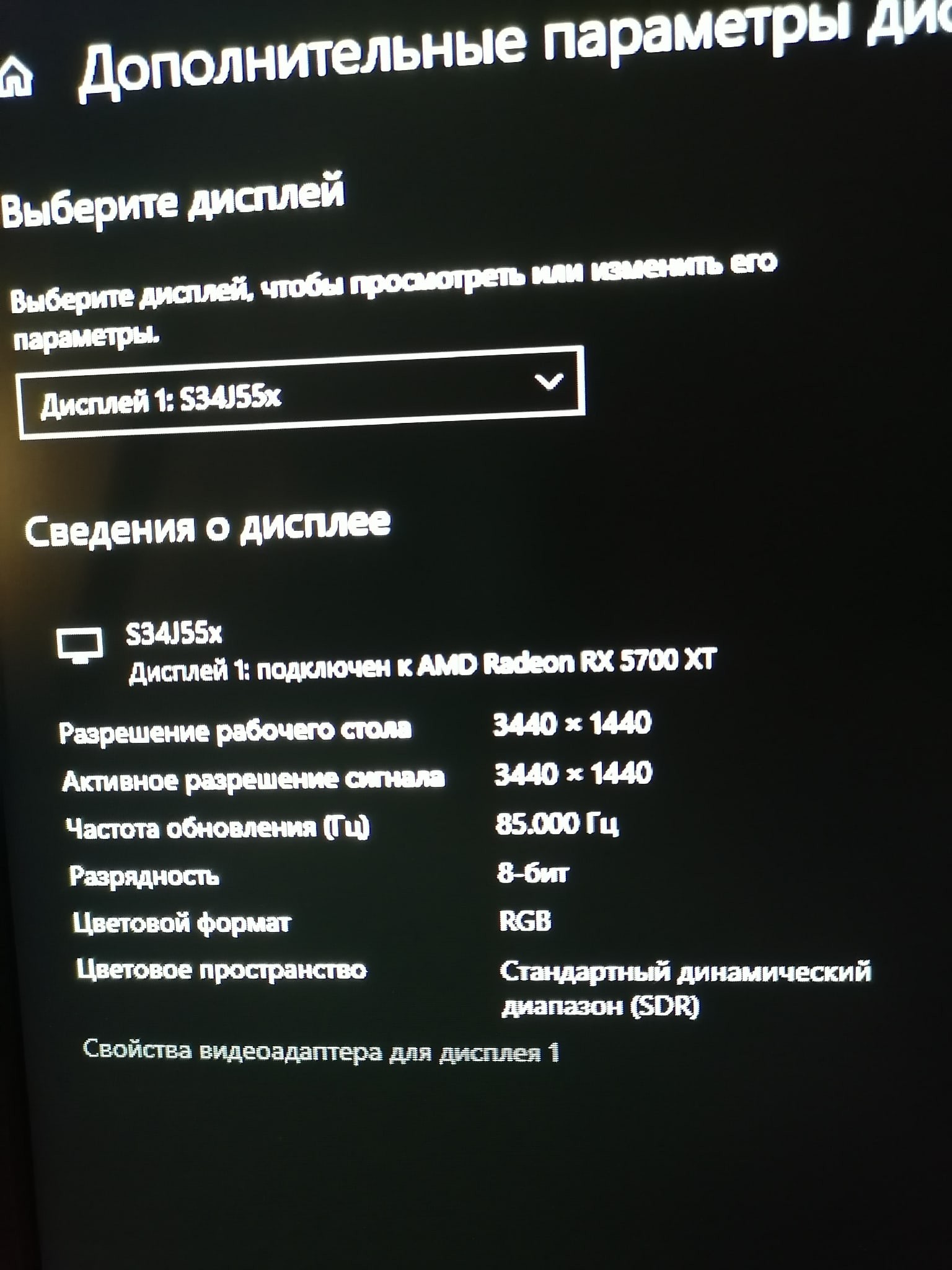
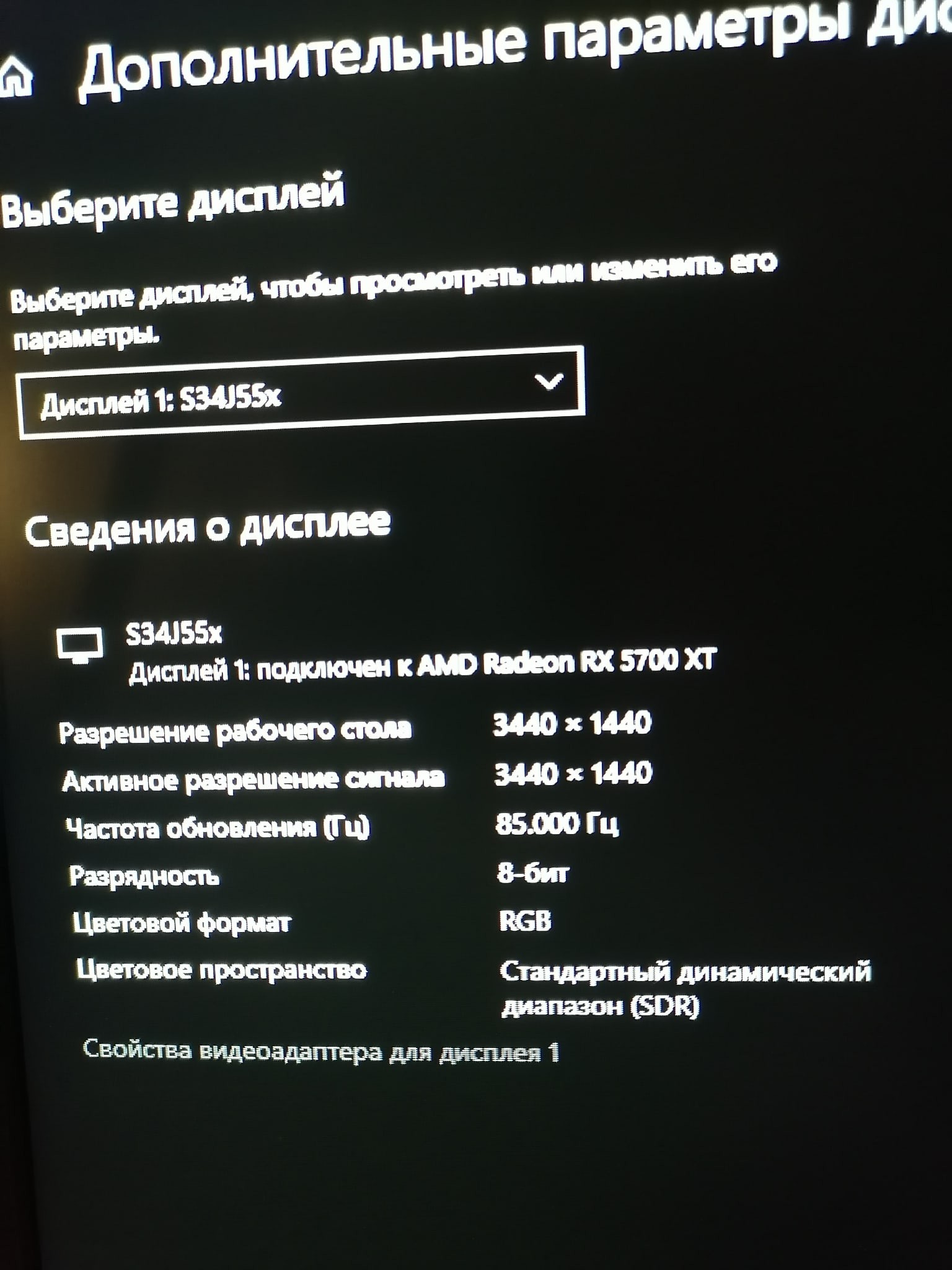
An excellent monitor - considering its characteristics. + QuadHD on 34" in 21:9 for 21000 - quite not bad. + All games run without borders, except only the old ones - but there are solutions on the internet, as well as a program (I don't remember the name) that solves this problem. + No dead pixels or backlight bleed (in my particular unit). + Overclocked the panel from 75 Hz to 85 Hz through the included HDMI. Will later try through DisplayPort 1.4. - Power cable. It's directed downwards and doesn't stay in the slot at all, I had to secure it with electrical tape - but it still falls off. - Blinking LED when turned off. Sergey: use Samsung S34J550WQI more than year |
for movies, games, and non-image processing work, it is perfectly suitable! 8 bit, full 2k. long startup when turned on  Andrejs: use Samsung S34J550WQI more than year Andrejs: use Samsung S34J550WQI more than year |