
Gigabyte G27QC 27 " black
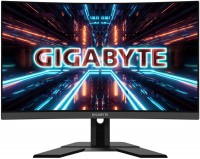 | Outdated Product Highly detailed and responsive 27" monitor with HDR support for seamless gaming and multimedia entertainment. It is positioned as a product in the mid-price category in 2020, aimed at meeting the needs of demanding gamers and beginner e-sportsmen. Equipped with a thin-frame 2K resolution (16:9) screen, created on the basis of an 8-bit *VA matrix with a high refresh rate, decent peak brightness and improved color reproduction of 120% sRGB. This matrix has a resolution of 2560x1440 and is equipped with W-LED backlighting. With impressive detail (110 ppi), 4 ms GtG (1 ms MPRT) response time and fast 165 Hz refresh, the Gigabyte G27QC monitor provides clear and flawlessly smooth display of moving objects in fast-paced games. AMD FreeSync Premium Pro technology automatically synchronizes the sc...reen refresh rate with the graphics card rendering rate to eliminate microlag and artifacts (frame tearing). Black Equalizer mode enhances the detail of dark parts of game scenes for better control of the gaming environment. In addition to three interface ports (2xHDMI 2.0 and DisplayPort 1.2), the monitor is equipped with built-in stereo speakers (2x2 W) and a two-port USB 3.2 Gen1 hub with support for accelerated charging of gadgets. E-Catalog uses affiliate links compensated by our partners. |


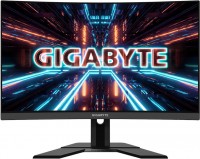
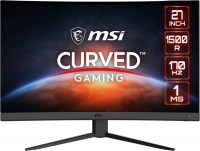
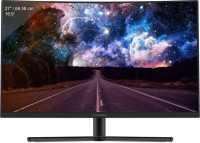
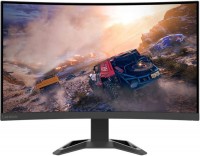
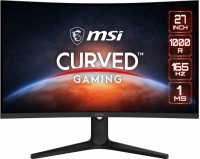
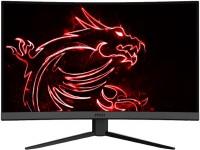
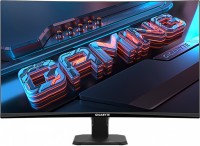
Highly detailed and responsive 27" monitor with HDR support for seamless gaming and multimedia entertainment. It is positioned as a product in the mid-price category in 2020, aimed at meeting the needs of demanding gamers and beginner e-sportsmen. Equipped with a thin-frame 2K resolution (16:9) screen, created on the basis of an 8-bit *VA matrix with a high refresh rate, decent peak brightness and improved color reproduction of 120% sRGB.
This matrix has a resolution of 2560x1440 and is equipped with W-LED backlighting. With impressive detail (110 ppi), 4 ms GtG (1 ms MPRT) response time and fast 165 Hz refresh, the Gigabyte G27QC monitor provides clear and flawlessly smooth display of moving objects in fast-paced games. AMD FreeSync Premium Pro technology automatically synchronizes the screen refresh rate with the graphics card rendering rate to eliminate microlag and artifacts (frame tearing). Black Equalizer mode enhances the detail of dark parts of game scenes for better control of the gaming environment. In addition to three interface ports (2xHDMI 2.0 and DisplayPort 1.2), the monitor is equipped with built-in stereo speakers (2x2 W) and a two-port USB 3.2 Gen1 hub with support for accelerated charging of gadgets.
|
| ||||||||||||||||||||||||||||||||||||||||||||||||||||||||||||||||||||||||||||||||||||||||||


Always clarify the specifications and configuration of the product with the online store manager before purchasing.
Catalog Gigabyte 2026 - new arrivals, bestsellers, and the most relevant models Gigabyte.
in the store, carefully check the monitor for glare (although this is unlikely to happen) and for dead pixels. Nice monitor, excellent color rendition, smooth picture, rich colors, many connectors on the back panel, connect to whatever your heart desires. The Hertz card is also quite excellent, this Hertz card is enough for most people both for surfing the Internet and for playing games. In games, the picture works even on a very old PC confidently and clearly, without artifacts or anything else. I bought it from the store’s warehouse for 27,000, the first two monicas had dead pixels, the store met them halfway and found a monica with no dead pixels at all, although they said that according to the standard you can have several dead ones. but they replaced it for me, I'm happy with the monitor. the built-in speakers are somewhat weak, but considering their power, they perform quite well in terms of both volume and quality. When connecting headphones to the monitor via the 3.5 Jack cable, there's an electronic noise, a squeal in the headphones. Also, if regular desktop speakers are plugged into the system unit and you connect headphones to the monitor, the sound will go to both the headphones and the speakers simultaneously. There are small light leaks at the top and bottom, but they're only visible late at night and only when watching movies, particularly in very dark scenes or almost darkness. However, the light leaks are not bothersome at all, and they're simply not visible unless you specifically look for them.  Shadow Fox: use Gigabyte G27QC more than year Shadow Fox: use Gigabyte G27QC more than year |
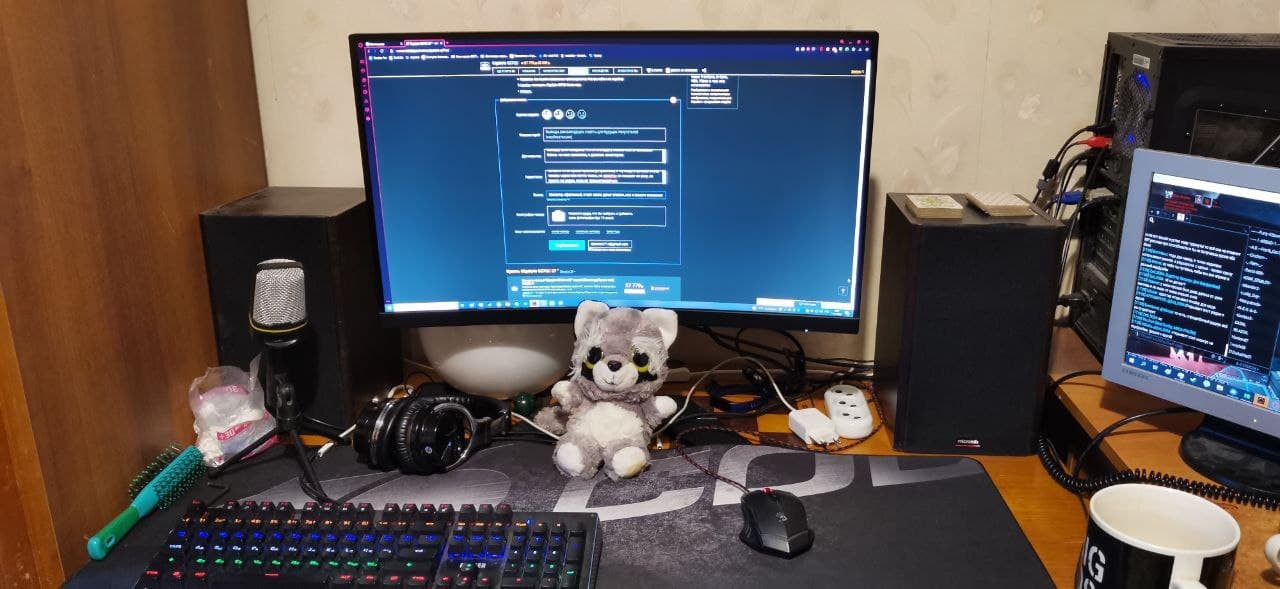
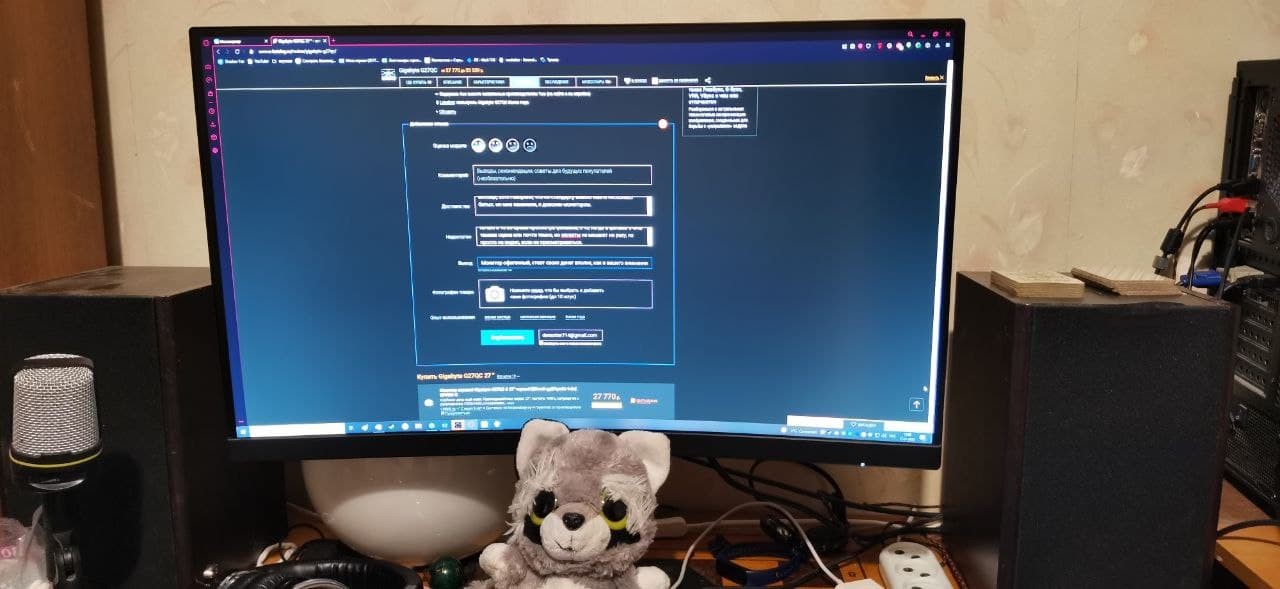
I spent a long time choosing and searching for a monitor based on the criteria: QHD (1440p), 27", >=144Hz, 1ms. After various searches, I had already ordered a monitor from HP, but then decided to check out Citilink and found this new monitor with cooler specs. I just took the risk and got it on the spot! Overall, I am very pleased with this monitor. I upgraded from a very old monitor that had a terribly bad panel that distorted colors at a slight angle, and you couldn't see anything from the side. The first thing that impressed me was the 165Hz! Oh my, how smoothly the cursor moves on the desktop! I recommend everyone to try such a refresh rate, you'll understand how cool it is, especially in games. The color reproduction and viewing angles are excellent! The curvature makes everything more visible from the sides. The brightness is quite high, I haven't set it above 80% yet. The monitor's response time is actually not 1ms, but 4ms! And believe me, there is a difference. The lag decreases if you enable the sRGB mode, which is what I continue to use, but it disables all additional filters like "color temperature, contrast, etc.". If you use the normal mode instead of sRGB, you will occasionally notice motion trails on the desktop and in games with lots of greenery. I don't use HDR and FreeSync at all. You can use FreeSync on an NVIDIA video card. I didn't understand HDR at all, and it works oddly — sometimes it turns on, sometimes it doesn't, screenshots and video recordings get spoiled. FreeSync works, but if the FPS in the game is low, you'll see screen flickering. Design 165 Hz 1440p Color Rendering Viewing Angles Cables: DP, HDMI, and for USB hub Delay of 4ms instead of the manufacturer-claimed 1ms (on the website and on the box) Limekys: use Gigabyte G27QC more than year |
I spent a long time choosing a 27-inch monitor with WQHD resolution. This option initially caught my eye, but there were no Russian-language video reviews for it, so I temporarily pushed this option aside. After scrolling through a bunch of different options, reviews for certain models, I was left with a choice between this monitor and ASUS TUF Gaming VG27WQ 27. I went to Citylink and bought Asus... I struggled with it for 2 days, the matrix turned out to be slow, loops when scrolling text and in game, then it started crackling once every 30 minutes with a fleeting screen distortion, many complained about the disgusting DP cable included, then on the second day a dead pixel flew out right in the center of the screen.. I freaked out and returned it to the store. A few days later I ordered this monitor for myself and there was no limit to my joy, there are no matrix glitches, there are small glares on top of the screen, but they are visible only in complete darkness and do not irritate in any way (and in general there are no glares only on QLED panels) The brightness is enough for the eyes, 50% is too much for me. Monica did not test the rest of the functions, the default settings are enough for me to surf the Internet, YouTube/movies and online toys. I could, of course, take a monique and 60-75 Hz, but a good monique with 1440p, even with 60-75 Hz, is not much cheaper than this, and so with a reserve for the future) I bought it from Pleer.ru with delivery for 25850r Ideal diagonal Fast enough matrix 165 Hz Resolution 1440p Package contents: DP cable, HDMI, and cable for USB hub I haven't discovered it yet Evgeniy Dmitriev: use Gigabyte G27QC less than month |
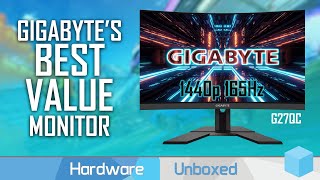

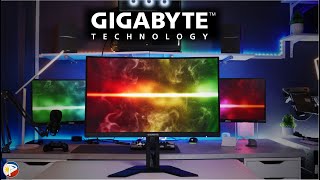
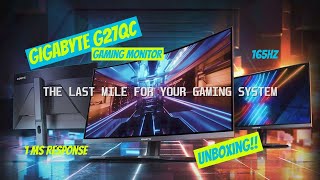

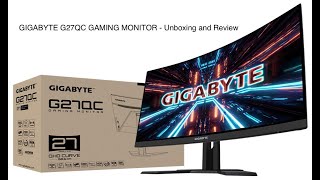
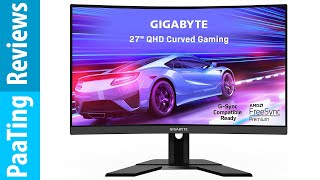
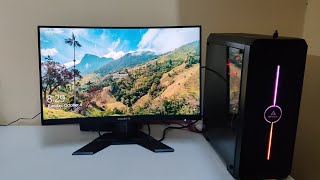


An alternative to the large and expensive gaming monitors of the Aorus series in the Gigabyte portfolio are more affordable gaming solutions. One of these is the G27QC model.
curved screen
The monitor is made in a discreet design with glossy inserts on the central column and stand (quite deep at that). The screen of the model has a diagonal size of exactly 27 inches, it is framed by thin frames, which simplifies the deployment of multi-monitor configurations. The display position can be adjusted in height and angle. And most importantly - the screen has a curved shape with a moderate radius of curvature 1500R.
VA panel
Gigabyte G27QC displays the picture in the maximum frame resolution Quad HD - 2560x1440 pixels. The monitor's display is based on an 8-bit VA panel with a high refresh rate of 165 Hz and a fast response time of 4 ms, which ensures smooth rendering of highly dynamic scenes in games and when consuming multimedia content. The monitor screen boasts an extended color gamut (120% of sRGB space), and its technical specifications proudly flaunt the "Ready for HDR" label.
Optimal balance
As an adaptive sync system , the monitor supports AMD FreeSync Premium Pro technology, which operates in the frequency range from 48 to 165 Hz. Of the game functions, the model provided for the possibility of displaying the crosshairs of the sight in the center of the display, the option of highlighting dark areas of the Black Equalizer, and the Dashboard info panel. In addition, the monitor was equipped with simple speakers with a total power of 4 W and a two-port USB hub with support for fast charging gadgets. The Gigabyte G27QC is a well-balanced, affordable gaming monitor with a curved 27-inch screen.