
Artline Gaming Tank TANKv76Win
Monitors2794
Price from $249.99 up to $346.00
Compare prices2→Compare prices and buy AOC Q27G3XMN
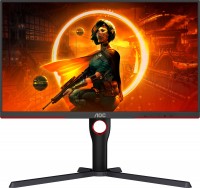 |
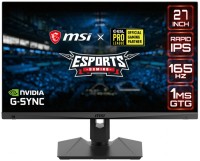
gaming, 27 ", 2560x1440 (16:9), Mini LED VA, response 1 ms, 180 Hz, 1.07B Colors, sRGB 137.5 %, DCI-P3 98.5 %, HDMI, DisplayPort, AMD FreeSync Premium Pro, VESA Adaptive-Sync, HDR
 |
Price from $203.39 up to $641.22
Compare prices2→Compare prices and buy Gigabyte M27Q3
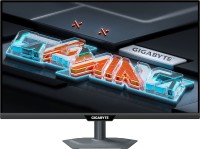 |
gaming, 27 ", 2560x1440 (16:9), IPS, response 1 ms, 300 Hz, 1.07B Colors, sRGB 132 %, DCI-P3 95 %, HDMI, v 2.1, DisplayPort, USB-C (DP Alt Mode), Power Delivery, ХАБ: USB-A 2x5Gbps, KVM-switch, NVIDIA G-Sync Compatible, VESA Adaptive-Sync, HDR, TÜV Rheinland
Price from $119.59 up to $274.83
Compare prices13→Compare prices and buy MSI MAG 272F
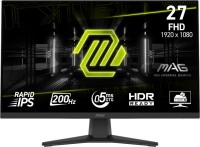 |
gaming, 27 ", 1920x1080 (16:9), IPS, response 0.5 ms, 200 Hz, 8-bit + FRC (1.07B Colors), sRGB 115 %, DCI-P3 91 %, HDMI, DisplayPort, AMD FreeSync Premium, VESA Adaptive-Sync, HDR, TÜV Rheinland
Keyboards686



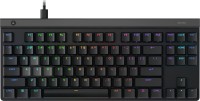
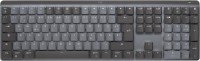
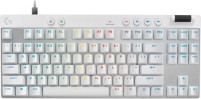
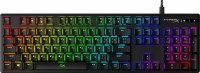
Mice1445



Cables (video, audio, USB)64965
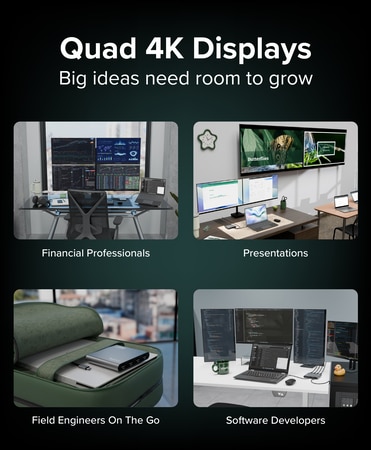 |
The Plugable USB-C Quad 4K HDMI Graphics Adapter (USBC-7400H4) allows you to connect up to four 4K 60Hz HDMI displays from a single USB-C port. Powered by the DisplayLink DL7400 chipset, this adapter more→provides compatibility with Windows and macOS systems. It’s designed for efficient, high-productivi
With 100W pass-through charging (90W to host), you can power your laptop through the adapter using your existing USB-C charger, a nice way to save a port while providing power. The adapter is also bus-powered, meaning it draws all its power from the computer so…
With 100W pass-through charging (90W to host), you can power your laptop through the adapter using your existing USB-C charger, a nice way to save a port while providing power. The adapter is also bus-powered, meaning it draws all its power from the computer so…
 |
Extend Your Monitor - The Fast and Simple Way.
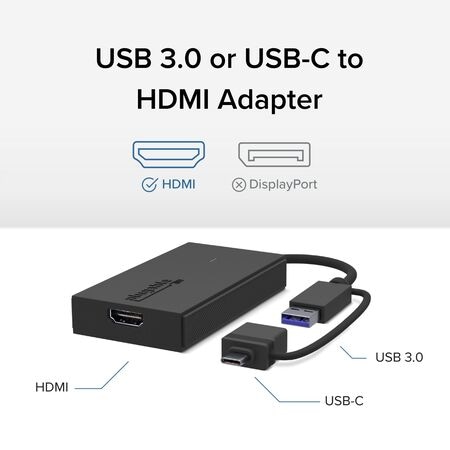
There’s no shortage of options when it comes to adding screens to your laptop, and that’s where things can get complicated (and expensive). The P more→lugable USB 3.0 and USB-C to HDMI monitor adapter (UGA-HDMI-S) keeps things simple. A one plug solution that adds one HDMI port to your computer, the UGA-HDMI-S leaves your other ports open for peripherals. And because this USB A to HDMI adapter has a single function, it’s a lot more affordable than a docking station.
Extend or Mirror 8 Screens on Windows and 4 Screens on macOS.
With the UGA-HDMI-S adding an extra display is just the start. Combining multiple USB to HDMI Adapters makes it possible to add&he
There’s no shortage of options when it comes to adding screens to your laptop, and that’s where things can get complicated (and expensive). The P more→lugable USB 3.0 and USB-C to HDMI monitor adapter (UGA-HDMI-S) keeps things simple. A one plug solution that adds one HDMI port to your computer, the UGA-HDMI-S leaves your other ports open for peripherals. And because this USB A to HDMI adapter has a single function, it’s a lot more affordable than a docking station.
Extend or Mirror 8 Screens on Windows and 4 Screens on macOS.
With the UGA-HDMI-S adding an extra display is just the start. Combining multiple USB to HDMI Adapters makes it possible to add&he
 |
14.99Buy!
$
$
Lenovo.com
Delivery: in USA
Report
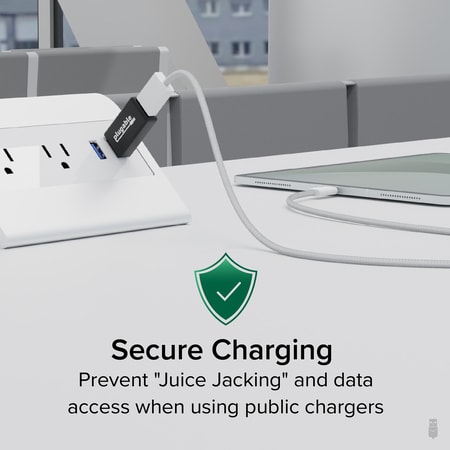
USB Charging Information Most devices can't/won't charge from normal powered USB hubs if the computer is turned off/not connected. That includes most Android, Apple iOS, and Windows devices. The phone more→/tablet must negotiate how much power to pull, to do so by the original USB specification, devices are supposed to only draw 100mA at first and then they can then negotiate up to 500mA. This negotiation requires a PC that's attached and on. Unfortunately even at 500mA, charging most devices will take a very long time to charge.
For example, the iPhone and most other non-tablets will charge on a standard port this way but they can also charge faster (up to 1A) if the USB port sends a special, non-standard …
For example, the iPhone and most other non-tablets will charge on a standard port this way but they can also charge faster (up to 1A) if the USB port sends a special, non-standard …
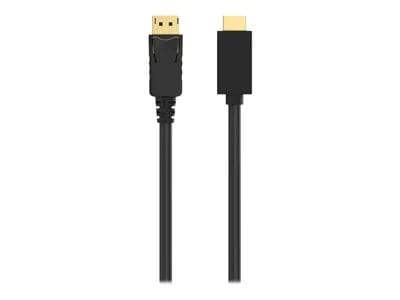 |
Transmit audio and video from DisplayPort to Ultra HD TV Supports video resolutions of up to 4k x 2k (3840 x 2160) at 30Hz Top-of-the-line all-digital audio/video cable Use for movies, presentations, more→photo slideshows, and more Simple plug-and-play connectivity Supports HDCP (High-Definitio
Important!
Compatibility with specific models Desktop PCs should be confirmed with the online store manager directly before purchase.
Compatibility with specific models Desktop PCs should be confirmed with the online store manager directly before purchase.