
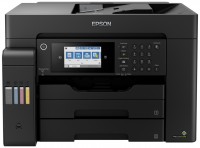
Epson EcoTank L555
 | Outdated Product Paper size: A4; Print Type: inkjet; Output Type: colour; B/W printing (ppm): 33; Colour printing (ppm): 15; Photo printing (sec/page): 69; Autofeed (sheets): 30; Black Ink Page Yield (pages): 4500; Colour Ink Page Yield (pages): 7500; PC connection (USB); Wi-Fi: Wi-Fi 4 (802.11n); Display: monochrome E-Catalog uses affiliate links compensated by our partners. |


We recommend products in stockAll-in-One Printers Epson →
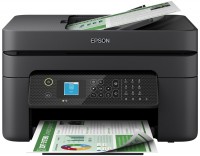
colour, flowers 4, inkjet, A4, printing 5760x1440 dpi, photo print, scanning 1200х2400 dpi, autoscan, Wi-Fi Direct, AirPrint, fax machine
Epson EcoTank L555
Type:colour, inkjet
Format:A4
Connection:USB B, Wi-Fi 4 (802.11n)
Print Resolution:5760x1440 dpi
Scanning:1200х2400 dpi
B/W printing:33 ppm
Colour print:15 ppm
Photo printing:69 sec/page
All specifications
Specifications EcoTank L555
|
| ||||||||||||||||||||||||||||||||||||||||||||||||||||||||||||||||||||||||||||||


The information in the model description is for reference purposes.
Always clarify the specifications and configuration of the product with the online store manager before purchasing.
Catalog Epson 2026 - new arrivals, bestsellers, and the most relevant models Epson.
Always clarify the specifications and configuration of the product with the online store manager before purchasing.
Catalog Epson 2026 - new arrivals, bestsellers, and the most relevant models Epson.
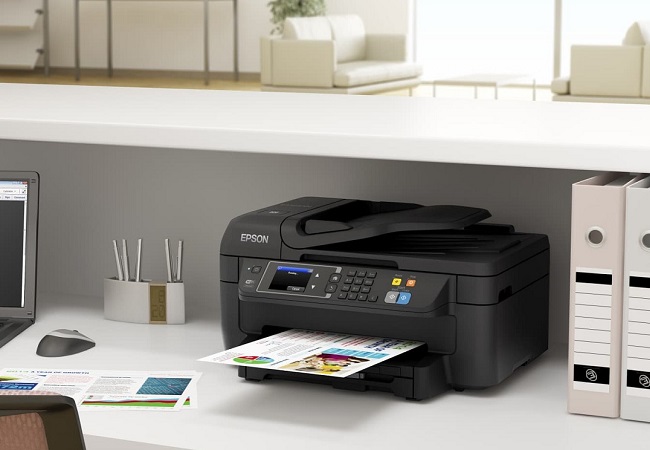
Series Epson EcoTank (CISS)
colour, flowers 4, inkjet, CISS, A4, printing 4800x1200 dpi, 2-side print, scanning 1200х2400 dpi, autoscan, LAN, Wi-Fi Direct, AirPrint, fax machine
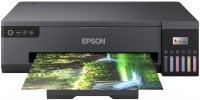
colour, flowers 6, inkjet, CISS, A3, 5760х1440 dpi, b/w 22 ppm, color 22 ppm, Wi-Fi Direct
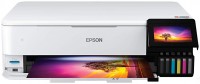
colour, flowers 6, inkjet, CISS, A3, printing 5760x1440 dpi, 2-side print, photo print, scanning 1200x4800 dpi, LAN, Wi-Fi Direct, AirPrint, card reader
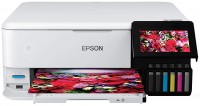
colour, flowers 6, inkjet, CISS, A4, printing 5760x1440 dpi, 2-side print, photo print, scanning 1200x4800 dpi, LAN, Wi-Fi Direct, AirPrint, card reader
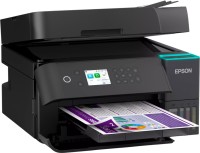
colour, flowers 4, inkjet, CISS, A4, printing 4800x1200 dpi, 2-side print, scanning 1200х2400 dpi, 2-side scanning, autoscan, LAN, Wi-Fi Direct, AirPrint
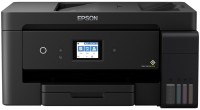
colour, flowers 4, inkjet, CISS, A3, printing 4800x1200 dpi, 2-side print, photo print, scanning 1200х2400 dpi, autoscan, LAN, Wi-Fi Direct, AirPrint, fax machine
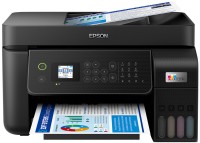
colour, flowers 4, inkjet, CISS, A4, printing 5760x1440 dpi, scanning 1200х2400 dpi, autoscan, LAN, Wi-Fi Direct, AirPrint, fax machine
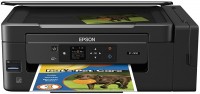
colour, inkjet, CISS, A4, printing 5760x1440 dpi, photo print, scanning 1200х2400 dpi, Wi-Fi Direct, AirPrint, card reader, low noise

colour, flowers 4, inkjet, CISS, A4, printing 5760x1440 dpi, photo print, scanning 1200х2400 dpi, Wi-Fi Direct
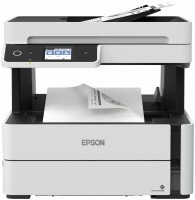
monochrome, inkjet, CISS, A4, printing 2400х1200 dpi, 2-side print, scanning 1200х2400 dpi, autoscan, LAN, Wi-Fi Direct, AirPrint, fax machine
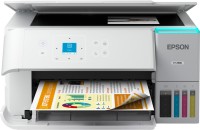
colour, flowers 4, inkjet, CISS, A4, printing 600х600 dpi, 2-side print, scanning 9600х9600 dpi, Wi-Fi Direct, AirPrint
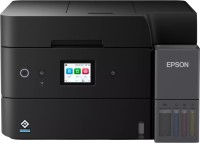
colour, flowers 4, inkjet, CISS, A4, printing 4800x1200 dpi, 2-side print, scanning 1200х2400 dpi, 2-side scanning, autoscan, LAN, Wi-Fi Direct, AirPrint, fax machine
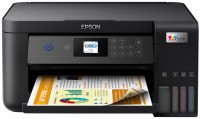
colour, flowers 4, inkjet, CISS, A4, printing 5760x1440 dpi, 2-side print, scanning 1200х2400 dpi, Wi-Fi Direct, AirPrint
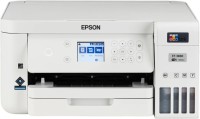
colour, flowers 4, inkjet, CISS, A4, printing 5760x1440 dpi, 2-side print, scanning 9600х9600 dpi, LAN, Wi-Fi Direct, AirPrint
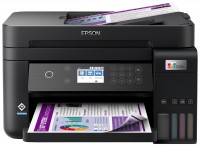
colour, flowers 4, inkjet, CISS, A4, printing 4800x1200 dpi, 2-side print, scanning 1200х2400 dpi, autoscan, LAN, Wi-Fi Direct, AirPrint
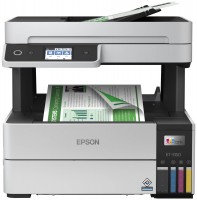
colour, flowers 4, inkjet, CISS, A4, printing 4800x1200 dpi, 2-side print, scanning 1200х2400 dpi, autoscan, LAN, Wi-Fi Direct, AirPrint
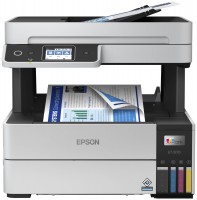
colour, flowers 4, inkjet, CISS, A4, printing 4800x1200 dpi, 2-side print, scanning 1200х2400 dpi, autoscan, LAN, Wi-Fi Direct, AirPrint, fax machine, low noise
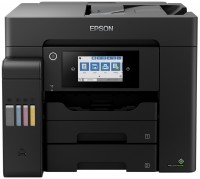
colour, flowers 4, inkjet, CISS, A4, printing 4800x2400 dpi, 2-side print, scanning 1200х2400 dpi, 2-side scanning, autoscan, LAN, Wi-Fi Direct, AirPrint, fax machine
colour, flowers 4, inkjet, CISS, A3, printing 4800x2400 dpi, 2-side print, scanning 1200х2400 dpi, 2-side scanning, autoscan, LAN, Wi-Fi Direct, AirPrint, fax machine
Model overview based on user reviews
The Epson L555 is a versatile all-in-one printer that stands out due to its built-in Continuous Ink Supply System (CISS), which significantly reduces the cost of consumables. It offers fantastic print quality for both text and photographs, with a commendable printing speed. The device includes a fax and supports wireless connections, allowing for convenient placement and printing from mobile devices. However, it is notably noisy, and there can be issues with handling very thick paper. Users should be cautious not to confuse it with the similar L550 model, which lacks Wi-Fi. Overall, the Epson L555 is an excellent choice for small offices or personal use, especially for those who require color printing and want to save on ink costs.
Pros
Cons
Attention! Do not confuse this model with the L550! It does not have Wi-Fi, although technically and externally they are very similar. In the store they may try to slip it on purpose or out of stupidity. I almost bought it by mistake, even though I really wanted one with a wireless connection. For an office with five people, this is an excellent solution. Of course, provided that you need color printing. Although I purchased it not only for office needs, but also for my own needs, so that I could sometimes print photographs. Otherwise I would have chosen a simpler model. Having a CISS will allow you to save a lot on consumables. The main thing is to be careful when refueling and not to get dirty :) And Wi-Fi means no need to fuss with wires - it’s actually very convenient. Although sometimes there are glitches when the computer suddenly stops seeing the printer. Availability of CISS right out of the box. Considering how much consumables cost today, this is a very important factor. The print quality is fantastic! You can print not only texts, but also photographs. Very good printing speed. And of course the functionality is top notch! Not only is the device itself an MFP with a fax, but there is also the possibility of a wireless connection. No matter what anyone says, it’s very convenient. You can install the device even in the next room, when there is no space near the desktop. Plus, you can print from your phone or tablet. Very noisy. I thought that only laser models could produce so much noise during operation. But as it turned out, not only. When printing, the table sways slightly :) Sometimes problems arise when very thick paper is pulled out of the tray. |
Add Review
Additional features all-in-one printer Epson EcoTank L555:
- Built-in 70 mL ink tanks
- Epson iPrint support