
Artline Gaming GBS CS GBSv42CS
Monitors2774
Price from $179.99 up to $499.99
Compare prices5→Compare prices and buy Gigabyte M27Q3
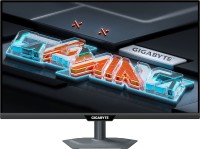 |
gaming, 27 ", 2560x1440 (16:9), IPS, response 1 ms, 300 Hz, 1.07B Colors, 1.07B, sRGB 132 %, DCI-P3 95 %, HDMI, v 2.1, DisplayPort, USB-C (DP Alt Mode), Power Delivery, ХАБ: USB-A 2x5Gbps, KVM-switch, NVIDIA G-Sync Compatible, VESA Adaptive-Sync, HDR, TÜV Rheinland
Price from $299.99 up to $341.00
Compare prices2→Compare prices and buy AOC Q27G3XMN
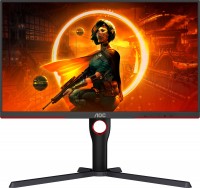 |
gaming, 27 ", 2560x1440 (16:9), Mini LED VA, response 1 ms, 180 Hz, 1.07B Colors, 1.07B, sRGB 137.5 %, DCI-P3 98.5 %, HDMI, DisplayPort, AMD FreeSync Premium Pro, VESA Adaptive-Sync, HDR
499.99Buy!
$
$
BestBuy.com
Report
 |
gaming, 26.5 ", 2560x1440 (16:9), QD-OLED, response 0.03 ms, 240 Hz, sRGB 147.6 %, DCI-P3 99.1 %, HDMI, DisplayPort, NVIDIA G-Sync Compatible, VESA Adaptive-Sync, HDR, TÜV Rheinland
Price from $89.99 up to $239.19
Compare prices16→Compare prices and buy MSI MAG 242F
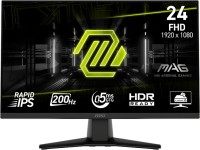 |
gaming, 23.8 ", 1920x1080 (16:9), IPS, response 0.5 ms, 200 Hz, 8-bit + FRC (1.07B Colors), 1.07B, sRGB 115 %, DCI-P3 89 %, HDMI, DisplayPort, AMD FreeSync Premium, VESA Adaptive-Sync, HDR, TÜV Rheinland
Keyboards693
Mice1385






Software61
 |
Engineered and tested to withstand drops, bumps, and extreme temperatures so you can work from anywhere..Deliv
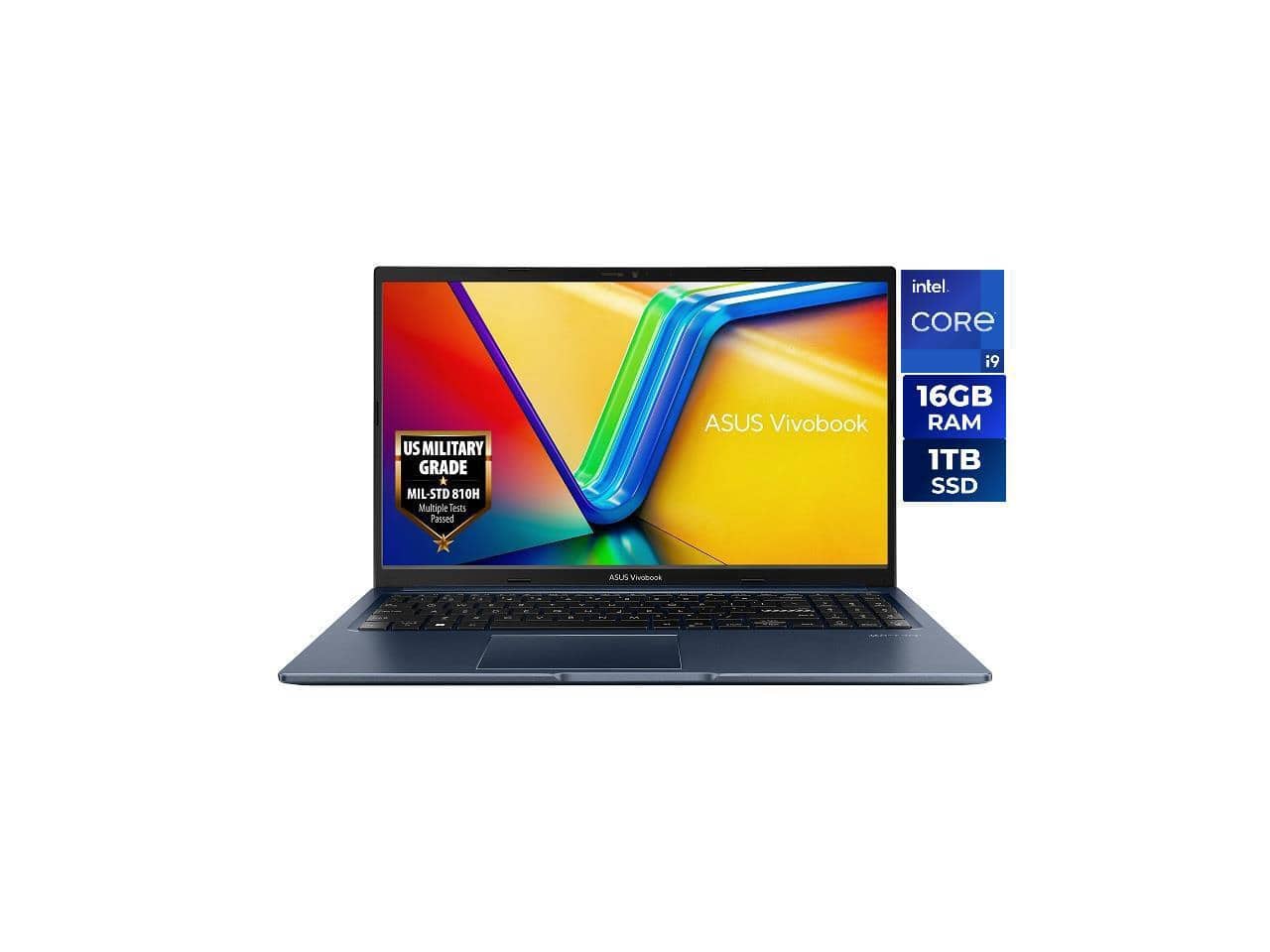 |
ASUS VivoBook 15.6" Laptop - Intel i9-13900H - 16GB RAM - 1TB SSD - Windows 11 Home (F1502VA-NS96)
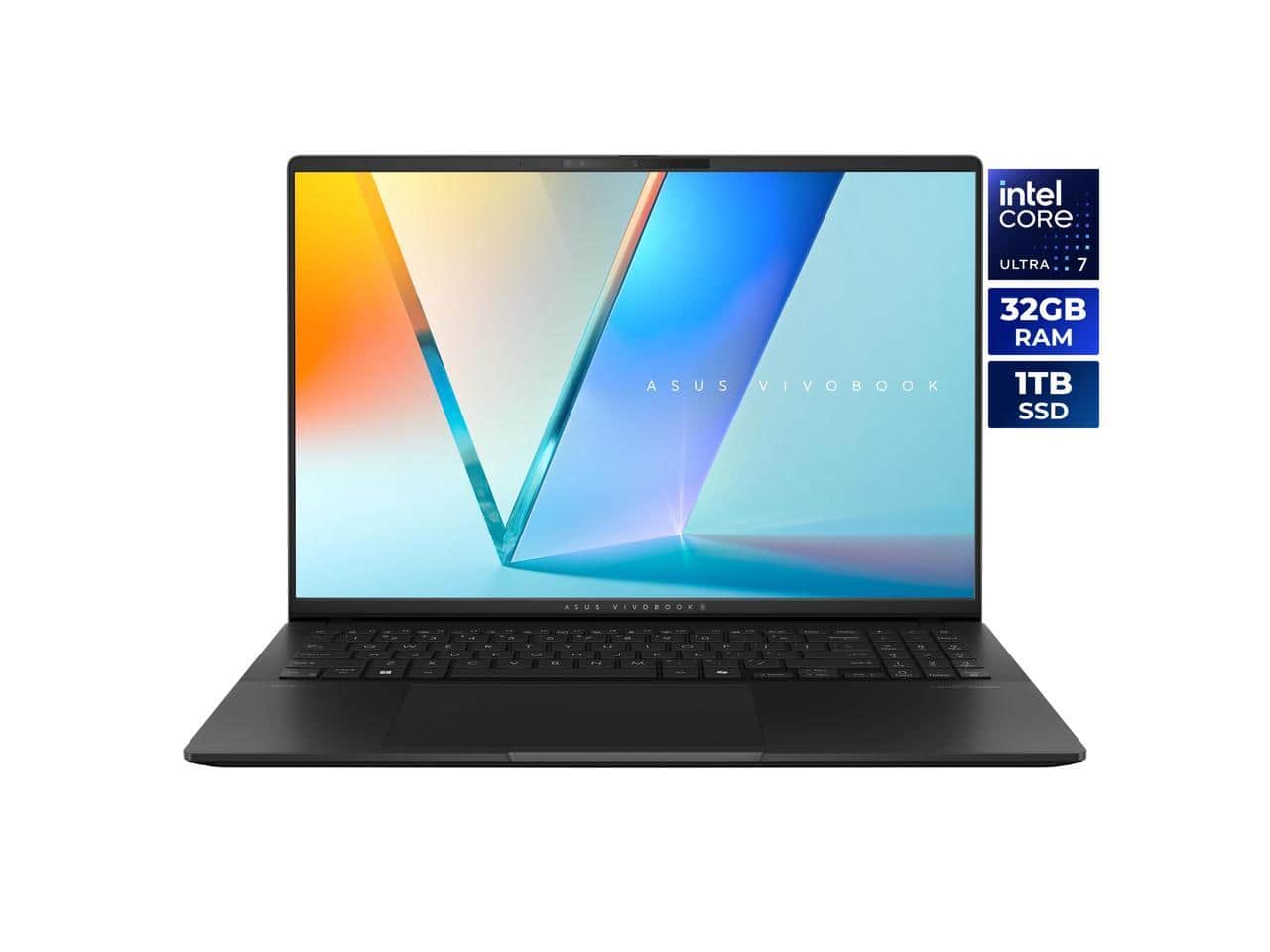 |
ASUS Vivobook S 16" 3K OLED Intel Core Ultra 7 255H Processor 32GB RAM 1TB SSD Windows 11 Home
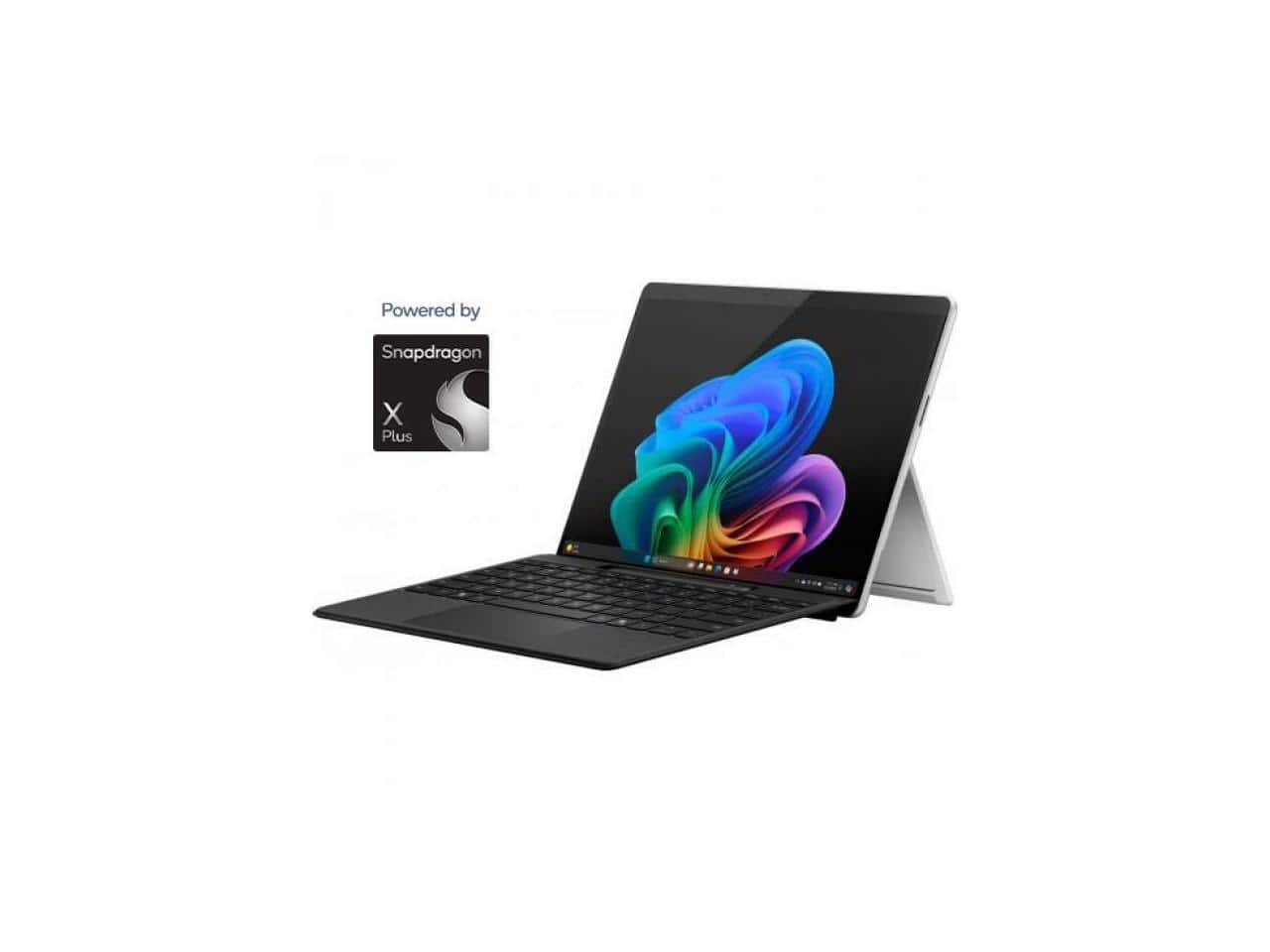 |
Microsoft Surface Pro Copilot+ PC (11the Edition) Touchscreen 13" 2880 x 1920 Qualcomm Snapdragon X Plus 16GB RAM 256GB SSD Windows 11 Home - Platinum
Cables (video, audio, USB)147362
 |
75.95Buy!
$
$
Lenovo.com
Delivery: in USA
Report
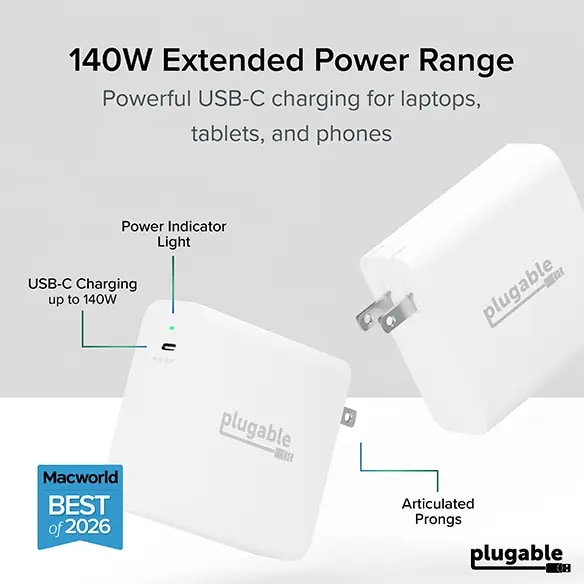
The USB C charger block that came with your laptop is fine, but it isn’t your only option. Maybe you’ve lost it, want a spare, or want a future-proof charger that’s smaller and doesn’t get as hot. Nam more→ed by MacWorld as the ""Best budget one-port wall charger for 16in MacBook Pro"", the Plugable Type C charger has you covered. This 140W USB-C power adapter delivers up to 140W Power Delivery (PD). The USBC Charger negotiates with your device to deliver the optimal charging. What does “up to” really mean? In this case, it means the charger is sort of future-proof. If the device you’re charging now only supports 65W, then that’s what the charger delivers. But if your next device needs more power, it c…
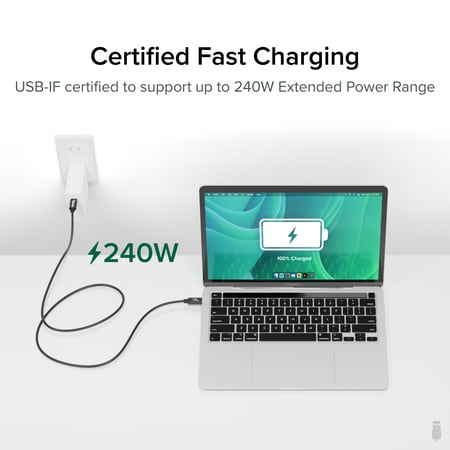 |
Incredibly fast 40Gbps data transfer speeds and support for two 4K screens or one 8K screen is just the start. With Extended Power Range (EPR), this cable is built with the future in mind and can deli more→ver up to 240W. And because it's USB-IF Certified, it can be used as a Thunderbolt 3 cable in your Thunderbolt 3 dock - and that's true for USB4, and USB-C, too. With 240W, you can power just about any laptop on the market, and what's to come. As more devices begin to integrate EPR functionality, you'll find this cable has you future-proofed.
Often overlooked, the cables connecting computers to their peripherals have an important part to play. That's why USB4 EPR cables are USB-IF certified, it's …
Often overlooked, the cables connecting computers to their peripherals have an important part to play. That's why USB4 EPR cables are USB-IF certified, it's …
 |
80.45Buy!
$
$
Lenovo.com
Delivery: in USA
Report
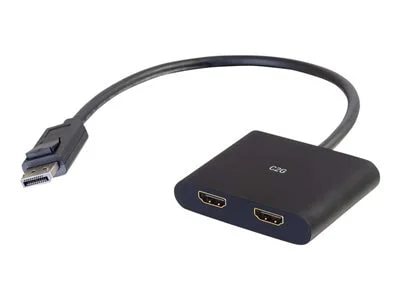
C2G 4K DisplayPort to Dual HDMI MST Hub - DP 1.2 Male to HDMI Female Splitter - M/F.
.
.
DisplayPort to VGA adapter AC for USB3# 2 port Card 900598. Enables the connection of your DisplayPort supported computer to a VGA (HD-15) supported monitor or other VGA display. It supports VGA anal more→og resolutions of up to 1920x1200 (WUXGA), 60Hz and is simple to setup and easy to use. Connect the DisplayPort (male) end of the connector to your computer and plug your existing VGA cable from the monitor into the VGA (female) adapter. Setup is complete, no software required. The active circuitry built into the DisplayPort to VGA cable adapter seamlessly converts the DisplayPort's video signal into a crystal clear VGA video signal. The latching DisplayPort connector keeps the adapter securely …
Important!
Compatibility with specific models Desktop PCs should be confirmed with the online store manager directly before purchase.
Compatibility with specific models Desktop PCs should be confirmed with the online store manager directly before purchase.