
Apple Mac Pro 2019 Z0W3/899
Monitors2782
 |
 |
Price from $203.39 up to $640.27
Compare prices2→Compare prices and buy Gigabyte M27Q3
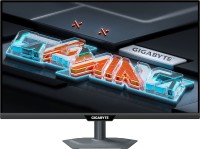 |
gaming, 27 ", 2560x1440 (16:9), IPS, response 1 ms, 300 Hz, 1.07B Colors, 1.07B, sRGB 132 %, DCI-P3 95 %, HDMI, v 2.1, DisplayPort, USB-C (DP Alt Mode), Power Delivery, ХАБ: USB-A 2x5Gbps, KVM-switch, NVIDIA G-Sync Compatible, VESA Adaptive-Sync, HDR, TÜV Rheinland

Keyboards22
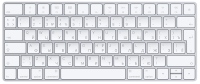
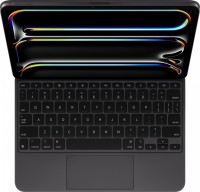
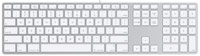

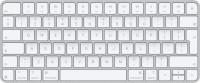
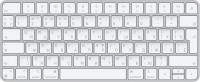
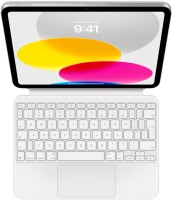
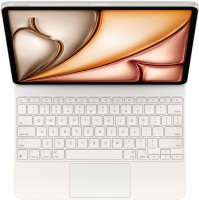
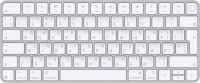

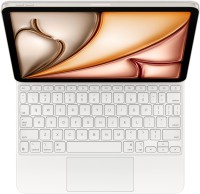
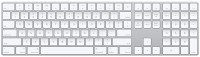
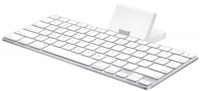
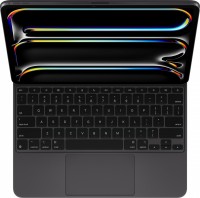
Mice4
Apple Magic Trackpad (1st gen)
from $149.99
Apple Magic Trackpad 2 (2021)
from $169.99
Apple Magic Mouse 2 USB C (2024)
from $69.00
Apple Magic Trackpad 2 USB-C (2024)
from $129.00
Cables (video, audio, USB)63
 |
9.99Buy!
$
$
BestBuy.com
Delivery: in USA
Report
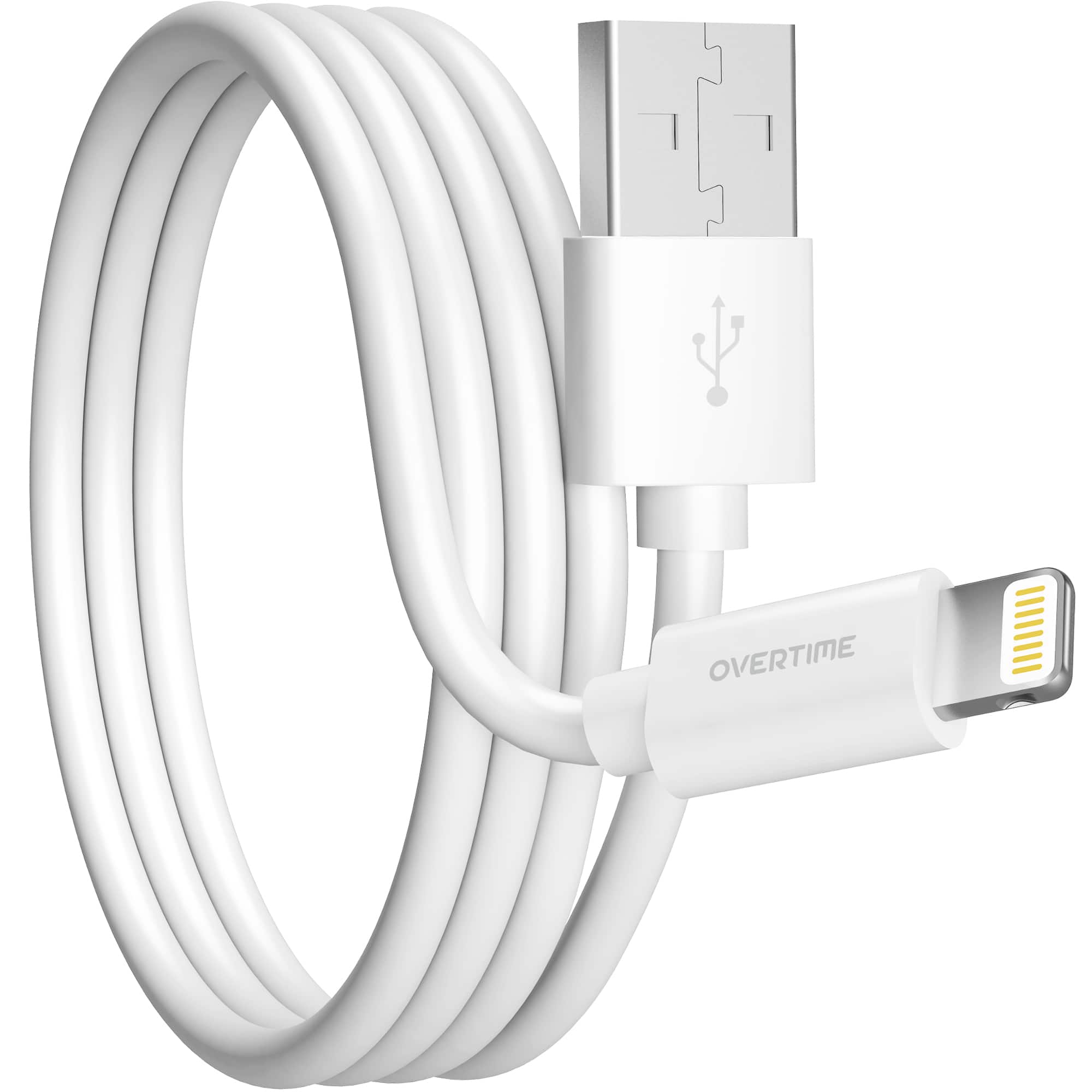
Enhance your charging routine with Overtime usb to lightning cable. This apple lightning cable, boasting MFI certification, offers a durability that exceeds 30,000 bends and provides rapid data transf more→er speeds of up to 480 Mbps. Specially designed for Apple products, it features a sturdy build with reinforced vinyl and connections that are laser-welded, ensuring it stands up to daily wear and tear. The 6ft iphone lightning charger length, coupled with an easy-to-use USB A to Lightning connector, makes this Apple-certified iPad charger cord an essential accessory for travel, providing reliability and thorough safety and performance checks. Keep your devices powered up on the move with the dependable …
 |
19.97Buy!
$
$
BestBuy.com
Delivery: in USA
Report
This Apple® MD821ZM/A Lightning-to-USB adapter lets you connect devices that use a 3.5 mm audio plug to your Lightning devices.
 |
39.99Buy!
$
$
BestBuy.com
Delivery: in USA
Report
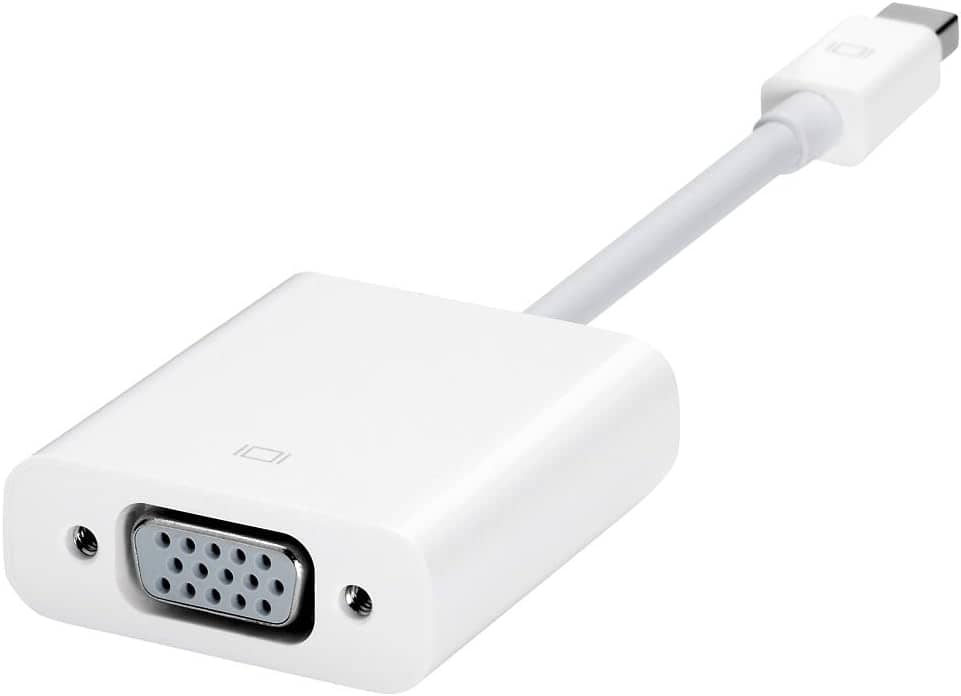
The Apple Mini DisplayPort to VGA Adapter model MB572BE/B is a compact Apple adapter designed to connect Mac computers with Mini DisplayPort or Thunderbolt ports to VGA-enabled monitors, projectors, o more→r LCD displays, supporting video mirroring and extended desktop modes for presentations and external display use, with a Mini DisplayPort male connector on one end and a VGA female connector on the other, making it compatible with older analog display devices commonly used in offices, schools, and conference rooms.
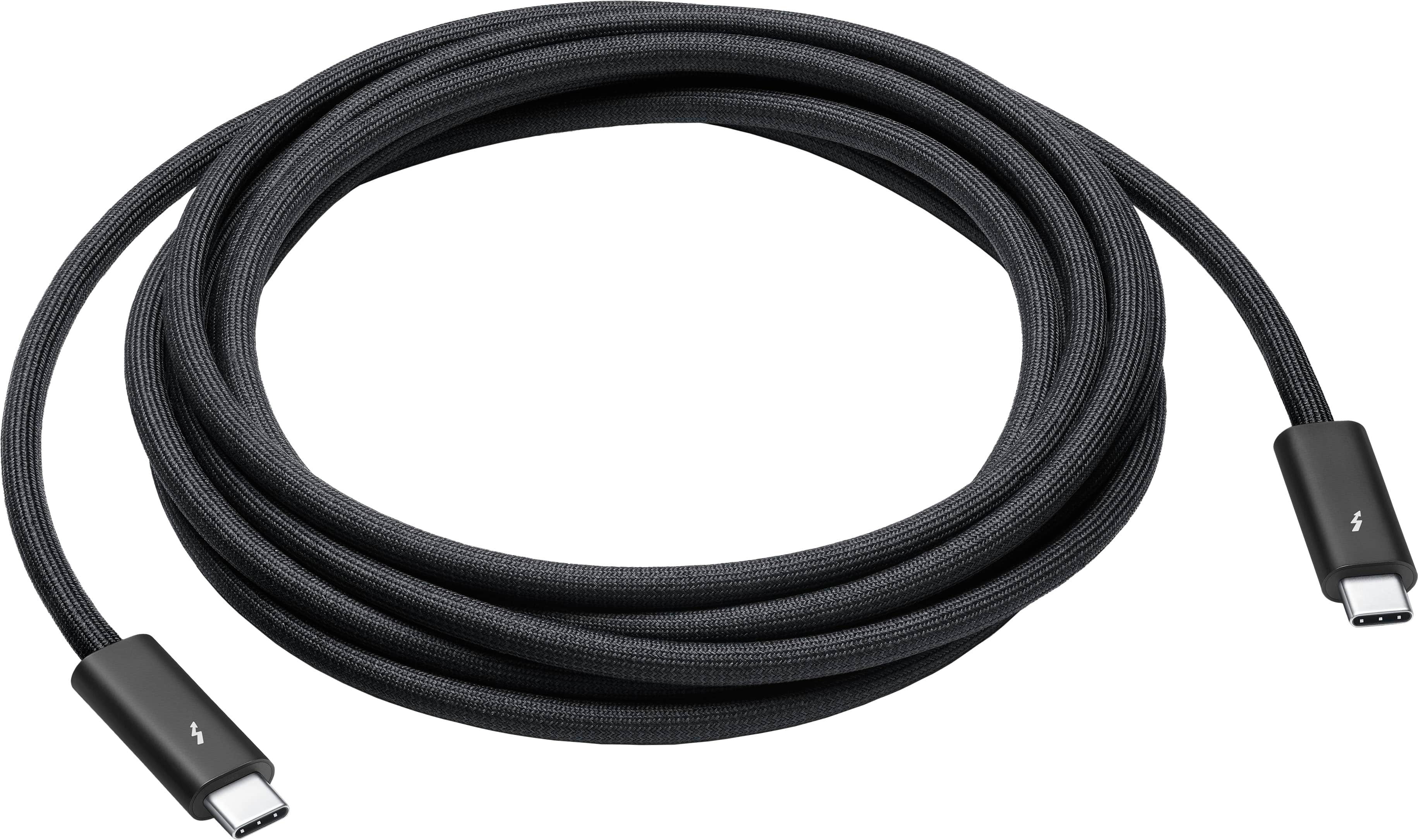 |
Featuring a black braided design that coils without tangling, this 3-meter cable supports Thunderbolt 3, Thunderbolt 4, and USB 4 data transfer up to 40Gb/s, USB 3 data transfer up to 10Gb/s, DisplayP more→ort video output (HBR3), and charging up to 100W. Use this cable to connect a Mac with Thunderbolt 3 or 4 (USB-C) ports to Thunderbolt (USB-C) and USB displays and devices such as Studio Display, Pro Display XDR, docks, and hard drives. You can also use this cable to connect iPhone 15 Pro to Mac.
Important!
Compatibility with specific models Desktop PCs should be confirmed with the online store manager directly before purchase.
Compatibility with specific models Desktop PCs should be confirmed with the online store manager directly before purchase.