
Apple Mac mini 2020 M1 MGNT3
Monitors2095
320.99Buy!
$
$
eBay.com
Report
 |
gaming, 27 ", 2560x1440 (16:9), IPS, response 1 ms, 210 Hz, 10-bit (1.07B Colors), sRGB 130 %, DCI-P3 95 %, HDMI, DisplayPort, speakers, AMD FreeSync Premium, VESA Adaptive-Sync, HDR, TÜV Rheinland

269.99Buy!
$
$
Newegg.com
Report
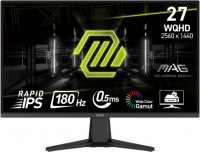 |
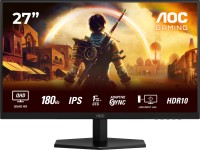
gaming, 27 ", 2560x1440 (16:9), IPS, response 0.5 ms, 180 Hz, 8-bit + FRC (1.07B Colors), sRGB 101 %, DCI-P3 78 %, HDMI, DisplayPort, VESA Adaptive-Sync, HDR, TÜV Rheinland
 |
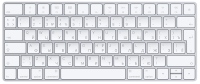
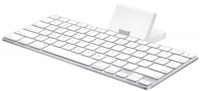
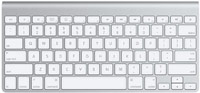
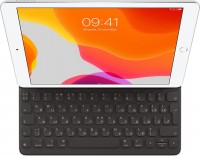
Keyboards8
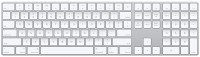
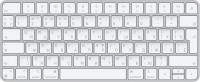
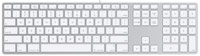
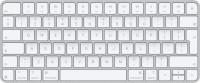
Mice4
Apple Magic Mouse 2 USB C (2024)
from $69.00
Apple Magic Trackpad 2 USB-C (2024)
from $119.99
Apple Magic Trackpad (1st gen)
from $149.99
Apple Magic Trackpad 2 (2021)
from $169.99
Cables (video, audio, USB)59
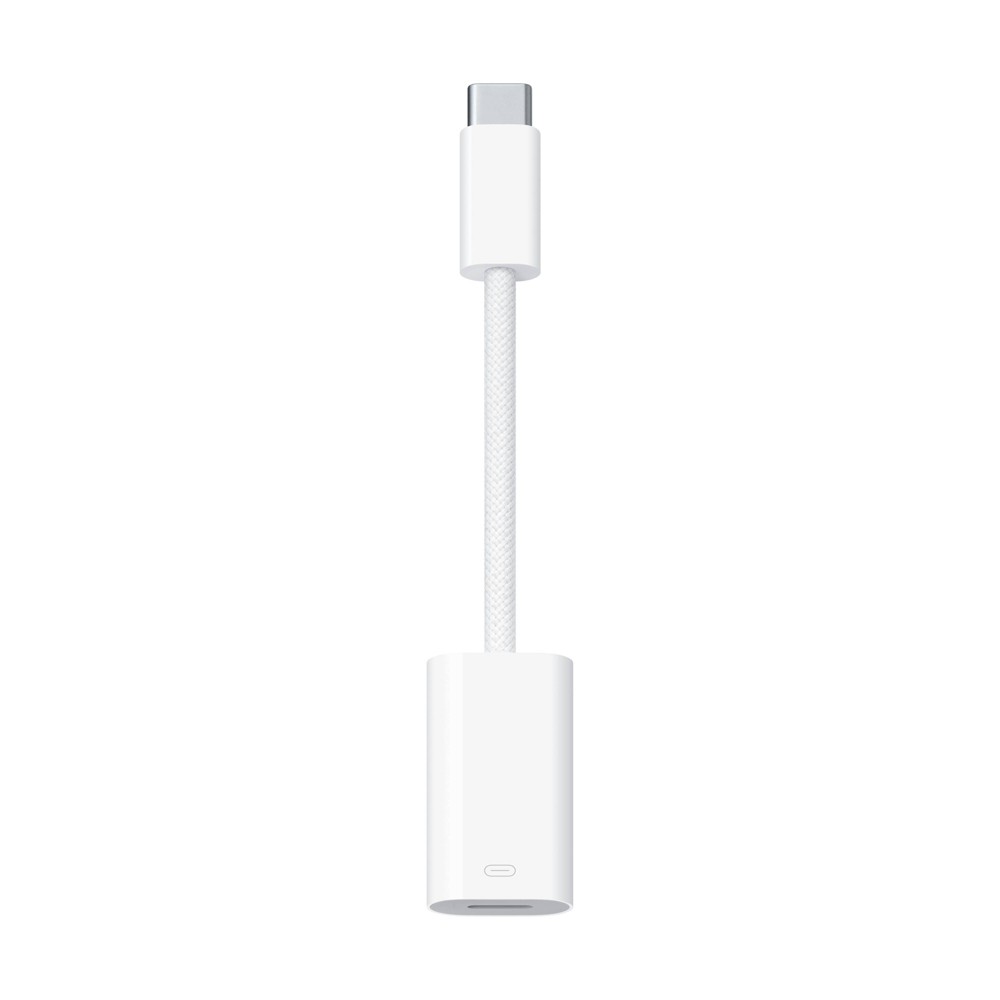 |
The USB-C to Lightning Adapter lets you connect your Lightning accessories to a USB-C–enabled iPhone or iPad to conveniently provide three key functions—charg
 |
29.00Buy!
$
$
Abt.com
Delivery: USA
Report
3.33 Ft (1m) Length/ MagSafe Technology With Inductive Charging/ Completely Sealed System Free Of Exposed Contacts/ White Finish
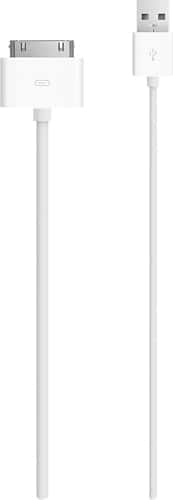 |
Apple MA591G/B USB Cable Adapter - USB - Proprietary Connector Charge and sync your Apple iPhone, iPod or iPad using this USB 2.0 cable that connects your device to your computer's USB port directly o more→r through a dock (not included).
 |
119.99Buy!
$
$
BestBuy.com
Delivery: in USA
Report
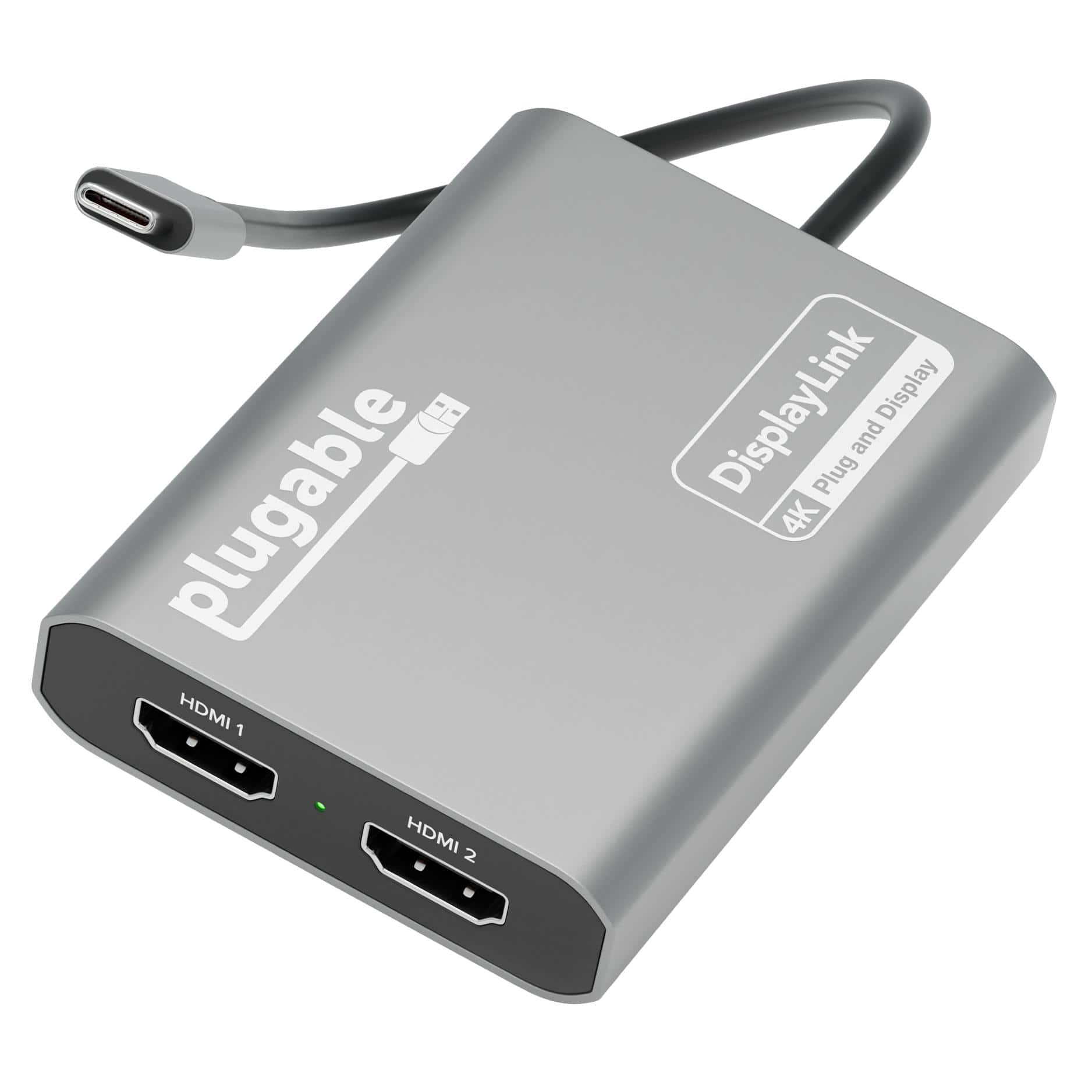
Add two 4K 60Hz HDMI displays to your MacBook M1 through M5, Windows laptop, or ChromeOS device from a single USB-C port. The Plugable USBC-6950M uses DisplayLink technology to extend your workspace b more→eyond native display limits, making it a practical solution for multitasking, hybrid work, creative projects, and productivity-fo
Important!
Compatibility with specific models Desktop PCs should be confirmed with the online store manager directly before purchase.
Compatibility with specific models Desktop PCs should be confirmed with the online store manager directly before purchase.