
MSI PRO MP243W 23.8 " white
 | Expecting restock Product type: monitor; Size ("): 23.8; Panel type: IPS; Treatment: anti-glare; Resolution: 1920x1080 (16:9); Response time GtG (ms): 5; Viewing angle vert.: 178; Horizontal viewing angle: 178; Brightness (cd/m²): 250; Static contrast: 1 000:1; Colour depth: 8-bit (16.7M Colors); Video transmission: DisplayPort: DisplayPort v1.2 E-Catalog uses affiliate links compensated by our partners. |


We recommend products in stockMonitors MSI →
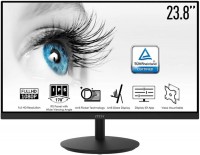
24 ", 1920x1080 (16:9), IPS, response 5 ms, 75 Hz, 6-bit + FRC (16.7M Colors), 16.7M, sRGB 99 %, VGA, HDMI, speakers, TÜV Rheinland
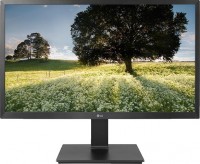
23.8 ", 1920x1080 (16:9), IPS, response 5 ms, 75 Hz, 8-bit (16.7M Colors), 16.7M, HDMI, DisplayPort, ХАБ: USB-A 3x2.0, speakers
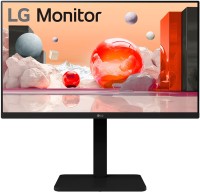
23.8 ", 1920x1080 (16:9), IPS, 100 Hz, sRGB 95 %, VGA, HDMI, DisplayPort, ХАБ: USB-A 2x2.0, 2x5Gbps, speakers
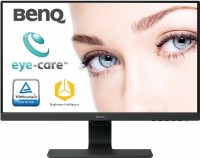
23.8 ", 1920x1080 (16:9), IPS, response 5 ms, 75 Hz, HDMI, DisplayPort, USB-C (DP Alt Mode), Power Delivery, LAN, ХАБ: USB-A 1x2.0, 2x5Gbps, speakers, webcam
23.8 ", 1920x1080 (16:9), IPS, response 4 ms, MPRT 1 ms, 100 Hz, 16.7M Colors, 16.7M, sRGB 102.7 %, DCI-P3 81.4 %, VGA, HDMI, speakers

23.8 ", 1920x1080 (16:9), IPS, response 4 ms, MPRT 1 ms, 144 Hz, 6-bit + FRC (16.7M Colors), sRGB 110 %, DCI-P3 86 %, HDMI, USB-C (DP Alt Mode), Power Delivery, speakers, AMD FreeSync, VESA Adaptive-Sync, HDR, TÜV Rheinland

23.8 ", 1920x1080 (16:9), IPS, response 5 ms, 144 Hz, 16.7M Colors, 16.7M, sRGB 99 %, HDMI, DisplayPort, USB-C (DP Alt Mode), speakers, AMD FreeSync, TÜV Rheinland
24 ", 1920x1080 (16:9), IPS, response 5 ms, 60 Hz, 8-bit (16.7M Colors), 16.7M, VGA, HDMI, DisplayPort, speakers
23.8 ", 1920x1080 (16:9), IPS, response 4 ms, 100 Hz, 8-bit (16.7M Colors), 16.7M, sRGB 99 %, VGA, HDMI, speakers, AMD FreeSync
24 ", 1920x1080 (16:9), IPS, response 5 ms, 60 Hz, 8-bit (16.7M Colors), 16.7M, VGA, HDMI, DisplayPort, speakers
23.8 ", 1920x1080 (16:9), IPS, response 4 ms, 75 Hz, 16.7M Colors, 16.7M, VGA, HDMI, speakers, VESA Adaptive-Sync
24.5 ", 1920x1080 (16:9), IPS, response 4 ms, MPRT 1 ms, 120 Hz, 6-bit + FRC (16.7M Colors), 16.7M, sRGB 99 %, VGA, HDMI, DisplayPort, speakers, VESA Adaptive-Sync, HDR, TÜV Rheinland
MSI PRO MP243W 23.8 " white
23.8 "
23.8 "
Screen size:23.8 "
Resolution:1920x1080 (16:9)
Panel:IPS, response 5 ms
Frequency:75 Hz
Contrast:1 000:1
Brightness:250 cd/m²
Functions:AMD FreeSync, Flicker-Free
Connectors:DisplayPort v1.2 • HDMI v1.4
All specifications
Specifications PRO MP243W
|
| ||||||||||||||||||||||||||||||||||||||||||||||||||||||||||||||||||||||||||||


The information in the model description is for reference purposes.
Always clarify the specifications and configuration of the product with the online store manager before purchasing.
Always clarify the specifications and configuration of the product with the online store manager before purchasing.
How to Choose a Gaming MonitorWe understand matrix types, suitable resolution, FreeSync and other important aspects when choosing a gaming monitor
Monitor matrices types: TN+film, IPS, VA, OLED, QLED and QD-OLEDCurrent types of monitor matrices, their pros and cons, as well as recommendations for selection
Series MSI PRO (work/office)Compare using chart →
24.5 ", 1920x1080 (16:9), IPS, response 4 ms, MPRT 1 ms, 100 Hz, 6-bit + FRC (16.7M Colors), 16.7M, sRGB 101 %, VGA, HDMI, speakers, AMD FreeSync, TÜV Rheinland

27 ", 2560x1440 (16:9), IPS, response 4 ms, MPRT 1 ms, 144 Hz, 8-bit + FRC (1.07B Colors), sRGB 115 %, DCI-P3 85 %, HDMI, DisplayPort, speakers, AMD FreeSync, HDR, TÜV Rheinland
27 ", 2560x1440 (16:9), IPS, response 4 ms, MPRT 1 ms, 100 Hz, 8-bit + FRC (1.07B Colors), 1.07B, HDMI, DisplayPort, speakers, VESA Adaptive-Sync, HDR, TÜV Rheinland
24.5 ", 1920x1080 (16:9), IPS, response 4 ms, MPRT 1 ms, 120 Hz, 6-bit + FRC (16.7M Colors), 16.7M, sRGB 99 %, VGA, HDMI, DisplayPort, speakers, VESA Adaptive-Sync, HDR, TÜV Rheinland
27 ", 2560x1440 (16:9), IPS, response 4 ms, MPRT 1 ms, 100 Hz, 8-bit + FRC (1.07B Colors), 1.07B, sRGB 118 %, DCI-P3 93 %, HDMI, DisplayPort, speakers, VESA Adaptive-Sync, HDR, TÜV Rheinland
27 ", 1920x1080 (16:9), IPS, response 4 ms, MPRT 1 ms, 100 Hz, 6-bit + FRC (16.7M Colors), 16.7M, VGA, HDMI, speakers, TÜV Rheinland
21.5 ", 1920x1080 (16:9), IPS, response 4 ms, MPRT 1 ms, 100 Hz, 6-bit + FRC (16.7M Colors), 16.7M, sRGB 107 %, VGA, HDMI, VESA Adaptive-Sync, TÜV Rheinland
21.5 ", 1920x1080 (16:9), *VA, response 4 ms, MPRT 1 ms, 100 Hz, 8-bit + FRC (1.07B Colors), 1.07B, sRGB 100 %, VGA, HDMI, TÜV Rheinland

27 ", 1920x1080 (16:9), IPS, response 4 ms, MPRT 1 ms, 144 Hz, 6-bit + FRC (16.7M Colors), 16.7M, sRGB 102 %, VGA, HDMI, DisplayPort, speakers, AMD FreeSync, VESA Adaptive-Sync, HDR, TÜV Rheinland
34 ", 3440x1440 (21:9), curved 1500R, *VA, response 4 ms, MPRT 1 ms, 100 Hz, 8-bit + FRC (1.07B Colors), 1.07B, sRGB 116 %, HDMI, DisplayPort, speakers, AMD FreeSync, TÜV Rheinland

23.8 ", 1920x1080 (16:9), IPS, response 4 ms, MPRT 1 ms, 144 Hz, 6-bit + FRC (16.7M Colors), 16.7M, sRGB 121 %, DCI-P3 91 %, HDMI, DisplayPort, speakers, VESA Adaptive-Sync, HDR, TÜV Rheinland
27 ", 2560x1440 (16:9), IPS, response 4 ms, MPRT 1 ms, 100 Hz, 8-bit + FRC (1.07B Colors), 1.07B, sRGB 100 %, DCI-P3 79 %, HDMI, DisplayPort, speakers, VESA Adaptive-Sync, HDR, TÜV Rheinland
27 ", 1920x1080 (16:9), IPS, response 4 ms, MPRT 1 ms, 144 Hz, 6-bit + FRC (16.7M Colors), sRGB 116 %, DCI-P3 87 %, HDMI, USB-C (DP Alt Mode), Power Delivery, speakers, AMD FreeSync, VESA Adaptive-Sync, HDR, TÜV Rheinland
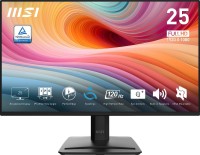
24.5 ", 1920x1080 (16:9), IPS, response 4 ms, MPRT 1 ms, 120 Hz, 6-bit + FRC (16.7M Colors), 16.7M, sRGB 99 %, HDMI, DisplayPort, speakers, VESA Adaptive-Sync, HDR, TÜV Rheinland
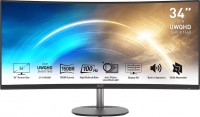
34 ", 3440x1440 (21:9), curved 1500R, *VA, response 4 ms, MPRT 1 ms, 100 Hz, 8-bit + FRC (1.07B Colors), 1.07B, sRGB 116 %, HDMI, DisplayPort, speakers, AMD FreeSync, TÜV Rheinland
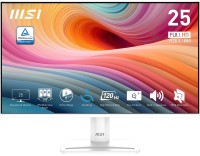
24.5 ", 1920x1080 (16:9), IPS, response 4 ms, MPRT 1 ms, 120 Hz, 6-bit + FRC (16.7M Colors), 16.7M, sRGB 99 %, VGA, HDMI, DisplayPort, speakers, VESA Adaptive-Sync, HDR, TÜV Rheinland

portable, 15.6 ", 1920x1080 (16:9), IPS, response 4 ms, 60 Hz, 6-bit + FRC (16.7M Colors), 16.7M, sRGB 49.5 %, HDMI, USB-C (DP Alt Mode), Power Delivery, speakers, TÜV Rheinland
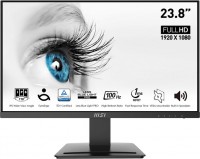
23.8 ", 1920x1080 (16:9), IPS, response 4 ms, MPRT 1 ms, 100 Hz, 8-bit (16.7M Colors), 16.7M, sRGB 119 %, HDMI, DisplayPort, speakers, VESA Adaptive-Sync, TÜV Rheinland

27 ", 2560x1440 (16:9), IPS, response 4 ms, MPRT 1 ms, 100 Hz, 8-bit + FRC (1.07B Colors), 1.07B, sRGB 100 %, DCI-P3 79 %, HDMI, DisplayPort, USB-C (DP Alt Mode), Power Delivery, ХАБ: USB-A 4x5Gbps, KVM-switch, speakers, webcam, VESA Adaptive-Sync, HDR, TÜV Rheinland
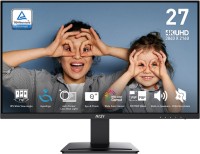
27 ", 4K, 3840x2160 (16:9), IPS, response 4 ms, 60 Hz, 8-bit + FRC (1.07B Colors), 1.07B, sRGB 130 %, DCI-P3 98 %, HDMI, DisplayPort, speakers, VESA Adaptive-Sync, HDR, TÜV Rheinland
AccessoriesAll accessories for MSI PRO MP243W →
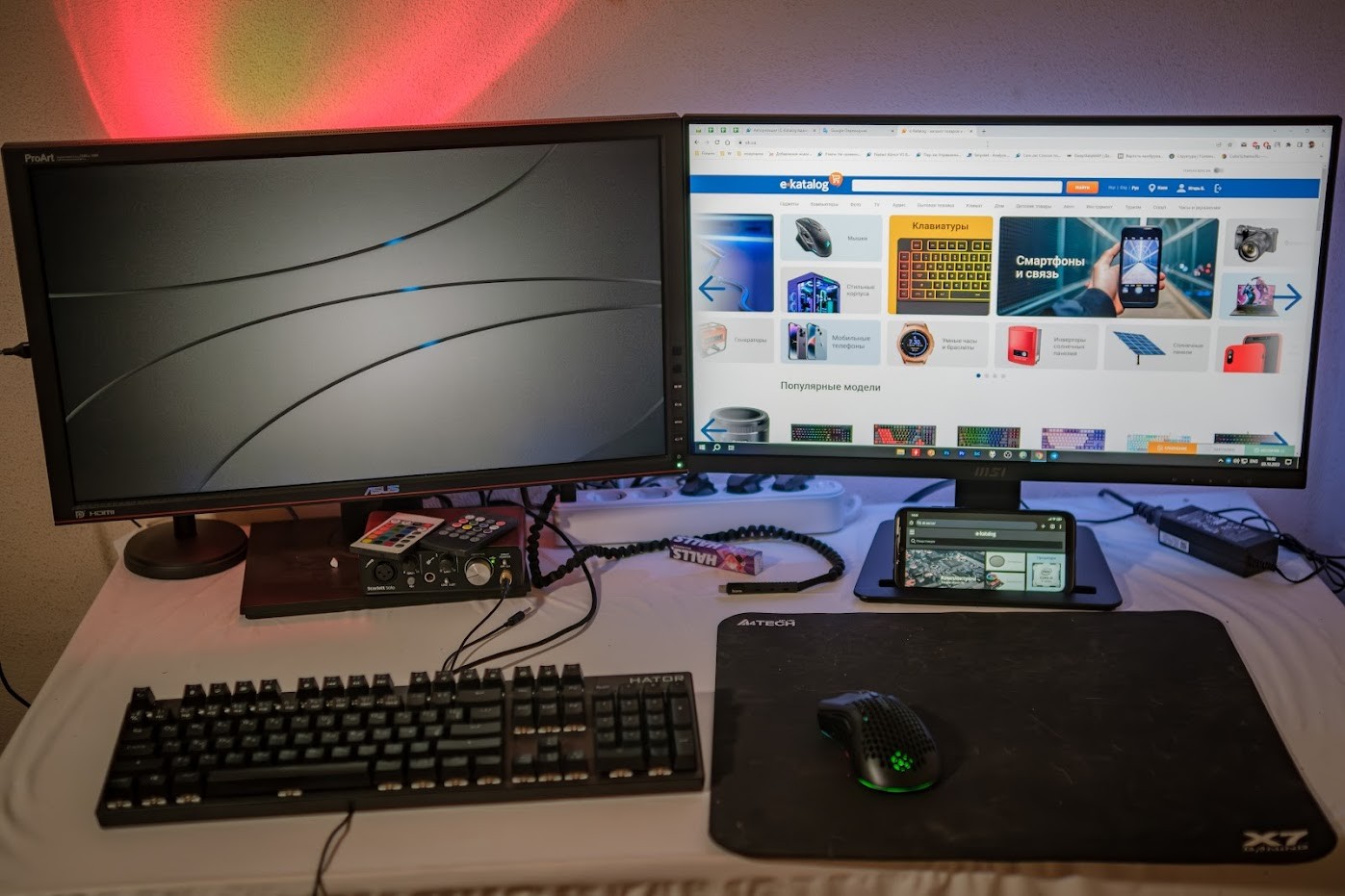
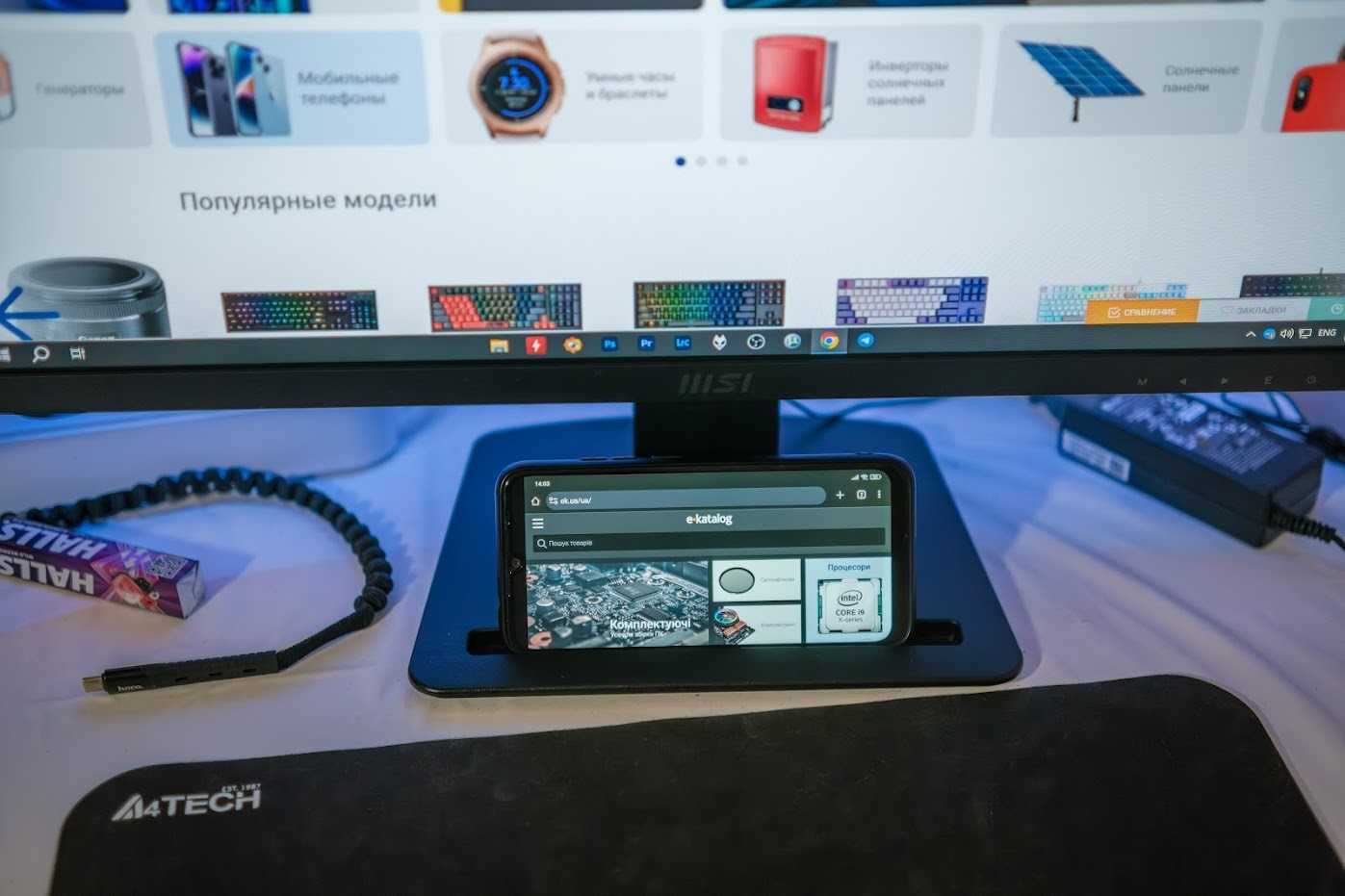
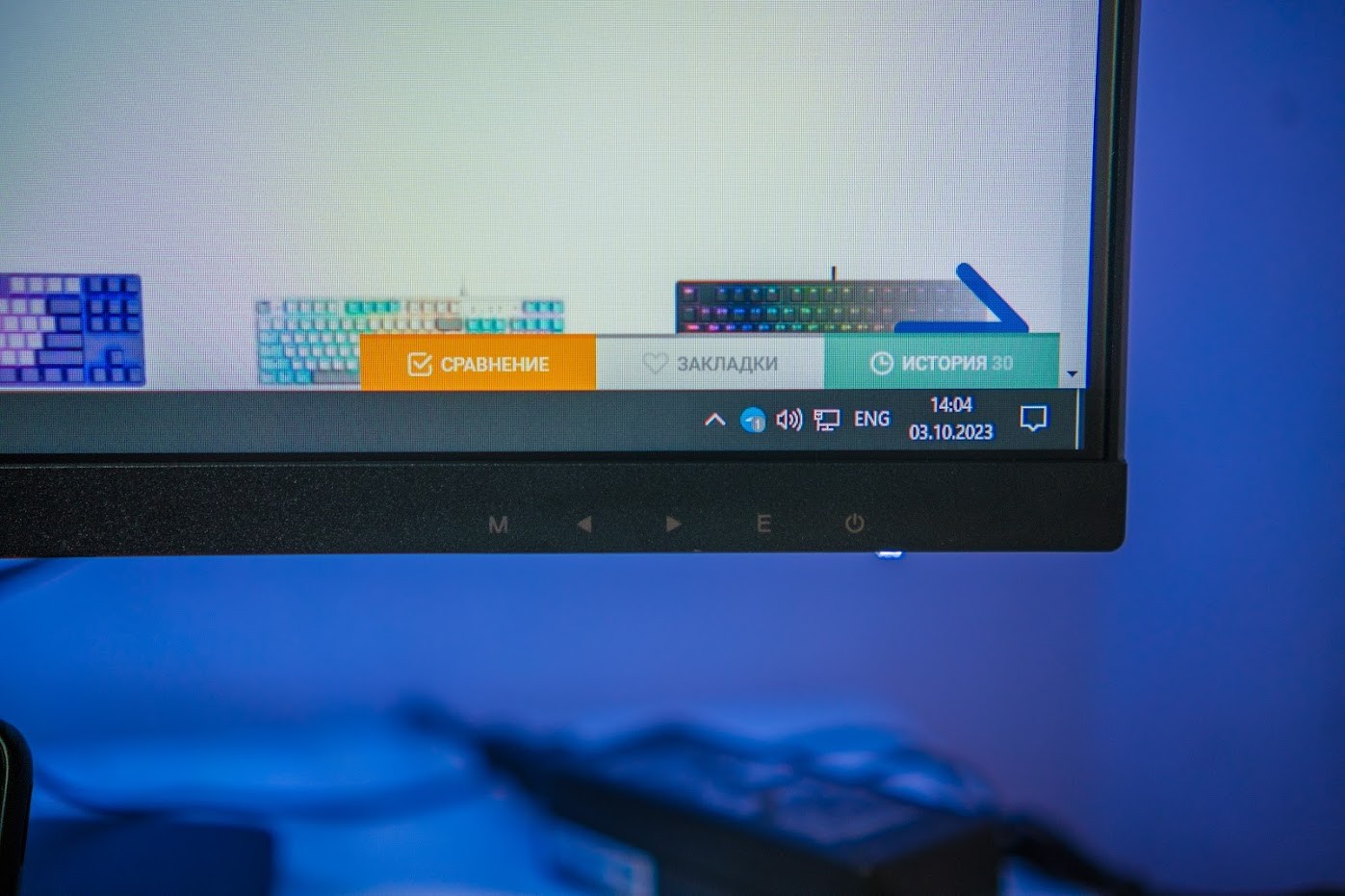
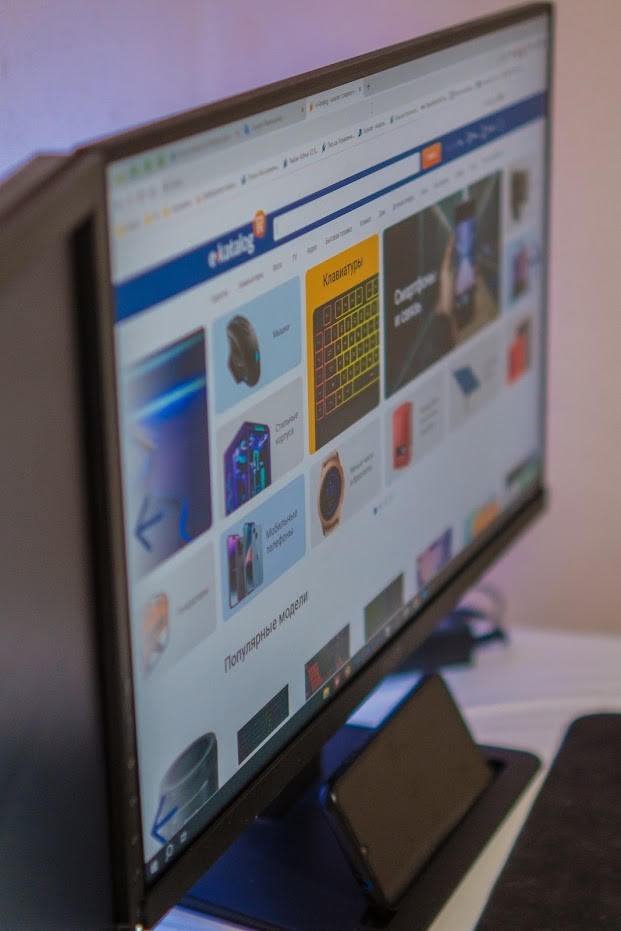
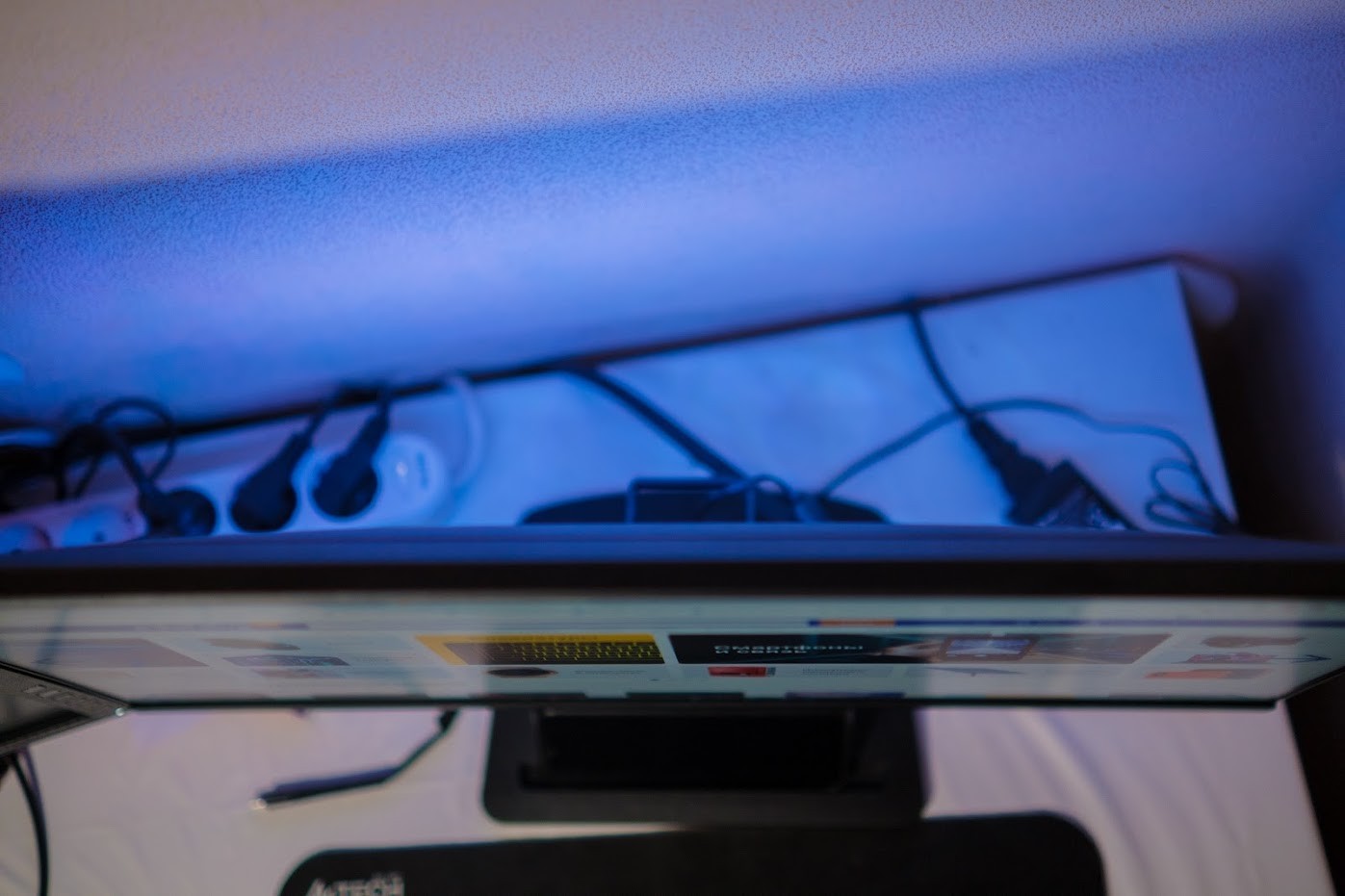
The monitor would be just great for this price, but it's all spoiled by the Eye Protection Less Blue Light Technology. Due to a special filter on the matrix, some kind of blue radiation is suppressed. This results in a serious distortion in the blue channel. The blue color has a greenish tint, and on the test gradient, it is noticeable that closer to the purple, the monitor does not reproduce mid-tones at all. I work with photo/video color correction, so I'm quite sensitive to this. Thus, the declared sRGB color volume of 99.08% does not correspond to reality. This PRO series, in my opinion, is more from the word "industrial." Overall, the monitor is not bad, as is the IPS matrix itself. But due to such color transmission, I would not recommend it for home use, let alone for gaming. The monitor is for text, code, viewing graphs, and monitoring some technical information. Perhaps for people not sensitive to colors, it might be suitable for home use, but for the same money, there are better options without compromises such as eye-saving functions. There is no driver, which is probably why the Display Kit utility, which is supposed to allow setting image profiles directly in Windows, doesn't work, making this utility useless. Overall, the monitor is good, with thin frames, a recess on the stand for a smartphone or pen/pencil, and a quality HDMI cable included. Ease of assembly, laconic modern design, equipment, just looking at it, price A bunch of marketing pastes, characteristics that do not indicate effectiveness, a compromise between saving eyes and transmitting colors  Igor B.: use MSI PRO MP243 few months Igor B.: use MSI PRO MP243 few months |
Add Review
Video reviews

MSI pro MP243 monitor installation
26 October 202368 992 view

MSI NGAMUKK! 24INCH TERMURAH! | MSI PRO MP243X SERIES
21 August 202311 045 view

MSI Cubi 5 & Pro MP243 Monitor Review (Greek)
16 June 20232 693 view

MSI PRO MP243: Perfect Choice For Modern Office
21 March 20241 322 view