
Asus TUF Gaming K7 Linear Switch (90MP0191-B0MA00)
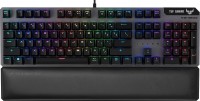 | Outdated Product Connection: wired; Type: for game; Form factor: 100% (full size); Layout: ANSI; Key profile: high; Switch technology: optical; Switches: TUF Optical-Mech Linear; Anti-Ghosting; #KRO: N-KRO; Fn key; Volume control: fn; Built-in memory; Game mode; Lighting: RGB; Lighting effects: Asus Aura Sync E-Catalog uses affiliate links compensated by our partners. |


We recommend products in stockKeyboards Asus →
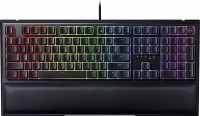
play (for kids), mechanical-membrane, 100% (full size), wired, additional keys: 3, backlight, RGB backlight
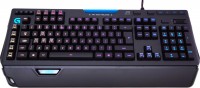
play (for kids), mechanical, 100% (full size), wired, additional keys: 20, with macros, backlight, RGB backlight
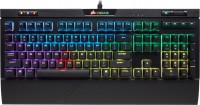
play (for kids), mechanical, 100% (full size), wired, additional keys: 8, backlight, USB hub, RGB backlight
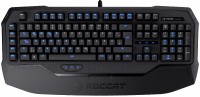
play (for kids), mechanical, 100% (full size), wired, additional keys: 8, with macros, backlight, USB hub, headphone output
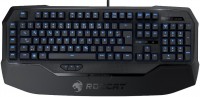
play (for kids), mechanical, 100% (full size), wired, additional keys: 8, with macros, backlight
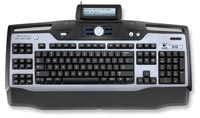
play (for kids), membrane, 100% (full size), wired, additional keys: 28, with macros, USB hub, screen
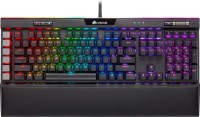
play (for kids), mechanical, 100% (full size), wired, additional keys: 14, with macros, backlight, USB hub, RGB backlight
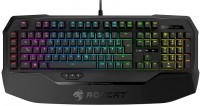
play (for kids), mechanical, 100% (full size), wired, additional keys: 8, with macros, backlight, headphone output, RGB backlight
Asus TUF Gaming K7 Linear Switch TUF Optical-Mech Linear TUF Optical-Mech Tactile | |||||||||||||||||||||||||||||||||||||||||||||||||||||||||||||||||||||||||||||||
|
| ||||||||||||||||||||||||||||||||||||||||||||||||||||||||||||||||||||||||||||||


Proprietary opto-mechanical switches. Aura Sync backlight synchronization. Ability to record macros for each key.
The information in the model description is for reference purposes.
Always clarify the specifications and configuration of the product with the online store manager before purchasing.
Catalog Asus 2026 - new arrivals, bestsellers, and the most relevant models Asus.
Always clarify the specifications and configuration of the product with the online store manager before purchasing.
Catalog Asus 2026 - new arrivals, bestsellers, and the most relevant models Asus.
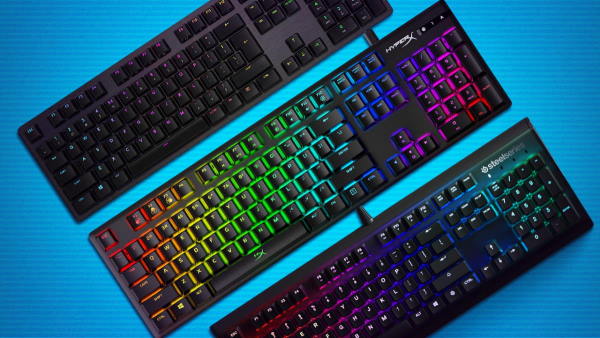
How to choose a gaming keyboardLet's look at the differences between the types of switches and additional equipment for gaming keyboards
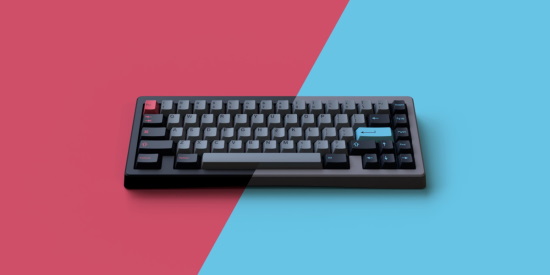
Differences between different types of keyboards, their sizes and types of layoutsUnderstanding how a full-sized keyboard differs from TKL and what is the difference between layouts
Series Asus TUF Gaming
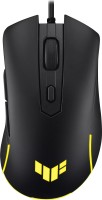
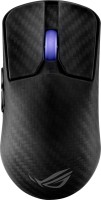
gaming mouse, wired, USB-A, with memory, buttons: 5, programmable, + wheel, свитчи: mechanical, up to 60 mln, RGB backlight, sensor 8000 DPI
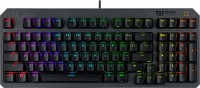
play (for kids), optical, 1800 (compact full-size), wired, backlight, water resistance, RGB backlight
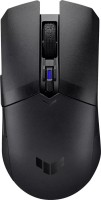
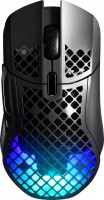
gaming mouse, Bluetooth/radio, BT v 5, Multi-Device, with memory, buttons: 5, programmable, + wheel, свитчи: mechanical, Kailh GM 4.0, sensor 12000 DPI, 1xAA
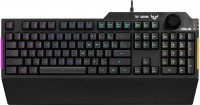
play (for kids), membrane, 100% (full size), wired, additional keys: with macros, backlight, water resistance, RGB backlight
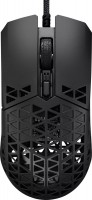
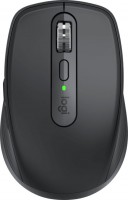
gaming mouse, wired, USB-A, with memory, buttons: 5, programmable, + wheel, свитчи: mechanical, Kailh GM 4.0, up to 60 mln, sensor 16000 DPI
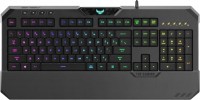
play (for kids), mechanical-membrane, 100% (full size), wired, additional keys: 4, backlight, water resistance, RGB backlight
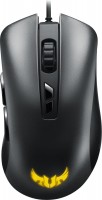
gaming mouse, wired, USB-A, with memory, buttons: 6, programmable, + wheel, свитчи: mechanical, Omron, up to 20 mln, RGB backlight, sensor 7000 DPI

play (for kids), optical, 1800 (compact full-size), wired, backlight, water resistance, RGB backlight
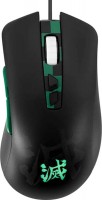
gaming mouse, wired, USB-A, with memory, buttons: 6, programmable, + wheel, свитчи: mechanical, Omron, RGB backlight, sensor 7000 DPI


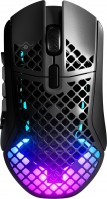
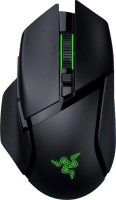

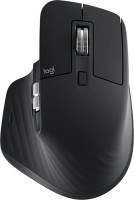

3 1 0 2 |
Some kind of torment. Lives its own life. Might start typing something by itself. Optical keyboard, responds faster than a mechanical one. At first acquaintance, it feels like it knows in advance what you'll press. The software inside the keyboard and for the PC is terrible. If you save the keyboard's color scheme onto the keyboard, after a while it starts typing on its own until you disconnect it from the computer or perform a reset (Keyboard reset: Fn+Esc). The PC software conflicts with other programs and games. It clutters the system and cannot be removed, only by reinstalling the OS. The backlighting is not only on the keys but also under them, which is distracting in the dark. Noisy (even reed switches are quieter).  Evgeniy: use Asus TUF Gaming K7 Tactile Switch few months Evgeniy: use Asus TUF Gaming K7 Tactile Switch few months |
Cool keyboard, everything's great, I've been using it for almost a year! Pleasant backlighting, comfortable wrist rest Loud click, but mechanics are mechanics.)) Ilya Kozak: use Asus TUF Gaming K7 Linear Switch few months |
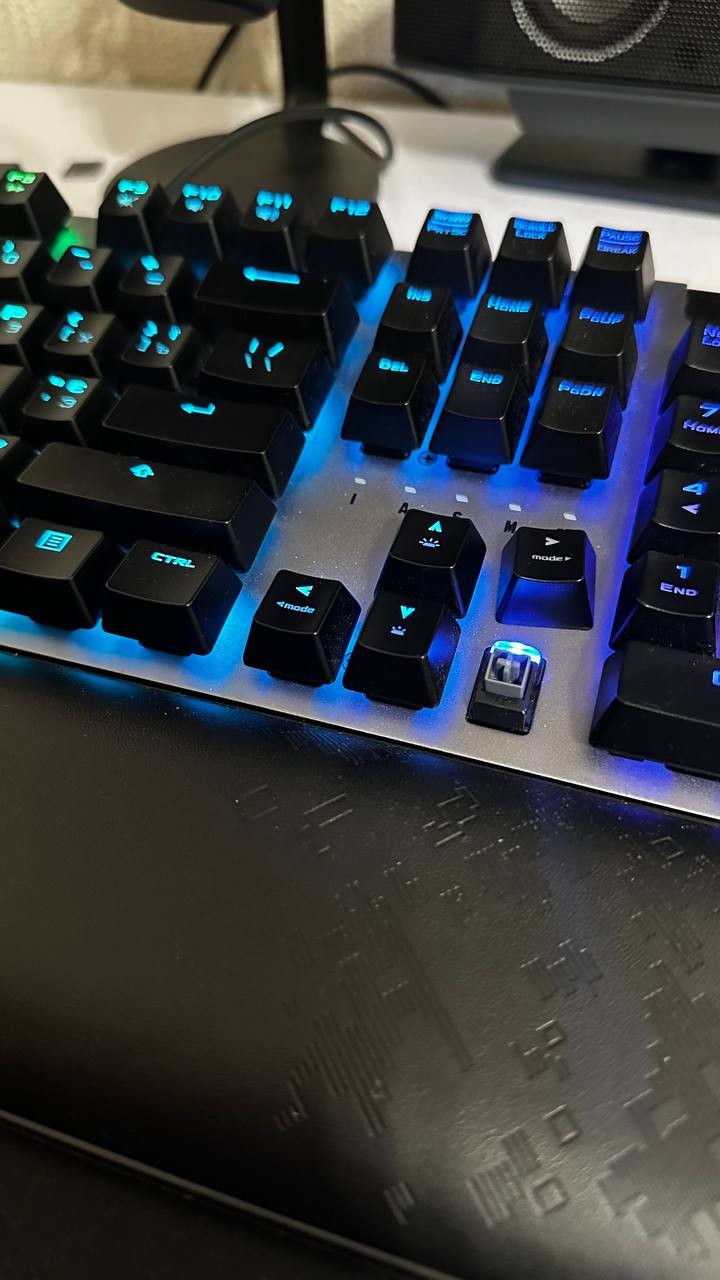
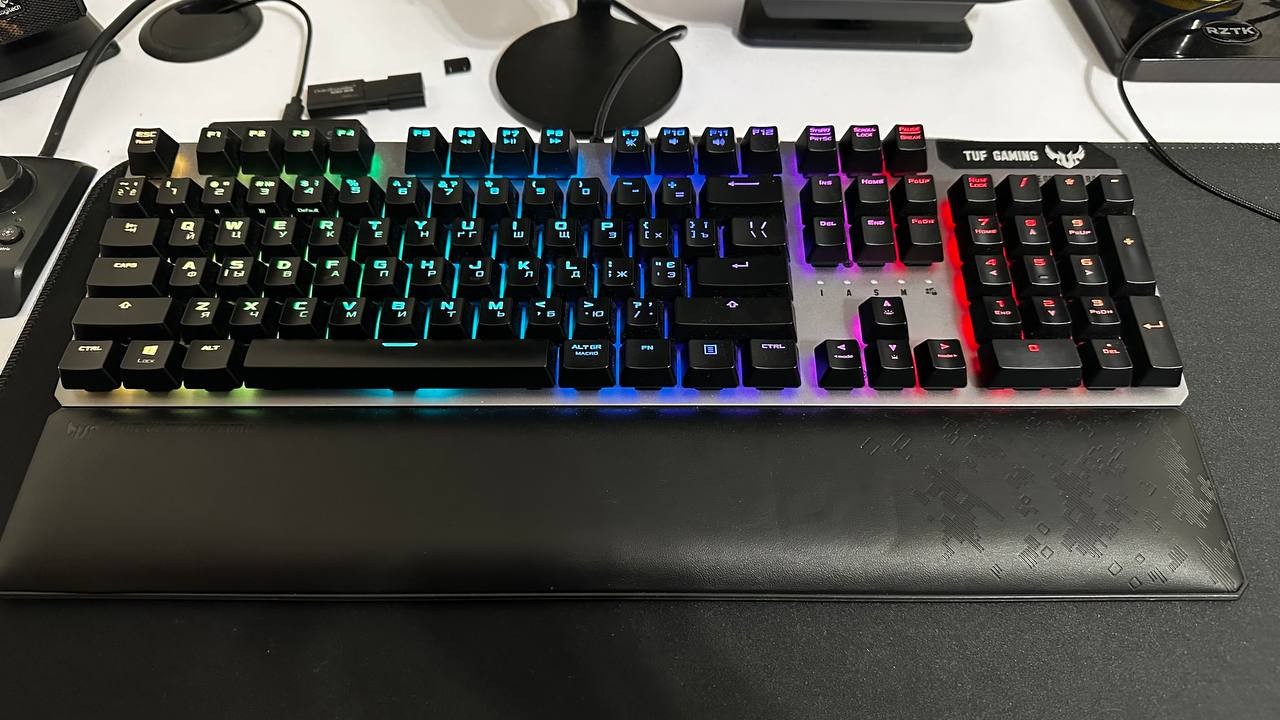
It presses the keys by itself. Initially, I blamed the software from ASUS. It's impossible to remove this software. I reinstalled the OS, but the problem didn't go away. Occasionally, something seems to go wrong with the keyboard, causing it to start pressing random keys until you unplug it from the computer. ASUS support isn't helpful at all. Optical. Works quickly. Loud (even louder than a mechanical one) Evgeniy: use Asus TUF Gaming K7 Tactile Switch few months |
3 out of 6 user review(s) shown
3 more user review(s)
Video reviews
ASUS TUF Gaming K7 Keyboard Review | bit-tech
14 May 202042 274 view
TUF GAMING K7: Best Keyboard You Don't Know About!
17 February 202020 973 view

ASUS TUF Gaming K7 keyboard review
5 December 201910 228 view

CES 2019 - Asus TUF Gaming K7 Keyboard
8 January 20199 957 view
ASUS TUF Gaming K7 unboxing
9 February 20197 256 view

ASUS TUF Gaming K7 lighting effects
13 February 20192 509 view
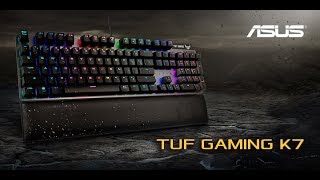
ASUS TUF Gaming K7 Optical Mech Keyboard Lighting Effect
21 March 20191 684 view
Asus Tuf Gaming K7 Klavye
8 March 20211 121 view